

Table of Contents
Introduction
CMS Interact Tools are essential for creating engaging, dynamic, and user-friendly digital experiences. These tools enhance content management systems by integrating interactive elements like real-time collaboration, AI-driven personalization, and multimedia support. Businesses and developers use CMS interact tools to improve user engagement, streamline workflows, and optimize content delivery across multiple channels. Whether for eCommerce, corporate websites, or content publishing, interactive CMS features help improve usability and efficiency, making digital platforms more responsive and immersive. Choosing the right CMS interact ensures seamless content creation and audience engagement for a better user experience. While CMS interact tools provide the technical means to engage users through polls, forms, and live chats, these features only succeed when they are built upon the fundamentals of marketing. Understanding your audience’s pain points and core desires is essential before you can effectively use interactive elements to drive conversions.
What Are CMS Interact Tools?
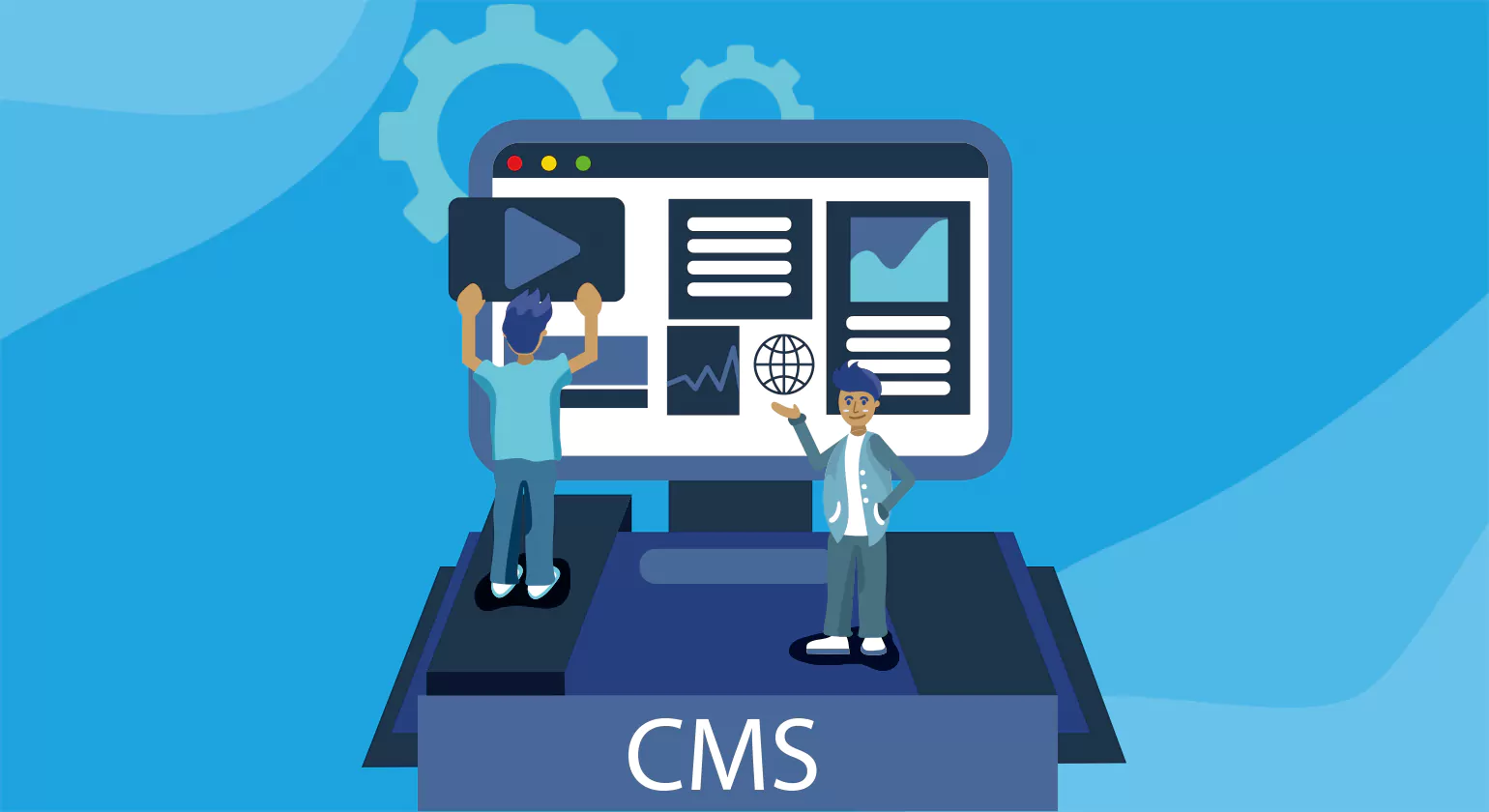
CMS Interact are features and integrations within a Content Management System (CMS) that enhance user engagement, streamline collaboration, and improve content delivery. These tools enable real-time editing, interactive content elements, AI-powered personalization, and seamless integrations with CRM, SEO, and marketing automation platforms. They help businesses create dynamic, user-friendly websites while ensuring a smooth content management process.
With CMS interact tools, teams can collaborate efficiently, automate workflows, and enhance audience engagement through interactive features like chatbots, personalized recommendations, and multimedia content. Popular CMS platforms such as WordPress, Drupal, HubSpot, and Webflow incorporate these tools to improve website performance, accessibility, and user experience. By leveraging these advanced functionalities, businesses can optimize content strategy, improve customer interactions, and drive higher conversions.
Key Features of CMS Interact Tools
CMS Interact tools are essential for businesses looking to manage and optimize their digital content efficiently. These tools provide a seamless experience for content creation, management, and user engagement. Here are some key features that make CMS Interact indispensable for modern businesses:
1. User-Friendly Interface
CMS Interact come with intuitive and easy-to-use interfaces, enabling non-technical users to create, edit, and manage content without needing coding skills. This feature empowers marketing teams to update websites quickly and efficiently.
2. Customizable Templates and Themes
These tools offer a variety of customizable templates and themes, allowing businesses to maintain consistent branding across all digital platforms. Users can easily adapt the layout, colors, and fonts to match their brand identity.
3. Content Collaboration and Workflow Management
CMS Interact tools provide collaboration features, allowing teams to work together seamlessly on content creation. Workflow management systems enable businesses to assign roles, set permissions, and track content approval processes, ensuring streamlined content publishing.
4. SEO Optimization Features
To improve online visibility, CMS Interact come with built-in SEO optimization features such as meta tags, keyword suggestions, and URL customization. These features help businesses enhance their search engine rankings and attract more organic traffic.
5. Multichannel Publishing
With multichannel publishing capabilities, CMS Interact tools enable users to distribute content across various platforms, including websites, social media, and mobile apps, ensuring a consistent and unified brand presence.
6. Analytics and Reporting
Effective content strategies rely on data-driven decisions. CMS Interact tool provide integrated analytics and reporting features, offering insights into user behavior, content performance, and engagement metrics. These insights help optimize future content strategies.
7. Security and Access Control
Security is crucial for content management. CMS Interact include robust security features, including user authentication, role-based access control, and data encryption, ensuring that sensitive information is protected.
8. Integration with Third-Party Applications
To enhance functionality, CMS Interact tools easily integrate with third-party applications, such as CRM systems, marketing automation tools, and e-commerce platforms. This integration streamlines business operations and enhances productivity.
Top 10 CMS Interact Tools for 2025
1. WordPress
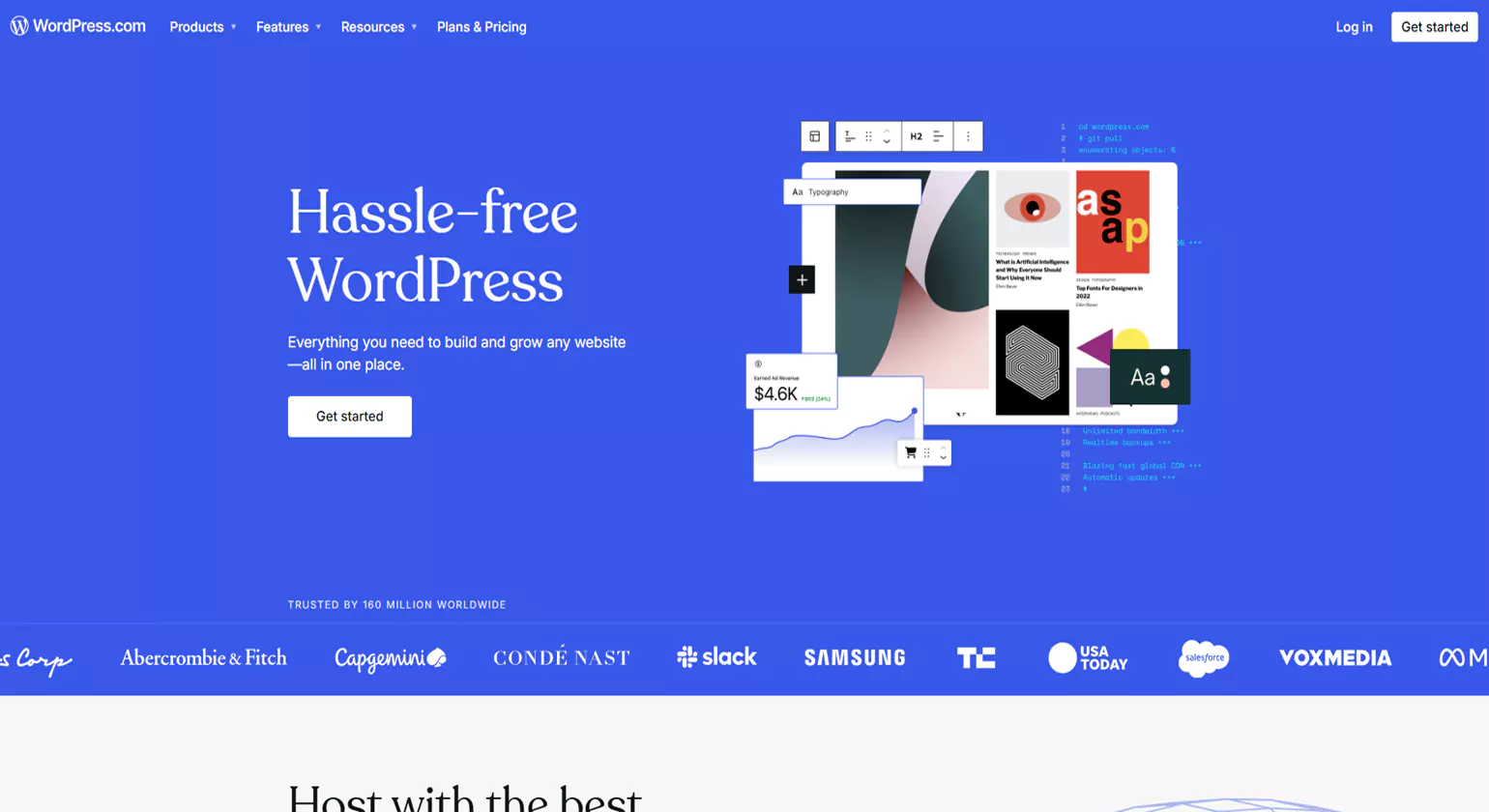
WordPress is the most widely used content management system (CMS), powering over 40% of the web. It offers a user-friendly interface, extensive plugin support, and flexible customization options. Whether for a blog, business website, or eCommerce store, WordPress provides scalable solutions with interactive features that enhance user engagement
Key Features
Extensive Plugin Library: Thousands of plugins for SEO, eCommerce, and social media.
Customization Options: Drag-and-drop builders like Elementor for easy website design.
SEO-Friendly: Built-in SEO tools and integrations with Yoast SEO.
Mobile Responsive Designs: Supports adaptive and mobile-friendly themes.
Multilingual Support: Integrates with translation plugins for global reach.
Why Choose WordPress?
WordPress is ideal for businesses, bloggers, and developers looking for a flexible and scalable CMS. Its open-source nature, massive community support, and vast customization options make it one of the best CMS interact tools for content management and website creation.
2. Drupal
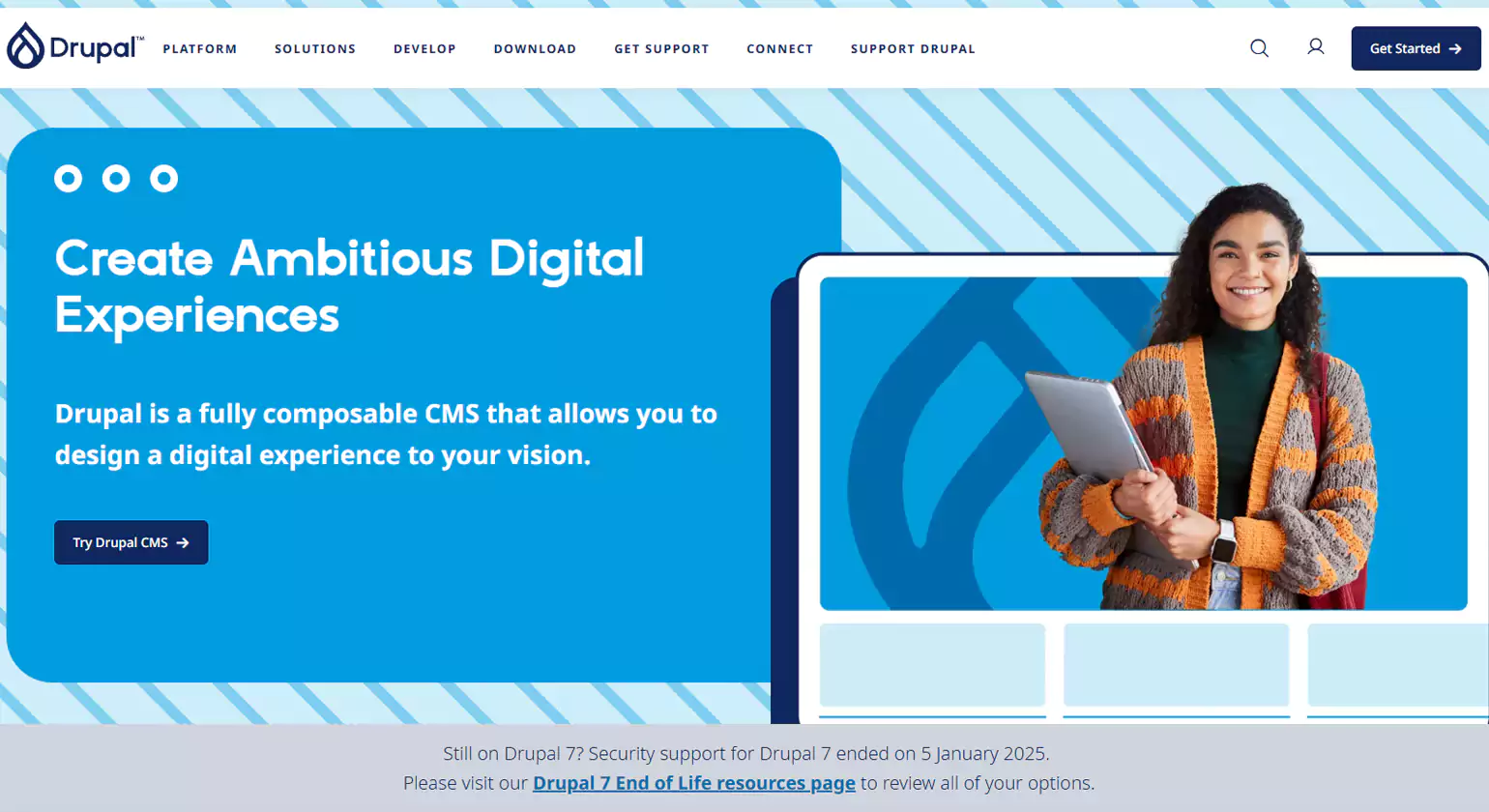
Drupal is a powerful open-source CMS Interact Tools designed for developers and enterprises that require robust security, scalability, and customization. It is widely used for large-scale websites, government portals, and high-traffic applications.
Key Features
Highly Scalable: Handles high traffic efficiently with advanced caching and optimization.
Security Focused: Regular security updates and enterprise-grade protection.
Custom Content Types: Advanced content structuring and management capabilities.
API-First Approach: Enables seamless integration with third-party services.
Multilingual Capabilities: Built-in support for multiple languages.
Why Choose Drupal?
Drupal is perfect for enterprises, government agencies, and developers who need a high-performance, secure, and customizable CMS intract tools with advanced content management capabilities.
3. Joomla
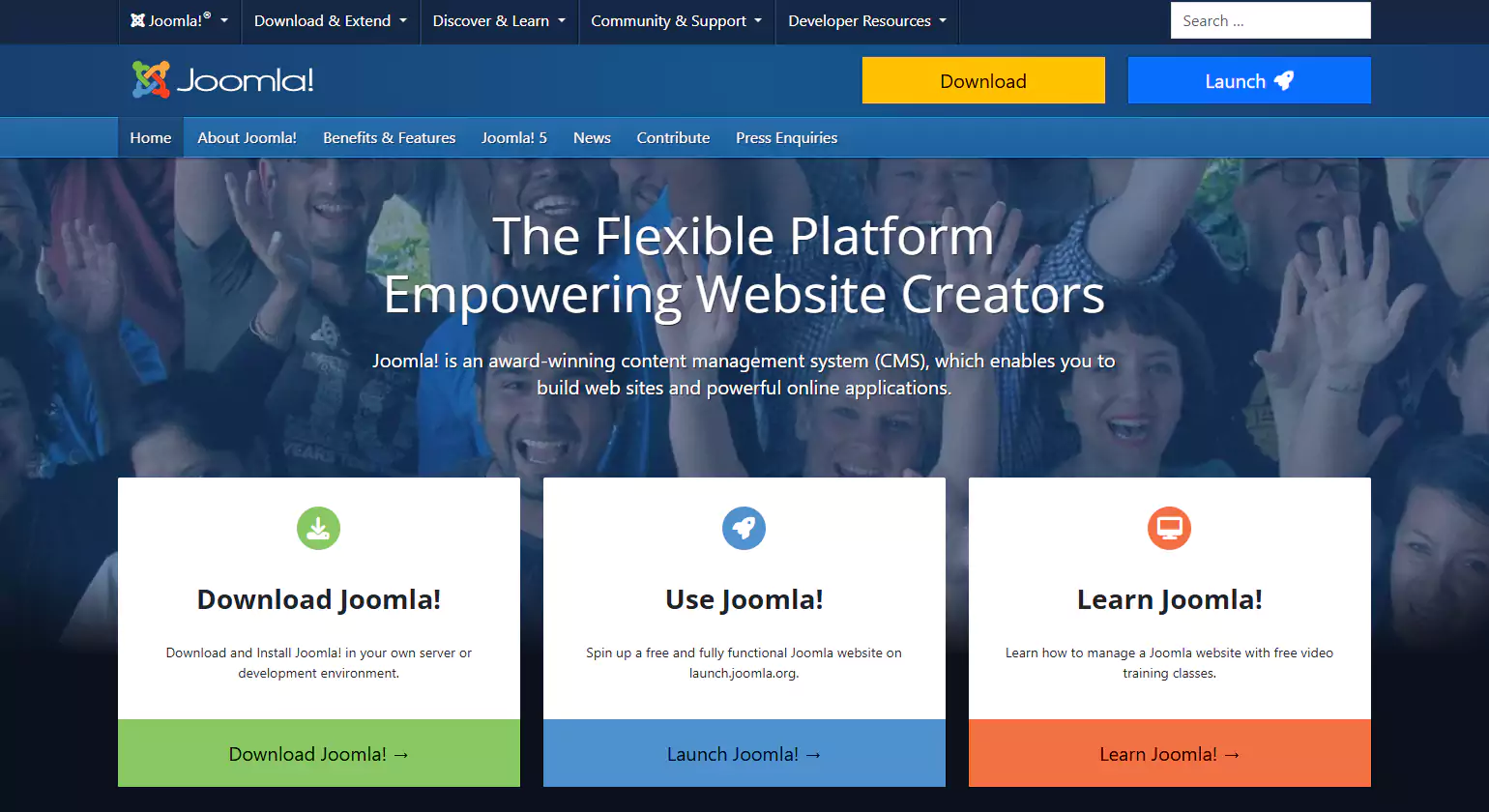
Joomla is a popular CMS that balances user-friendliness and powerful functionality. It is widely used for corporate websites, online magazines, and eCommerce platforms.
Key Features
Flexible Content Management: Supports multiple content types and categories.
SEO Optimization: Built-in SEO tools for better search engine rankings.
Extensive Extensions: Thousands of extensions for added functionality.
User Access Control: Advanced permission management for user roles.
Multilingual Support: Native translation options for global accessibility.
Why Choose Joomla?
Joomla is an excellent choice for businesses and content-heavy websites that need a structured yet flexible CMS Interact Tools with built-in SEO and user management features.
4. HubSpot CMS
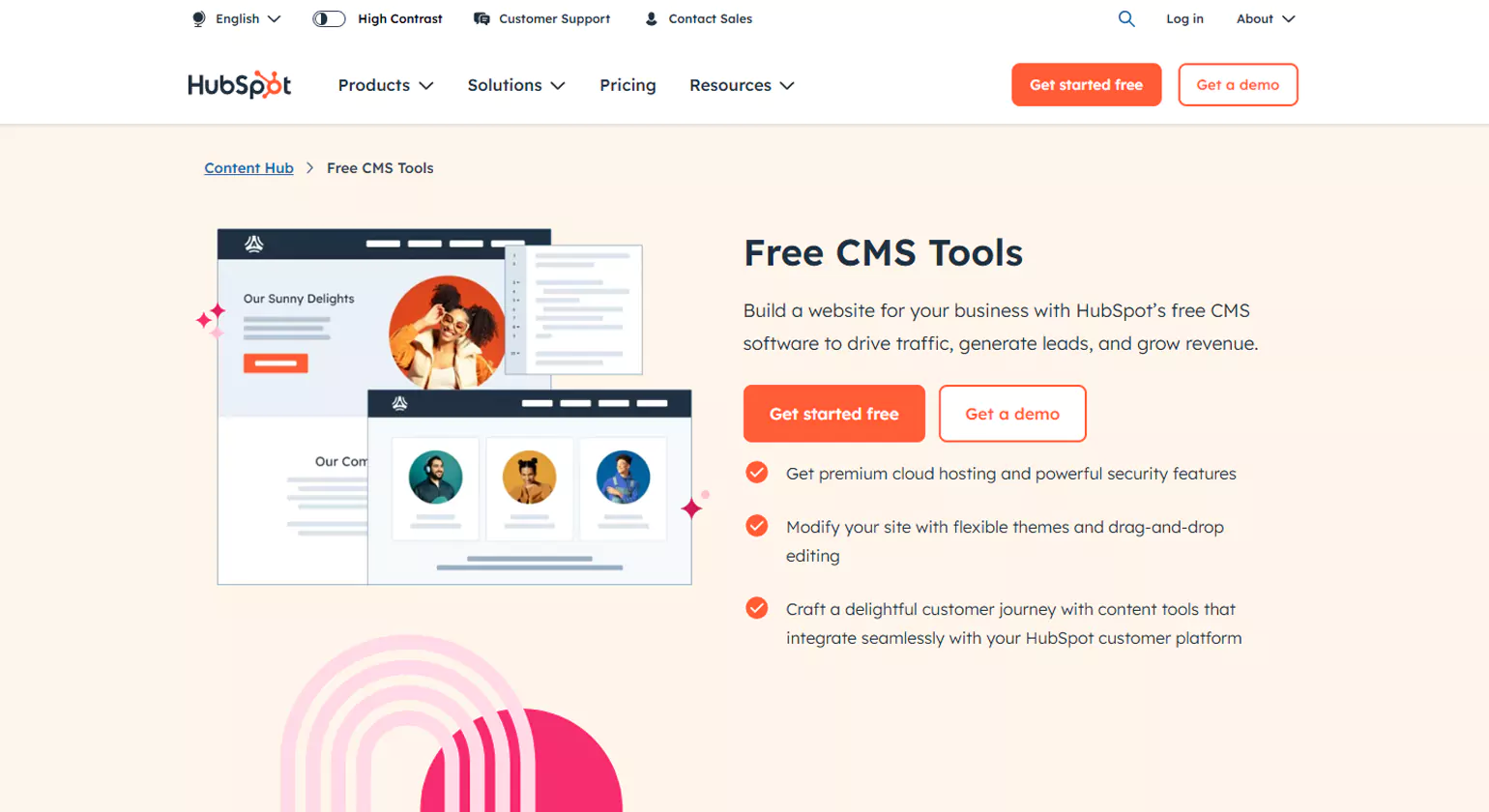
HubSpot CMS intract tools is an all-in-one solution that integrates with HubSpot’s marketing and CRM tools. It is ideal for businesses looking to streamline their digital marketing efforts with a robust content management system.
Key Features
Built-in SEO Tools: Helps optimize content for search engines.
Drag-and-Drop Editor: Easy-to-use design interface for content creation.
Personalization Features: Dynamic content customization for users.
Security & Hosting: Fully managed hosting with SSL and threat detection.
Integration with HubSpot CRM: Seamless connection with marketing tools.
Why Choose HubSpot CMS?
HubSpot CMS is best for businesses focused on inbound marketing, lead generation, and customer engagement through a seamless content management and marketing automation platform.
5. Webflow
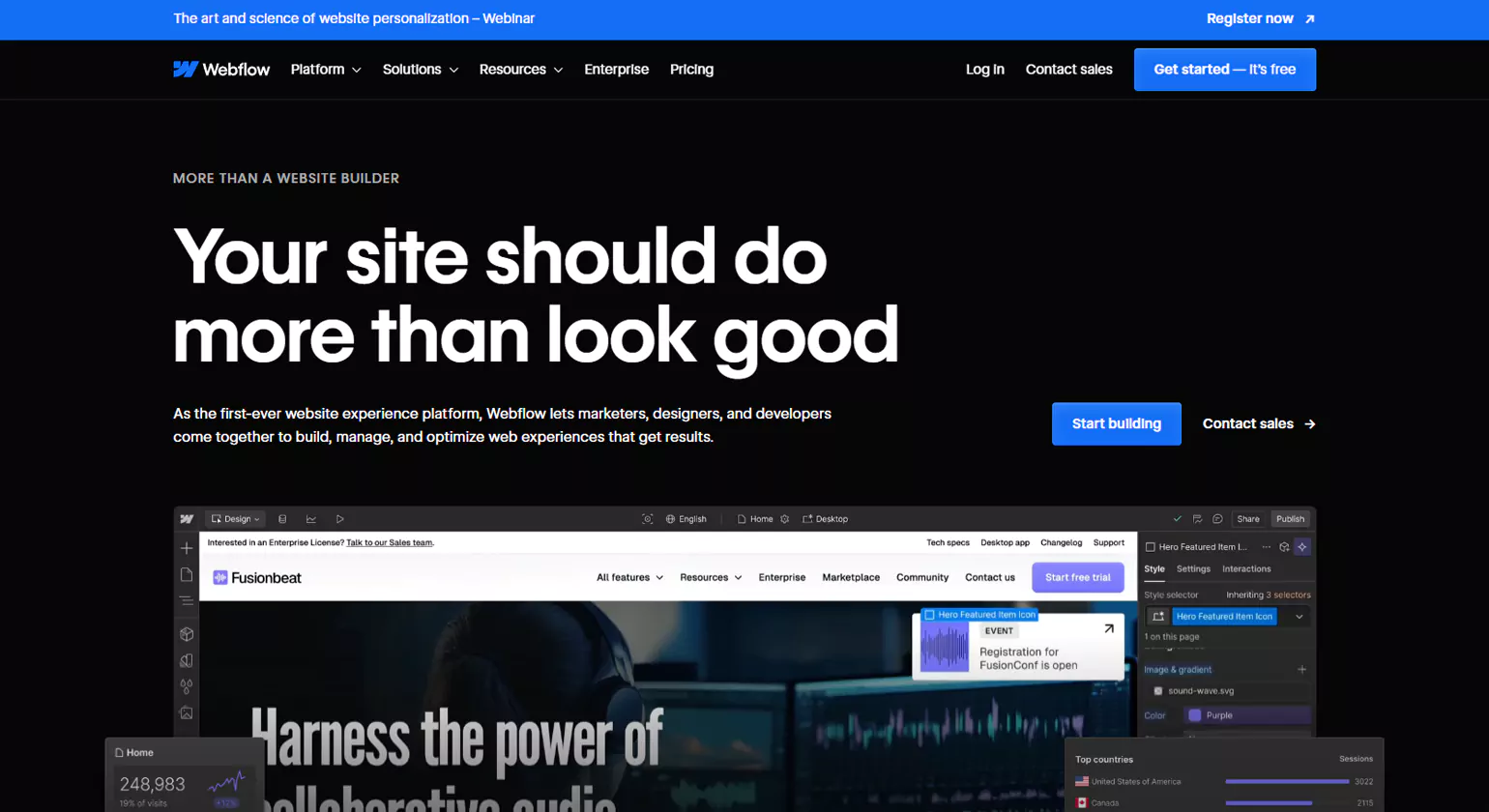
Webflow is a visual web design platform that combines CMS functionality with advanced design tools. It is popular among designers and developers who want control over website creation without coding limitations.
Key Features
No-Code Design: Drag-and-drop editor with HTML/CSS-level control.
Custom CMS Collections: Tailor content structures to fit unique needs.
SEO Optimization: Automatic clean code and SEO-friendly URL structures.
Responsive Design: Adaptive layouts for mobile and desktop.
E-Commerce Capabilities: Built-in eCommerce tools for online stores.
Why Choose Webflow?
Webflow is perfect for designers, freelancers, and businesses that want a fully customizable and visually appealing CMS with advanced design capabilities.
6. Contentful
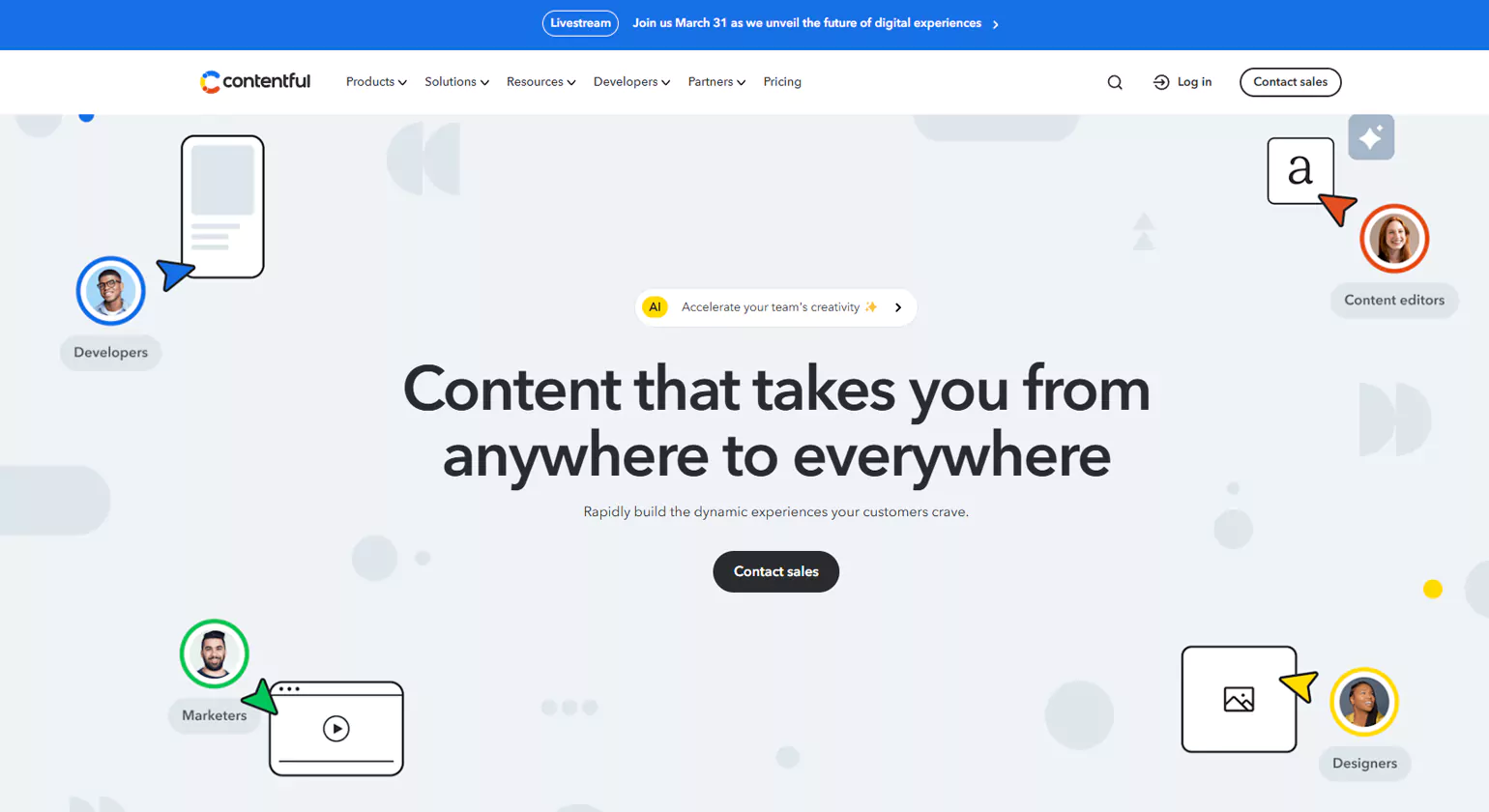
Contentful is a headless CMS Interact Tools designed for enterprises that need a flexible content management system to deliver content across multiple digital platforms.
Key Features
API-Driven: Enables seamless integration with various applications.
Cloud-Based: Fully managed and scalable infrastructure.
Content Modeling: Custom structures for diverse content types.
Omnichannel Support: Deliver content across web, mobile, and IoT devices.
Collaboration Tools: Team-based workflows for content creation.
Why Choose Contentful?
Contentful is ideal for enterprises and developers building content-driven applications that require flexibility, scalability, and integration with multiple platforms.
7. Sitecore
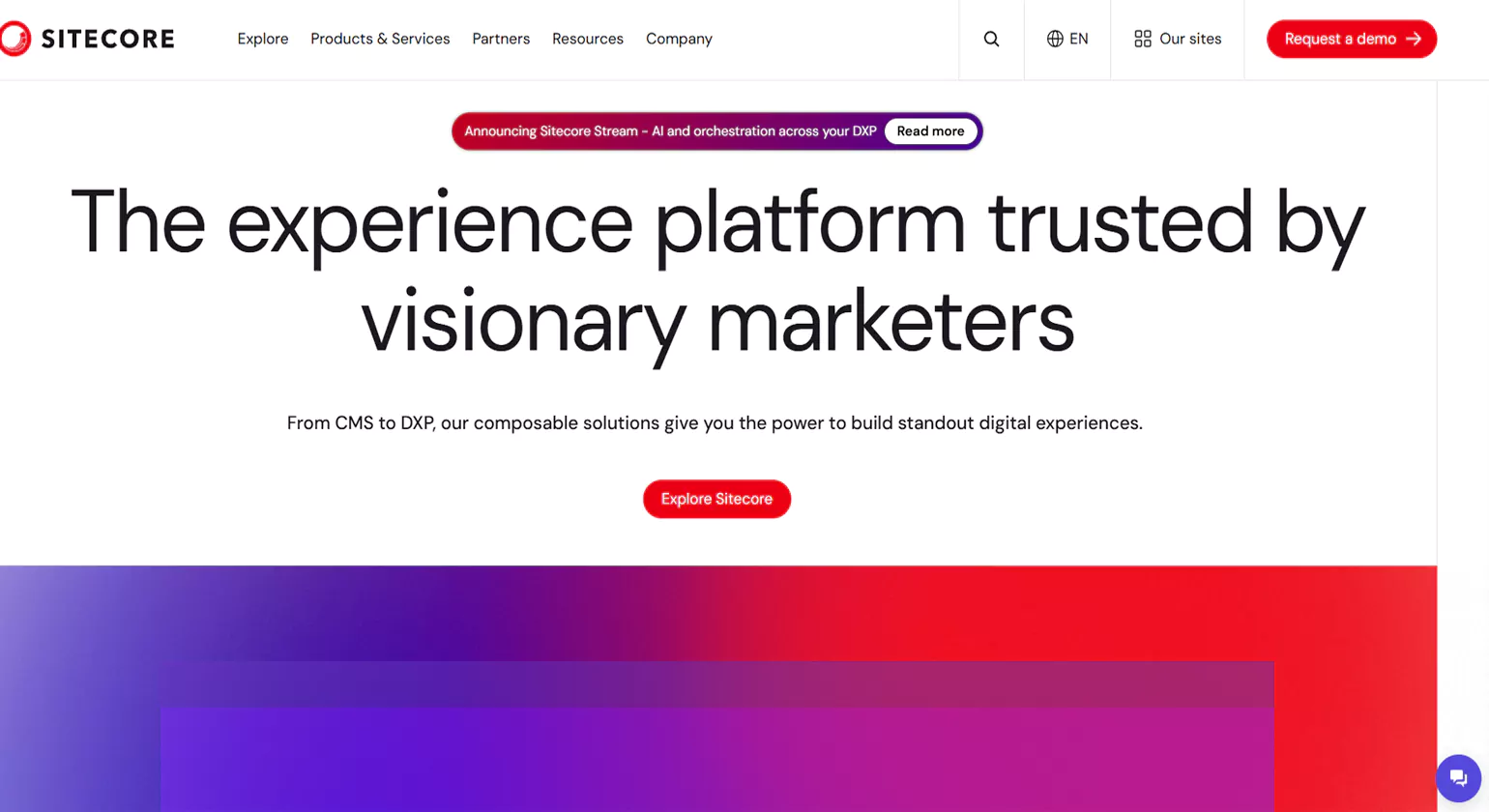
Sitecore is an enterprise-grade CMS with integrated digital marketing capabilities. It is widely used by large businesses that require advanced personalization and customer engagement.
Key Features
AI-Driven Personalization: Customizes user experiences based on behavior.
Marketing Automation: Integrated tools for lead nurturing and conversion.
Omnichannel Delivery: Supports multiple digital channels seamlessly.
Robust Security: Enterprise-level security and compliance features.
Scalability: Handles large-scale projects with ease.
Lorem ipsum dolor sit amet, consectetur adipiscing elit. Ut elit tellus, luctus nec ullamcorper mattis, pulvinar dapibus leo.
Why Choose Sitecore?
Sitecore is best suited for enterprises that prioritize customer engagement, marketing automation, and large-scale content management.
8. Adobe Experience Manager
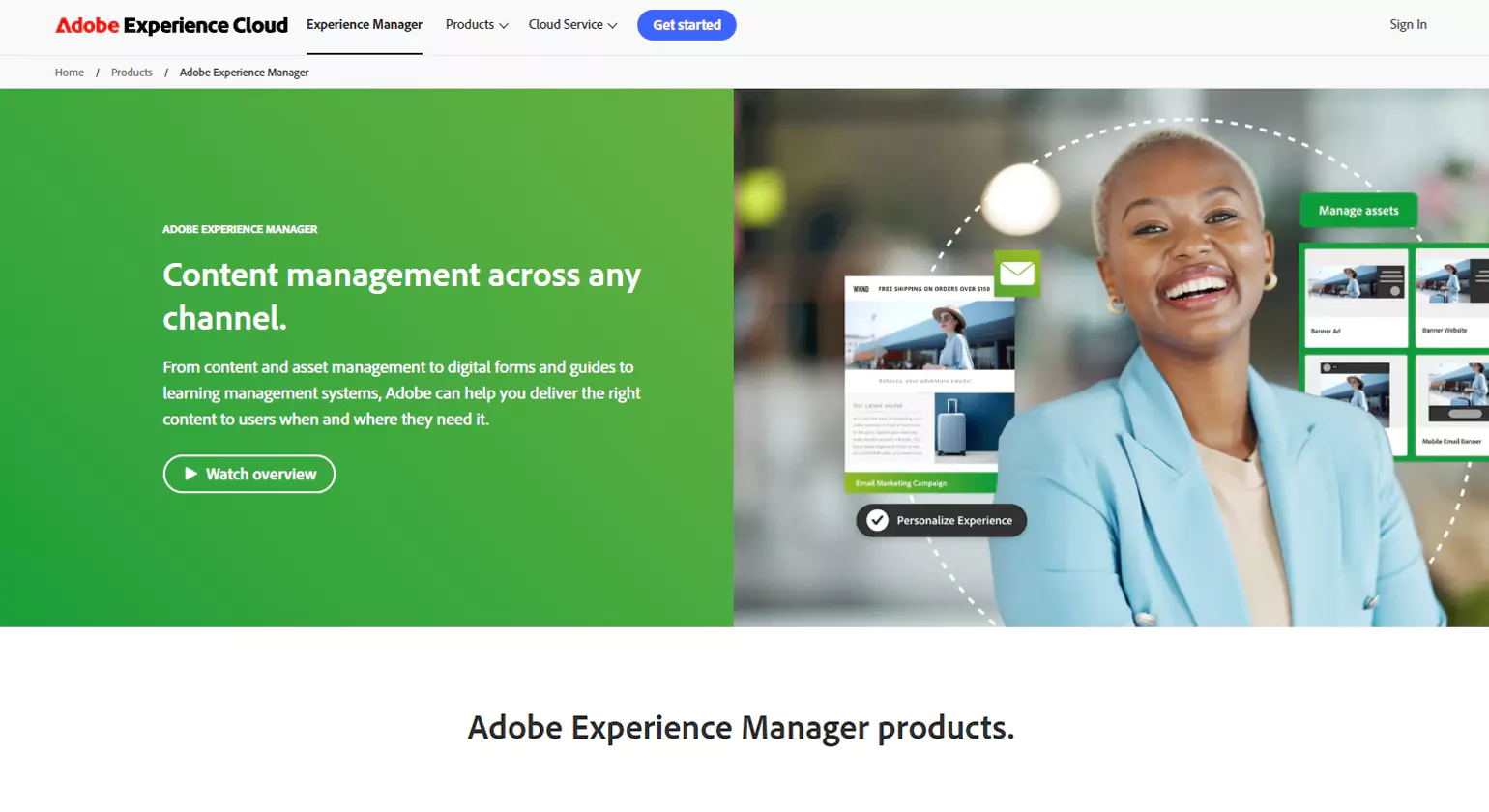
Adobe Experience Manager (AEM) is a premium CMS Interact Tools designed for enterprises needing seamless content management, personalization, and digital experience optimization.
Key Features
AI-Powered Content Creation: Smart tools for automating workflows.
Omnichannel Publishing: Manages content across multiple platforms.
Personalized Experiences: AI-driven customization for user engagement.
Enterprise Security: Advanced protection and compliance support.
Integration with Adobe Suite: Seamless compatibility with other Adobe tools.
Why Choose AEM?
AEM is ideal for large enterprises looking for a sophisticated CMS with AI-powered content management, digital experience customization, and advanced security features.
9. Wix
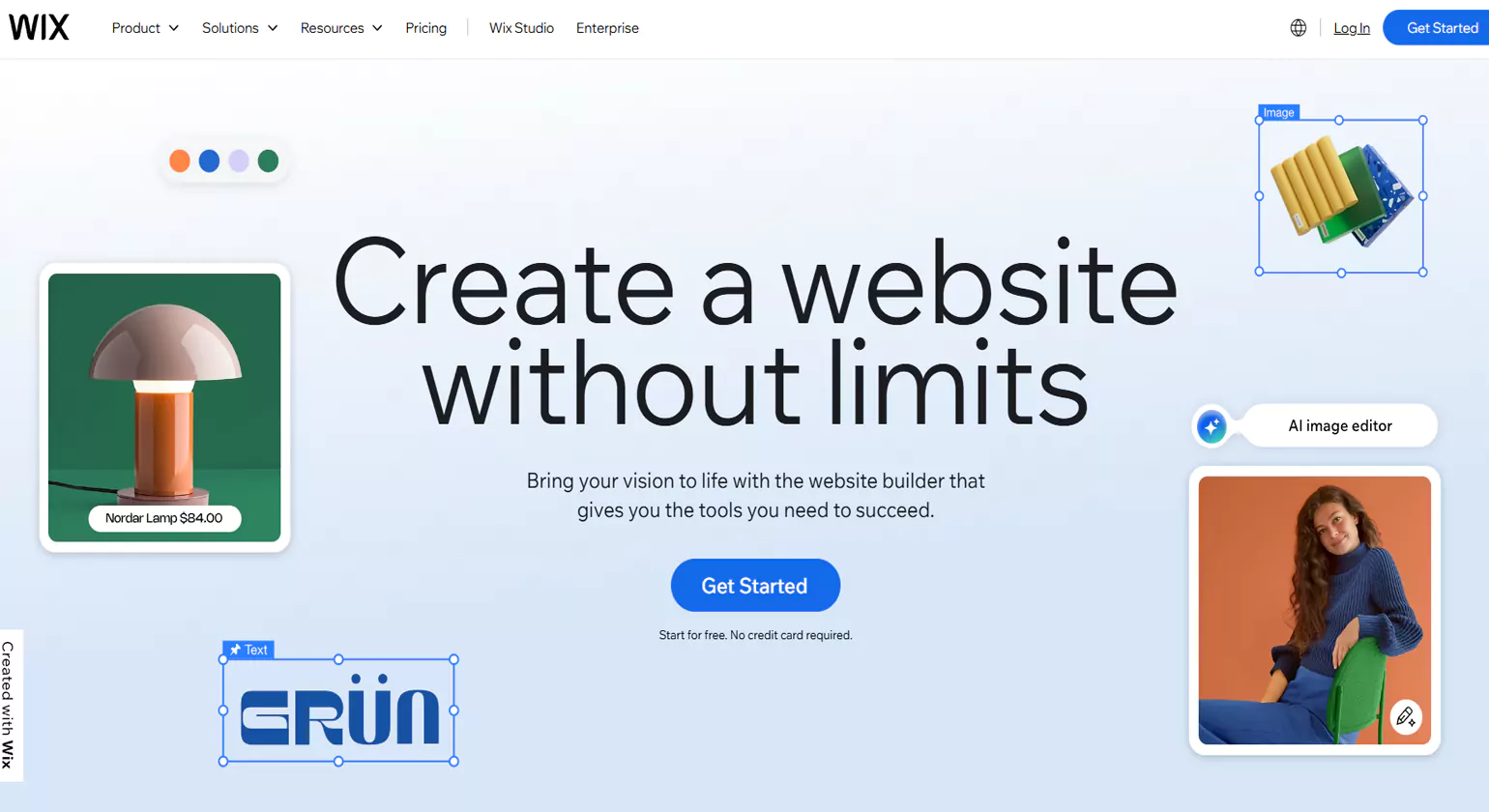
Wix is a beginner-friendly website builder with an intuitive drag-and-drop interface and a variety of pre-designed templates.
Key Features
Drag-and-Drop Editor: Simple and user-friendly design tools.
Wix ADI: AI-powered website creation assistance.
SEO Tools: Built-in SEO features for improved rankings.
App Market: Extensive plugins for added functionality.
Why Choose Wix?
Wix is perfect for beginners, small businesses, and individuals who need an easy-to-use CMS intract tools with visually appealing design options.
10. Ghost
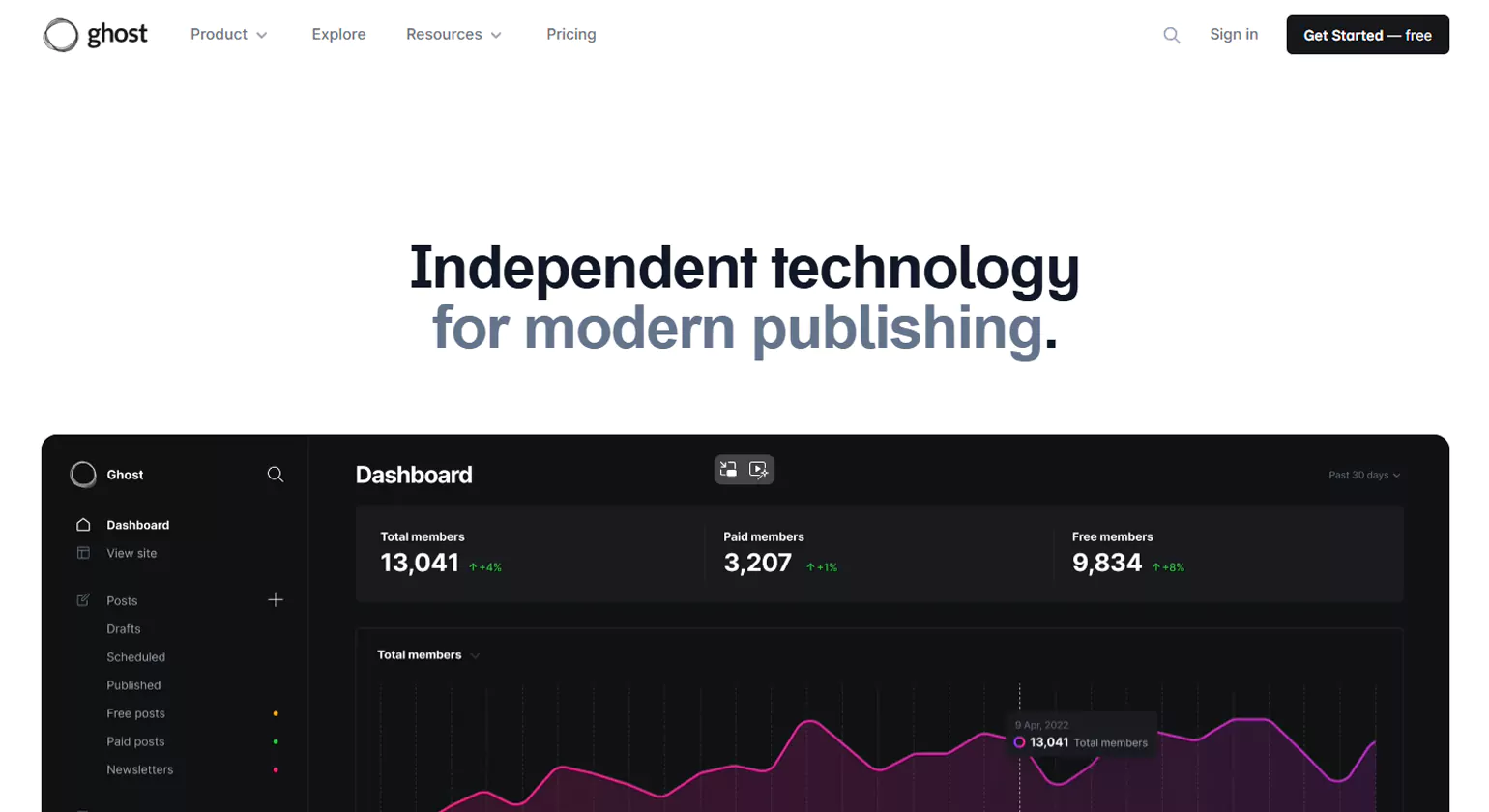
Ghost is a minimalist CMS focused on publishing and blogging, offering a fast and streamlined experience for writers and content creators.
Key Features
Markdown Editor: Simple and clean content writing experience.
SEO & Speed Optimization: Fast-loading pages with built-in SEO tools.
Membership & Subscription Features: Monetization options for creators.
Open-Source Platform: Fully customizable for developers.
Lightweight & Fast: Optimized for performance and speed.
Why Choose Ghost?
Ghost is an excellent choice for bloggers, publishers, and independent writers looking for a fast, minimalistic, and powerful CMS Interact Tools on content creation.
Examples of Interactive CMS Features & Use Cases
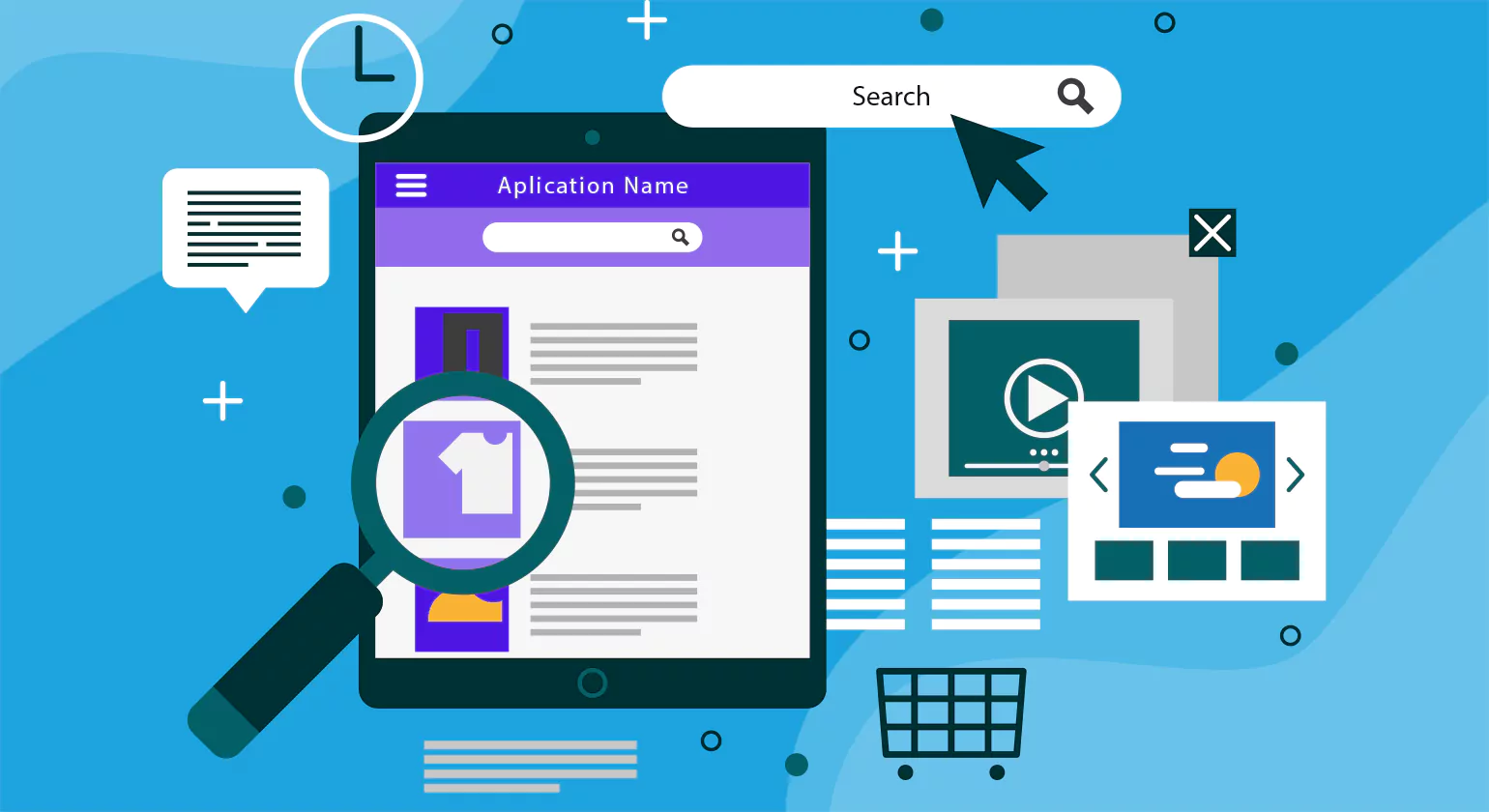
A CMS interact tools features enhances user engagement, improves content personalization, and streamlines website management. Below are some key interactive CMS features along with their real-world use cases.
1. Drag-and-Drop Editors
Feature: Enables users to design web pages effortlessly by dragging and dropping elements without coding.
Use Case: A small business owner can quickly create a professional-looking website without hiring a developer, saving time and costs.
2. Personalization & Dynamic Content
Feature: Displays tailored content based on user behavior, preferences, or demographics.
Use Case: An e-commerce site can show personalized product recommendations based on browsing history, increasing conversion rates.
3. Interactive Forms & Surveys
Feature: Collects user feedback or data through embedded forms, quizzes, and surveys.
Use Case: A university website can gather prospective student inquiries and provide instant responses based on form selections.
4. AI-Powered Chatbots
Feature: Displays tailored content based on user behavior, preferences, or demographics.
Use Case: An e-commerce site can show personalized product recommendations based on browsing history, increasing conversion rates.
5. Gamification Elements
Feature: Adds interactive badges, points, and leaderboards to engage users.
Use Case: A fitness blog can offer achievement badges for completing workout challenges, increasing user participation.
6. User-Generated Content Integration
Feature: Allows users to submit and showcase content, such as reviews, testimonials, or forum posts.
Use Case: A travel website can feature user-submitted travel stories, creating an interactive community.
7. Voice Search & AI Assistants
Feature: Enables voice search functionality within the CMS for a hands-free browsing experience.
Use Case: A news portal can allow users to search for articles using voice commands, improving accessibility.
8. Social Media & Third-Party Integrations
Feature: Seamlessly integrates social media feeds, live updates, and external tools.
Use Case: A fashion retailer’s website can display real-time Instagram posts featuring their products, enhancing brand engagement.
How to Choose the Best CMS Interactive Tool

Choosing the right CMS interact tools is essential for enhancing user engagement, improving website functionality, and streamlining content management. Below are key factors to consider when selecting the best interactive CMS tool for your needs. Configuring complex plugins and ensuring they sync correctly with your CRM often requires the technical eye of a digital media specialist. These experts ensure that every interaction—from a chatbot response to a quiz submission—is tracked accurately to measure the true impact on your marketing funnel.
1. Identify Your Website Goals
Before selecting a tool, define what you want to achieve. Are you looking to improve user interaction, boost conversions, or enhance personalization? For instance, an e-commerce site may need AI-powered recommendations, while a blog might benefit from interactive comment sections.
2. Evaluate User-Friendly Features
Look for tools that offer drag-and-drop builders, interactive forms, quizzes, chatbots, and social media integrations. A tool with an intuitive interface ensures easy adoption without requiring advanced coding skills.
3. Compatibility with Your CMS
Ensure that the interactive tool is compatible with your existing CMS, whether it’s WordPress, Drupal, Joomla, or Shopify. Many CMS platforms offer built-in interactive features, while others require third-party plugins.
4. Mobile Responsiveness
With most web traffic coming from mobile devices, your interactive tool must be mobile-friendly. Features like touch gestures, voice search, and mobile-optimized forms can improve user experience.
5. SEO & Performance Optimization
Interactive elements should not slow down your website. Choose tools that support fast loading times, structured data, and SEO-friendly content formats to maintain search rankings.
6. Security & Compliance
Ensure the tool follows GDPR, CCPA, and other data privacy regulations. Look for SSL encryption, secure form submissions, and spam protection to keep user data safe.
7. Scalability & Integration
Select a tool that grows with your business. Look for API support, third-party integrations, and advanced analytics to track and improve interactions over time.
8. Budget & Pricing
Compare pricing models—some tools offer free versions with basic features, while premium plans provide advanced customization and analytics. Choose a tool that balances affordability with functionality.
Benefits of Using CMS Interact Tools
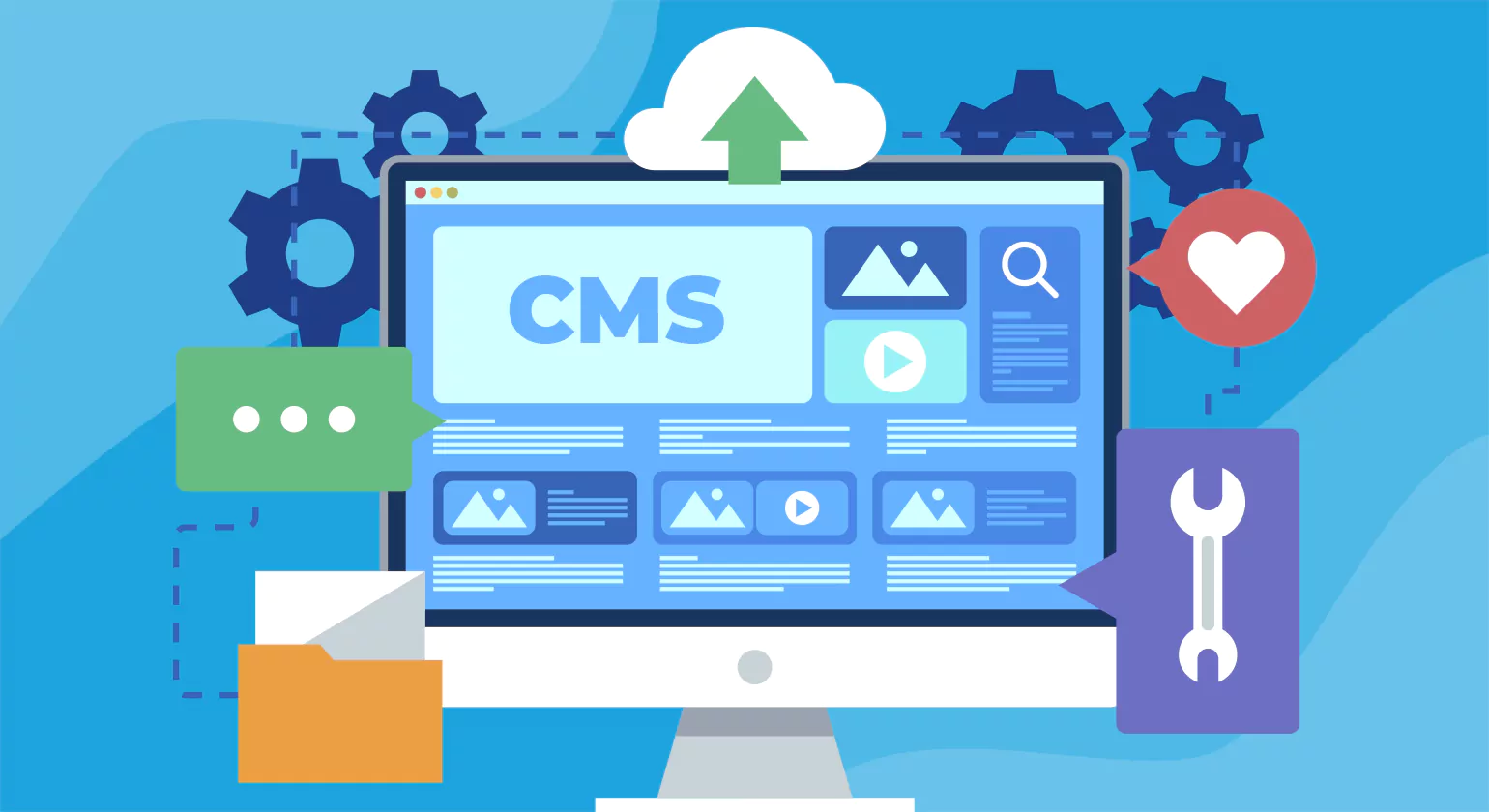
CMS interact tools play a crucial role in enhancing website functionality, improving user experience, and driving engagement. These tools enable businesses to create dynamic, personalized, and interactive websites without extensive coding. Here are the key benefits of using CMS interactive tools: Implementing interactive tools across your website is a key component of modern digital media services. By creating a two-way dialogue with your visitors, you move beyond static content delivery and transform your website into a dynamic asset that captures valuable user data and improves overall brand loyalty.
1. Enhanced User Engagement
Interactive tools like quizzes, polls, chatbots, and dynamic content keep visitors engaged longer. When users actively participate, they are more likely to return to your website, reducing bounce rates and increasing session durations.
2. Improved Content Personalization
CMS tools can tailor content based on user behavior, preferences, and demographics. For example, e-commerce sites can display personalized product recommendations, while news portals can suggest articles based on reading history.
3. Increased Conversions & Lead Generation
Features such as interactive forms, AI chatbots, and pop-ups help capture leads efficiently. A well-placed signup form or a chatbot providing instant assistance can significantly improve conversion rates.
4. Seamless User Experience
Interactive CMS tools ensure websites are intuitive and easy to navigate. Drag-and-drop editors, voice search, and mobile-friendly designs contribute to a smooth user experience, making content accessible to a broader audience.
5. Better SEO Performance
Google rewards websites that provide a great user experience. Interactive features increase dwell time, reduce bounce rates, and improve on-page engagement, all of which positively impact search engine rankings.
6. Simplified Content Management
With built-in tools for automated updates, real-time analytics, and A/B testing, managing content becomes more efficient. Businesses can track user interactions, measure performance, and make data-driven improvements.
7. Social Media Integration
Many CMS interactive tools support social media sharing, live feeds, and user-generated content, helping businesses extend their reach beyond their website. This integration fosters community engagement and brand visibility.
8. Cost-Effective & Scalable
CMS interactive tools eliminate the need for custom development, reducing costs while offering scalability. Businesses can start with basic features and gradually integrate advanced functionalities as they grow.
Best Practices for Implementing CMS Interactive Tools

CMS interact tools help enhance website functionality, improve user engagement, and boost conversions. However, improper implementation can lead to slow performance, poor user experience, and security risks. To maximize the benefits, follow these best practices when integrating CMS interactive tools into your website.
1. Define Your Goals and Audience
Before selecting and implementing interactive tools, clarify your objectives. Do you want to:
Increase user engagement?
Capture more leads?
Improve content personalization?
Understanding your target audience ensures you choose the right tools. For example, an e-commerce website may prioritize AI-powered product recommendations, while a news portal might benefit from personalized content feeds.
2. Choose the Right Interactive Tools
Select tools that align with your business needs and CMS capabilities. Popular CMS interactive tools include:
Drag-and-drop builders – For easy page design
Live chat & AI chatbots – For real-time customer support
Interactive forms & surveys – To collect user feedback
Gamification elements – To boost engagement through rewards
Ensure that the tools you choose are compatible with your CMS (WordPress, Drupal, Shopify, etc.).
3. Prioritize Mobile Responsiveness
A significant portion of users browse websites on mobile devices. Ensure that interactive elements like forms, quizzes, and buttons are touch-friendly, fast-loading, and fully responsive. Mobile optimization improves accessibility and user experience.
4. Optimize for Speed & Performance
Interactive features, if not optimized, can slow down your site. Follow these performance optimization tips:
Use lightweight plugins that don’t add excessive load time.
Enable lazy loading for images and videos.
Implement caching to speed up page loads.
Regularly test your site with Google PageSpeed Insights to ensure smooth performance.
5. Ensure SEO-Friendliness
SEO plays a key role in your website’s visibility. When implementing interactive tools, follow these SEO best practices:
Use structured data for rich search results.
Ensure interactive elements are crawlable by search engines.
Optimize images, videos, and animations for fast loading times.
Add alt text to all interactive media for accessibility and SEO benefits.
6. Focus on Security & Compliance
Security is crucial when integrating interactive tools that collect user data. Protect your website by:
Using SSL encryption for secure data transmission.
Ensuring GDPR & CCPA compliance if handling user data.
Implementing spam protection on interactive forms and comment sections.
Keeping all plugins and tools regularly updated to prevent vulnerabilities.
7. Monitor User Engagement & Analytics
Track the performance of your interactive tools using Google Analytics, heatmaps, and A/B testing. Monitor key metrics like:
Click-through rates (CTRs)
Time spent on interactive elements
Form submission rates
Drop-off points in engagement
Analyzing these insights allows you to make data-driven improvements for better user engagement.
8. Continuously Test & Improve
Once you’ve implemented CMS interactive tools, keep refining them based on user feedback and performance data. Conduct:
A/B testing to compare variations of interactive features.
User surveys to gather opinions on the interactive experience.
Regular updates to ensure tools remain effective and relevant.
Future Trends in CMS Interaction

The future of Content Management System (CMS) interaction is evolving rapidly, driven by technological advancements and user demands. Here are the key trends shaping the next generation of CMS platforms:
1. AI-Powered Content Management
Artificial Intelligence (AI) is revolutionizing CMS platforms by automating content generation, personalization, and optimization. AI-driven CMS solutions help users create SEO-friendly content, suggest improvements, and enhance user engagement through predictive analytics.
2. Headless and Decoupled CMS
Headless CMS is gaining traction, allowing businesses to manage content independently from the front-end presentation. This flexibility enables seamless content distribution across websites, mobile apps, IoT devices, and other digital channels.
3. Voice and Conversational Interfaces
With the rise of voice search and smart assistants, CMS platforms are integrating voice-enabled content management. Users can interact with their CMS through voice commands, making content updates faster and more intuitive.
4. No-Code and Low-Code CMS
The demand for user-friendly CMS solutions is driving the adoption of no-code and low-code platforms. These enable non-technical users to build, edit, and manage websites without extensive programming knowledge, reducing dependency on developers.
5. Personalization and User Experience Optimization
Future CMS platforms will focus on hyper-personalization, leveraging AI and machine learning to tailor content based on user behavior, preferences, and real-time interactions. This enhances user experience and boosts engagement.
6. Blockchain for Content Security
Blockchain technology is emerging as a solution for secure content management, preventing data tampering, verifying authenticity, and ensuring transparent digital rights management.
Conclusion
In conclusion, CMS Interact Tools play a crucial role in enhancing user engagement, streamlining content management, and improving collaboration within digital platforms. These tools empower businesses to create, edit, and manage content efficiently while ensuring a seamless user experience. By integrating interactive features such as comments, polls, and real-time updates, CMS Interact Tools foster better communication and audience interaction. Whether for websites, blogs, or enterprise portals, leveraging these tools can significantly boost productivity and engagement. As digital landscapes evolve, adopting robust CMS Interact will be essential for maintaining an efficient and dynamic online presence. As digital engagement becomes more interactive, staying ahead of the curve requires constant optimization. Leading digital media companies help businesses navigate these evolving tools, ensuring that their CMS remains a high-performing engine for growth in an increasingly competitive online marketplace.
Know More >>> The Ultimate Guide to Cloud Content Management Software
10 Best Intreactive web Design Companies
FAQs
What is the purpose of CMS Interact Tools?
The purpose of Interact is to enhance communication, collaboration, and productivity within organizations. It provides tools like intranet solutions, social networking, and document management to streamline internal communication. Interact helps teams share information, collaborate on projects, and stay connected, ultimately improving employee engagement and operational efficiency.
What is the interaction system?
An interaction system facilitates communication between users and digital platforms. It involves user interfaces, feedback mechanisms, and responsive designs to enhance user experiences. Interaction systems are widely used in websites, apps, and software, ensuring seamless navigation, efficient task completion, and effective engagement by creating intuitive and user-friendly digital environments.
What is the Interact Project?
The Interact Project is an initiative designed to improve communication and collaboration within organizations or communities. It involves creating digital platforms, tools, or strategies to facilitate interaction, information sharing, and teamwork. The project aims to enhance productivity, engagement, and connectivity by implementing innovative solutions tailored to specific user needs.
How does Interact operate?
Interact operates as a digital communication platform, offering tools like intranet solutions, collaboration features, and social networking. It enables users to share information, communicate in real-time, and collaborate on projects. With customizable dashboards, document management, and secure access controls, Interact enhances productivity by streamlining internal communication and fostering a connected work environment.
What does Interact do?
Interact provides a digital platform for communication, collaboration, and information sharing. It helps organizations connect employees, manage documents, and streamline internal communication. With features like social networking, customizable dashboards, and real-time messaging, Interact enhances productivity, engagement, and collaboration, ensuring efficient workflow and improved organizational communication.














