

Table of Contents
Introduction
In today’s fast-paced business environment, timely and accurate reporting is crucial for making informed decisions and driving growth. Monthly Automative Reporting Tools, often powered by advanced automated reporting software, have emerged as essential solutions for organizations looking to streamline their reporting processes, improve data accuracy, and enhance overall efficiency. This blog explores what automated reporting tools are, their benefits, and how they can transform your business operations.
What are Automated Reporting Tools?

Automated reporting tools are advanced software solutions that streamline the process of generating and distributing reports by eliminating the need for manual input. These tools integrate with multiple data sources, automatically extracting, analyzing, and organizing information into easily digestible formats such as charts, tables, and graphs. By automating repetitive reporting tasks, businesses can save significant time and resources while ensuring a higher degree of accuracy. Automated reporting tools also provide real-time insights, allowing decision-makers to access up-to-date data quickly and efficiently, leading to more informed business decisions.
For industries such as automotive, the need for specialized tools is even more crucial. A Monthly Automative Reporting Tool can be tailored to track industry-specific metrics like inventory levels, sales performance, and customer behavior. These tools allow automotive businesses to stay competitive by delivering consistent, data-driven insights that help optimize inventory management, adjust marketing strategies, and improve overall operational efficiency. With the added benefit of reducing human error, such tools ensure that reports are accurate, consistent, and timely, providing an essential edge in today’s fast-paced business environment.
Why Should Companies Automate Their Reports?

Automating reports offers businesses a multitude of benefits, starting with a dramatic reduction in the time and effort needed to produce reports. Instead of manually compiling data, automated tools can quickly gather and organize information from multiple sources, freeing employees to focus on more strategic tasks that drive growth. This increased efficiency not only speeds up the reporting process but also reduces costs associated with manual data handling. By using solutions like a Monthly Automative Reporting Tool, businesses in the automotive sector can track critical metrics such as sales performance and customer trends effortlessly, ensuring they remain agile in a competitive market.
Furthermore, reporting automation tools enhances the accuracy and consistency of reports by eliminating human errors often caused by manual data entry. Automated reporting tools also provide real-time insights, ensuring companies have access to the latest data to make informed decisions swiftly. For example, a Monthly Automative Reporting Tool can generate up-to-the-minute reports on vehicle inventory or sales performance, allowing managers to adjust strategies on the fly. By providing reliable, consistent data, these tools help businesses operate more effectively and make better, data-driven decisions that align with their overall goals.
Types of Automated Reporting Tools

Automated reporting tools come in several forms, each designed to address specific business needs, streamline operations, and enhance decision-making. Whether focusing on real-time data visualization or scheduled report generation, these tools help companies improve their reporting processes and overall efficiency. Below are some common types of report automation tools that businesses can leverage to manage their data reporting effectively.
Business Intelligence (BI) Tools
Business Intelligence (BI) tools are comprehensive platforms that offer advanced analytics and data visualization capabilities. These tools allow users to gather insights from large volumes of data, create interactive reports, and make data-driven decisions. BI tools often include features such as data mining, trend analysis, and predictive analytics, making them ideal for companies looking to gain a competitive edge. A Monthly Automative Reporting Tool, for example, can integrate with BI software to help track key metrics like sales trends, inventory turnover, and customer behavior within the automotive sector.
Dashboards
Dashboards are highly interactive interfaces that provide real-time updates on a company’s key performance indicators (KPIs). They are designed to display data in an easily digestible format, often through charts, graphs, and tables. Dashboards are particularly useful for businesses that need to monitor their operations closely, as they offer instant access to performance metrics. Managers can use dashboards to identify issues and opportunities quickly, allowing for swift decision-making.
Data Integration Tools
Data integration tools are designed to consolidate data from multiple sources into a unified format for comprehensive reporting. These tools ensure that data from various departments, systems, or external sources is harmonized, making it easier to generate detailed reports. This is especially useful for larger organizations with complex data ecosystems, as it eliminates the need to manually compile data from disparate sources.
Marketing Analytics Tools
Platforms like Google Analytics, HubSpot, and SEMrush provide automated reports on campaign performance, web traffic, and SEO metrics. These tools enable marketers to track KPIs such as conversion rates, click-through rates, and bounce rates, offering a comprehensive view of marketing effectiveness. With features like goal tracking, keyword analysis, and competitor benchmarking, these platforms empower businesses to identify areas for improvement and refine their strategies. Additionally, automated alerts and real-time updates ensure that marketers can quickly respond to changes in campaign performance.
Project Management Reporting Tools
Tools like Monday.com, Asana, and Jira generate reports on task progress, resource allocation, and project timelines. These solutions improve team collaboration and keep stakeholders informed by providing real-time updates, visual dashboards, and automated service reports reminders for deadlines. They also allow for the integration of multiple workflows, ensuring seamless communication across teams. Advanced features like Gantt charts, Kanban boards, and time-tracking tools give managers deeper insights into project efficiency. Additionally, these tools enable the identification of bottlenecks and help reallocate resources effectively to meet project goals.
Human Resource (HR) Reporting Tools
Supply Chain and Operations Reporting Tools
Tools like SAP, Oracle NetSuite, and Odoo automate detailed reports on inventory levels, logistics, supplier performance, and demand forecasting. They provide real-time visibility into supply chain processes, enabling businesses to streamline operations, reduce costs, minimize delays, and make data-driven decisions for improved productivity, customer satisfaction, and long-term sustainability.
Reporting Software
Reporting software focuses on generating scheduled reports and distributing them to relevant stakeholders. These tools are designed to automate routine reporting tasks, ensuring that reports are delivered on time and without the risk of human error. Reporting software is ideal for businesses that rely on periodic reporting, such as weekly, monthly, or quarterly financial reports, and it ensures consistency in the format and distribution of these reports.
Sales Reporting Tools
Sales-specific platforms like Pipedrive and Zoho CRM provide automated reporting for sales teams. These tools track sales activities, lead conversion, sales pipeline status, and revenue forecasts. Monthly Automative Reporting Tool can help sales managers monitor team performance and identify areas for improvement without manually compiling data.
E-commerce Reporting Tools
E-commerce platforms like Shopify and BigCommerce offer automated service reports reports on sales, inventory, customer behavior, and product performance. These reports help e-commerce businesses track their financial health and optimize their operations, from marketing to supply chain management.
How Monthly Automative Reporting Tool Helps Business Grow

A Monthly Automative Reporting Tool plays a pivotal role in helping businesses in the automotive industry track and analyze key performance metrics like sales, inventory turnover, and customer behavior. By automating these reports, businesses can streamline data collection and gain real-time insights into operational performance. This helps companies quickly identify trends, such as rising demand for specific vehicle models or changes in customer purchasing patterns. With this data at hand, businesses can adjust their strategies to meet market demands more effectively, whether it’s optimizing inventory levels or targeting the right audience through marketing efforts.
Additionally, a Monthly Automative Reporting Tool allows dealerships to improve overall efficiency by eliminating manual reporting processes, reducing the chances of human error, and ensuring consistency in report formatting. For instance, automated service reports
inventory reports can help dealers manage stock more effectively, preventing both overstocking and understocking. Similarly, sales performance reports generated by these tools enable managers to monitor their teams and make data-driven decisions that enhance productivity. By offering clear, actionable insights, these tools empower businesses to refine their strategies, improve customer satisfaction, and ultimately drive business growth.
Top 10 Automated Reporting Tools for 2026
Tableau
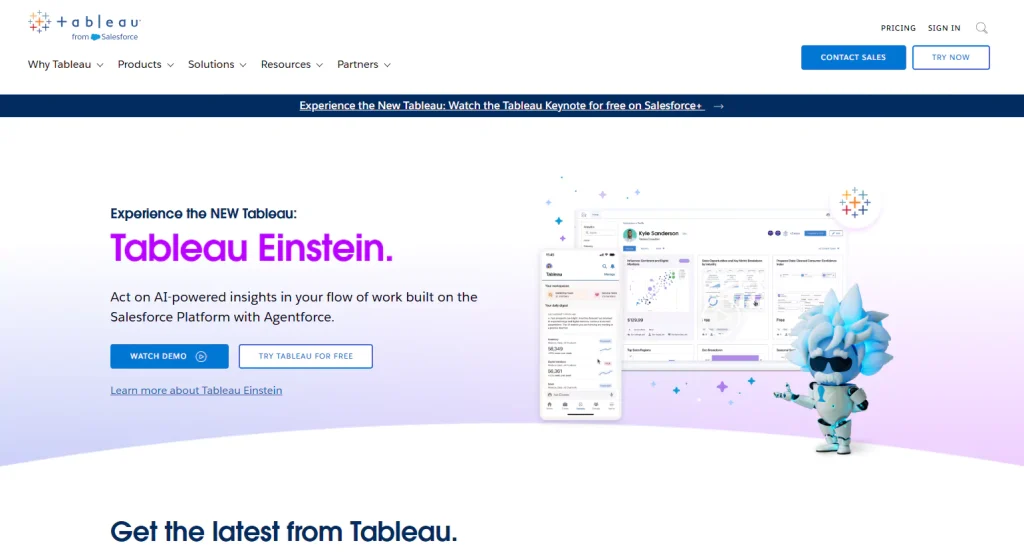
Tableau is a powerful Business Intelligence (BI) tool known for its exceptional data visualization capabilities. It allows users to create interactive and shareable dashboards that simplify complex data. With drag-and-drop functionality, Tableau makes it easy to build reports without coding. It integrates with multiple data sources, making it ideal for businesses seeking detailed, real-time analytics.
Power BI

Power BI, a Microsoft product, offers robust reporting features and seamless integration with Office 365. It enables users to visualize data through intuitive dashboards and reports. With built-in AI capabilities, Power BI delivers advanced analytics, helping businesses generate insights quickly. Its flexibility and cloud-based accessibility make it a popular choice for both small and large enterprises.
Google Data Studio
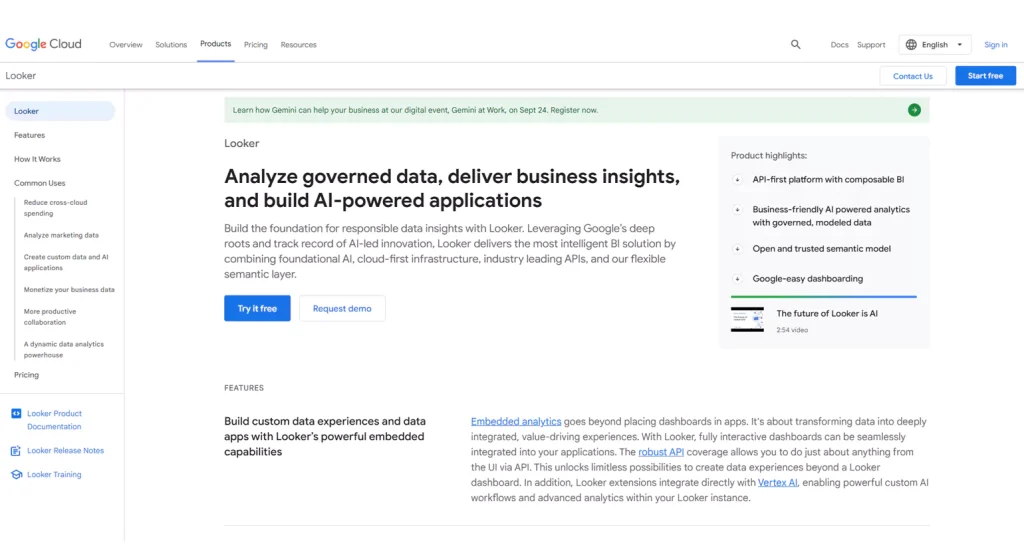
Google Data Studio is a free, web-based reporting tool that allows users to transform raw data into interactive, customizable dashboards. It integrates seamlessly with other Google products like Google Analytics and Google Sheets, making it a popular choice for marketing and digital professionals. With real-time updates and collaborative features, it’s great for businesses of all sizes.
Domo
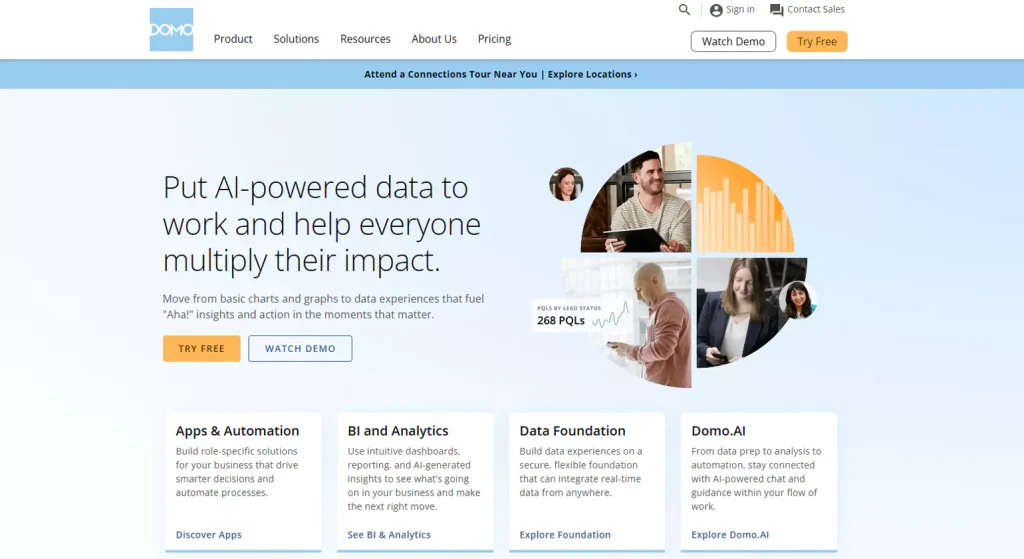
Domo is a cloud-based platform that combines data integration, analytics, and visualization into one solution. It allows businesses to connect to multiple data sources, automate reporting processes, and generate real-time insights. Domo’s powerful dashboards and collaboration features make it an ideal choice for enterprises looking to enhance data-driven decision-making across departments.
Looker

Looker is a data platform known for its robust analytics and deep data exploration capabilities. Acquired by Google, Looker allows users to create customized reports with granular control over data queries. It is highly scalable, making it suitable for both startups and large enterprises. Looker’s strength lies in its ability to integrate with big data environments.
Qlik Sense
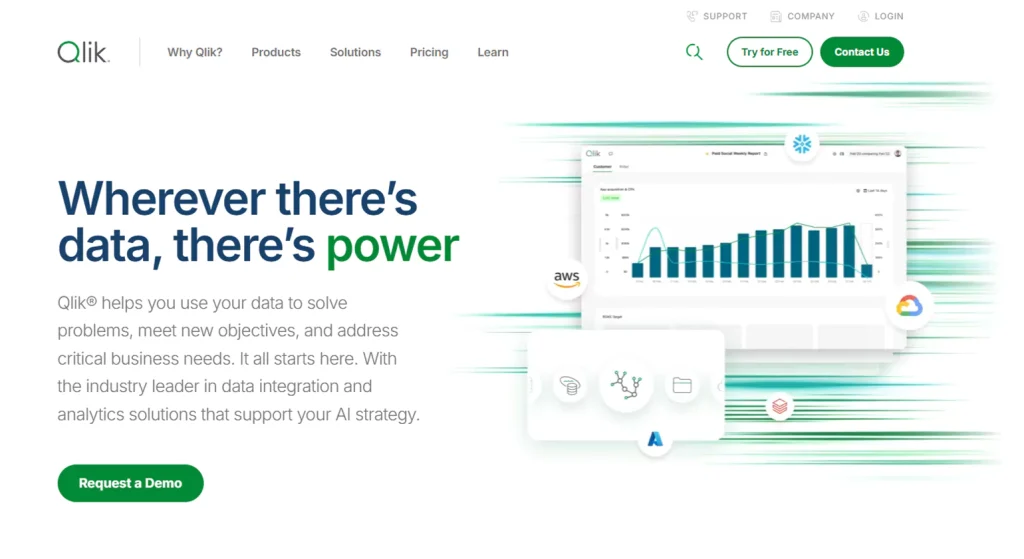
Qlik Sense is a self-service data analytics tool that uses an associative data model to help users discover hidden insights. It offers an intuitive drag-and-drop interface and advanced analytics features, including machine learning integration. Qlik Sense is ideal for businesses that need real-time, data-driven insights across various departments without requiring extensive technical skills.
Zoho Analytics
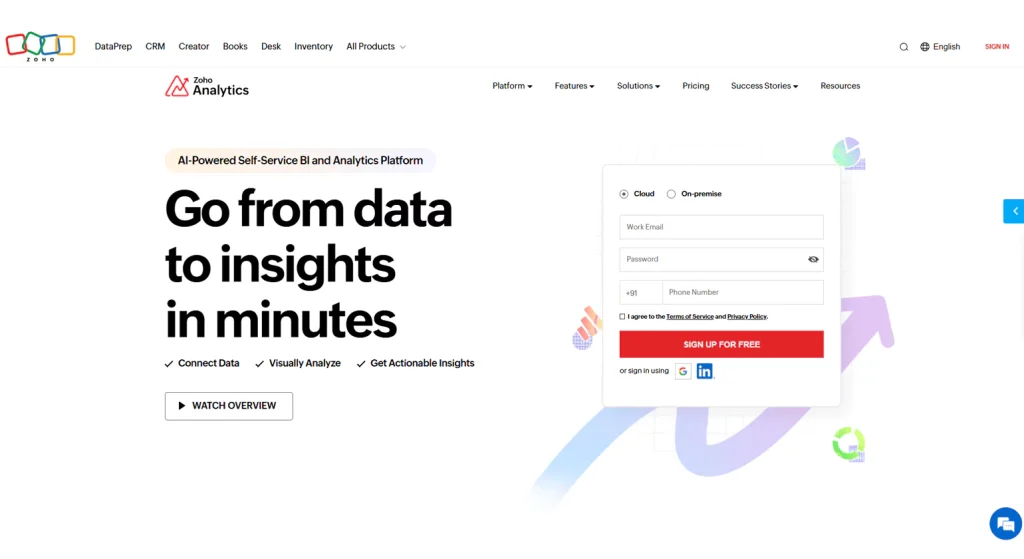
Zoho Analytics offers a comprehensive suite of reporting tools that provide advanced data visualization, automated reporting, and AI-driven insights. It supports multiple data sources and offers intuitive drag-and-drop functionality for building reports. Zoho Analytics is especially useful for small to medium-sized businesses looking for a cost-effective solution with scalable analytics capabilities.
Sisense
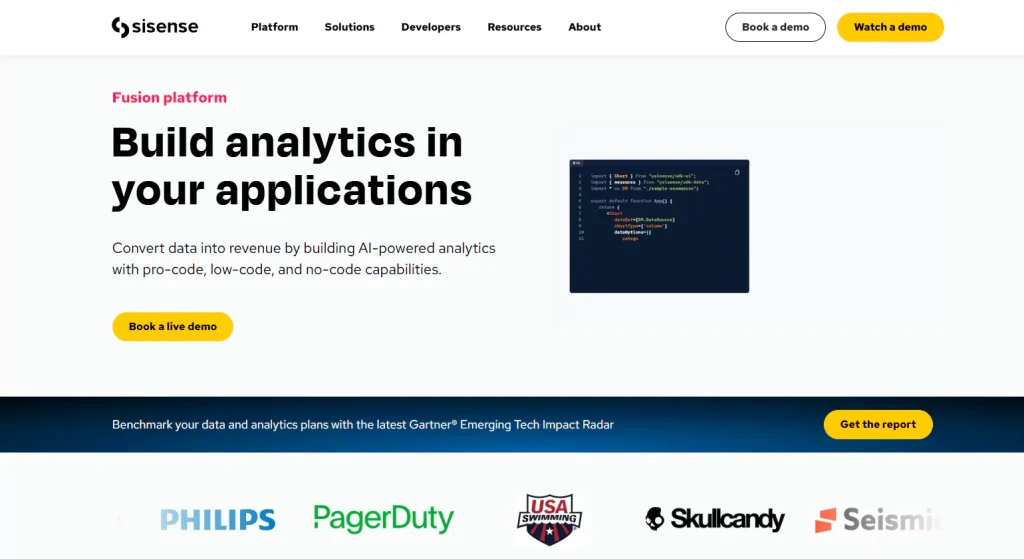
Sisense is a BI tool known for its ability to simplify complex data into visually engaging dashboards. It integrates easily with a wide range of data sources and offers advanced analytics features. Sisense’s strength lies in its ability to handle large volumes of data, making it an ideal solution for enterprises seeking to leverage big data for actionable insights.
Klipfolio
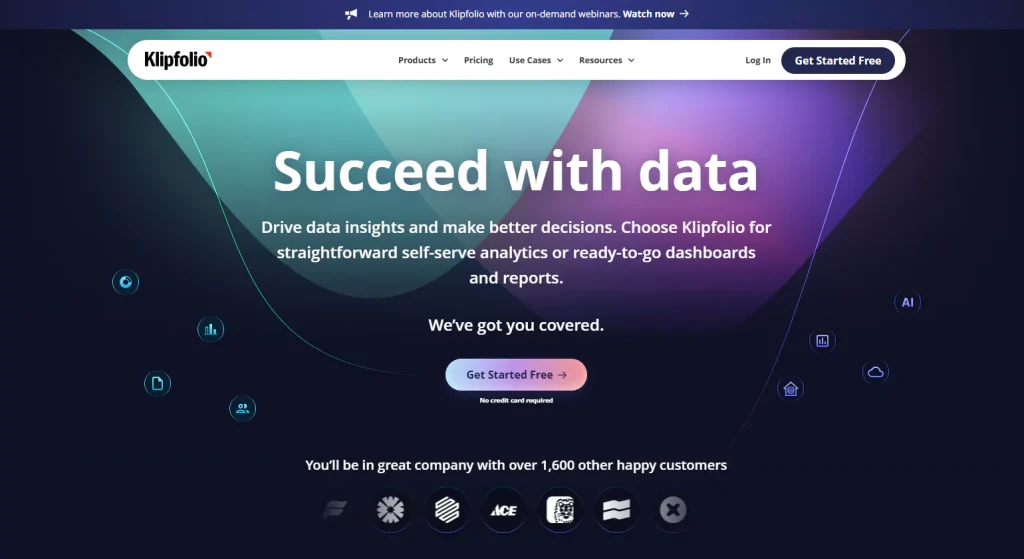
Klipfolio is a cloud-based reporting tool that specializes in real-time dashboards and visualizations. It allows businesses to connect to various data sources, including spreadsheets, web services, and databases. With a focus on customization and ease of use, Klipfolio is perfect for companies that need to monitor KPIs in real-time for quick, informed decision-making.
IBM Cognos Analytics
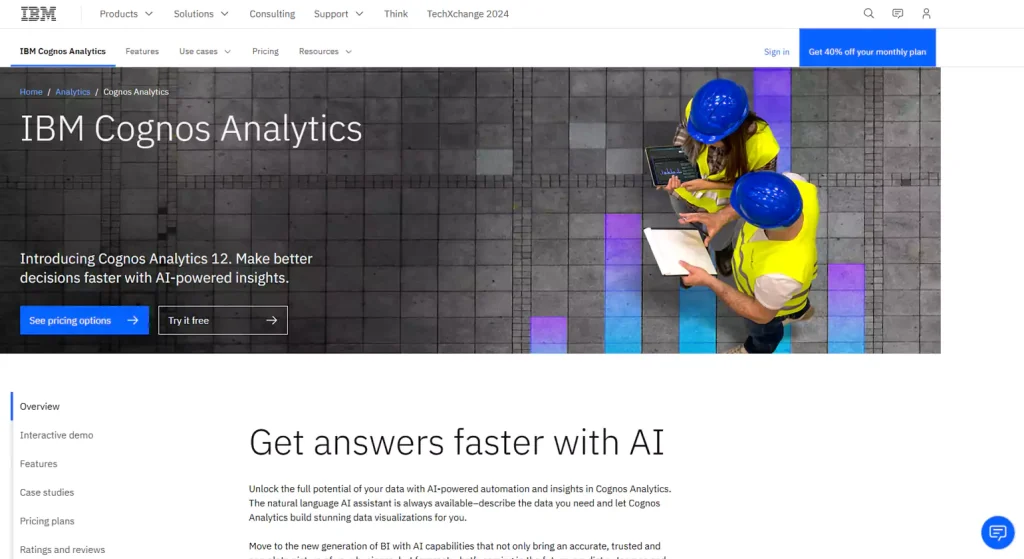
IBM Cognos Analytics is an AI-powered business intelligence platform offering advanced reporting, data visualization, and analytics capabilities. It allows users to automate report generation and gain insights through AI-driven recommendations. Cognos integrates with various data sources and is known for its scalability, making it suitable for large organizations looking to optimize data management and reporting processes.
How Automated Reports Impact Decision-Making

Monthly Automotive Reporting Tool have revolutionized the way businesses make decisions by providing timely and accurate data insights. Unlike traditional manual reporting, which can be slow and error-prone, automated reporting tools deliver real-time information, ensuring that decision-makers have access to the most current data available. This immediacy is crucial in today’s fast-paced business environment, where swift and accurate responses to market changes can significantly impact a company’s success.
A Monthly Automative Reporting Tool exemplifies how reporting automation tools enhances decision-making in the automotive industry. By automating the generation of monthly reports, this tool provides dealerships and manufacturers with consistent and precise data on key metrics such as sales figures, inventory levels, and customer trends. This eliminates the delays and potential inaccuracies associated with manual data entry and allows businesses to monitor their performance closely. With real-time data at their fingertips, managers can make informed decisions regarding inventory management, marketing strategies, and customer engagement, thus optimizing their operations and improving overall efficiency.
Moreover, automated reports contribute to more effective strategic planning. By using a Monthly Automative Reporting Tool, businesses can track long-term trends and analyze historical data alongside current metrics. This comprehensive view helps in identifying patterns, forecasting future performance, and developing strategies that align with market demands. For instance, understanding sales trends over several months can guide decisions on promotional campaigns or product launches. The ability to integrate and analyze data from various sources without manual intervention enhances the accuracy of forecasts and strategic plans, ultimately leading to better business outcomes.
Areas in Which Automated Reporting Software Can Be Used

Automated reporting software provides significant advantages across various business functions by enhancing data management, accuracy, and efficiency. By integrating these tools into different departments, organizations can streamline processes, improve decision-making, and drive overall performance.
Financial Reporting
automated client reporting is a key area where automated reporting software makes a substantial impact. It simplifies the preparation of financial statements, compliance reports, and other essential documents by automating data aggregation and report generation. This reporting automation tools reduces the risk of manual errors and ensures timely and accurate financial reporting. For instance, a Monthly Automative Reporting Tool can automate financial reports for automotive businesses, consolidating sales, expenses, and revenue data to produce precise and comprehensive financial statements. This efficiency in financial reporting helps organizations stay compliant with regulations and provides stakeholders with reliable insights into the company’s financial health.
Sales and Marketing
In Sales and Marketing, automated reporting software is invaluable for tracking campaign performance, sales metrics, and customer engagement. It enables teams to monitor real-time data on marketing campaigns, sales performance, and customer interactions. By automating these reports, businesses can quickly assess the effectiveness of marketing strategies, optimize sales efforts, and enhance customer relationships. Automated reports help in evaluating which campaigns are generating the best results and adjusting strategies accordingly to maximize ROI.
Operations
For Operations, automated reporting software enhances the monitoring of inventory levels, supply chain efficiency, and operational key performance indicators (KPIs). Monthly Automative Reporting Tool provides real-time visibility into inventory turnover, supplier performance, and production metrics. This enables organizations to identify and address bottlenecks, manage resources more effectively, and ensure smooth operational workflows. Accurate, timely reports help in making informed decisions that improve operational efficiency and effectiveness.
Human Resources
In Human Resources, automated reporting tools streamline the management of employee performance, recruitment metrics, and payroll processing. By automating these reports, HR departments can efficiently handle tasks such as performance evaluations, recruitment tracking, and payroll management. This reduces administrative burdens, ensures accuracy, and provides valuable insights into workforce management, contributing to better HR decision-making and employee satisfaction.
What to Look for in Automated Reporting Software

Selecting the right automated reporting software is crucial for maximizing its benefits and ensuring it meets your organization’s needs. When evaluating options, there are several key factors to consider to ensure you choose a tool that will enhance your reporting processes effectively.
Ease of Use
Ease of Use is a fundamental aspect to look for in automated reporting software. The software should be intuitive and user-friendly, minimizing the need for extensive training or technical expertise. An easy-to-navigate interface allows users to quickly generate and interpret reports without a steep learning curve. For example, a Monthly Automative Reporting Tool should offer straightforward report creation and dashboard customization, making it accessible for users across various departments without requiring specialized skills.
Integration Capabilities
Integration Capabilities are also critical. The software should seamlessly integrate with your existing data sources and systems, such as CRM, ERP, or financial software. Effective integration ensures that the tool can pull data from multiple sources accurately and consolidate it into meaningful reports. This is particularly important for a Monthly Automative Reporting Tool, which needs to aggregate data from sales, inventory, and customer feedback systems to provide comprehensive insights.
Customization
Customization options are essential for tailoring Monthly Automotive Reporting Tool and dashboards to meet specific business needs. The ability to customize report templates, visualizations, and data filters enables organizations to focus on the metrics that matter most to them. This flexibility ensures that the software can adapt to various reporting requirements and provide relevant insights for different stakeholders.
Scalability
Scalability is another important factor. As your organization grows, your reporting needs will evolve, and the software should be able to handle increasing data volumes and complexity. A scalable tool ensures that you can continue to rely on it as your Monthly Automative Reporting Tool requirements expand, without needing to switch to a different system.
Support and Training
Support and Training are crucial for effective software use. Good customer support and comprehensive training resources can help resolve issues quickly and ensure that users are well-equipped to utilize the software’s features. Reliable support and training are essential for maximizing the value of a Monthly Automative Reporting Tool and ensuring that it contributes to efficient and accurate reporting.
Choosing the Right Automated Reporting Tool

Selecting the appropriate automated reporting tool is essential for enhancing your reporting processes and making informed business decisions. The right tool can significantly impact your efficiency, accuracy, and overall data management. To ensure you choose a tool that best fits your organization’s needs, several key factors should be considered.
Evaluate Your Business Needs
Begin by assessing your specific Monthly Automative Reporting Tool requirements and business objectives. Different tools offer varying features and capabilities, so it’s important to choose one that aligns with your needs. For example, if your business requires regular updates on automotive sales and inventory, a Monthly Automative Reporting Tool could be crucial. This tool should provide the ability to track and analyze key metrics relevant to your industry, ensuring that it delivers the insights necessary for effective decision-making.
Consider Budget and Cost
Budget constraints are a practical consideration when choosing automated reporting software. Evaluate the total cost of ownership, including initial purchase price, licensing fees, and any additional costs for training or support. Compare these costs with the features and benefits offered by each tool to determine the best value for your investment. It’s important to balance cost with functionality to ensure that the tool provides a good return on investment.
Ease of Integration
The chosen tool should seamlessly integrate with your existing systems and data sources. Integration capabilities ensure that the tool can pull data from various platforms, such as CRM, ERP, or financial systems, to generate comprehensive reports. For instance, a Monthly Automative Reporting Tool needs to integrate effectively with sales and inventory management systems to provide accurate and consolidated insights.
Customization and Scalability
Look for tools that offer customization options to tailor reports and dashboards to your specific business needs. Customization allows you to focus on the metrics that are most important to your organization. Additionally, ensure that the automated reporting software is scalable and can handle growing data volumes and evolving reporting requirements as your business expands.
Testing and Trials
Before making a final decision, take advantage of demos or trial versions of the tools you are considering. Testing out a few options will help you evaluate their ease of use, functionality, and how well they meet your requirements. This hands-on experience is invaluable in determining which tool aligns best with your reporting needs and organizational goals.
Best Practices for Report Automation

Implementing report automation can greatly enhance efficiency and accuracy, but to fully leverage its benefits, it’s important to adhere to several best practices. By following these guidelines, organizations can ensure that their automated reports are reliable, relevant, and valuable for decision-making.
Define Clear Objectives
Establishing clear objectives for your reports is the foundation of effective report automation. Determine the key metrics and goals that your reports need to address. This includes understanding what data is essential and how it aligns with your business objectives. For instance, when using a Monthly Automative Reporting Tool, clearly define the specific sales metrics, inventory levels, and customer insights that are critical for your analysis. Clear objectives help ensure that the automated reports are focused and provide meaningful insights.
Ensure Data Quality
High-quality data is crucial for accurate reporting. Regularly review and clean your data to remove errors, inconsistencies, and duplicates. Implement data validation processes to maintain accuracy and reliability. Poor data quality can lead to misleading reports and incorrect decisions. By ensuring that your data is clean and reliable, you can trust the outputs generated by your report automation tools and make informed decisions based on accurate information.
Automate Regularly
Establish automated schedules for generating routine reports to ensure consistency and timeliness. Set up your reporting tools to automatically compile and distribute reports at regular intervals, such as daily, weekly, or monthly. This routine reporting automation tools reduces the risk of human error and ensures that stakeholders receive up-to-date information without delays. For example, a Monthly Automative Reporting Tool can be configured to deliver timely updates on sales and inventory metrics every month, providing consistent and current data for decision-making.
Review and Refine
Continuously review the automated client reporting reports to ensure they remain relevant and accurate. Regularly assess the reports for their effectiveness and make adjustments as needed to improve their clarity and usefulness. Refining your reports helps to address any issues, incorporate new metrics, and adapt to changing business needs. Periodic reviews ensure that your reporting remains aligned with your objectives and continues to provide valuable insights.
Train Users
Proper training for users is essential to maximize the benefits of report automation. Ensure that staff members are well-versed in using the reporting tools, interpreting the data, and making decisions based on the reports. Training helps users to effectively navigate the reporting software, understand the automated outputs, and leverage the information for better decision-making. Providing comprehensive training resources and support enables users to fully utilize the capabilities of your report automation tools.
Conclusion
Automated reporting tools are invaluable assets for modern businesses, offering efficiency, accuracy, and timely insights. By understanding the various types of tools available and their benefits, companies can make informed decisions, optimize their operations, and drive growth. Embracing automated reporting not only simplifies the reporting process but also enhances strategic planning and decision-making capabilities.
Read more>>>> Why Companies Need Business Intelligence Consulting Services Today
Top 11 SEO Client Reporting Tools You Need to Try in 2025
FAQs
1. What are Automated Reporting Tools?
Automated reporting tools are software systems that automatically gather, process, and generate business reports. They help companies streamline their reporting process by reducing the need for manual intervention, allowing real-time data analysis and efficient decision-making.
2. Why Should Companies Automate Their Reports?
Automating reports saves time, reduces human error, and ensures consistency. It allows businesses to access up-to-date data quickly, leading to better decision-making, improved productivity, and enhanced strategic planning.
3. What Types of Automated Reporting Tools Are Available?
There are various types of automated reporting tools, including business intelligence (BI) tools, dashboard software, data visualization tools, and customized reporting solutions for specific industries like finance, marketing, or HR.
4. How Can Monthly Automated Reporting Tools Help Businesses Grow?
Monthly automated reporting tools provide businesses with timely insights, helping to identify trends, measure performance, and track KPIs. This data-driven approach enables better resource allocation, optimization of processes, and faster adaptation to market changes.
5. What Should Companies Look for When Choosing an Automated Reporting Tool?
When selecting an automated reporting tool, businesses should consider factors such as ease of use, integration with existing systems, customization options, scalability, data security, and the ability to generate real-time, accurate reports.














