

Table of Contents
Introduction
In today’s fast-paced digital landscape, businesses rely on seamless technology connections to streamline operations and enhance customer relationships. By leveraging CRM integration services to connect various applications, companies can ensure smooth data flow, improving efficiency and decision-making. Without proper connectivity, organizations may struggle with fragmented information, leading to inefficiencies and missed opportunities.
Moreover, it helps businesses unify customer interactions across multiple platforms, providing a comprehensive view of their audience. This holistic approach enhances engagement, boosts productivity, and drives revenue growth. Additionally, integrating with tools like marketing automation and e-commerce platforms simplifies workflows, leading to better customer experiences.
Why Integrating CRM is Crucial for Your Business
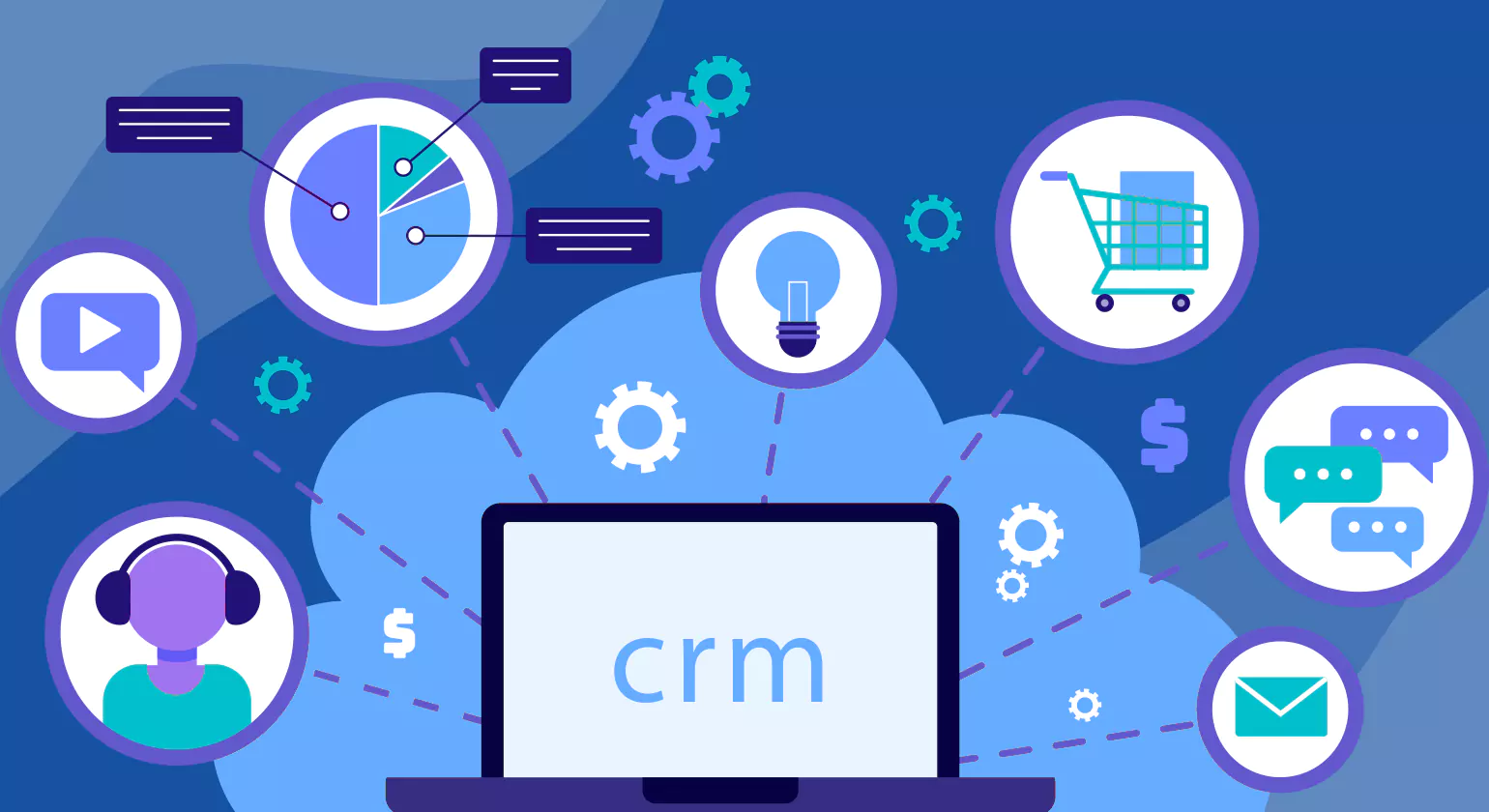
A well-connected system helps businesses manage customer interactions efficiently. Without proper integration, companies may face data silos, missed sales opportunities, and poor customer experiences. By linking essential tools, businesses can boost productivity and streamline operations.
1. Enhancing Customer Experience
Customers today expect fast, personalized service. When all customer data is stored in one place, support teams can quickly access relevant information and provide better assistance. This leads to improved customer satisfaction, stronger relationships, and increased brand loyalty.
- Customers expect quick responses and personalized interactions.
- Centralized data helps teams provide better support.
- Improved customer service leads to higher satisfaction and loyalty.
2. Improving Data Accuracy and Accessibility
Manually entering customer data can lead to mistakes, inconsistencies, and outdated records. An integrated system ensures that information is updated in real time, reducing errors and improving data reliability. Employees can access accurate records whenever needed, leading to smoother workflows.
- Manual data entry increases the risk of errors.
- Real-time updates ensure accurate and reliable information.
- Employees can quickly access data, leading to smoother operations.
3. Boosting Sales and Marketing Efforts
Sales and marketing teams rely on accurate data to reach the right audience. With CRM integration services, businesses can automate follow-ups, personalize messaging, and nurture leads more effectively. This results in better customer engagement and higher conversion rates.
- Better insights help target the right audience effectively.
- Automated follow-ups and lead nurturing improve conversions.
- Personalized messaging increases engagement and revenue.
4. Increasing Efficiency and Reducing Costs
Managing multiple disconnected systems can slow down operations and waste valuable resources. crm integration solutions simplifies processes, reduces manual work, and enhances team productivity. By improving efficiency, businesses can lower operational costs and focus on growth.
- Eliminates the need to switch between multiple systems.
- Reduces manual tasks and enhances team productivity.
- Minimizes inefficiencies, helping businesses save time and money.
Top Benefits of CRM Integration Services
CRM integrations offer a variety of advantages that can help businesses streamline their operations and enhance overall efficiency. By connecting multiple systems, companies can benefit from improved communication, better data consistency, and higher customer satisfaction. Let’s explore some of the key benefits of CRM integrations.
1. Streamlining Communication and Workflow with CRM Integration Services
Integrating your CRM with other business tools helps eliminate the need for back-and-forth communication between systems. By centralizing information, teams can easily access up-to-date records and avoid unnecessary delays. This smoothens communication, reduces errors, and enhances overall workflow efficiency. With integrated systems, employees can quickly find what they need, eliminating bottlenecks and boosting productivity across the board.
Benefits of Streamlined Communication
- Seamless data sharing between teams saves time and reduces confusion.
- Eliminates duplication of effort by providing a single source of truth.
- Employees can quickly collaborate on customer-related tasks, improving responsiveness.
- Faster communication leads to quicker decision-making, which drives business agility.
2. Enhancing Data Consistency Across Teams
Data consistency is critical when various departments are working on the same accounts or projects. An integrated crm integration services system ensures that all teams have access to accurate, up-to-date information. This consistency helps prevent miscommunication, improves decision-making, and boosts team performance. Without integration, teams may be working off different versions of data, leading to mistakes and confusion.
Key Advantages of Data Consistency
- Real-time data updates ensure everyone is on the same page, no matter their role.
- Reduces the risk of data discrepancies between teams, improving reliability.
- Improves collaboration by making customer data accessible to all departments, from sales to support.
- Facilitates better analytics, as all teams are using consistent, real-time information.
3. Improving Customer Retention and Experience
An integrated CRM allows businesses to track every customer interaction, which leads to a deeper understanding of their needs and preferences. This information can be used to provide personalized service, resolve issues quickly, and offer targeted solutions. As a result, customer loyalty and retention increase, and overall satisfaction improves. Integration also helps companies identify trends in customer behaviour, allowing for proactive engagement and better-tailored offerings.
Enhancing the Customer Journey
- Provides a 360-degree view of customer behaviour and history, ensuring personalized experiences.
- Helps offer more relevant recommendations and timely follow-ups, increasing engagement.
- Strengthens customer relationships through personalized and proactive service, ensuring long-term satisfaction.
- Reduces response times by giving support teams immediate access to customer information, creating a more seamless experience.
Types of CRM Integrations for Different Business Needs
Every business has unique needs when it comes to CRM integration. By connecting CRM with various tools across different departments, companies can optimize operations and provide better service to their customers. Let’s explore the different types of crm integration services and how they can be tailored to suit specific business needs.
1. Integrating CRM with Marketing and Sales Tools
Integrating CRM with marketing and sales tools helps businesses streamline the lead management process and improve conversions. This integration allows sales teams to track interactions, while marketing teams can focus on targeted campaigns based on data gathered from the CRM. Therefore, the connection between these systems makes the entire sales funnel more effective and efficient.
Types of Integrations
a. CRM with Email Marketing Software
By connecting CRM with email marketing platforms, businesses can segment audiences and send personalized messages, which, in turn, improves customer engagement. Consequently, emails are more relevant, leading to higher conversion rates.
b. CRM with Lead Generation Tools
crm integration services with lead generation software allows sales teams to manage and follow up on leads more efficiently, reducing the time between lead capture and conversion. This integration ensures that no lead is left unattended.
c. CRM with Marketing Automation Platforms
Connecting CRM with marketing automation systems helps businesses automate repetitive tasks, like sending emails or follow-up reminders. As a result, businesses save time, which leads to improved productivity and quicker decision-making.
d. CRM with Sales Pipeline Management Tools
Linking crm software integration with sales pipeline management tools ensures sales teams can track each stage of a deal. This integration allows businesses to prioritize leads more effectively, improving sales performance.
2. Connecting CRM to E-commerce and Payment Systems
For e-commerce businesses, connecting CRM integration services with payment systems provides a comprehensive view of customer behaviour and purchasing history. This integration is particularly helpful for tracking customer transactions and offering personalized recommendations based on their past purchases. Thus, businesses can create a more tailored shopping experience.
Types of Integrations
a. CRM with E-commerce Platforms (Shopify, Magento, etc.):
Integrating CRM with e-commerce platforms enables businesses to track customer orders, preferences, and behaviour’s. This connection makes it easier to create personalized shopping experiences and drive repeat purchases.
b. CRM with Payment Gateways (PayPal, Stripe, etc.)
By linking CRM with payment systems, businesses can manage payments, refunds, and transaction history. Consequently, this integration improves financial accuracy and ensures better customer service by resolving payment issues quickly.
c. CRM with Inventory Management Systems
Integrating CRM with inventory management systems helps businesses keep track of stock levels and order fulfilment. This ensures that customers are satisfied with on-time deliveries and prevents stock-outs.
d. CRM with Order Management Software
Connecting CRM with order management systems enables businesses to track orders in real-time. This integration makes it easier to offer excellent customer support and resolve any issues that may arise during the order process.
3. Social Media and Customer Service Integration
Integrating CRM with social media and customer service platforms ensures businesses can manage customer interactions efficiently across multiple channels. As a result, companies can respond more quickly to customer inquiries and resolve issues, which enhances the overall customer experience.
Types of Integrations
a. CRM with Social Media Platforms (Facebook, Twitter, Instagram)
By integrating CRM with social media platforms, businesses can track customer interactions across different channels. This allows businesses to respond quickly, ensuring customer satisfaction and building a stronger brand presence.
b. CRM with Customer Service Platforms (Zendesk, Freshdesk, etc.)
Linking CRM with customer service software helps businesses manage support tickets and inquiries in one place. As a result, this integration improves customer service efficiency and ensures that no request is overlooked.
c. CRM with Live Chat and Chatbot Systems
Connecting crm integration services with live chat tools and chatbots enables businesses to provide instant support to customers. Consequently, this integration ensures that customers receive timely assistance, while also gathering key information for follow-up.
d. CRM with Customer Feedback Tools
Integrating CRM with customer feedback platforms allows businesses to collect valuable insights into customer satisfaction. This information helps companies improve their products and services while responding to customer needs more effectively.
Popular CRM Solutions and Their Integrations
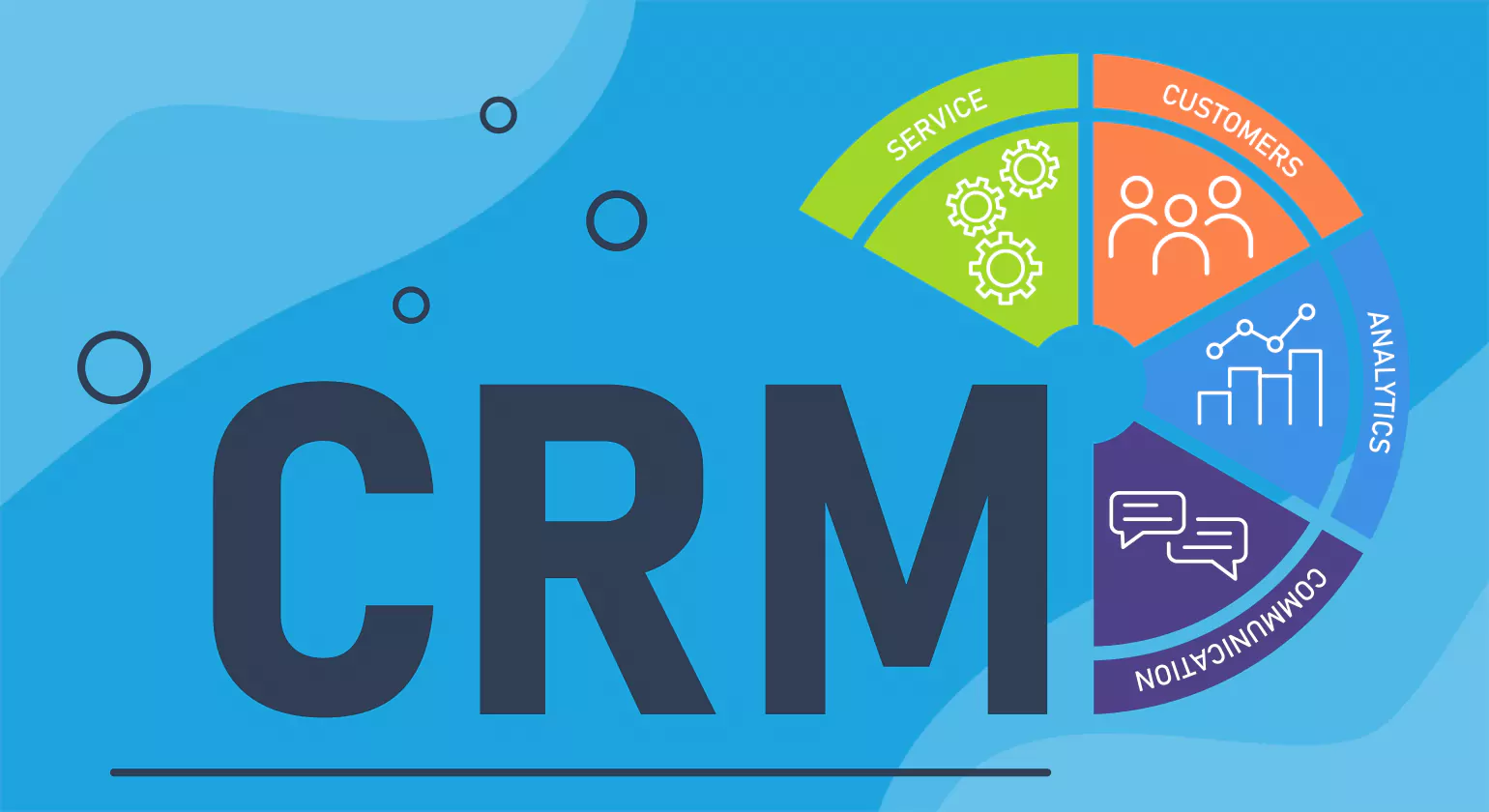
When it comes to CRM solutions, there are several popular platforms that businesses rely on. These solutions offer a wide range of integration options that help streamline processes and improve productivity. Let’s explore three of the leading CRM options—Salesforce, HubSpot, and Zoho—and how they integrate with other tools.
1. Salesforce, HubSpot, and Zoho: Key Options to Consider
Salesforce, HubSpot, and Zoho are among the most widely used crm software integration platforms. Each of them offers robust features and can be integrated with a variety of tools, helping businesses manage customer relationships more effectively. Here’s an overview of each platform’s key features and integration capabilities.
a. Salesforce
Salesforce is ideal for businesses with complex needs and large customer bases, offering highly customizable solutions and robust integration options. Some notable features include:
- crm integration services with tools like Google Workspace, Microsoft 365, and social media platforms, streamlining communication and data flow.
- Advanced APIs that allow custom integrations with industry-specific tools and applications.
- Seamless synchronization with other Salesforce solutions (Sales Cloud, Marketing Cloud, etc.) for a comprehensive customer management system.
b. HubSpot
HubSpot is known for its simplicity, ease of use, and extensive integration capabilities. Some highlights include:
- Integration with HubSpot’s own tools such as Marketing Hub, Sales Hub, and Service Hub, enabling businesses to manage all customer interactions in one place.
- Easy integrations with popular third-party platforms like Gmail, Mailchimp, Zapier, and Google Ads, enhancing marketing and sales efforts.
- An intuitive user interface that’s ideal for businesses looking for a flexible, yet easy-to-adopt CRM solution.
c. Zoho
Zoho is a budget-friendly CRM solution for small and medium-sized businesses, offering excellent value and a variety of integrations. Some key aspects are:
- Integration with applications like Google Suite, Microsoft Outlook, Slack, and Facebook, helping businesses create a more collaborative environment.
- Strong support for email, marketing automation, and analytics tools, ensuring seamless customer communication and efficient marketing strategies.
- Affordable pricing and customization options, making it accessible for businesses looking to scale their CRM usage.
2. Benefits of Connecting Your CRM to Popular Platforms
Connecting your CRM to popular platforms enhances operational efficiency and improves customer satisfaction. Below are some of the key benefits:
a. Unified Customer Experience
- Integrating CRM Integration services with e-commerce, payment systems, and social media tools ensures a seamless and consistent experience for customers across various touchpoints.
- This unified experience fosters brand loyalty, enhancing customer satisfaction and retention.
b. Real-Time Collaboration
- Integration ensures all departments (sales, marketing, support) have real-time access to accurate, up-to-date customer data.
- Teams can collaborate effectively, respond faster to customer needs, and provide personalized service.
c. Improved Marketing Automation
- Connecting CRM with marketing platforms allows for automating time-consuming tasks like email campaigns, follow-ups, and lead nurturing.
- Automation ensures timely, targeted communication, enhancing the overall customer experience.
d. Optimized Customer Retention:
- Integrating CRM with customer service platforms and feedback tools enables businesses to monitor and resolve customer issues more quickly.
- By responding proactively to customer concerns, businesses improve retention rates and build stronger customer relationships.
With CRM integration services, businesses can unlock the full potential of their CRM systems, making their operations more efficient and ultimately boosting customer satisfaction.
How CRM Systems and Integrations Improve Business Efficiency
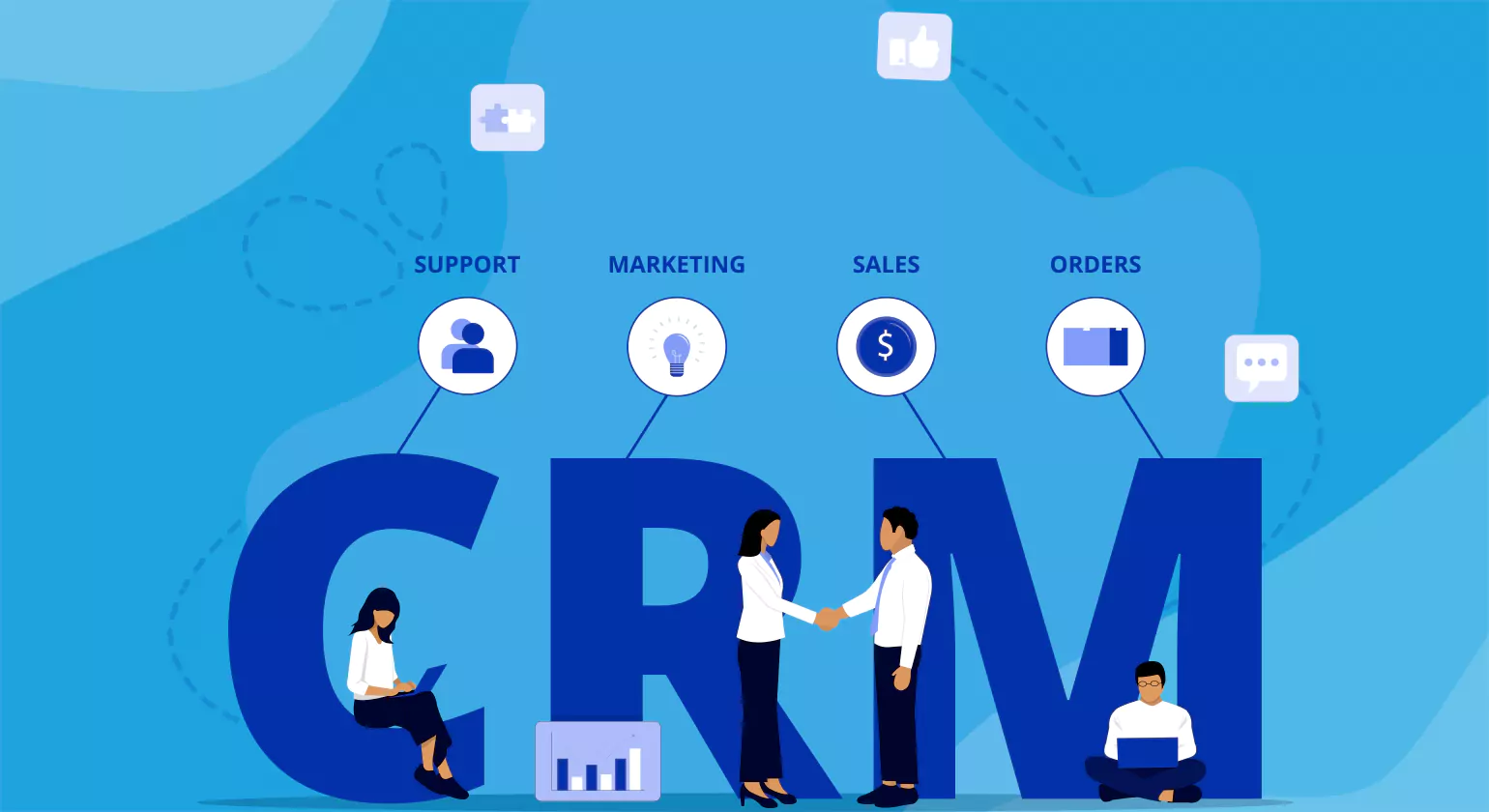
CRM systems, when integrated with other tools, offer businesses the ability to automate processes, centralize data, and improve collaboration. This leads to higher productivity and more effective decision-making. By leveraging CRM systems and integrations, businesses can streamline operations, reduce manual work, and better meet customer needs. Let’s explore how these systems contribute to overall business efficiency.
1. Automating Daily Tasks and Data Syncing
One of the key benefits of CRM systems and integrations is the ability to automate routine tasks and keep data synchronized across platforms. This automation helps businesses save time and reduce the likelihood of human error, ensuring a smoother workflow.
a. Automating Follow-ups and Reminders
- crm integration services with email and calendar tools ensure follow-ups and reminders are automated. This reduces the time spent on administrative tasks and ensures no customer interaction is missed.
- Automated reminders allow teams to stay on track with customer outreach and avoid delays in communication.
b. Streamlining Data Entry and Updates
- With CRM integrations services, data syncing across platforms becomes seamless, eliminating the need for manual data entry.
- This ensures that customer information is always accurate and up to date, reducing errors and enhancing overall data quality.
c. Task and Workflow Automation
- Integration with task management tools helps automate workflows, allowing teams to focus on higher-value tasks.
- Repetitive activities like data entry, scheduling, and reporting are automatically handled by the system, boosting efficiency.
2. Centralizing Customer Information for Better Decision-Making
Centralized customer data is crucial for informed decision-making. By integrating CRM with various tools like marketing platforms, payment systems, and customer service software, businesses can create a single, comprehensive view of their customers.
a. Single Source of Truth
- CRM systems act as the central hub for all customer-related data, including purchase history, interactions, and preferences.
- This centralized information allows businesses to make data-driven decisions, ensuring personalized and targeted customer experiences.
b. Better Forecasting and Reporting
- With integrated data from multiple platforms, businesses gain valuable insights that can improve sales forecasts and business strategies.
- CRM systems also enable real-time reporting, which helps teams track performance and make quicker adjustments as needed.
c. Improved Customer Segmentation
- Integrating CRM with marketing and analytics tools allows businesses to segment customers based on behaviour, demographics, and purchase history.
- This segmentation helps companies target specific customer groups with more relevant offers and marketing messages.
Choosing the Right Integration for Your Business

Choosing the right CRM integration is critical for optimizing your operations and meeting your business goals. To make an informed decision, businesses must assess their unique requirements, available resources, and objectives. The right crm integration solutions will streamline processes, improve customer interactions, and maximize ROI.
1. Factors to Consider Before Getting Started with CRM Integration Services
Before committing to CRM integration, it’s important to evaluate several factors that will affect the success of your integration services. Considering these aspects ensures that the integration process is smooth and beneficial for your business in the long term.
a. Business Size and Complexity
First, assess the scale of your business and the complexity of your processes. If your business is large or rapidly growing, you may require a CRM system that is highly customizable and can scale with you. On the other hand, smaller businesses might be able to get by with simpler solutions that are easier to implement.
The more complex your business structure, the more comprehensive your CRM system needs to be. Larger organizations often require advanced features and robust integrations that can handle a variety of business operations.
b. Budget and Resources
Consider the costs associated with both the CRM solution and its integration. CRM systems can range from affordable options for small businesses to more expensive, enterprise-level solutions for large organizations. Be sure to align your budget with the total cost, including any required integration services.
Additionally, think about your internal resources. Do you have a dedicated IT team to handle the integration, or will you need external consultants or integration service providers? The complexity of the integration process should align with your available resources.
c. Integration with Existing Systems
A critical factor is how well the crm software integration with your current software and business systems. If you’re already using tools like marketing platforms, ERP systems, or accounting software, it’s important that your CRM integrates smoothly with these tools.
CRM systems that offer pre-built integrations or open APIs tend to work better in established tech ecosystems. This reduces disruption and ensures your CRM functions optimally alongside your existing applications.
2. How to Match CRM Solutions to Your Company’s Needs with CRM Integration Services
Matching the right CRM solution to your company’s needs requires careful consideration of features, customization, and scalability.
a. Identify Key Features
- List the specific CRM features your business needs, such as sales automation, reporting, or customer support.
- Ensure that the CRM integrates seamlessly with other tools, such as email marketing or social media platforms.
b. Customization and Flexibility
- Look for a CRM system that allows for easy customization to match your unique workflows.
- A flexible CRM will ensure that your business can adapt to future changes without needing to switch systems.
c. Ease of Use and Training
- The CRM should be easy for your team to use without a steep learning curve.
- Choose a system that offers adequate training and user support to ensure quick adoption.
d. Long-term Support and Scalability
- Ensure that the CRM you choose can scale as your business grows.
- A CRM system with long-term support will help you address any issues and updates in the future.
Common Challenges with CRM Integration Services
While integration services offer numerous benefits, the process can come with challenges that businesses must address. Issues such as data migration, system compatibility, and user adoption can impact the success of the integration. By identifying these challenges early, companies can take proactive steps to overcome them.
1. Overcoming Data Migration and Syncing Issues
Migrating data from legacy systems to a new CRM can be complex, especially when dealing with large datasets and multiple data sources. Without a proper strategy, businesses risk data loss, duplication, or inconsistencies.
a. Data Mapping Difficulties
- Data fields in the old system may not align with those in the new CRM, causing errors.
- A detailed data mapping plan helps ensure accuracy and smooth migration.
b. Duplicate and Inconsistent Records
- When integrating multiple platforms, duplicate customer records can occur.
- Implementing data validation and deduplication tools can help maintain data quality.
c. Slow Data Syncing
- Large volumes of data can slow down synchronization, affecting real-time updates.
- Using cloud-based CRMs and automation tools ensures faster data syncing.
d. Security and Compliance Risks
- Sensitive customer data must be protected during the migration process.
- Following data encryption and regulatory guidelines ensures secure data transfer.
2. Addressing Compatibility Problems with Existing Systems
Many businesses rely on multiple tools for different functions, and ensuring compatibility between these systems and the CRM is crucial. Without seamless integration, businesses may face inefficiencies and data silos.
a. Legacy Software Limitations
- Older systems may not support direct integration with modern CRM platforms.
- Using middleware solutions or APIs can help bridge the gap between systems.
b. Inconsistent Data Formats
- Different applications may store data in varied formats, making integration difficult.
- Standardizing data formats before integration prevents mismatches.
c. Third-party App Restrictions
- Some third-party tools may have limited CRM integration capabilities.
- Checking for pre-built integrations or API support helps avoid unexpected issues.
d. User Adoption and Training Gaps
- Employees may struggle to adapt to the new system if it’s too complex.
- Providing proper training and ongoing support ensures a smooth transition.
Conclusion
CRM integration services play a crucial role in streamlining business operations and enhancing efficiency. By integrating systems, companies can automate workflows, improve data accuracy, and strengthen customer relationships. Moreover, a well-planned CRM strategy ensures seamless communication and better decision-making across departments. As a result, businesses can boost productivity and drive long-term growth.
Furthermore, centralized data helps organizations gain deeper insights into customer behaviour and market trends. This not only enhances customer satisfaction but also enables businesses to make informed strategic moves. Additionally, leveraging automation and AI-powered tools simplifies complex tasks and reduces manual effort. Consequently, teams can focus on more valuable initiatives that drive success.
Finally, selecting the right CRM solution requires careful evaluation of business needs and system compatibility. Investing in scalable and flexible integrations helps organizations adapt to changing demands. With the right approach, crm integration services can transform operations and deliver a competitive edge. Ultimately, businesses that embrace integration will achieve sustainable growth and operational excellence.
By understanding these challenges, businesses can take proactive steps to mitigate risks and ensure a seamless crm integration services. Addressing data migration and compatibility issues early on leads to a more efficient and successful CRM implementation.
Know More >>> CRM Development Services For Your Business Growth
>>> What Does a CRM Specialist Do? Key Roles & Essential Skills
FAQs
1. What are CRM integration services?
CRM integration services connect a CRM system with other business tools to automate workflows and improve efficiency. This helps streamline communication, data management, and customer interactions.
2. Why is CRM integration important for businesses?
Integrating CRM systems enhances productivity by centralizing data and automating tasks. It also improves customer relationships by ensuring seamless interactions across multiple platforms.
3. What types of CRM integrations are available?
Businesses can integrate CRM with marketing tools, e-commerce platforms, social media, and customer service software. These integrations improve data consistency and operational efficiency.
4. How do CRM integrations improve decision-making?
By centralizing customer data, businesses can gain valuable insights into customer behaviour and trends. This enables data-driven decision-making and better strategic planning.
5. What challenges do businesses face with CRM integration?
Common challenges include data migration issues, compatibility problems, and user adoption difficulties. Proper planning and training help overcome these obstacles.
6. How can businesses choose the right CRM integration?
Companies should assess their needs, budget, and existing software compatibility before selecting a CRM. Scalable and flexible integrations ensure long-term benefits.














