Table of Contents
Quick Blog Overview
- Comprehensive explanation of seo basics and the inadequacy of speed as a ranking factor
- Technical seo audit checklist including sitemaps, robots.txt, canonicals, redirects, and crawlability
- Best practices for Core Web Vitals and performance optimization for static sites
- Comprehensive on-page seo framework including keyword placement, internal linking, structured data, and content formatting
- Implementation plan including audit workflow, migration issues, and monitoring.
Why SEO for Static Website Matters More Than Ever

You’ve likely heard that static sites are the future. They are fast, secure, and incredibly sleek. But here is the cold truth: a fast site that no one finds is just a high-tech ghost town.
In the competitive US market, simply having a fast site isn’t enough. Many founders migrate to modern stacks only to watch their organic traffic vanish. This happens because they overlook the unique nuances of seo for static website architecture.
What Is a Static Website?
A static site is a fixed set of code files (HTML, CSS, and JS) that are identical for all users. Unlike WordPress, which generates a page from a database each time a user clicks, a static site is already set up and ready to roll.
Types and Tools of Static Site Generators (SSGs):
- Next.js: The best tool for React developers. It’s ideal for hybrid sites that require both speed and dynamic functionality.
- Hugo: Go-based, it’s renowned for being the fastest builder. Thousands of pages can be generated in seconds.
- Gatsby: Excellent for extracting data from multiple sources with GraphQL.
- Jekyll: Easy to use and trustworthy, it’s the original go-to for documentation and personal sites.
- Eleventy: A more straightforward, versatile option for those who prefer not to rely on heavy JavaScript libraries.
Static vs Dynamic Sites from an SEO Perspective
Dynamic sites are “heavy” and come with built-in functionality. Static sites are “light” but require manual setup. Since you don’t have a database doing the heavy lifting, every meta tag counts. This is where digital marketing virtual assistant services can really save you time.
How Search Engines Crawl Static Sites
Search engine spiders love static HTML. It is easy to read and requires less “computational budget” for Google to process. This gives you a massive head start in the indexing race because there are no complex scripts blocking the bot.
Why Fast Performance Alone Does Not Guarantee Rankings
Speed is a big ranking factor, but it is not the only thing you need to consider. If your website doesn’t have a logical structure, Google won’t understand what you are selling. Understanding seo for static website optimization means that your speed will actually be converted into search engine visibility.
Core Web Vitals and Performance Optimization

Google Core Web Vitals are the standard for measuring user experience. Static websites are naturally good at this, but you can still break them.
Page Speed vs SEO Performance
Page speed is the time it takes for content to appear. SEO performance is how that speed influences your ranking. In the US, where mobile speeds vary, high performance is non-negotiable.
Image Lazy Loading
Don’t make the browser download all the images at once. Lazy loading will make sure that the images are loaded only when they come into view. This will keep your load time extremely low.
Minifying CSS and JavaScript
Every extra line of code is a hurdle. Minification strips away spaces and comments. This makes your site leaner and much faster for search spiders to crawl.
CDN Configuration and Hosting Considerations
It is essential to use a Content Delivery Network (CDN) such as Cloudflare or Vercel. This will put your website on servers around the world. This way, a visitor from New York will have the same speed as one from Los Angeles.
Mobile-First Optimization Best Practices
Google follows mobile-first indexing. Your static site needs to be responsive. Make sure buttons are click-friendly and text is readable on smaller screens without zooming.
Technical SEO Foundations for Static Site SEO
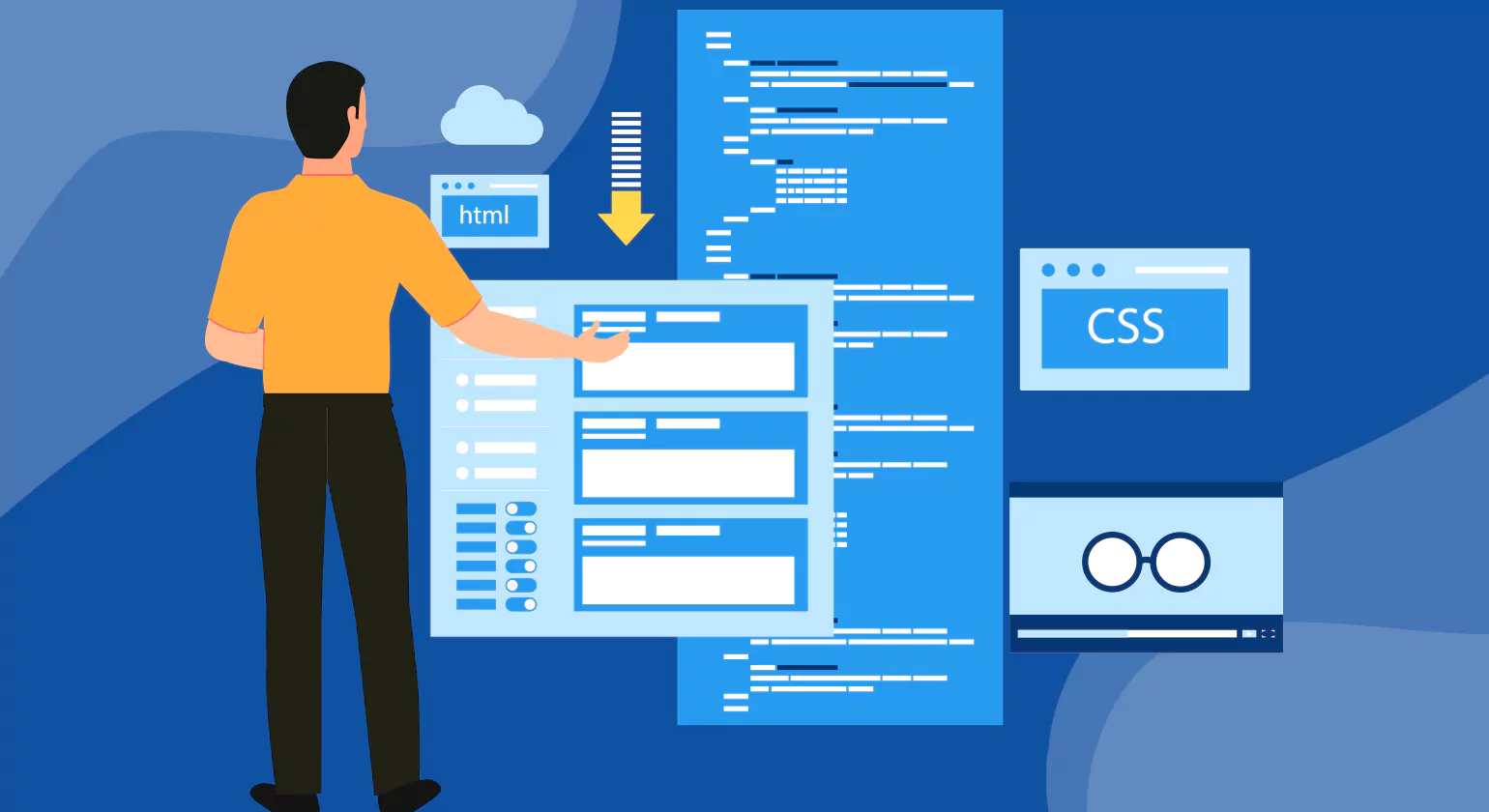
Technical SEO is the “under-the-hood” part. For a static site SEO strategy, this involves making sure search engines can crawl all pages.
Clean URL Structure and Logical Architecture
Keep your URLs short and descriptive. A clean structure like /services/seo-audits is much better than /p=12345. This helps users and bots understand the page hierarchy.
XML Sitemap Creation and Submission
A sitemap is a Google roadmap for seo for static website. As you don’t have a database, you need to use build-time plugins to generate an updated XML sitemap each time you deploy your site.
Robots.txt Configuration Best Practices
Your robots.txt file is a map of where crawlers can and can’t go. Be sure you aren’t accidentally blocking your most important pages.
Canonical Tags and Duplicate Content Handling
Static site generators sometimes create multiple paths to the same page. Using canonical tags tells Google which page is the “master” page.
Redirects (HTTP to HTTPS and Trailing Slash Consistency)
Consistency is important. Be sure your site always points to the HTTPS version. Also, choose whether you want trailing slashes (like /blog/) and stick with it to avoid having “split” authority.
Fixing Orphan Pages and Internal Crawl Gaps
An orphan page is a page that isn’t linked to from any other page. These pages are hidden from search engines. Regular audits make sure that every page is part of your link network.
On-Page SEO Static Website Checklist

On-page SEO is all about what the user sees. This is where you show Google that your content is the best possible answer to a question about seo static website topics.
Optimizing Title Tags and Meta Descriptions
These are your billboards in the search engine results, especially when targeting seo for static website. Your main keyword should be placed near the beginning of your title tag.
Proper H1 H2 H3 Structure
Organize your page like an outline. Use one H1 for your title, H2s for big sections, and H3s for subtopics.
Keyword Placement for SEO Static Website Pages
Organically place your keywords in the first 100 words, in at least one subheading, and in the conclusion. If you need assistance with the writing, look into content creation services.
Internal Linking Strategy for Static Sites
Link to other relevant pages. This will keep your users interested for longer and will help to distribute “link equity” to your most important sales pages.
Image Optimization (Alt Text, Compression, WebP)
Always include alt text for accessibility. Use modern formats like WebP, which offer better compression than traditional JPEGs.
Content Formatting for Featured Snippets
Google loves to feature direct answers in Position Zero. Use bullet points and short paragraphs to increase your visibility.
Structured Data Implementation (JSON-LD, FAQ Schema)
JSON-LD schema offers “additional” information such as star ratings or FAQ toggles. It’s a fantastic way to differentiate your seo for static website results.
Performance, Core Web Vitals and Hosting Optimization

Performance is the number one reason developers choose static. Let’s examine how to preserve this advantage.
Metric | Static Advantage | Optimization Tip |
LCP | Pre-rendered HTML loads instantly | Optimize hero images |
FID | Minimal server-side execution | Defer non-essential JS |
CLS | Stable layout without dynamic ads | Set dimensions for images |
Core Web Vitals Explained for Static Sites
These values assess loading speed, interactivity, and visual stability, all of which affect seo for static website. Static sites will ace these tests because they don’t depend on database queries, which are slow.
Image Lazy Loading and Asset Optimization
In addition to lazy loading, implement “image sets.” This delivers a small image to a phone browser and a larger image to a desktop browser.
Minifying CSS and JavaScript
New build tools handle this automatically. Just make sure your configuration is set to “production mode” to deliver the smallest files to your users.
CDN Configuration Best Practices
Configure your “Cache-Control” headers properly. Since your content is static, you can set high cache values for maximum speed.
Mobile-First Indexing Considerations
Verify your font sizes. If they are too small on a mobile device, Google will negatively impact your UX score. A default size of 16px is typical.
Hosting Factors That Affect Crawl Speed
The quicker your server loads, the more pages Google can crawl. Quick hosting on Netlify or similar services enables Google to discover your new content much faster.
Step-by-Step SEO for Static Website Implementation Plan

Now, let’s talk implementation. If you’ve recently launched, here’s what you need to do to ensure your seo for static website launch is smooth.
Static Site SEO Audit Checklist
- Run a Google Lighthouse report.
- Check for broken links using Screaming Frog.
- Verify your SSL certificate is active.
- Ensure your sitemap is live.
Fixing Common Migration Mistakes from WordPress
The first thing you need to avoid is losing your URL structure. If your old blog was /blog/post-name, you need to implement 301 redirects to preserve your rankings. If this is too much to handle, our development services can implement the transition for you.
Testing Crawlability and Indexing
Use the “URL Inspection” tool in Google Search Console. This will give you a clear idea of how Google views your page and help you identify rendering issues early on.
Tools Required
- Google Search Console: For health monitoring.
- Screaming Frog: For technical audits.
- PageSpeed Insights: For performance tracking.
Ongoing Monitoring and Optimization Workflow
SEO is not a one-time event. Check your rankings weekly. Update older evergreen content every few months to keep it fresh and relevant.
Mini Case-Style Examples of Ranking Recovery
A US-based tech startup moved their site to Next.js but forgot to include meta descriptions. Their click-through rate dropped. By fixing the metadata template, traffic recovered in two weeks.
Another user had orphan pages that weren’t in the navigation. Once we added them to the footer, those pages jumped into the top 10 results within a month.
How Virtual Assistants Can Help You Execute
Look, I understand this sounds like a lot. You’re busy with your business or handling your developers. The technical aspect is where the best seo for static website plans usually go south.
This is precisely where an SEO Virtual Assistant steps in. You don’t have to learn how to edit config files or how to manually compress 500 images. Our team is the bridge that connects your fast website and the search engine results you are entitled to. We offer the technical implementation that makes seo for static website effective for your bottom line.
Conclusion & Next Steps
Static sites provide an amazing opportunity to own the search results. By leveraging the natural speed of HTML and technical accuracy, you can beat out much larger sites.
Your 30-day roadmap starts now:
- Audit your current site for technical gaps.
- Optimize your images and meta tags.
- Set up a consistent internal linking plan.
But if the technical aspect seems too much, don’t let it hold you back from progressing. Contact us and learn how having a personal assistant can remove these responsibilities from your shoulders and help your website rank higher today.
Get more insights >>> 10 Essential Web Optimization Services to Enhance User Experience
>>>> Top 10 US Companies That Outsource to Stay Competitive
FAQs
1. Do static websites rank well in SEO?
Yes, static websites can rank very well if the technical fundamentals are implemented correctly. They are fast-loading, have clean code, and enhance Core Web Vitals, which are preferred by search engines. With correct keyword optimization, internal linking, structured data, and quality content, a static website can perform very well in search engine rankings and retain them steadily.
2. How to create sitemap for static website SEO?
For the generation of a sitemap for a static website, you can use build tools or static site generators that can automatically generate an XML sitemap during the deployment phase. Next.js or Hugo, for instance, have plugins for this. After which, you can then submit your sitemap to Google Search Console to help search engines crawl and index your web pages effectively.
3. Can I use Yoast SEO plugin for static sites?
Yoast SEO is primarily intended for WordPress, so it is not directly compatible with static HTML websites. But you can implement the same thing manually by adding meta titles, descriptions, canonical URLs, and structured data. Static site generators also have SEO plugins with similar functionality.
4. Is CDN necessary for static website SEO?
A CDN is not required, but it is highly beneficial for performance. It will distribute your static files across servers worldwide, which will then reduce the loading time for users in other regions. This will improve the delivery speed, which will improve user experience and Core Web Vitals, thereby indirectly helping with search visibility and rankings.
5. How to add meta tags to static HTML for SEO?
You can add meta tags directly inside the head section of your HTML file. Include a clear title tag, meta description, viewport tag, and relevant Open Graph tags. Ensure each page has unique metadata aligned with search intent so crawlers understand your content and index it accurately.