

Table of Contents
Picture having a helper who never sleeps. It’s always ready to answer your questions. That’s what virtual assistants and chatbots do. They are smart programs that chat with people. In schools, they support both students and teachers. These helpers give quick answers to everyday questions.
Skilled chatbot can walk you through advanced math problems or remind you when homework is due. Teachers use them to handle boring, repetitive work to save time so they can focus on lessons. Companies like OpenAI and Google create these tools. Their technology is now in many classrooms. Over the last ten years, AI has become a significant part of how students learn today. In this review we’ll go through the most useful AI tools for education.
Pros and Cons of AI Tools in the Classroom
AI tools bring various benefits to learning. They adjust to each student’s speed. This means lessons don’t move too fast or too slow. Tools for education give instant feedback and if you get something wrong, you can fix it right away.
Teachers get help, too: AI can take care of grading and paperwork. This frees up teachers to spend more time explaining lessons. These tools are always available so you can study whenever it works best for you. AI programs hold a huge amount of knowledge. You can find answers to almost anything.
But AI has some downsides. It isn’t perfect – sometimes it gives wrong answers. Relying too much on AI can also make students lazy. People might let AI do their work instead of learning. Advanced AI tools can cost a lot of money and not every school or student can pay for them. Youth in poor neighborhoods don’t have the right devices to use AI. All these factors make learning harder for those in poor or faraway places.
Pros:
- Personalization of the learning process. AI adjusts lessons to fit each student. This helps kids learn at a speed that works for them.
- ?..,.mnb v uick feedback. Chatbots answer questions right away. Students can correct mistakes before moving on.
- AI offers help for teachers. It does grading and other tasks to give teachers more time to teach.
- Always available – tools are ready anytime. Pupils can study whenever they need to.
Cons:
- Wrong answers. It sometimes makes mistakes that can confuse students.
- Encourages laziness. Some youth may depend too much on AI. They might not try to learn on their own.
- Costs money. The best AI tools aren’t free. Many schools can’t afford them.
- Not for everyone. Some learners don’t have phones or computers. Virtual assistants won’t help them if they can’t use them.
Top Virtual Assistants and Chatbots for Classroom Education
Duolingo
This is a language-learning app. It comes with lessons in more than 40 languages. Duolingo helps people practice all language skills from reading to speaking. The app feels like a game. It has streaks and levels to keep users interested. Recently, Duolingo added new AI-powered features. One of them is “Video Call” – it lets premium users talk to an AI character named Lily. Another feature is “Adventures” – it is a game-like way to practice a language while traveling to different places.
Edubrain.ai
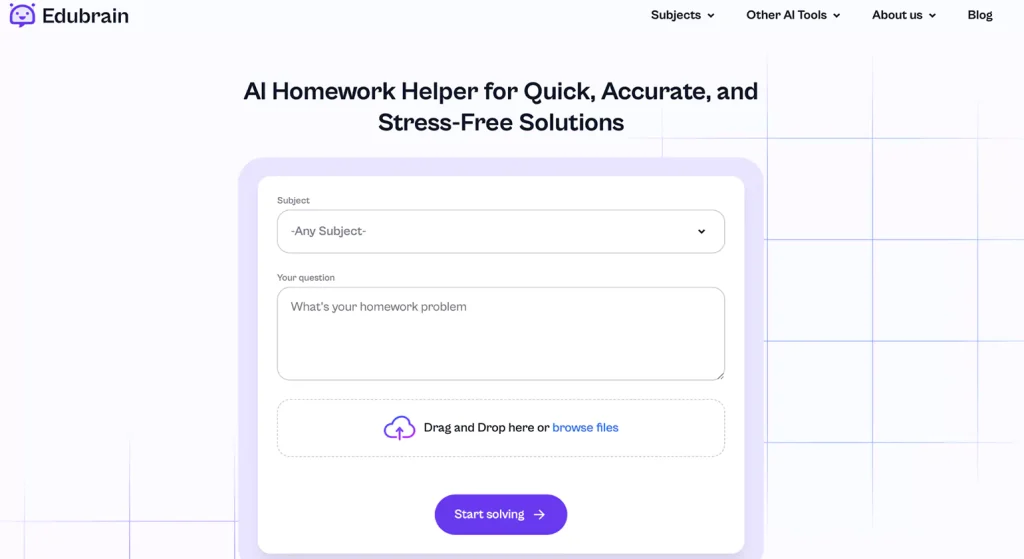
This is an AI helper for homework. It solves school and college tasks and can read them from pictures. College students can take a photo of their homework and ask an AI answerer by EduBrain for step-by-step explanations. The tool works for subjects like math, science, and history. It explains solutions clearly, so students can understand instead of just copying answers. You can use Edubrain.ai for online help on a phone, tablet, or computer. This makes it easy to access anywhere.
Khanmigo
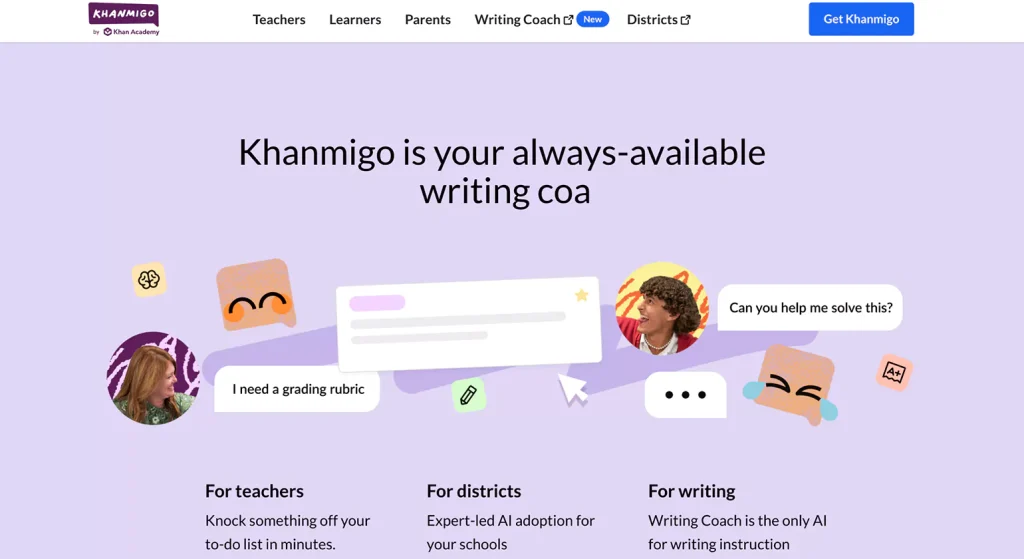
Khanmigo is an AI tutor created by Khan Academy. It helps students with math, science, history, and coding. Instead of simply giving answers, Khanmigo asks questions and gives hints. This helps students think through problems on their own.
Teachers can also use Khanmigo to make daily tasks easier. It helps create lesson plans, suggests classroom activities, and provides useful teaching materials. Khanmigo is available for learners 18 and older. It costs $4 per month to use.
Jill Watson
This is a virtual teaching assistant from Georgia Tech that uses AI to answer student questions in online classes. It was first created in 2016 using IBM’s Watson technology. The tool was made to handle a lot of student questions in online courses.
It works in online forums and responds to common questions. Jill gives human teaching assistants more time to help with harder topics. Over time, Jill has improved and can now handle longer conversations based on course materials.
Newer versions of Jill Watson use advanced AI, including ChatGPT. This makes it even clever at talking with learners and helping them learn. Practice shows that Jill Watson helps students do well in online class.
MagicSchool AI's Custom Chatbot
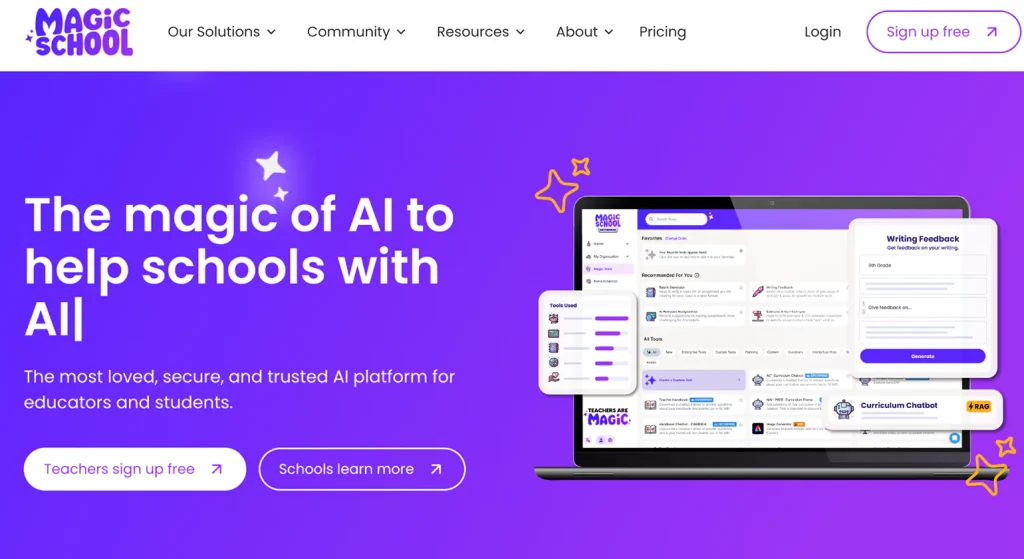
A program that lets teachers build their own chatbots that help pupils get answers in a minute. A teacher can make one to remind students about homework or test dates. This saves time for both
Teachers can use chatbots as well to share fun facts or daily tips. This makes lessons more interesting when chatbot works like a digital helper. It keeps students updated and takes care of common questions, so teachers can focus on more complicated topics.
AutoTutor
An AI tutor built at the University of Memphis. It chats with people like a real teacher and helps with subjects like physics and computer skills. It asks questions and leads students to find solutions on their own.
For example, AutoTutor can talk about Newton’s laws. It explains ideas step by step – if a student is confused, it gives hints instead of the full answer. This encourages students to think instead of memorizing. The back-and-forth conversation makes learning natural. It feels like talking to a patient tutor who never gets tired.
Edcafe AI
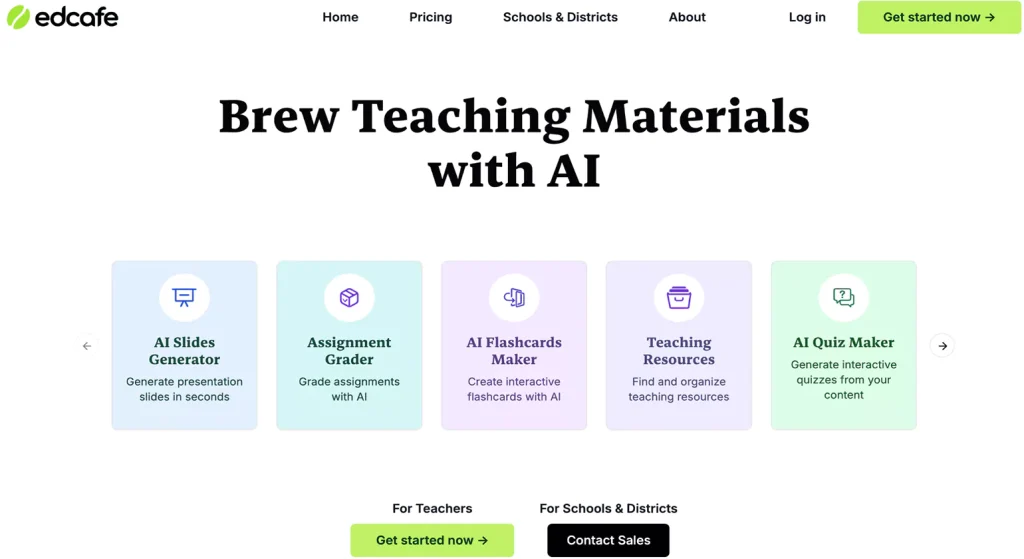
Another useful tool that lets teachers make chatbots for education purposes. These programs answer common questions from students. They can also share useful resources, like reading lists or study guides.
The goal is to help teachers save time. Chatbot can answer popular questions and explain popular topics. Pricing depends on which features a school or teacher chooses. This tool helps classrooms run as it gives students straight answers while letting teachers focus on lessons.
Mizou
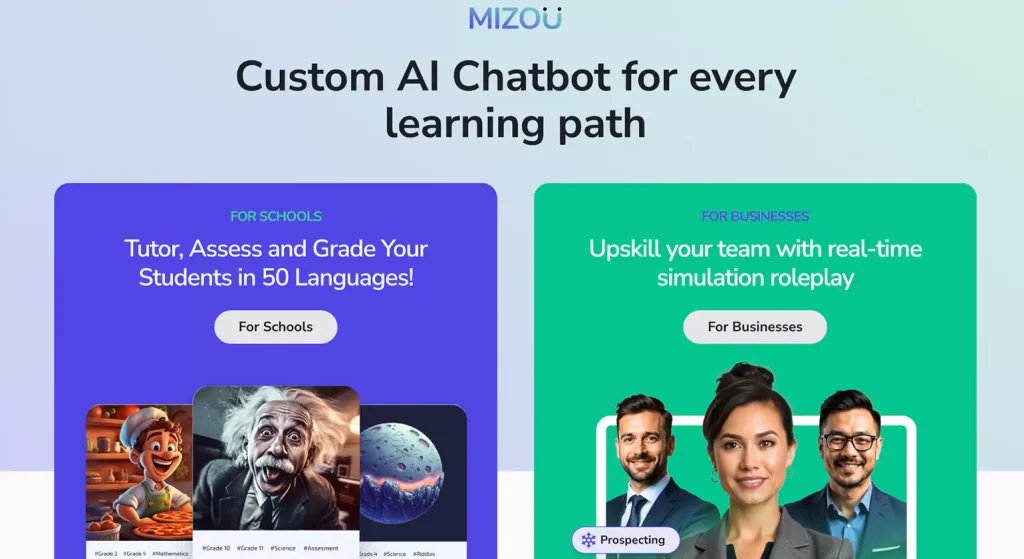
Free tool that lets teachers build their own AI chatbots. Similar to Edcafe, Mizou chatbots work like virtual assistants for students. They can ask questions, check answers, and even explain mistakes.
A teacher can set up a chatbot to quiz learners on a lesson. The chatbot gives feedback right away. This helps pupils learn faster because they explain common topics excellently. Teachers don’t need to craft small quizzes on their own, Mizou can do it for them.
iTalk2Learn
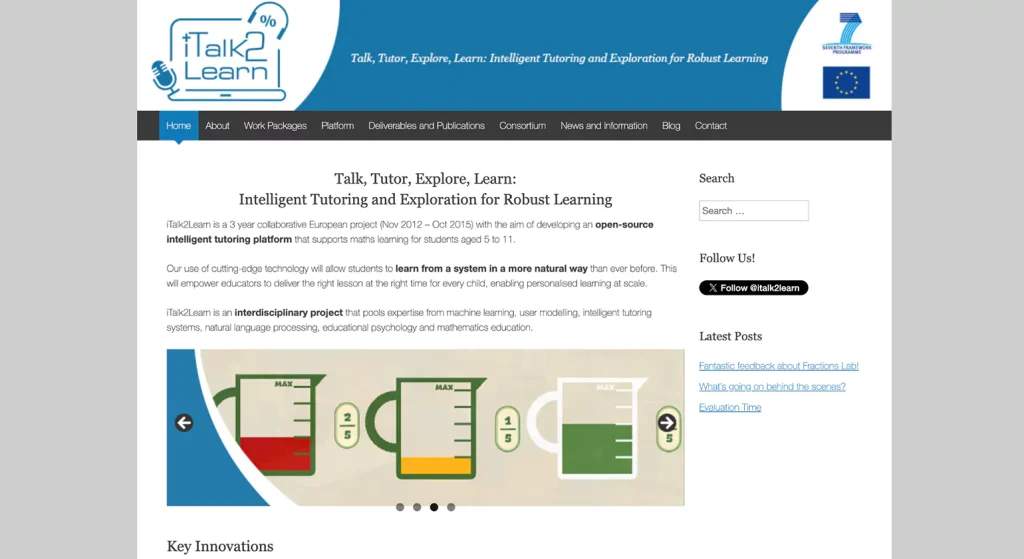
Online tutor made for kids aged 5 to 11 is assistant in our review for the youngest age. It helps with math, especially fractions. It does not give problems to solve, instead, it lets kids explore math through different activities.
One special feature is speech recognition. Students can speak to the system, and it listens. Then, it figures out how well they understand the topic. If a child struggles, iTalk2Learn offers extra help. It adjusts to each child’s needs so education feels natural this way.
Botsify
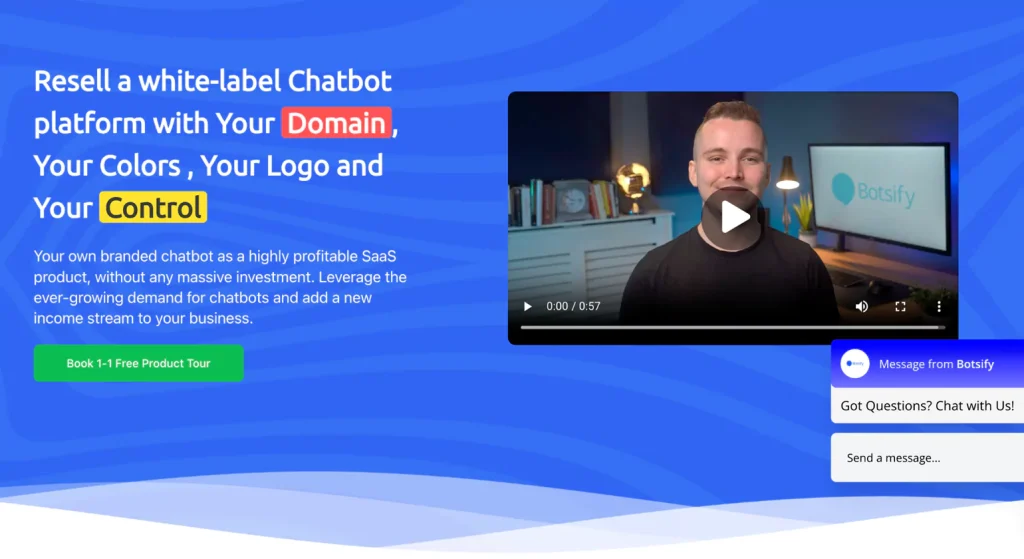
Teachers and schools can create AI chatbots with this program. No coding skills are needed. These chatbots help with school tasks, like answering common student questions and helping with course sign-ups.
A student can ask a chatbot about an assignment deadline and receive an instant answer. Teachers can also use Botsify to create short quizzes or give quick study tips. This makes learning easier and keeps students on track. Botsify offers different price plans, starting at $49 per month. This basic plan includes unlimited chatbot use and simple data tracking.
Iris
A smart tutor built inside the Artemis learning system. It helps students who are learning to code. It doesn’t offer simple answers, it drops hints and asks questions to make students think.
If a student runs into a coding problem, Iris checks the mistake. Then, it gives clues instead of showing the full solution. This pushes pupils to figure things out on their own. It helps them think better and solve problems step by step. People like Iris because it responds right away. It also makes studying feel more personal, like having a tutor who is always there.
CS50 Duck
The CS50 Duck is an AI chatbot used in Harvard’s beginner coding class, CS50. It helps learners with programming tasks. CS 50 answers questions and explains tricky coding ideas.
When a person struggles with loops or functions, the Duck steps in. It explains things in simple words and shares links to helpful materials. This tool makes learning easier and gives students quick help whenever they need it. Harvard added the CS50 Duck to make AI more useful in classrooms.
SnatchBot
Alternative chatbot builder that helps schools create virtual assistants. Functionality in general duplicates previous tools. Teachers and students can use SnatchBot as it helps with things like signing up for courses and answering school-related questions. SnatchBot works in many languages and can connect with different apps. This makes it easy to use for schools everywhere.
Mongoose Harmony
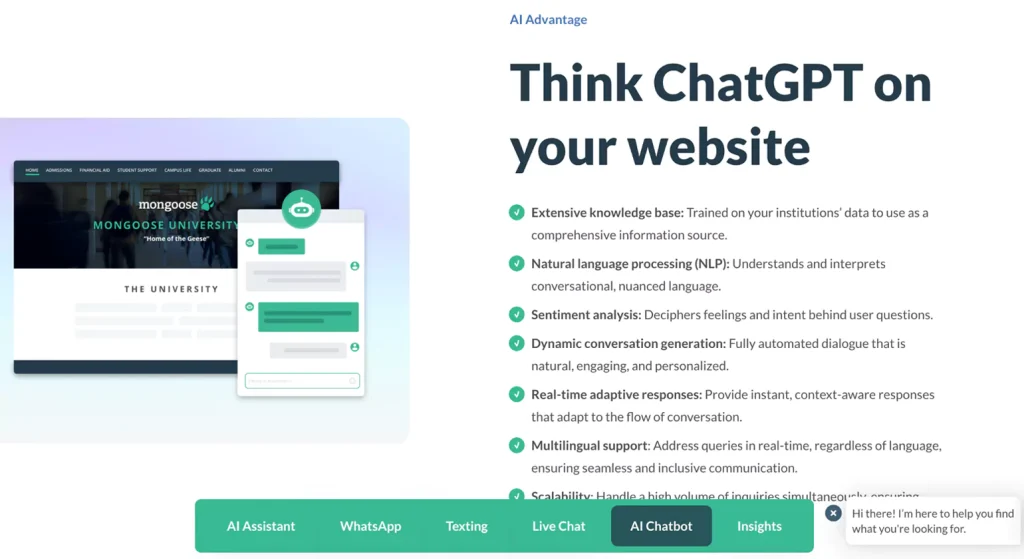
One more chatbot built for colleges and universities. It helps schools talk to students faster. It gives quick answers about classes, deadlines, and applications.
Students might ask about the last day to apply. The chatbot replies right away. This saves time for staff and makes the process smoother for learners. Schools use Mongoose Harmony to handle large numbers of questions without delays.
QnABot by Amazon
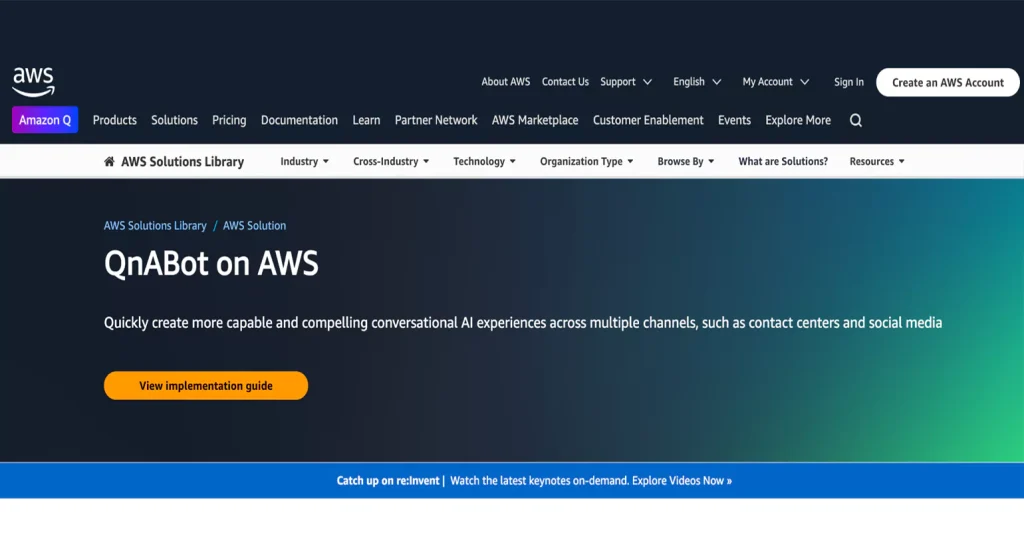
And finally, a chatbot made by Amazon Web Services. Schools use it to answer common questions from students and teachers. It understands natural speech, so users can ask questions the way they normally talk. QnABot works in various languages. It can also be added to different apps and websites. Running the basic version in the US East (N. Virginia) area costs about $547.33 per month.
Why Students Genuinely Like AI?
Pupils like AI because it makes learning easier. These tools change based on how each student learns. If a lesson is too easy, AI makes it harder. If a person struggles, AI gives extra help. This keeps learning from being too boring or too stressful.
AI is Flexible. Not every student learns the same way. Some pick up new ideas fast. Others need more time. Teachers try to explain things in a way that helps everyone, but this is hard. AI can change its teaching style to match each personality.
A study by McKinsey found that learning made just for one student can help them do better by 30%. AI can track mistakes and offer lessons based on past work. This helps improve faster.
Virtual Assistants are Less Stressful. Some feel nervous asking teachers questions. They do not want to look foolish in front of the class. AI does not judge and answer every question, no matter how simple.
AI tools also explain things in different ways. If a student does not understand something, AI can try again with a new example. This helps them learn without any frustration.
AI Feels Like a Study Partner. Online helpers more than give answers. They explain in detail, like a tutor. Some AI tools can talk like a real person. This makes learning feel easier.
Some AI tools even match their tone to the student’s style. This makes studying feel natural. When people feel relaxed, they learn easier and faster.
Releted Blogs >>>>> AI Chatbot Development Services
Top In-Demand Virtual Assistant Niches for Businesses in 2026
60+ Virtual Assistant Tools To Boost Productivity in 2026














