Table of Contents
Introduction
Developer productivity tools are essential for optimizing workflows, enhancing collaboration, and improving coding efficiency. These tools help developers manage tasks, automate repetitive processes, track progress, and streamline communication. From code editors and version control systems to project management and automation tools, the right productivity solutions can significantly boost a developer’s efficiency. Choosing the best tools depends on factors like ease of use, integration capabilities, performance, and scalability. By leveraging effective productivity tools, developers can minimize distractions, focus on writing high-quality code, and accelerate project delivery, ultimately leading to better software developer productivity tools and team efficiency.
Ready to supercharge your development workflow? Explore the top developer productivity tools today and take your coding efficiency to the next level!
What Is Developer Productivity Tools?

Developer productivity tools are software solutions designed to enhance efficiency, streamline workflows, and improve code quality. These tools help developers manage tasks, collaborate effectively, and automate repetitive processes, allowing them to focus on writing high-quality code. From integrated development environments (IDEs) like Visual Studio Code to version control systems like Git, dev productivity tools for developers play a crucial role in optimizing software development.
Popular productivity software developer productivity tools include code editors, debugging tools, project management software, and CI/CD pipelines. Platforms like Jira and Trello help teams organize tasks, while automation tools such as Jenkins and GitHub Actions ensure smooth deployment processes. Additionally, communication tools like Slack and Microsoft Teams enable real-time collaboration, reducing bottlenecks in development cycles.
By integrating the right productivity tools into their workflow, developers can accelerate project timelines, reduce errors, and maintain high coding standards. These tools not only improve individual efficiency but also enhance team collaboration, leading to more innovative and reliable software solutions.
Why Should Developers Use Productivity Tools?

Developer productivity tools should use productivity tools to streamline workflows, reduce manual effort, and enhance code quality. These tools help automate repetitive tasks, such as testing, deployment, and version control, allowing developers to focus on writing and refining code. Integrated development environments (IDEs), debugging tools, and project management software improve efficiency by offering features like syntax highlighting, error detection, and real-time collaboration. Additionally, tools like Git for version control and Docker for containerization ensure smooth and consistent development environments, minimizing compatibility issues.
Beyond efficiency, productivity tools for developers enhance teamwork and project management. Platforms like Jira, Trello, and Asana enable developers to track progress, set deadlines, and manage tasks effectively, ensuring projects stay on schedule. Communication tools like Slack and Microsoft Teams facilitate seamless discussions, reducing misunderstandings and speeding up decision-making.With automation tools such as Jenkins and GitHub Actions, developers can implement continuous integration and deployment (CI/CD), leading to faster release cycles and higher software reliability. By leveraging software developer productivity tools, teams can not only boost their productivity but also contribute to more efficient and successful software development projects.
15 Best Developer Productivity Tools
1. GitHub

Overview
GitHub is the most widely used platform for version control and collaboration, offering a cloud-based Git repository hosting service. It provides an intuitive interface that enables developers to track changes, manage code versions, and work seamlessly in teams. GitHub supports pull requests and code reviews, fostering collaborative software developer productivity tools. Additionally, it integrates with CI/CD tools, ensuring automated deployments and testing. GitHub’s ecosystem includes GitHub Actions for automation, GitHub Copilot for AI-assisted coding, and security features to scan and protect repositories from vulnerabilities. It is an essential tool for open-source projects, startups, and enterprises.
Key Features
- Git-based version control
- Collaborative code review and issue tracking
- CI/CD integration for automated workflows
- Secure and scalable repositories
2. GitLab

Overview
GitLab is a comprehensive DevOps platform that combines version control, continuous integration/continuous deployment (CI/CD), and security features in one solution. It offers a streamlined workflow, enabling teams to build, test, and deploy software efficiently. GitLab’s built-in issue tracking and Agile project management and developer productivity tools support sprint planning and collaboration. The platform includes powerful security scanning, helping developers identify vulnerabilities early in the development cycle. Kubernetes integration makes it ideal for cloud-native applications. GitLab provides both a cloud-based and self-hosted version, catering to various enterprise needs. Its emphasis on automation and security makes it a preferred choice for development teams.
Key Features
- Built-in CI/CD for automated deployment
- Issue tracking and Agile project management
- Code quality and security scanning
- Kubernetes integration
3. CodeStream
Overview
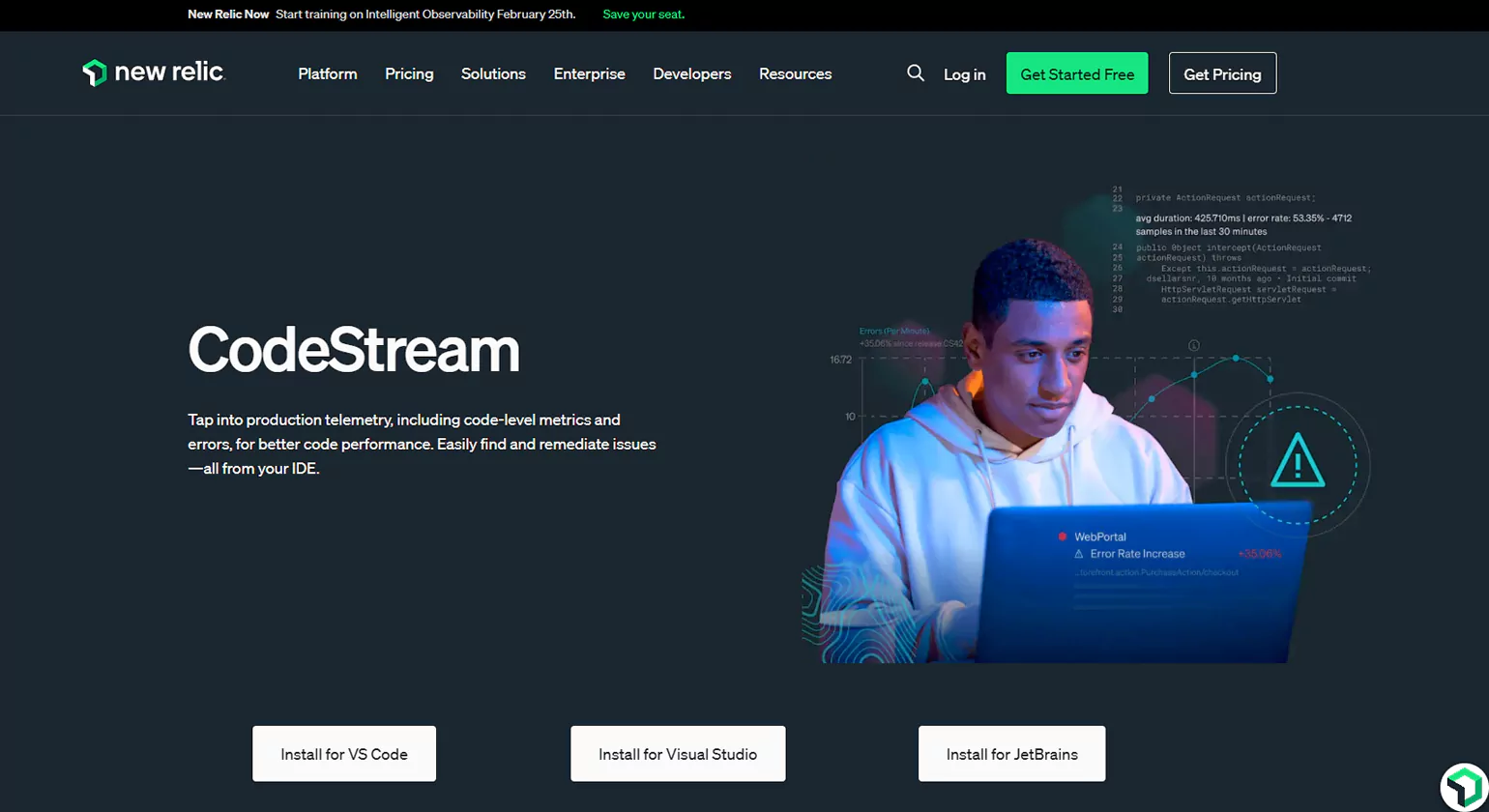
CodeStream enhances developer collaboration by allowing code discussions and pull request management directly within integrated development environments (IDEs). This eliminates the need to switch between tools, improving workflow efficiency. Developers can comment on specific code lines, request feedback, and link issues from platforms like GitHub, GitLab, and Bitbucket. CodeStream supports VS Code, JetBrains, and Visual Studio, making it a versatile choice for teams working across different environments. It enables real-time communication, reducing reliance on external tools like email and chat apps. By integrating code reviews into the development workflow, CodeStream improves collaboration and code quality.
Key Features:
- Code discussion and review within IDEs
- Integration with GitHub, GitLab, and Bitbucket
- Supports VS Code, JetBrains, and Visual Studio
- Real-time feedback on code changes
4. Linear
Overview
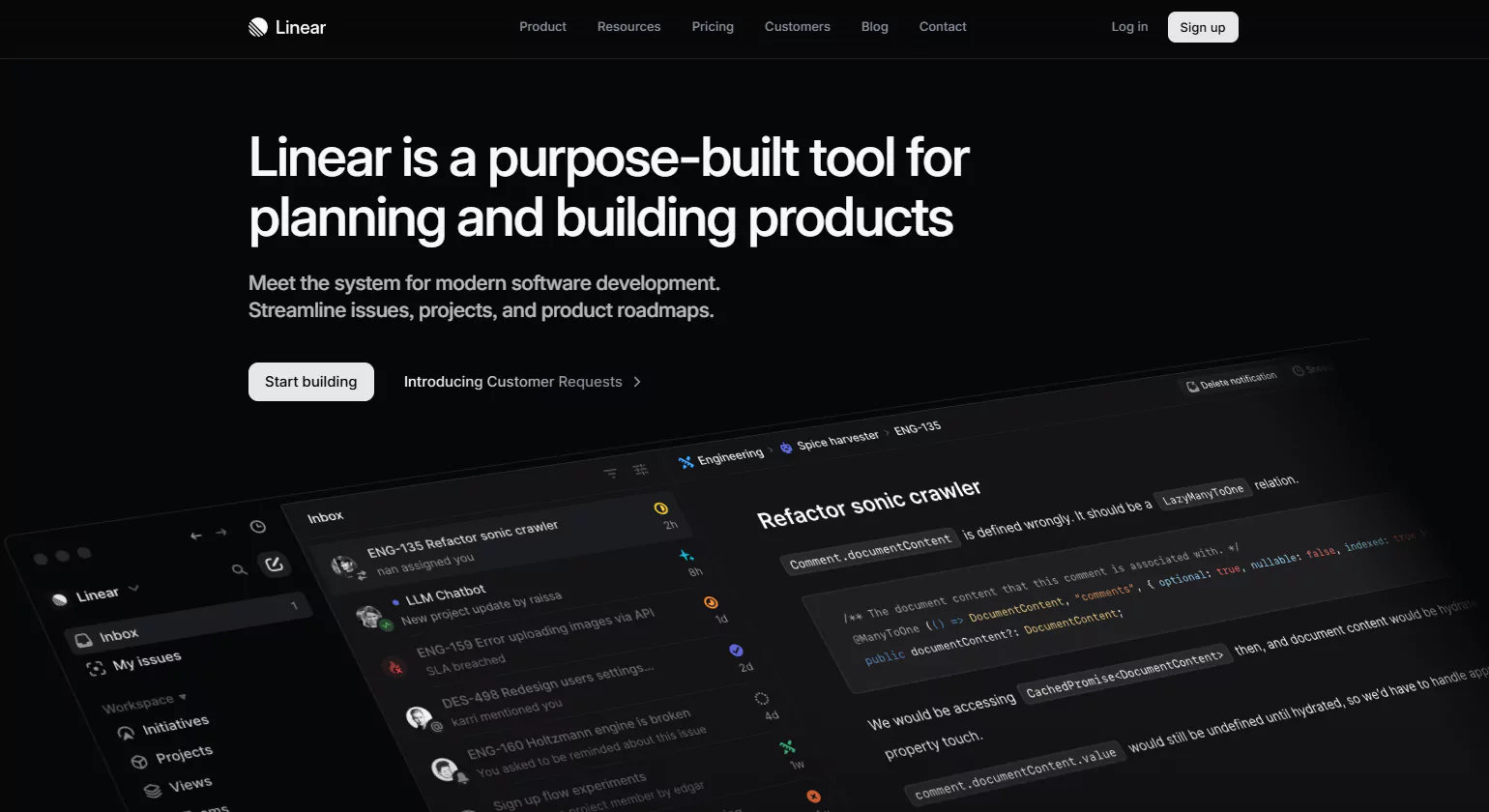
Linear is a modern issue-tracking and project management tool designed for high-performance development teams. Its sleek and minimalistic interface enables developers to manage tasks efficiently while maintaining focus. Linear’s keyboard-driven navigation speeds up workflows, reducing reliance on mouse clicks. It integrates seamlessly with GitHub, Slack, and other tools, allowing for smooth collaboration. Automated workflow management ensures that tasks progress through different development stages effortlessly. Customizable views and filters help teams prioritize issues effectively. With a strong emphasis on speed and usability, Linear is an excellent alternative to traditional project management tools like Jira.
Key Features
- Keyboard-driven interface for quick navigation
- Integration with GitHub and Slack
- Automated workflow management
- Customizable views and filters
5. SaltStack

Overview
SaltStack is an open-source automation and configuration management Developer productivity tools that enables organizations to manage infrastructure at scale. It supports Infrastructure as Code (IaC), allowing developers to automate server provisioning, configuration, and maintenance. With event-driven automation, SaltStack reduces manual intervention in system administration tasks. It is highly scalable, making it suitable for cloud environments and large enterprise networks. The tool ensures consistency across multiple machines by enforcing configurations. SaltStack also provides remote execution capabilities, helping IT teams deploy software updates and security patches efficiently. Its powerful automation capabilities make it a preferred choice for DevOps and IT operations.
Key Features:
- Infrastructure as Code (IaC) capabilities
- Event-driven automation
- Configuration management and remote execution
- High scalability for cloud environments
6. Visual Studio Code (VS Code)
Overview
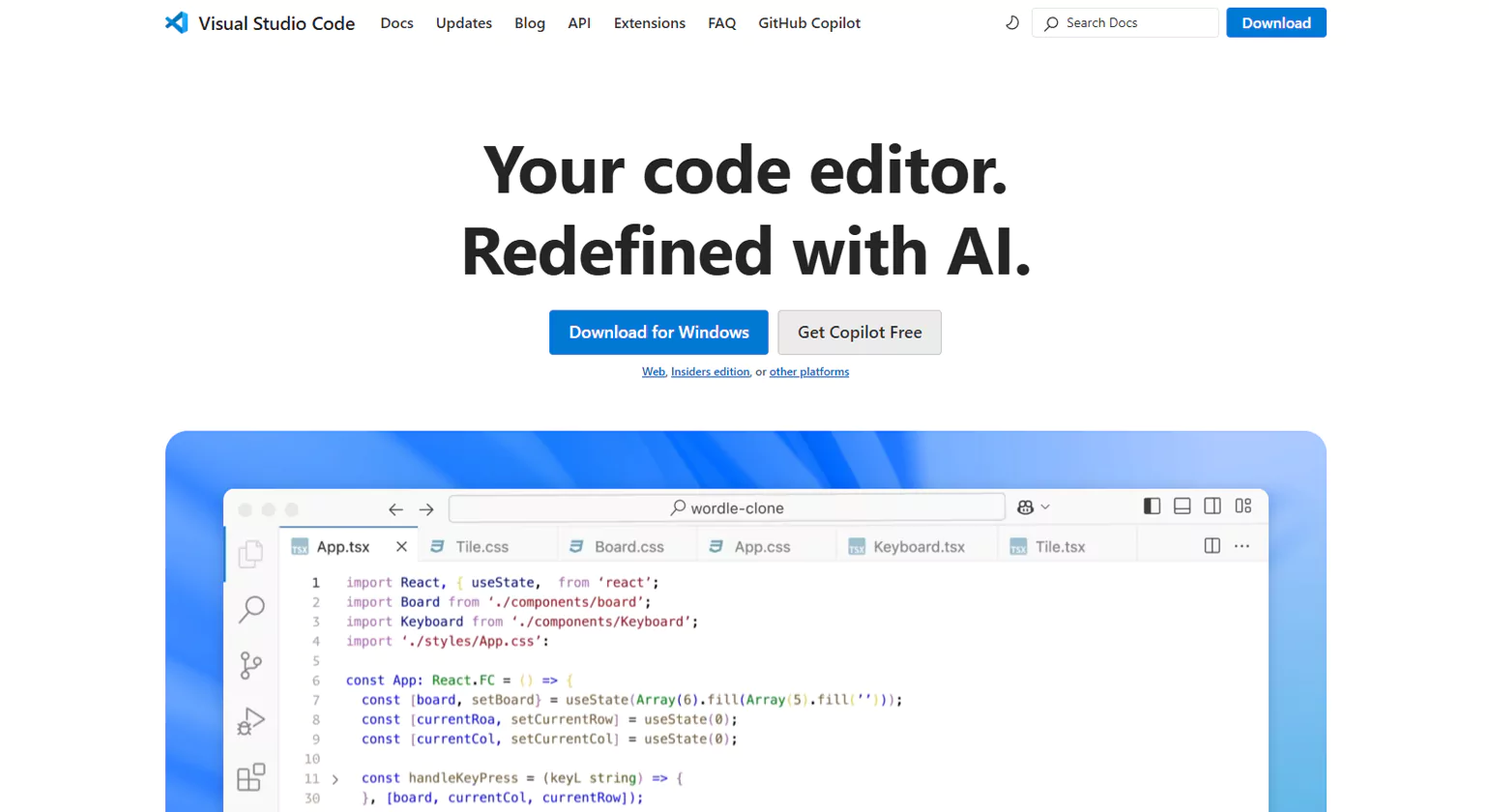
VS Code is a free, open-source code editor developed by Microsoft, offering a lightweight yet powerful development environment. It supports various programming languages and provides built-in Git integration for version control. The editor’s IntelliSense feature offers intelligent code suggestions, improving developer efficiency. A vast marketplace of extensions allows customization, enabling developers to tailor the editor to their needs. Debugging and developer productivity tools, an integrated terminal, and API testing capabilities make VS Code an all-in-one solution. It is widely used across different development workflows, from web development to backend programming, due to its speed, flexibility, and feature-rich environment.
Key Features
- Built-in Git support and debugging tools
- Customizable themes and extensions
- IntelliSense for smart code completion
- Terminal and API testing support
7. Postman
Overview
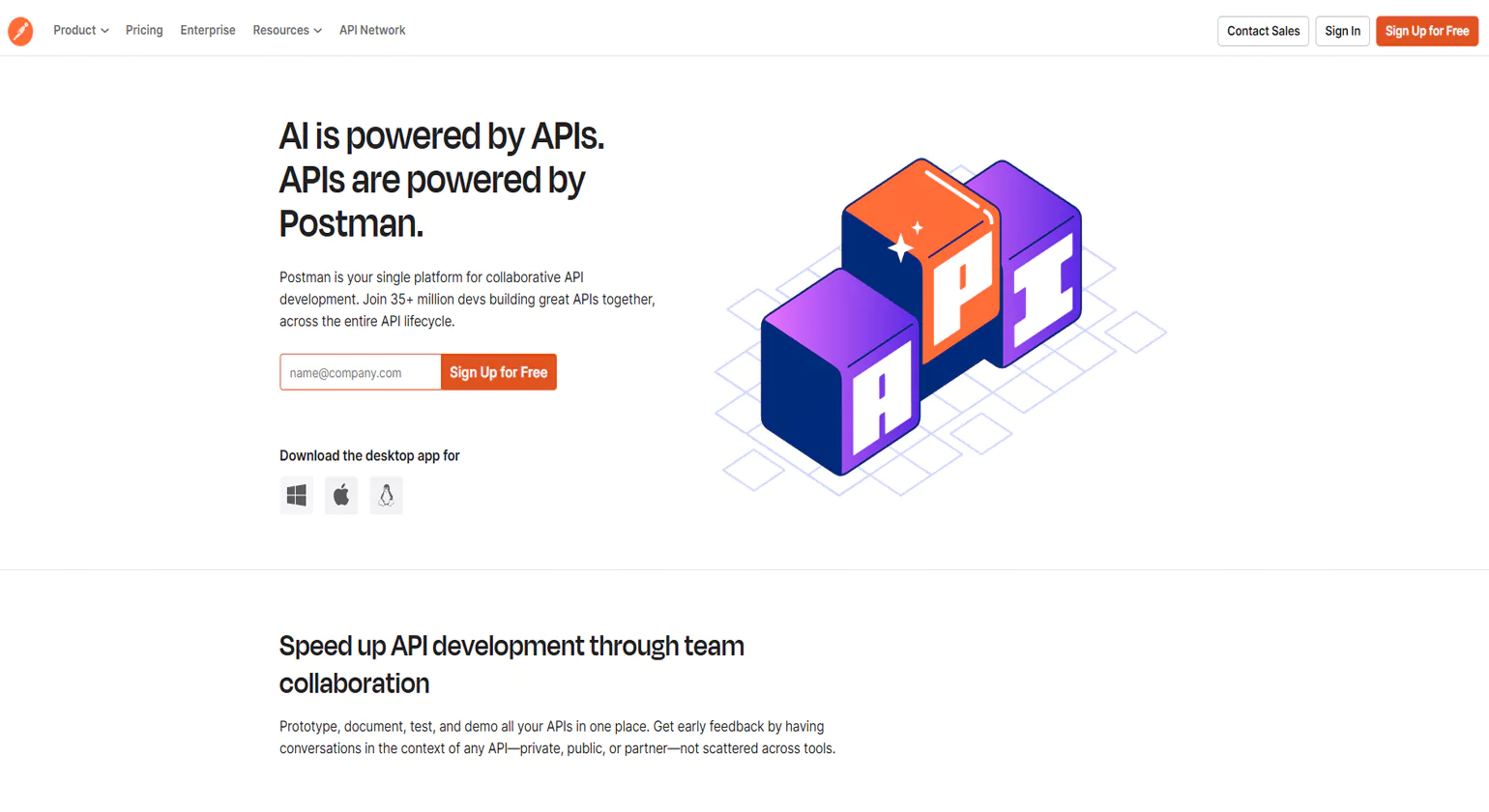
Postman is an essential tool for API Developer productivity tools and testing, streamlining the process of building, debugging, and documenting RESTful APIs. It allows developers to create and automate API requests, reducing manual testing efforts. The platform offers collaboration features, enabling teams to share API collections, test scripts, and documentation. Postman also includes a mock server feature, allowing developers to simulate API responses for testing purposes. Code snippets and automated monitoring enhance API reliability. With its user-friendly interface and extensive feature set, Postman is a go-to tool for backend developers, QA engineers, and API testers.
Key Features
- API request testing and automation
- Collaboration and API documentation tools
- Mock server for simulating API responses
- Code snippets and API monitoring
8. Sourcegraph
Overview
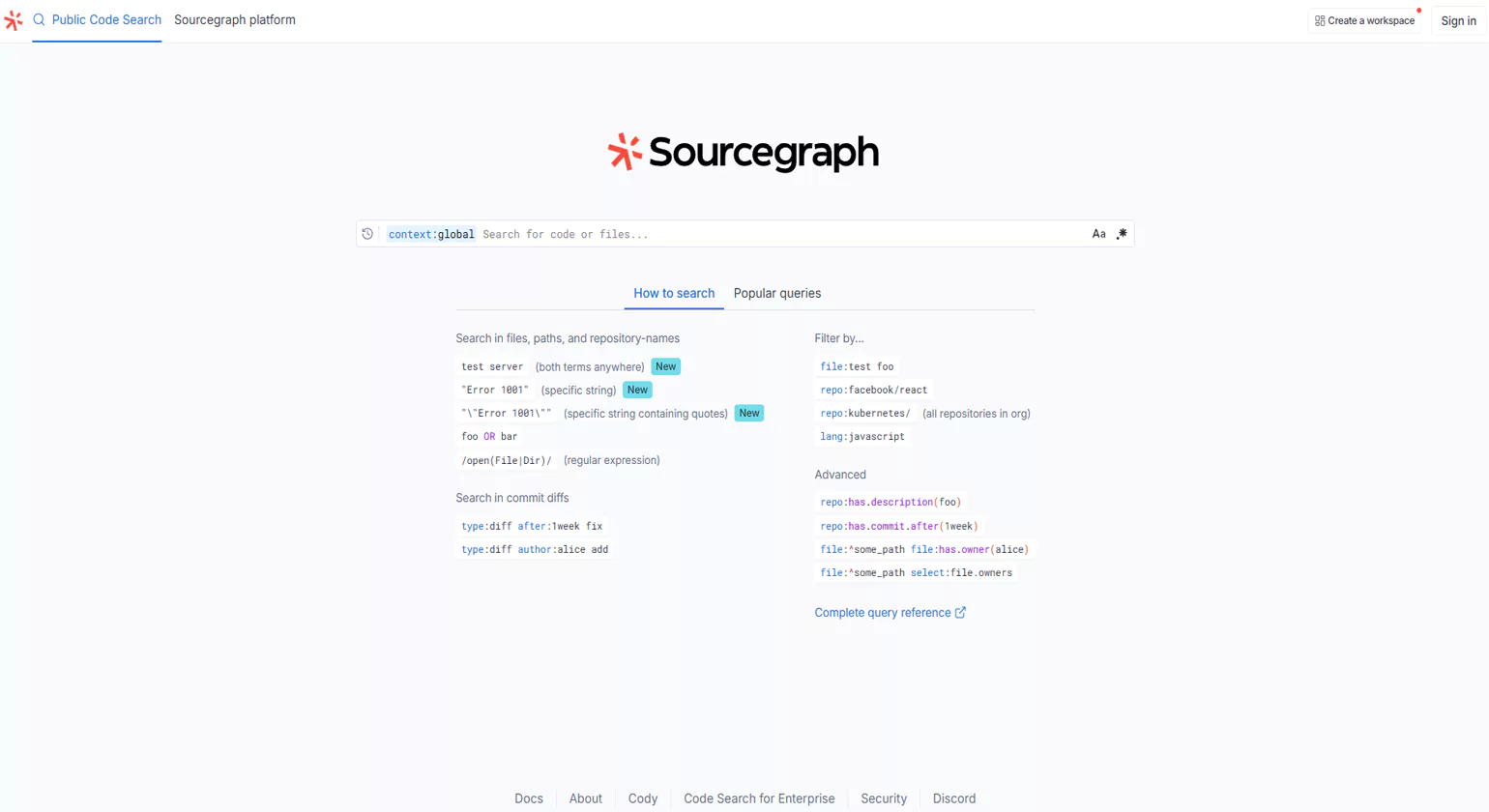
Sourcegraph is a powerful code search and intelligence tool that helps Developer productivity tools find, understand, and navigate code across multiple repositories. It enables universal code search, making it easier to locate functions, variables, and dependencies in large codebases. The tool integrates with GitHub, GitLab, and Bitbucket, ensuring seamless repository access. AI-powered code insights help developers refactor and optimize their code efficiently. Sourcegraph’s cross-repository code navigation simplifies debugging and development tasks. By reducing time spent searching for code references, Sourcegraph significantly enhances developer productivity, particularly in large-scale and enterprise software projects.
Key Features
- Universal code search across multiple repositories
- Supports GitHub, GitLab, and Bitbucket
- Code navigation and dependency tracking
- AI-powered code insights
9. Flux

Overview
Flux is a screen-lighting adjustment tool designed to help developers reduce eye strain and improve sleep quality. It automatically adjusts screen color temperature based on the time of day, minimizing blue light exposure during late hours. This helps developers maintain a healthier work-life balance and reduces fatigue from prolonged screen usage. Flux is cross-platform, supporting Windows, macOS, and Linux. It is particularly useful for software engineers who work long hours or late at night, as it enhances visual comfort and reduces the impact of artificial lighting on circadian rhythms.
Key Features
- Auto-adjusts screen color based on time of day
- Reduces blue light exposure
- Enhances sleep quality for night workers
- Cross-platform support (Windows, macOS, Linux)
10. Cold Turkey
Overview
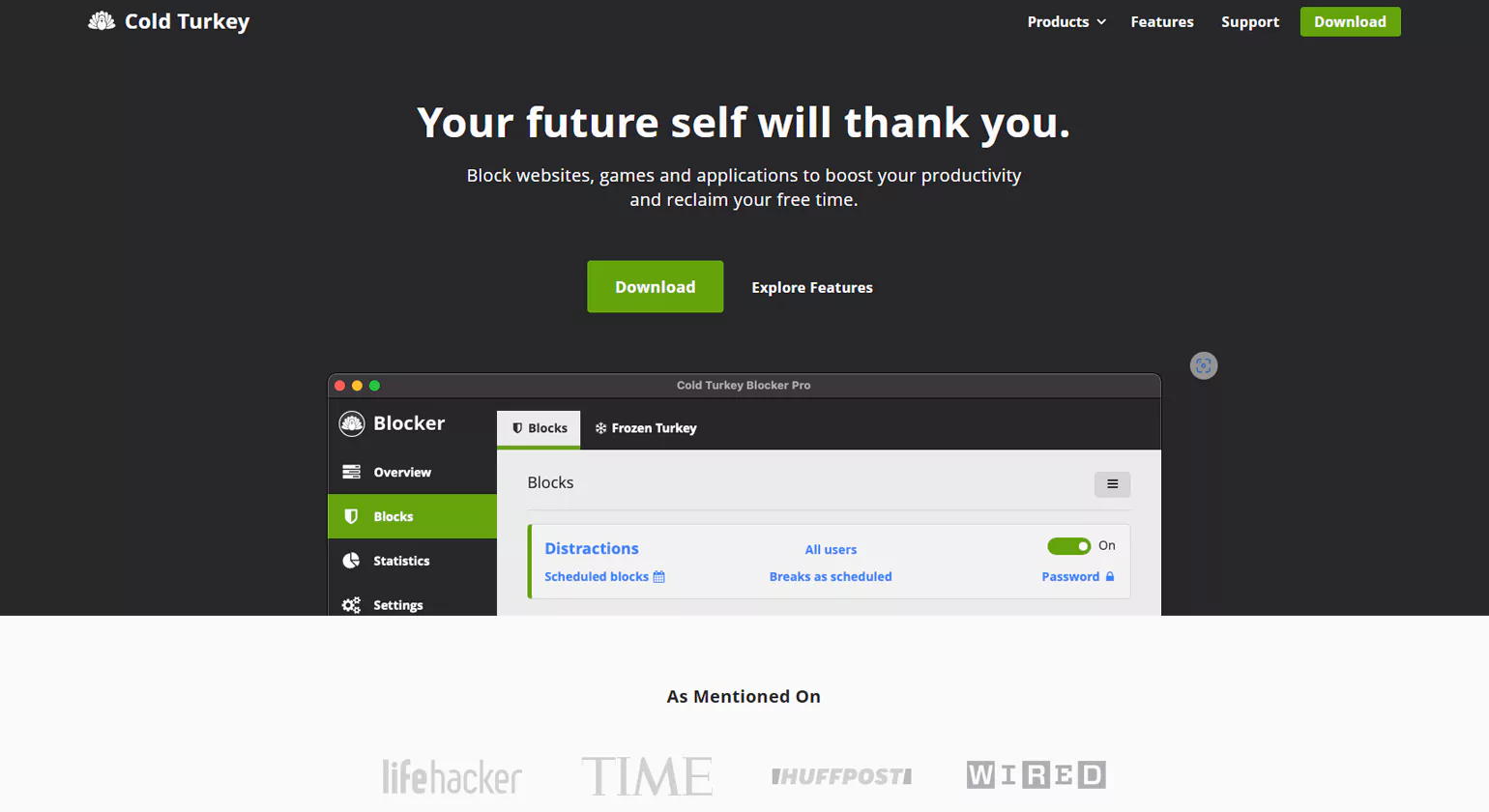
Cold Turkey is a developer productivity tools designed to block distractions and help developers focus on coding tasks. It allows users to create custom blocklists for websites, apps, and games that interrupt workflow. Scheduled focus sessions and a password-protected lock mode ensure that users stay on track without the temptation of social media or non-essential applications. The tool also provides productivity insights, enabling developers to analyze and improve their work habits. Cold Turkey is an excellent choice for individuals who struggle with distractions and need a structured approach to time management.
Key Features:
- Customizable website and application blocking
- Scheduled focus sessions
- Password-protected lock mode
- Statistics and productivity tracking
11. iTerm2
Overview
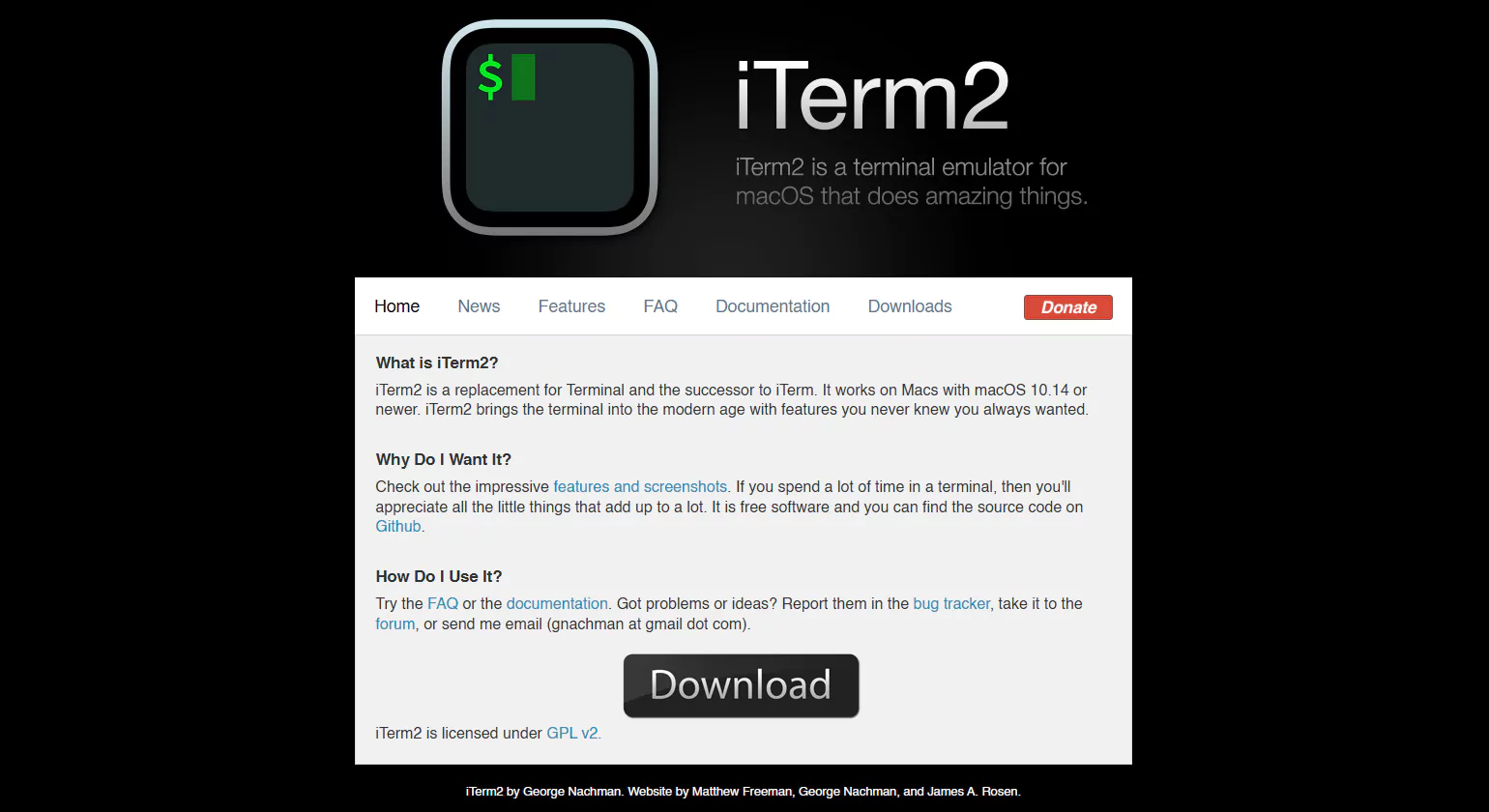
iTerm2 is a feature-rich terminal replacement for macOS that enhances productivity for developers working with command-line interfaces. As one of the leading developer productivity tools, it offers split panes for multitasking, enabling users to run multiple terminal sessions simultaneously. The hotkey window provides quick access to the terminal, reducing context switching. A searchable command history allows developers to retrieve previously executed commands effortlessly. Customizable themes and shortcuts make iTerm2 a highly configurable tool for power users. It significantly improves the efficiency of developers who rely on terminal commands for automation, scripting, and server management.
Key Features
Split panes for multitasking
Hotkey window for quick access
Searchable command history
Customizable appearance and shortcuts
12. Traqq
Overview
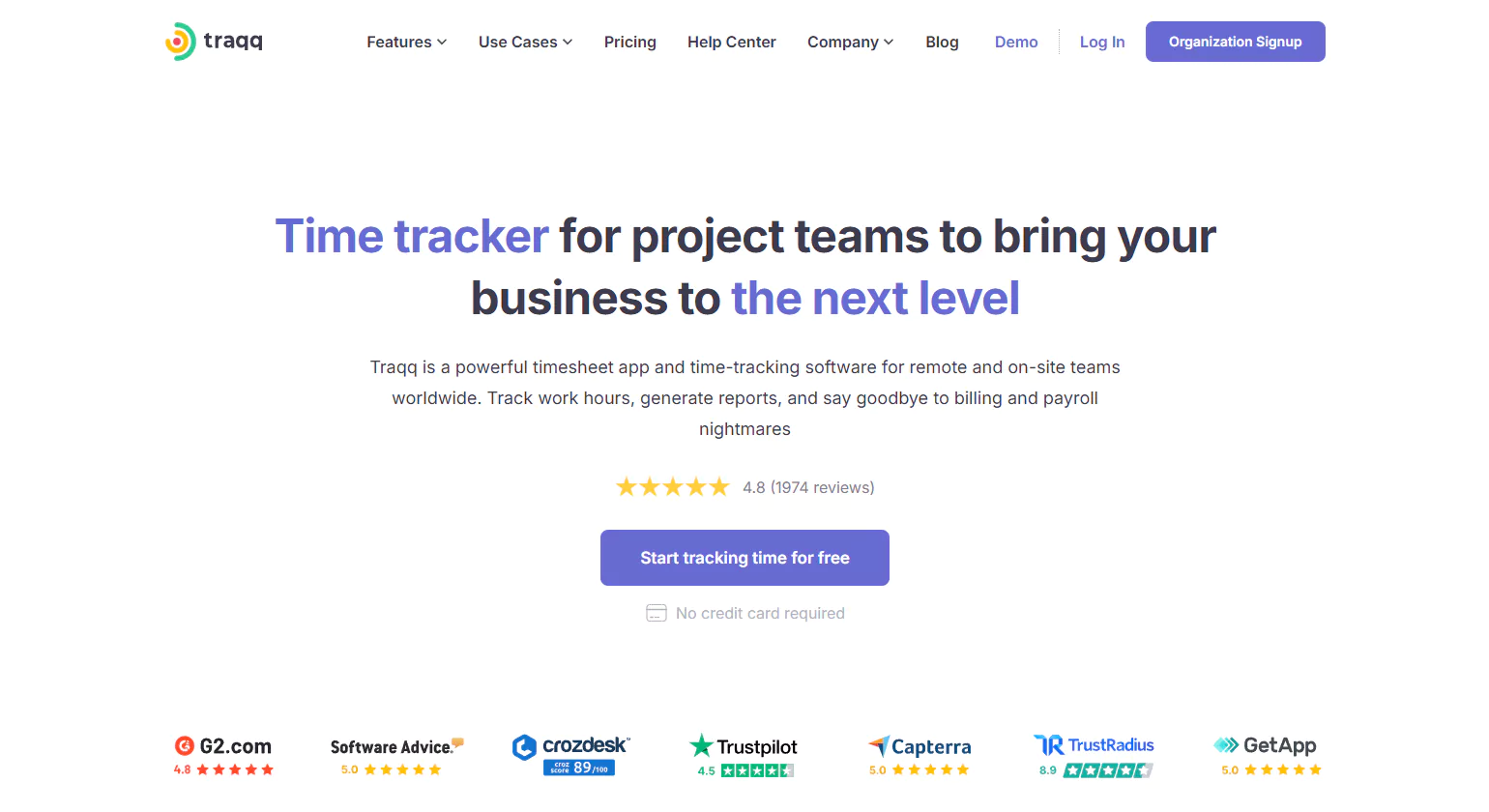
Traqq is a time-tracking and productivity monitoring tool that helps developers manage their work hours effectively. It automatically records time spent on tasks, providing detailed activity reports. Screenshots and performance insights allow teams to analyze productivity trends and optimize workflows. Traqq also supports offline tracking, ensuring accurate time records even when working without an internet connection. Its intuitive interface makes it easy for freelancers, remote teams, and managers to track project progress and billable hours. By improving time management, Traqq helps developers maintain a healthy work-life balance while maximizing efficiency.
Key Features:
- Automated time tracking
- Activity monitoring and productivity insights
- Screenshots and reports for accountability
- Offline tracking support
13. Gitfluence
Overview
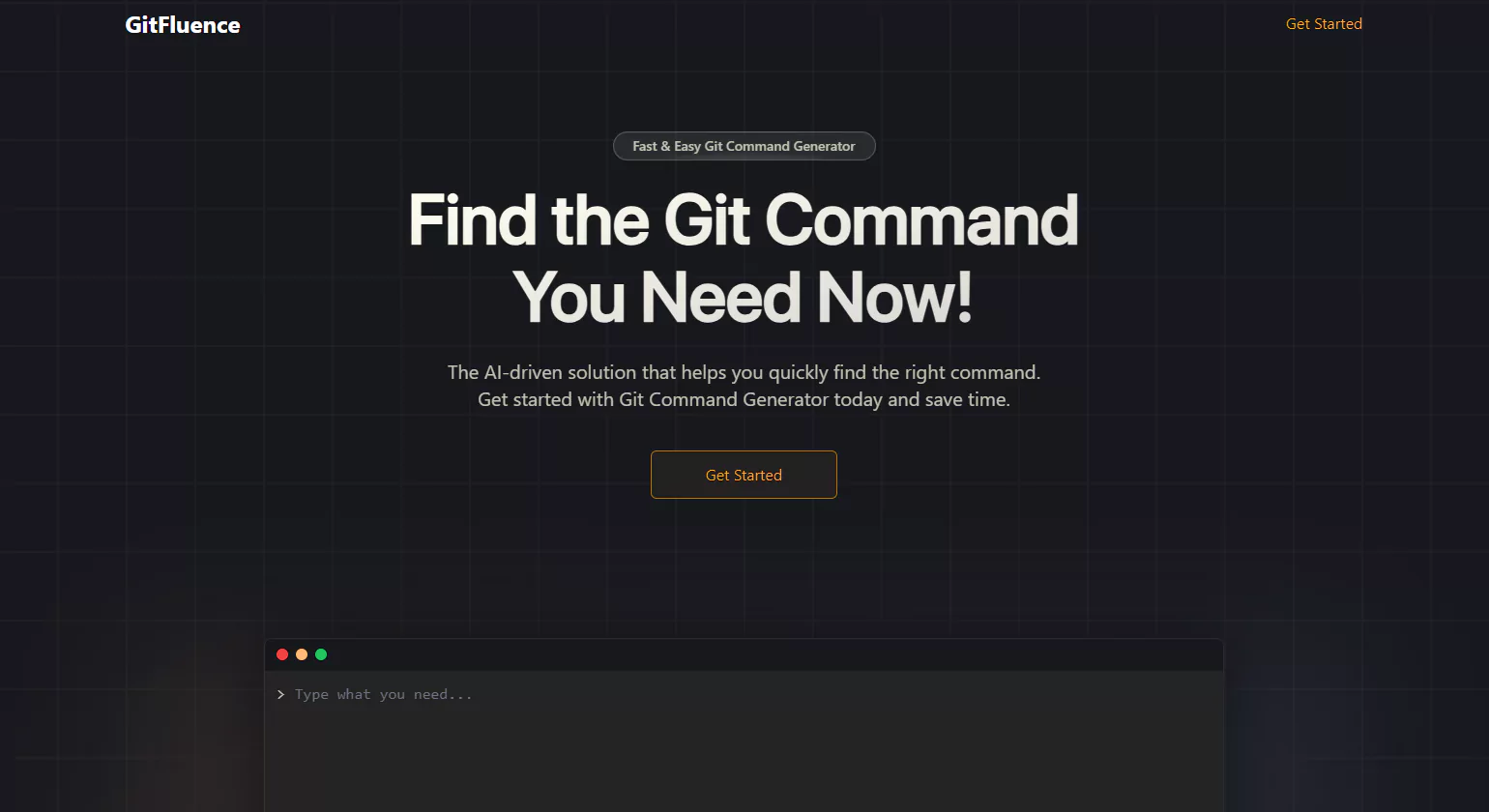
Gitfluence is a convenient reference tool for Git commands, designed to help Developer productivity tools quickly find and execute version control commands. It features a searchable database of Git commands with detailed explanations, making it particularly useful for beginners and experienced developers alike. Gitfluence provides syntax references and common use cases, reducing the learning curve associated with Git workflows. The tool is regularly updated with new commands, ensuring users have access to the latest Git capabilities. For developers who frequently interact with Git, Gitfluence serves as a handy resource to streamline version control tasks.
Key Features
- Searchable Git command database
- Quick syntax reference
- Beginner-friendly explanations
- Regularly updated command list
14. DX
Overview
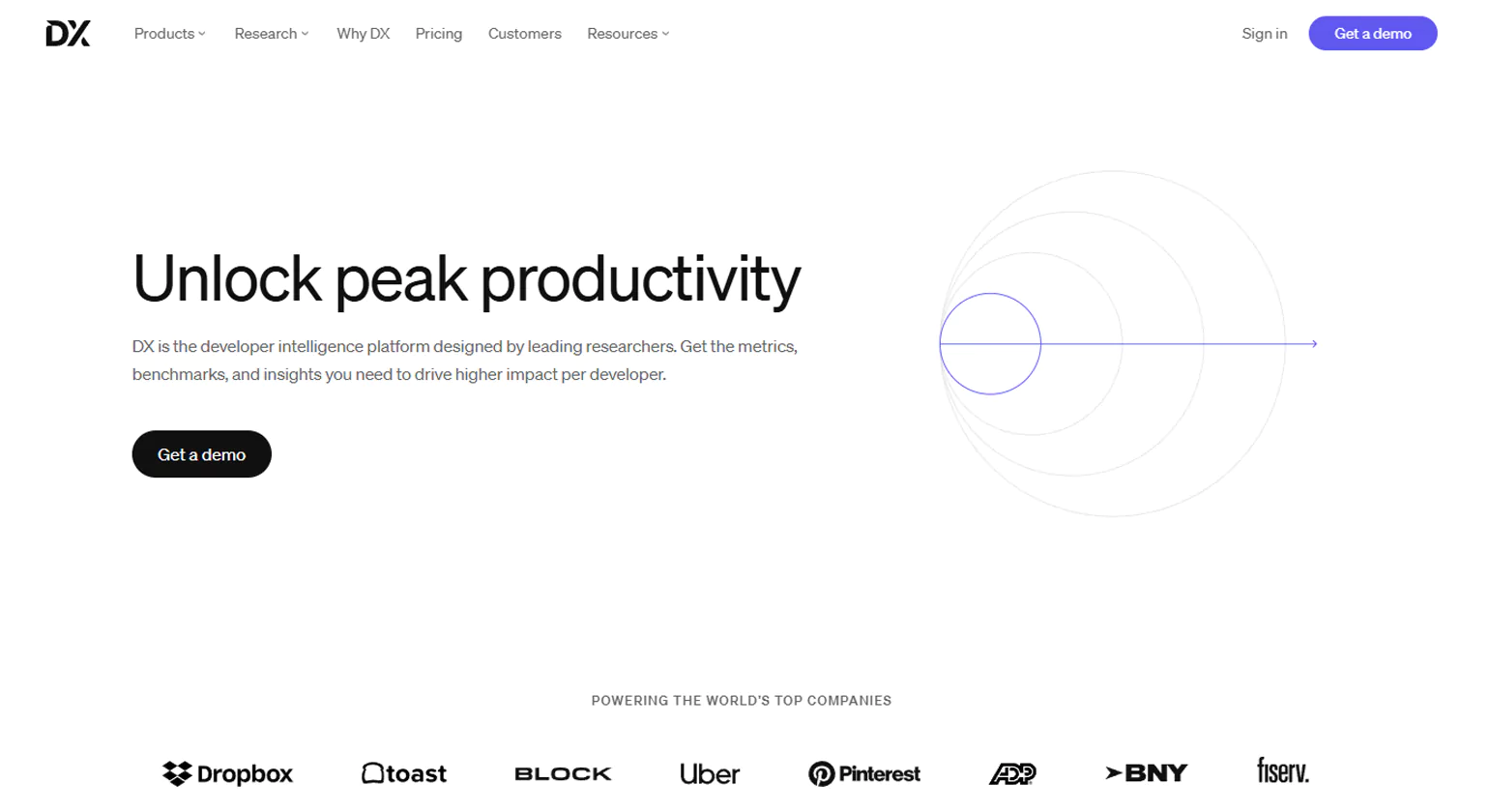
DX is a Increase productivity tool designed to enhance the developer experience (DevEx) by measuring and improving software developer productivity tools workflows. It tracks key performance metrics, identifies bottlenecks, and provides AI-driven recommendations to boost productivity. Through developer sentiment analysis, teams can better understand pain points and foster improved collaboration. DX integrates seamlessly with existing developer tools, offering insights into workflow efficiency without disrupting daily tasks. By focusing on process optimization, DX helps teams work smarter and maintain high morale.
Key Features
Developer sentiment analysis
Workflow tracking and bottleneck identification
AI-driven recommendations
Integration with existing developer tools
15. Codeium

Overview
Codeium is an AI-powered coding assistant that enhances productivity for developers by offering intelligent code suggestions. It supports multiple programming languages and integrates seamlessly with IDEs like VS Code, JetBrains, and Vim. Codeium helps Developer productivity tools write code faster, reduce errors, and improve efficiency by leveraging machine learning for auto-completion.
Key Features
- AI-powered autocompletion
- Supports multiple programming languages
- Integrates with VS Code, JetBrains, and Vim
- Boosts coding efficiency and reduces errors
Factors to Consider While Choosing a Productivity Tool for Developers

In today’s fast-paced development environment, having the right productivity tool can make a significant difference in a developer’s efficiency and output. With numerous options available, selecting the ideal tool requires careful consideration of various factors to ensure it aligns with your workflow, team collaboration, and project requirements. When evaluating productivity tools for developers, it’s important to focus on features that support scalability, integration, and ease of use.
1. Ease of Use & Learning Curve
A Developer productivity tools should be intuitive and easy to adopt. Developers work with complex coding environments, so a tool that requires extensive training may reduce overall efficiency. Look for tools with a user-friendly interface, clear documentation, and an active support community.
2. Integration with Existing Tools & Workflows
A great productivity tool should seamlessly integrate with other essential development tools such as code editors (VS Code, IntelliJ IDEA), version control systems (Git, GitHub, GitLab), and project management platforms (Jira, Trello, Asana). Smooth integrations eliminate the need for frequent context switching and improve workflow efficiency.
3. Collaboration Features
For team-based development, collaboration is crucial. The tool should facilitate real-time communication, code sharing, and task management. Features like multi-user editing, built-in chat, and commenting on code or tasks can significantly boost team productivity.
4. Performance & Speed
A sluggish tool can hamper productivity rather than improve it. Developer productivity tools that respond quickly, handle large files efficiently, and do not consume excessive system resources. Performance benchmarks and user reviews can help assess a tool’s speed and reliability.
5. Customization & Scalability
Every development team has unique needs. A productivity tool should offer customization options like plugins, themes, or automation scripts to tailor the experience. Additionally, as teams grow, the tool should be scalable enough to support more users, projects, and complex workflows.
6. Customization & Scalability
Security is a top priority, especially for teams handling sensitive data and intellectual property. Choose a tool that offers data encryption, two-factor authentication (2FA), role-based access controls, and compliance with industry standards like GDPR, ISO 27001, or SOC.
7. Automation & AI Capabilities
Modern productivity tools for developers leverage automation and AI to enhance efficiency. Features like auto-completion, bug detection, task automation, and smart recommendations can save time and reduce manual effort in development workflows.
8. Cross-Platform Availability
Developers work on different operating systems like Windows, macOS, and Linux. A productivity tool that offers cross-platform support ensures smooth accessibility, whether working on a desktop, mobile device, or cloud-based platform.
9. Pricing & Budget
Cost is a major factor, especially for startups and small teams. While some developer productivity tools offer free tiers, premium features may come with a subscription fee. It’s essential to evaluate the cost against the value it provides and whether it fits within your budget.
10. Community & Support
A strong community and customer support system can be invaluable when facing technical issues. Open-source tools often have large, active communities, while proprietary tools should offer responsive customer service, including live chat, email support, and knowledge bases.
Top Developer Productivity Platforms to Speed Up Release Cycles
In today’s fast-paced software development landscape, optimizing release cycles is paramount. Developer productivity tools play a crucial role in automating processes, enhancing collaboration, and ensuring efficient monitoring. This guide delves into the top platforms that can significantly accelerate your release cycles.
Continuous Integration and Deployment (CI/CD) Platforms
CI/CD platforms are the backbone of modern software development, enabling automation of the build, test, and deployment processes.
- GitLab CI/CD: A comprehensive DevOps platform that integrates source code management with CI/CD pipelines, facilitating seamless automation from code commit to deployment.
- CircleCI: Offers scalable CI/CD solutions with robust integration capabilities, supporting various programming languages and deployment environments.
- GitHub Actions: Provides native CI/CD functionality within GitHub repositories, allowing developers to automate workflows directly from their codebase.
Collaboration and Code Management Platforms
Effective collaboration tools are essential for streamlined communication and code management within development teams.
- GitHub: A widely-used platform for version control and collaborative coding, offering features like pull requests and issue tracking.
- GitLab: Beyond CI/CD, GitLab offers integrated project management tools, enabling teams to plan, build, and monitor applications within a single interface.
- Bitbucket: Provides Git repository management with built-in CI/CD capabilities, facilitating continuous delivery pipelines.
Monitoring and Performance Optimization Platforms
Monitoring tools are vital for identifying bottlenecks and ensuring optimal performance throughout the development lifecycle.
- Datadog: Offers comprehensive monitoring solutions, providing real-time insights into application performance and infrastructure health.
- New Relic: Delivers end-to-end observability, helping teams detect and resolve issues swiftly to maintain application reliability.
- Sentry: Focuses on error tracking and performance monitoring, enabling developers to fix issues before they impact end-users.
Integrated Development Environments (IDEs) and Code Editors
IDEs and code editors enhance developer productivity by providing features like code completion, debugging, and version control integration.
- Visual Studio Code: A lightweight yet powerful code editor with a vast extension marketplace, supporting various programming languages and frameworks.
- JetBrains IntelliJ IDEA: An IDE tailored for JVM-based languages, offering advanced code analysis and refactoring tools.
- Eclipse: An open-source IDE with a rich ecosystem of plugins, suitable for Java and other programming languages.
Project Management and Issue Tracking Tools
Efficient project management ensures that development tasks are organized, prioritized, and tracked effectively.
- Jira: A robust project management tool designed for agile teams, offering customizable workflows and detailed reporting.
- Trello: A user-friendly, board-based tool for organizing tasks and projects, suitable for teams of all sizes.
- Asana: Provides task management and collaboration features, helping teams coordinate and track their work.
Conclusion
Developer productivity tools play a crucial role in streamlining workflows, enhancing collaboration, and improving efficiency. The right tools can automate repetitive tasks, integrate seamlessly with existing systems, and optimize development processes. Whether it’s project management, code collaboration, or automation, selecting the right dev productivity tools depends on factors like usability, integration, performance, and security. By leveraging the best tools, developers can focus on writing high-quality code, reducing bottlenecks, and accelerating project delivery. Investing in the right productivity for developers ultimately leads to improved efficiency, better team coordination, and higher-quality software development.
Know More>>> Custom WordPress Development – Everything You Need to Know
Best 10 Sales Productivity Tools Every Startup Needs in 2025
FAQs
What are the most useful software developer productivity tools?
The most useful software developer productivity tools include GitHub or GitLab for version control, Visual Studio Code or JetBrains IDEs for coding, Docker for containerization, Slack or Teams for communication, Jira or Trello for task management, and Postman for API testing.
What are the best productivity tools for developers in 2025?
In 2025, top productivity tools include GitHub Copilot for AI-assisted coding, Visual Studio Code or JetBrains IDEs, Docker and Kubernetes for containerization, Slack or Teams for collaboration, Notion and Jira for project management, and Postman or Insomnia for testing.
What are the 4 types of productivity tools
The four main types of productivity tools are communication tools (e.g., Slack, Zoom), collaboration tools (e.g., Google Workspace, Microsoft Teams), time management tools (e.g., Trello, Asana), and document management tools (e.g., Dropbox, Google Drive). These tools improve team coordination, streamline workflows, manage tasks, and enhance overall efficiency in both individual and team settings.
How to be productive while coding?
Stay increase developer productivity Tools while coding by minimizing distractions, using code snippets, and following best practices like DRY and KISS. Break tasks into manageable sprints, leverage AI-powered code assistants, and test frequently. Keeping a well-organized workspace and maintaining proper documentation also boosts efficiency and reduces debugging time.
What are the top engineering productivity tools for improving efficiency?
Top engineering productivity tools include Git, GitHub, or GitLab for version control, Visual Studio Code or JetBrains IDEs for coding, Docker and Kubernetes for deployment, Slack or Teams for communication, Jira, Trello, or Asana for tasks, and Postman for APIs.
Which technique increases productivity?
Productivity techniques like Agile development, pair programming, and Test-Driven Development (TDD) enhance efficiency. The Pomodoro technique improves focus, while Kanban and Scrum optimize workflow management. Using automation tools, prioritizing tasks with Eisenhower’s matrix, and integrating DevOps practices further boost developer productivity and software quality.
How can you increase developer productivity effectively?
Developer productivity improves by using Git or GitHub for code management, Visual Studio Code or JetBrains IDEs for coding, Docker and Kubernetes for consistent environments, Slack or Teams for collaboration, Jira or Trello for task tracking, and Postman for API testing.
which developer productivity solutions offer end-to-end automation of engineering tasks?
Developer productivity solutions like GitLab, Jenkins X, Propel, and Backstage offer end-to-end automation of engineering tasks. They streamline planning, coding, testing, deployment, and monitoring, reducing manual work, enhancing collaboration, and accelerating release cycles for software development teams, ensuring higher efficiency and consistent delivery. .
How effective is the developer tool iTerm2 for code generation?
iTerm2 is a macOS terminal emulator known for its advanced features like split panes, hotkey windows, and customizable profiles. While it excels in enhancing terminal workflows, it does not natively support code generation. However, with the optional AI plugin, iTerm2 can integrate with external AI models to assist in generating shell commands and scripts, thereby augmenting its functionality for developers seeking code generation capabilities
What are the top-rated autonomous task execution tools for development teams?
Autonomous task execution tools enhance developer productivity by automating repetitive tasks. Notable tools include Replit Agent, Cline, Devin, Claude Sonnet 4, and Tembo. These platforms automate complex engineering tasks, code generation, and debugging, allowing developers to focus on higher-level problem-solving.
Which open-source coding productivity tools are most effective for developers?
Open-source tools like Visual Studio Code, Tabnine, Greptile, and GitLab are highly effective for developers. They offer features such as code completion, version control, and AI-assisted code review, enhancing coding efficiency and collaboration.