

Table of Contents
Introduction
Enterprise Document Management system (EDM) is a comprehensive system that encompasses the processes and technologies used to manage documents within a business or organization. It includes the creation, storage, retrieval, sharing, and archival of documents in digital formats. EDM aims to streamline business processes, improve efficiency, and ensure compliance with regulations by offering a centralized platform for document handling.
Enterprise document management systems often feature advanced tools for document indexing, version control, workflow automation, and access control, which enhance collaboration and security. By implementing an effective enterprise document management software, organizations can reduce paperwork, minimize errors, and increase productivity, all while ensuring that critical documents are readily accessible to authorized users when needed. Additionally, enterprise document automation streamlines document processing, improves efficiency, and ensures compliance with industry regulations.
What is Enterprise Document Management (EDM)?

A modern enterprise handles vast amounts of information every single day—contracts, invoices, HR forms, compliance files, customer records, operational data, and more. As organizations scale, the volume, complexity, and sensitivity of documents also grow. Without a centralized system, teams often rely on scattered storage tools, email threads, and outdated file-sharing methods that lead to data silos, duplication, miscommunication, and operational delays. This is why an integrated document management approach has become essential for today’s digital-first enterprises.
An Enterprise Document Management System creates a unified environment where every file, workflow, and approval step is connected. Instead of teams working independently with their own systems, integrated document management streamlines processes across departments—finance, HR, legal, IT, operations, customer service, and procurement. This alignment ensures faster access to information, consistent documentation standards, and more accurate decision-making.
Integration also plays a crucial role in data governance and compliance. With regulations becoming stricter across industries, organizations must ensure secure storage, controlled access, complete audit trails, and documented lifecycle management. An integrated system reduces compliance risks by standardizing processes and eliminating manual errors. When combined with automated document solutions, teams can automate metadata tagging, version control, retention rules, and review cycles.
Additionally, integrating workflow documentation software helps automate repetitive tasks, accelerate approvals, and maintain visibility over ongoing processes. Teams no longer need to chase updates or rely on manual follow-ups. Every workflow is tracked automatically, creating a faster and more efficient documentation ecosystem.
The benefits extend to collaboration as well. Cloud-based integrated document management, combined with a document workflow management system, lets employees work in real time, regardless of location. Remote teams gain instant access to updated records, while managers maintain complete oversight of document activity. This improves productivity and reduces operational friction.
Overall, an integrated document management strategy helps enterprises strengthen compliance, eliminate silos, enhance collaboration, and streamline workflow operations. It transforms documentation from a time-consuming administrative burden into a strategic asset that drives growth and efficiency.
Enterprise Document Management: Strategies for Efficiency
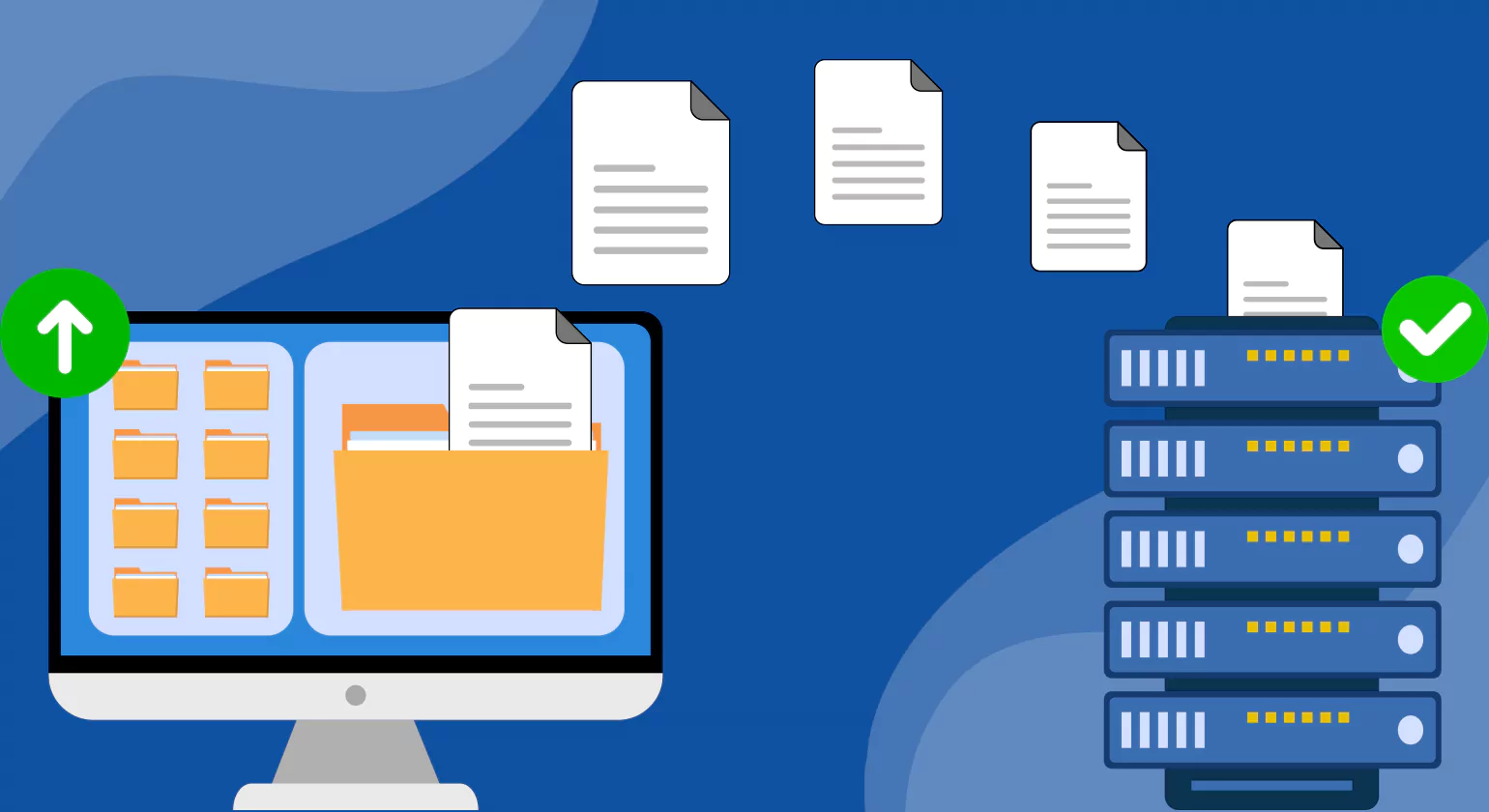
Every enterprise must adhere to strict compliance requirements, whether related to data privacy, financial reporting, quality assurance, or industry-specific standards. Managing compliance manually is inefficient, error-prone, and difficult to track. A compliance document management system solves this challenge by centralizing sensitive information, enforcing security rules, and automating document governance across the organization.
A modern Enterprise Document Management System designed for compliance provides a structured framework for handling high-risk documents. It enables organizations to maintain audit-ready records, ensure consistent approval workflows, and apply standardized retention policies. With features like access control, encryption, automated versioning, and real-time activity tracking, businesses reduce the risk of unauthorized access or data breaches.
Automation is one of the biggest advantages. With automated document solutions, compliance workflows—such as policy reviews, document renewals, regulatory submissions, and internal audits—occur automatically without manual intervention. This reduces human error and ensures all required steps are followed precisely.
Workflow automation ensures no task is missed, and deadlines are met consistently. Document workflow software enables review cycles, approvals, and escalations to be triggered automatically based on predefined rules. This ensures that compliance documents are updated on time, approved by the right individuals, and archived correctly.
A compliance-focused system also supports standardized classification and indexing. A document workflow management system ensures documents are categorized accurately, retained for the appropriate duration, and securely disposed of when no longer needed. This prevents over-retention, under-retention, or loss of critical records.
Integrated audit trails provide complete visibility into document history, including edits, actions, and responsible users. During audits, organizations can generate instant reports, reducing preparation time and minimizing disruption.
By implementing a robust compliance document management system, enterprises significantly lower legal, financial, and operational risks. The combination of automation, security, integration, and visibility ensures full compliance across all documentation processes. This transforms compliance from a stressful obligation into a manageable, streamlined, and proactive operation.
What Are The Benefits Of An Enterprise Document Management System?
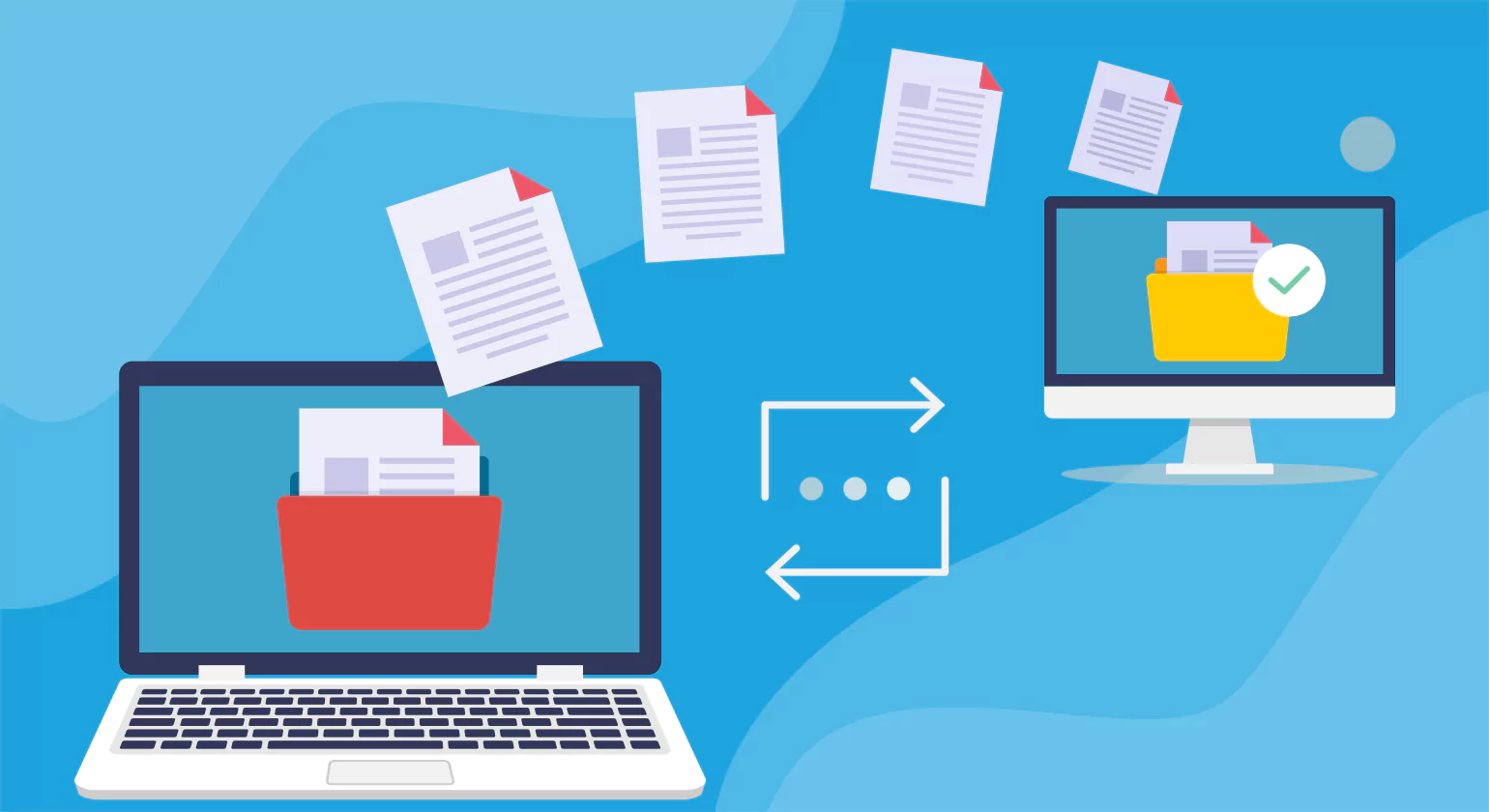
Enterprise document management system offer a wide range of benefits to organizations of all sizes and industries. Here are some of the key advantages of implementing an EDM system:
1. Improved Efficiency and Productivity
An EDM system automates many manual document-related tasks, such as data entry Skills, filing, and retrieval. This automation allows employees to focus on higher-value activities, leading to increased productivity. Workflow automation ensures that documents are processed quickly and efficiently, reducing bottlenecks and delays.
2. Enhanced Collaboration
EDM systems provide a centralized platform where documents are stored and accessed by authorized users. This centralization fosters collaboration among teams and departments, allowing them to share information and work on document managing software simultaneously. Features like version control ensure that everyone is working with the most current document, reducing confusion and errors.
3. Cost Reduction
By digitizing documents, enterprise document management system help organizations reduce costs associated with physical storage, printing, and paper-based processes. This reduction in paperwork also minimizes the need for physical storage space and transportation, leading to further cost savings.
4. Increased Security and Compliance
EDM systems are designed with security in mind. They offer features such as access controls, encryption, and audit trails to protect sensitive information. This heightened security helps organizations comply with industry regulations, such as GDPR, HIPAA, or SOX, and reduces the risk of data breaches. Audit trails and version control also ensure accountability and transparency.
5. Quick Document Retrieval and Searchability
An EDM system allows users to quickly retrieve automated document management using advanced search capabilities and indexing. This feature is invaluable for businesses that deal with large volumes of documents, as it saves time and improves responsiveness. Users can find documents based on keywords, dates, or other metadata, streamlining information retrieval.
6. Scalability and Flexibility
As organizations grow, their document management needs evolve. EDM systems are designed to scale, allowing businesses to add more users, document management softwares, and workflows without significant disruption. This scalability ensures that the EDM system can meet the changing needs of the organization over time.
7. Environmental Impact
By reducing the reliance on paper-based processes, Enterprise document management systems contribute to a more sustainable business model. The reduction in printing and physical storage not only lowers costs but also reduces the organization’s carbon footprint.
8. Faster Search and Retrieval
Locating a specific document in a paper-based or disorganized digital system can be time-consuming. EDMS uses metadata, tagging, OCR (Optical Character Recognition), and advanced search filters to allow instant retrieval of documents based on keywords, dates, categories, or authors—saving time and reducing frustration.
9. Workflow Automation
An EDMS allows businesses to automate document-centric processes such as approval routing, digital signatures, notifications, and version control. This minimizes manual errors, speeds up processing times, and improves accountability through clearly defined workflows and audit trails. Tasks like invoice processing, employee onboarding, and policy approvals become significantly more efficient.
10. Accurate Version Control and Audit Trails
EDMS ensures that users are always working with the latest document version. It logs every change made, who made it, and when—providing a full document history. This eliminates confusion from duplicate versions, unauthorized edits, or missing information, which can be crucial for legal or compliance purposes.
How An Enterprise Document Management Strategy Works

An enterprise document management (EDM) strategy works by creating a structured approach to managing the entire lifecycle of documents within an organization. The strategy focuses on digitizing, organizing, storing, and retrieving documents while ensuring security and compliance. Implementing a document management software solution can help cover all these key areas. Here’s how it works:
1. Document Capture and Digitization
An EDM strategy starts with capturing documents, whether they are paper-based or digital. Paper documents are scanned and converted into digital formats, while existing digital documents are integrated into the system.
2. Document Classification and Indexing
Once digitized, enterprise document management system are classified into categories and indexed for easy retrieval. This process uses metadata to ensure that document management software companies can be quickly located through search functions, reducing the time spent on manual searches.
3. Workflow Automation
EDM strategies often include workflow automation, enabling documents to move through predefined processes automatically. This can involve approval chains, notifications, and task assignments, streamlining business processes and reducing manual intervention.
4. Access Control and Security
A crucial aspect of an EDM strategy is maintaining document security. Access controls are implemented to ensure that only authorized personnel can view or edit specific documents. This step helps maintain confidentiality and compliance with regulations.
5. Document Storage and Retrieval
The enterprise document management system stores documents in a central repository, providing easy access to authorized users. Advanced search capabilities and indexing make it simple to retrieve documents quickly, supporting efficient operations.
6. Compliance and Audit Trails
EDM strategies incorporate compliance features, such as audit trails and version control, to ensure that document managing software meet regulatory requirements. These features help maintain accountability and transparency within the organization.
Top 10 Enterprise Document Management Software

Enterprise document management (EDM) tools help organizations manage, store, and retrieve documents efficiently. These solutions improve workflow automation, security, and accessibility. By incorporating enterprise document automation, businesses can streamline document processing, reduce manual effort, and enhance overall efficiency. Here are the top 5 EDM tools, known for their robust features and user-friendly interfaces:
1. DocuWare
Overview
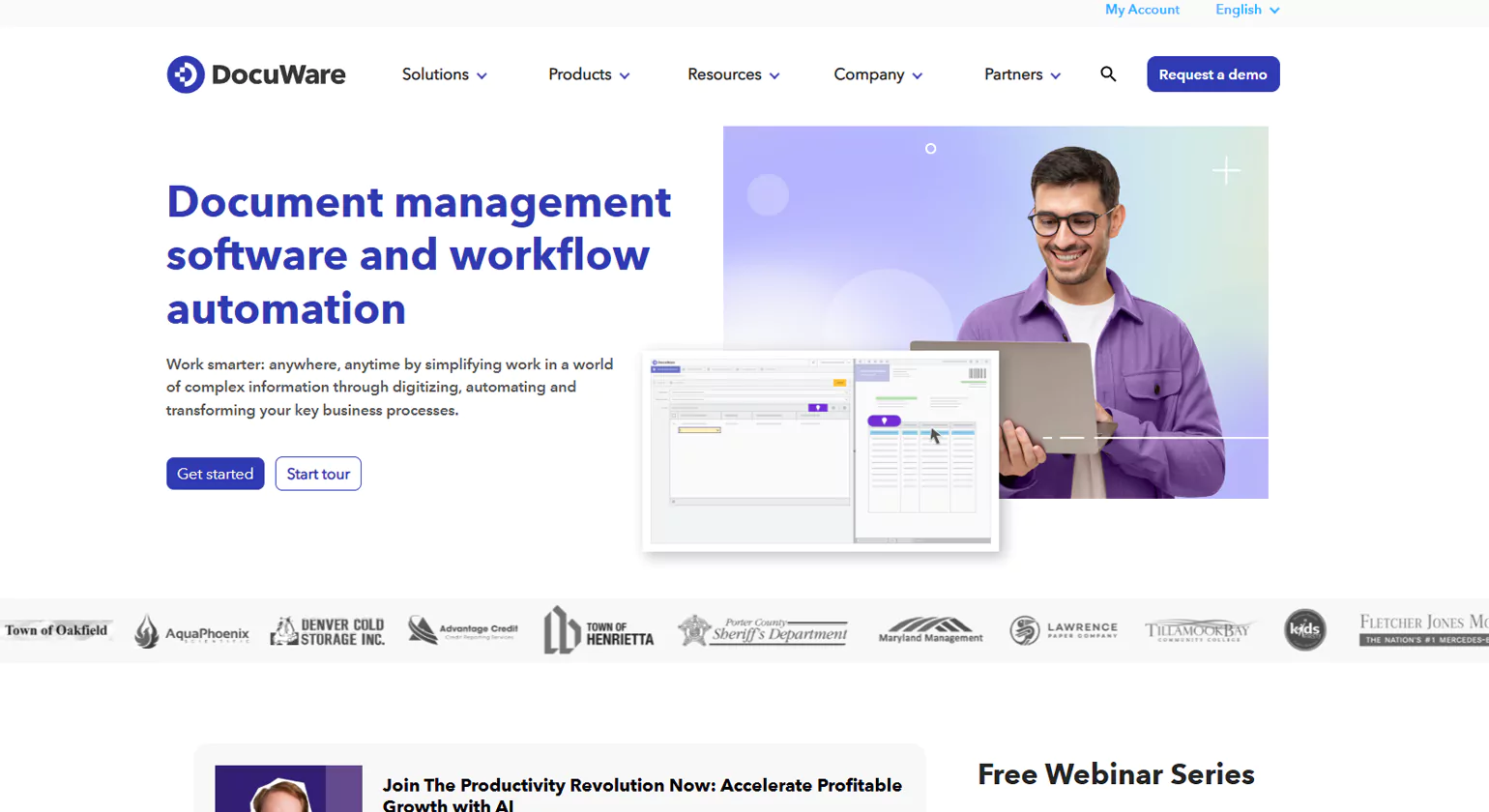
DocuWare is a leading enterprise document management software designed to streamline how businesses store, manage, and access documents digitally. It offers cloud-based and on-premise solutions tailored for organizations seeking to automate workflows and reduce paper dependency.
Key Features
Cloud and on-premise deployment options
Intelligent document capture and indexing
Automated workflow management
Role-based access and secure encryption
Seamless integration with Microsoft 365, SAP, and other business tools
Mobile access for remote document management
Regulatory compliance support (GDPR, HIPAA)
Why Choose Us
DocuWare stands out for its intuitive interface, scalability, and secure infrastructure. It’s ideal for businesses of all sizes looking to improve compliance, boost productivity, and simplify document handling across departments like HR, finance, and legal.
2. Laserfiche
Overview
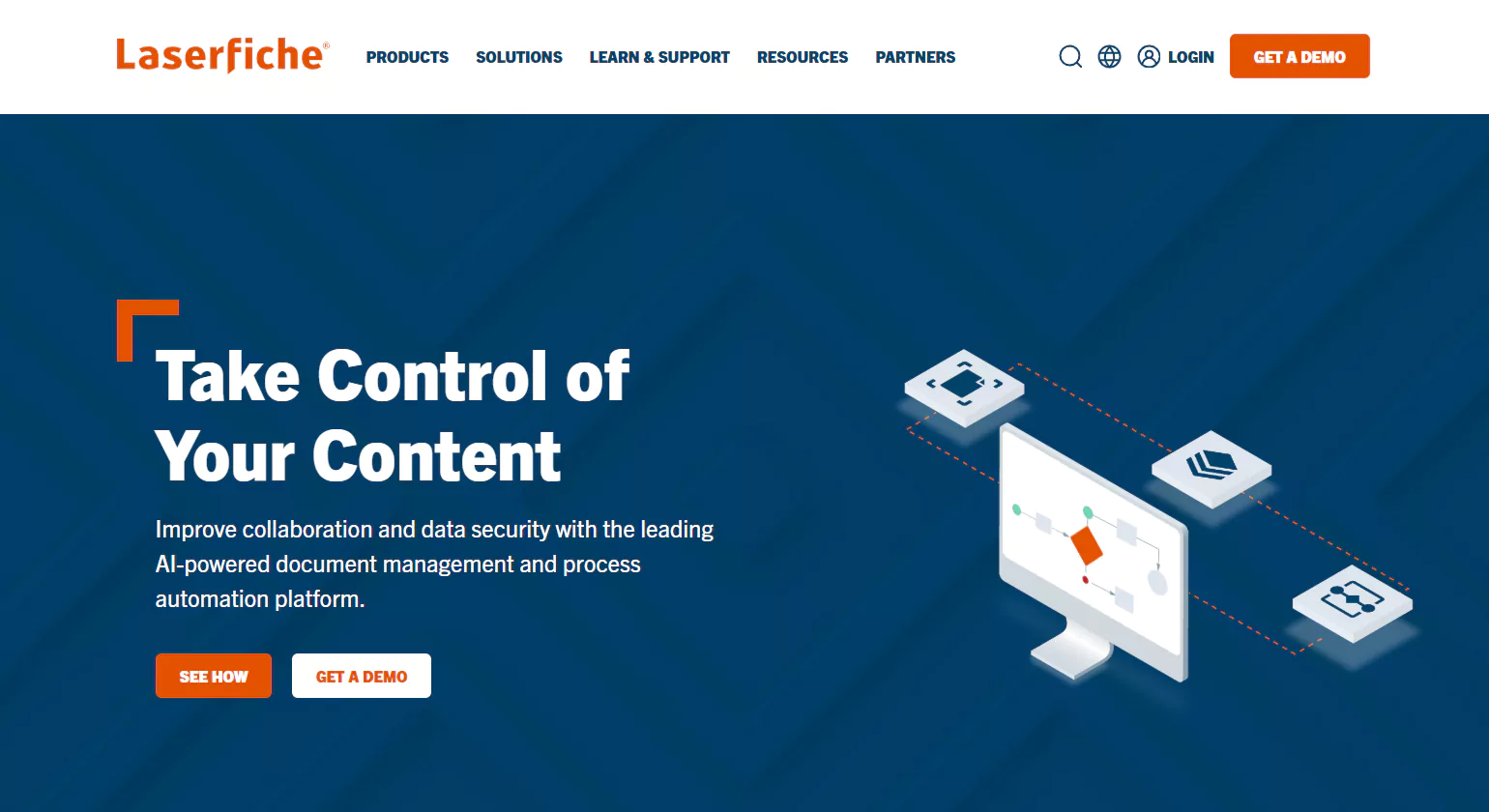
Laserfiche is a leading enterprise document management software that enables organizations to digitize, manage, and automate their business documents and processes. It is widely used across industries for its secure, centralized repository and robust workflow automation capabilities.
Key Features
Secure cloud and on-premise deployment options
Advanced workflow automation and process mapping
Intelligent document capture and OCR
User-friendly dashboards and analytics
Integration with popular enterprise applications (e.g., Microsoft 365, Salesforce)
Role-based access controls and audit trails for data security and compliance
Why Choose Us
Laserfiche offers a scalable solution ideal for businesses of all sizes seeking digital transformation. It enhances operational efficiency, ensures compliance, and supports remote access, making it a top choice for organizations embracing hybrid work environments.
3. M-Files
Overview
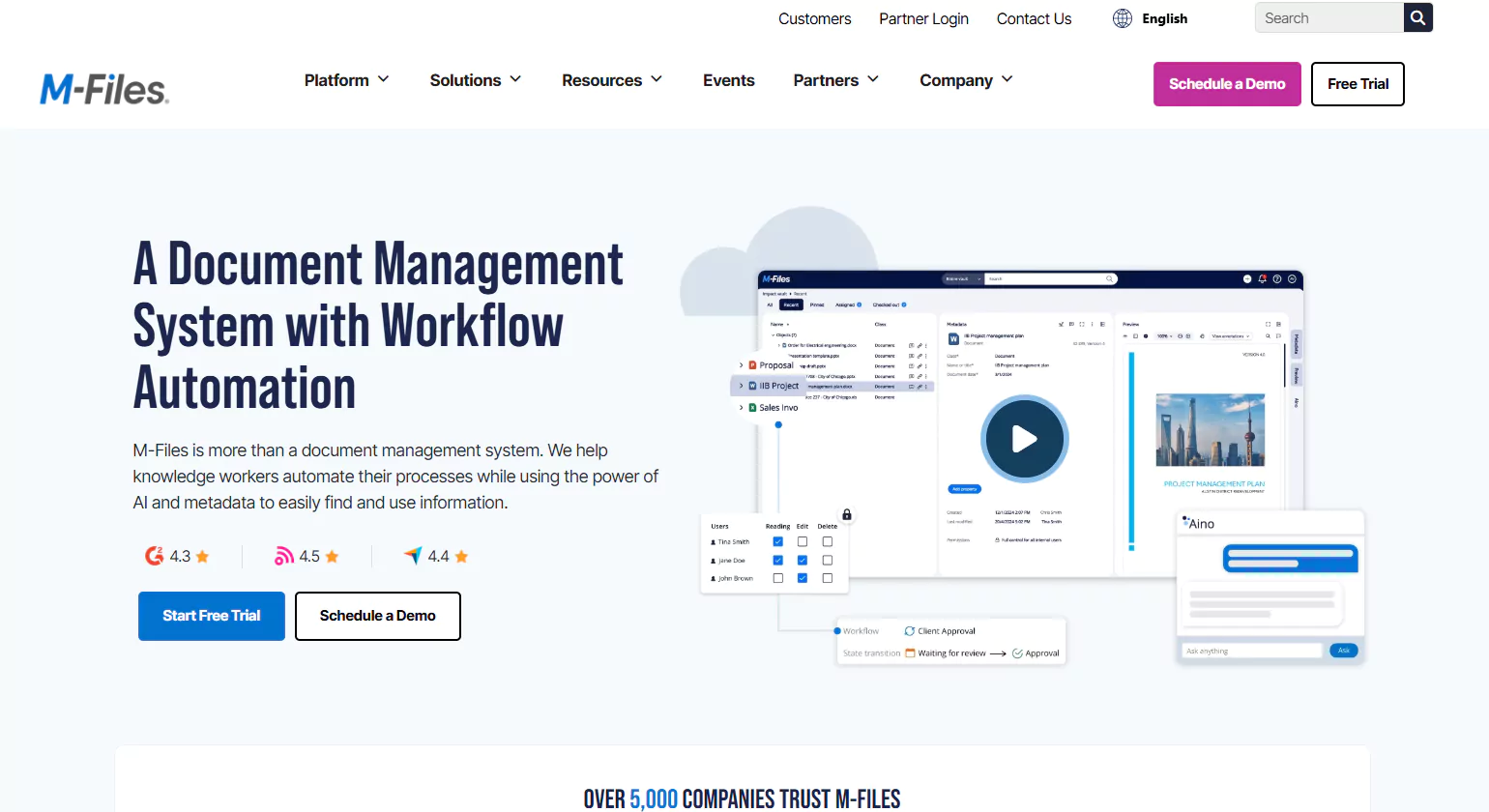
M-Files is a leading enterprise document management software designed to streamline how businesses manage, secure, and retrieve their documents. It uses metadata-driven architecture, making it easier to organize information based on what it is rather than where it’s stored. This ensures faster access and better control over business-critical documents.
Key Features
AI-powered search and classification
Version control and audit trails
Workflow automation
Advanced permissions and access control
Cloud, on-premises, or hybrid deployment options
Why Choose us
M-Files stands out for its intelligent information management, automated workflows, and seamless integrations with Microsoft 365, Salesforce, and other popular platforms. It enhances productivity while maintaining compliance with industry standards like ISO and GDPR.
4. OpenText Content Suite
Overview
OpenText Content Suite is a powerful enterprise document management software designed to manage, store, and secure large volumes of digital content across the organization. It supports digital transformation by offering centralized access to structured and unstructured data.
Key Features
Enterprise-grade document and records management
Advanced search, version control, and metadata tagging
Integration with CRM, ERP, and cloud platforms
Comprehensive security and access controls
Workflow automation and lifecycle management
Support for regulatory compliance (GDPR, HIPAA, etc.)
Why Choose Us
OpenText is ideal for large enterprises needing robust compliance, scalability, and integration with enterprise applications like SAP and Microsoft. It ensures data governance, enhances collaboration, and improves operational efficiency across departments.
5. SharePoint
Overview
Microsoft SharePoint is a powerful enterprise document management platform that enables organizations to store, manage, and collaborate on documents securely. Integrated with Microsoft 365, it offers seamless access, version control, and workflow automation, making it ideal for businesses of all sizes.
Key Features
Secure cloud-based document storage
Advanced permission and access controls
Real-time collaboration with Microsoft 365
Customizable workflows and automation
Metadata tagging and powerful search functionality
Version history and audit trails
Seamless integration with Teams, Outlook, and OneDrive
Why Choose us
SharePoint is trusted by enterprises globally for its scalability, security, and deep integration with Microsoft tools. It enhances team productivity by centralizing documents, ensuring compliance, and streamlining collaboration through real-time editing and sharing capabilities.
6. Box
Overview
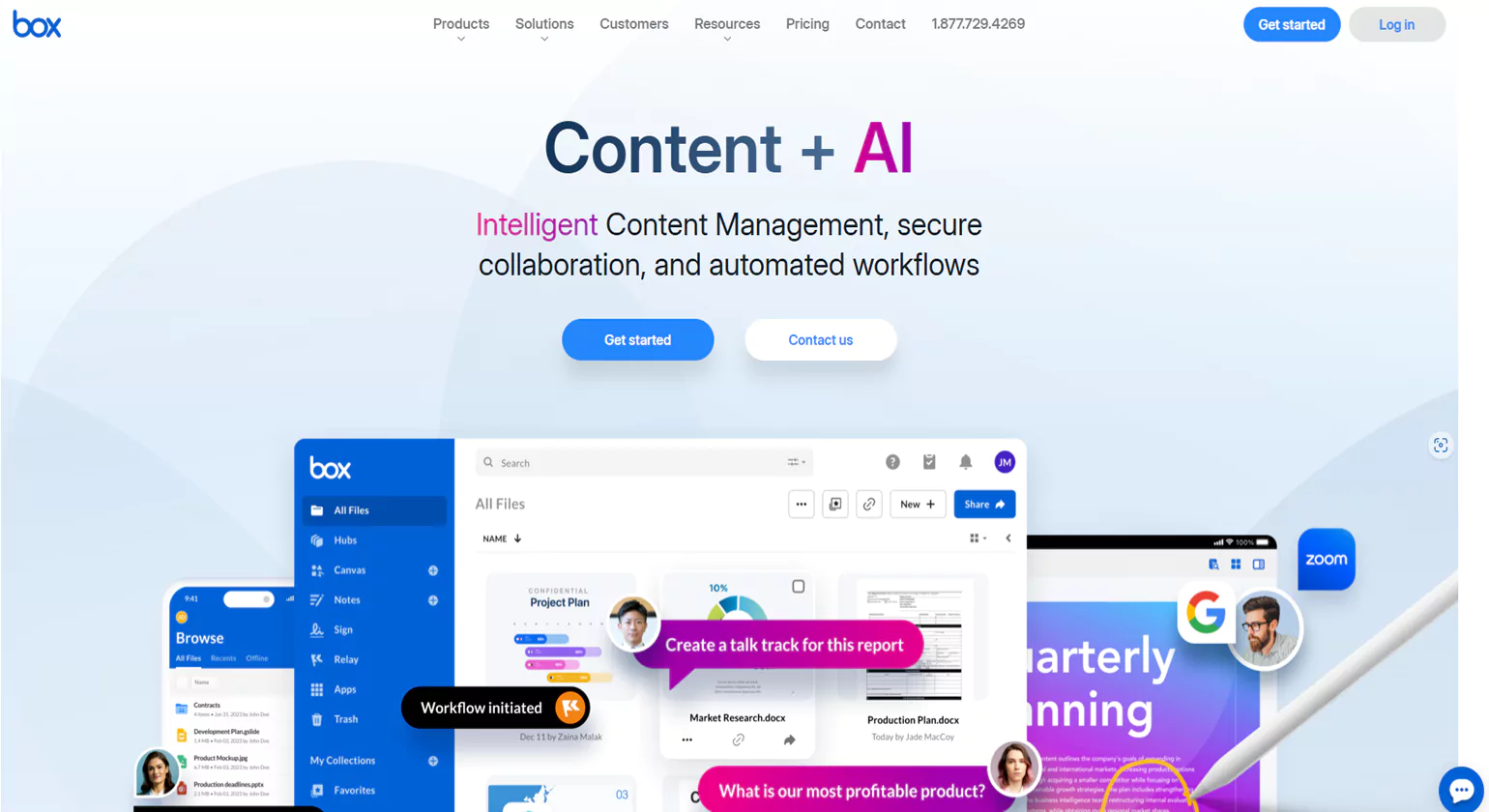
Box is a leading cloud-based enterprise document management software designed for secure file storage, sharing, and collaboration. It serves businesses of all sizes, offering scalable solutions that streamline content workflows while ensuring enterprise-grade security and compliance.
Key Features
Secure cloud storage with advanced encryption
Real-time collaboration and file sharing
Automated workflows and task assignments
Compliance support (HIPAA, GDPR, FINRA)
Integration with over 1,500 third-party apps
Granular user permissions and audit trails
Why Choose us
Box stands out for its user-friendly interface, strong security framework, and seamless integrations with tools like Microsoft 365, Google Workspace, and Salesforce. It supports real-time collaboration, making it ideal for teams working across different locations or departments.
7. Alfresco
Overview
Alfresco is a powerful open-source enterprise document management system platform designed to streamline content collaboration and regulatory compliance. It helps organizations manage, store, and secure vast amounts of digital content with ease and scalability.
Key Features
Advanced document version control
Workflow automation and content approval
Seamless integration with Microsoft 365 and Google Workspace
Secure cloud and on-premise deployment options
AI-powered content classification and search
Compliance support for GDPR, HIPAA, and other standards
Why Choose US
Alfresco stands out for its flexibility, open-source foundation, and robust integration capabilities. It’s ideal for enterprises seeking custom workflows, cloud compatibility, and secure document access from anywhere. Its modular architecture allows organizations to tailor solutions to their unique business processes.
8. Hyland OnBase

Overview
Hyland OnBase is a powerful enterprise document management system (EDMS) designed to centralize content, automate workflows, and improve information access across departments. It seamlessly integrates with core business applications, making document handling faster, more secure, and more efficient.
Key Features
Centralized document repository
Automated document capture and workflow management
Robust security and compliance controls
Integration with ERP, CRM, and other systems
Mobile access and user-friendly interface
Advanced search and retrieval functionalities
Why Choose Us
Hyland OnBase is trusted by organizations worldwide for its flexibility, scalability, and strong compliance features. It reduces paper usage, enhances collaboration, and supports digital transformation through tailored solutions for industries like healthcare, finance, and government.
9. Google Workspace
Overview
Google Workspace is a powerful cloud-based productivity and enterprise document management software that helps organizations store, manage, and collaborate on files in real time. It includes tools like Google Drive, Docs, Sheets, and Gmail, offering a centralized ecosystem for streamlined document workflows.
Key Features
Cloud-based document storage and access
Real-time editing and team collaboration
Built-in version control and document history
Advanced sharing and access permissions
Enterprise-grade security and compliance features
Why Choose Us
Google Workspace is trusted by millions of businesses for its intuitive interface, seamless collaboration, and robust security. It’s scalable for organizations of all sizes and integrates effortlessly with third-party tools, making it ideal for remote and hybrid teams.
10. ClickUp
Overview
ClickUp is a versatile project management and productivity platform that also offers powerful enterprise document management capabilities. Designed to streamline workflows, it allows teams to create, store, edit, and collaborate on documents within a centralized workspace.
Key Features
- Document storage and team collaboration in one platform
- Integrated task management and workflow automation
- Version control and document tracking
- Secure sharing and permission settings
- Integration with tools like Slack, Google Drive, and more.
Why Choose Us
ClickUp stands out for its flexibility and all-in-one approach. It combines task management, documentation, and collaboration in a single platform, making it ideal for enterprises looking to reduce tool clutter and improve efficiency. Its customizable features suit businesses of all sizes and industries.
Why a Document Management System is Essential for Every Business

A growing enterprise requires a scalable, efficient, and secure method to manage its expanding repository of documents. Traditional filing systems, manual archiving, and outdated digital folders are no longer sustainable because they create inconsistencies, limit accessibility, and weaken compliance readiness. A future-ready records management system addresses these challenges by offering automation, structure, and long-term reliability.
A modern Enterprise Document Management System includes intelligent features that classify, store, retrieve, and govern records throughout their lifecycle. Automated document solutions help organizations capture metadata, apply retention schedules, assign permissions, and maintain version integrity. This ensures documents remain organized and accessible without introducing manual workload or human error.
Scalability is a major strength. As enterprises accumulate thousands of records—from financial files to employee documents and compliance certificates—a structured records management system ensures that storage remains clean, categorized, and controlled. This eliminates duplication and ensures fast retrieval.
Integration is equally important. When a records management system connects seamlessly with a document workflow management system, business applications, and operational tools, teams gain instant access to historical data and current documents. This integrated approach ensures consistency across processes and increases the accuracy of decision-making.
Security is another key benefit. A future-ready system enforces strict access controls, audit trails, encryption, and compliance management features. Sensitive information is protected, and organizations maintain a reliable, tamper-proof historical record of all document activity.
With advanced search tools, teams can locate records instantly using keywords, tags, categories, or metadata. This saves time, eliminates frustration, and improves productivity. Instead of navigating massive digital folders or outdated archives, employees can find critical information in seconds.
A records management system also ensures compliance with legal retention requirements. Documents are automatically retained for the correct period and securely disposed of once they are no longer required. This prevents unauthorized access to outdated records and avoids compliance penalties.
By modernizing records management, enterprises gain scalability, automation, compliance readiness, and improved collaboration. This future-ready approach supports long-term growth, operational clarity, and organizational efficiency.
Different Types Of Document Management Systems

A Document Management System (DMS) is essential for organizing, storing, and accessing digital documents in a structured way. Different types of DMS are designed to meet various business needs, from basic file storage to advanced workflow automation. Here are the main types of enterprise document management system businesses use today:
1. On-Premise Document Management Systems
On-premise DMS solutions are installed and maintained on a company’s own servers. These systems offer high control over data security, customization, and compliance. Organizations with strict data regulations or internal IT teams often prefer this type. However, it requires significant upfront investment in hardware and maintenance.
2. Cloud-Based Document Management Systems
Cloud-based DMS solutions store data on remote servers and are accessed via the internet. They are scalable, cost-effective, and ideal for businesses with remote or distributed teams. Cloud DMS eliminates the need for internal servers and provides automatic updates, backups, and accessibility from anywhere.
3. Web-Based Document Management Systems
Web-based DMS platforms are similar to cloud-based systems but are accessed specifically through a web browser. These solutions are typically subscription-based and offer convenience, ease of use, and minimal setup. They’re ideal for small to mid-sized businesses looking for a lightweight, accessible solution.
4. Workflow-Enabled Document Management Systems
Workflow-enabled DMS automates document-related processes such as approvals, reviews, and routing. These systems improve efficiency, reduce manual errors, and ensure tasks are completed on time. They’re suitable for organizations with complex internal processes and document approval hierarchies.
5. Records Management Systems
Records management systems are designed to handle legal, financial, or compliance-related documents that must be stored and retained for a specific period. These systems include features like audit trails, retention schedules, and secure archiving, making them ideal for regulated industries.
6. Content Management Systems (CMS) with DMS Features
Some Content Management Systems offer built-in document management capabilities. These systems are suitable for organizations that manage both structured documents and dynamic content like blogs, videos, and web pages. They integrate DMS functionality within a broader content strategy.
Optimizing Enterprise Document Management for Effective Change Management

Productivity in large organizations often declines due to fragmented documentation, inconsistent workflows, and slow approval cycles. Teams waste valuable time searching for files, clarifying version histories, or waiting for manual sign-offs. Integrated document management eliminates these problems by creating a unified, interconnected documentation environment.
An Enterprise Document Management System with integrated capabilities connects employees, departments, workflows, and data sources within a single platform. Instead of working in isolated tools or manual systems, teams collaborate in real time with instant access to shared documents and workflow updates.
One of the greatest advantages is automation. With document workflow software, enterprises can streamline routine processes like contract approvals, invoice review, onboarding, and policy updates. Automated routing, notifications, and approvals reduce bottlenecks and ensure consistency across all departments.
Integrated document management also enhances accuracy. A document workflow management system ensures teams always work on the latest version, reducing the risk of errors or duplicated efforts. Every change is tracked through audit trails, improving visibility and accountability.
Collaboration becomes faster and more effective. Employees can co-edit documents, comment, track revisions, and follow workflow progress without relying on emails or manual reminders. This eliminates delays and accelerates project delivery.
Workflow documentation software also simplifies training and onboarding by providing structured, automated processes that guide users step-by-step. This reduces dependency on manual instruction and ensures repeatable, error-free workflows.
Furthermore, integration enhances compliance. Sensitive data is protected through controlled access, automated retention rules, and detailed activity logs. This reduces legal and operational risks while maintaining confidence in documentation integrity.
Together, integrated document management and automated workflows create a streamlined, efficient ecosystem where information moves seamlessly across the enterprise. This directly improves productivity, reduces operational waste, and supports scalable growth.
Key Features of Document Management System (DMS)
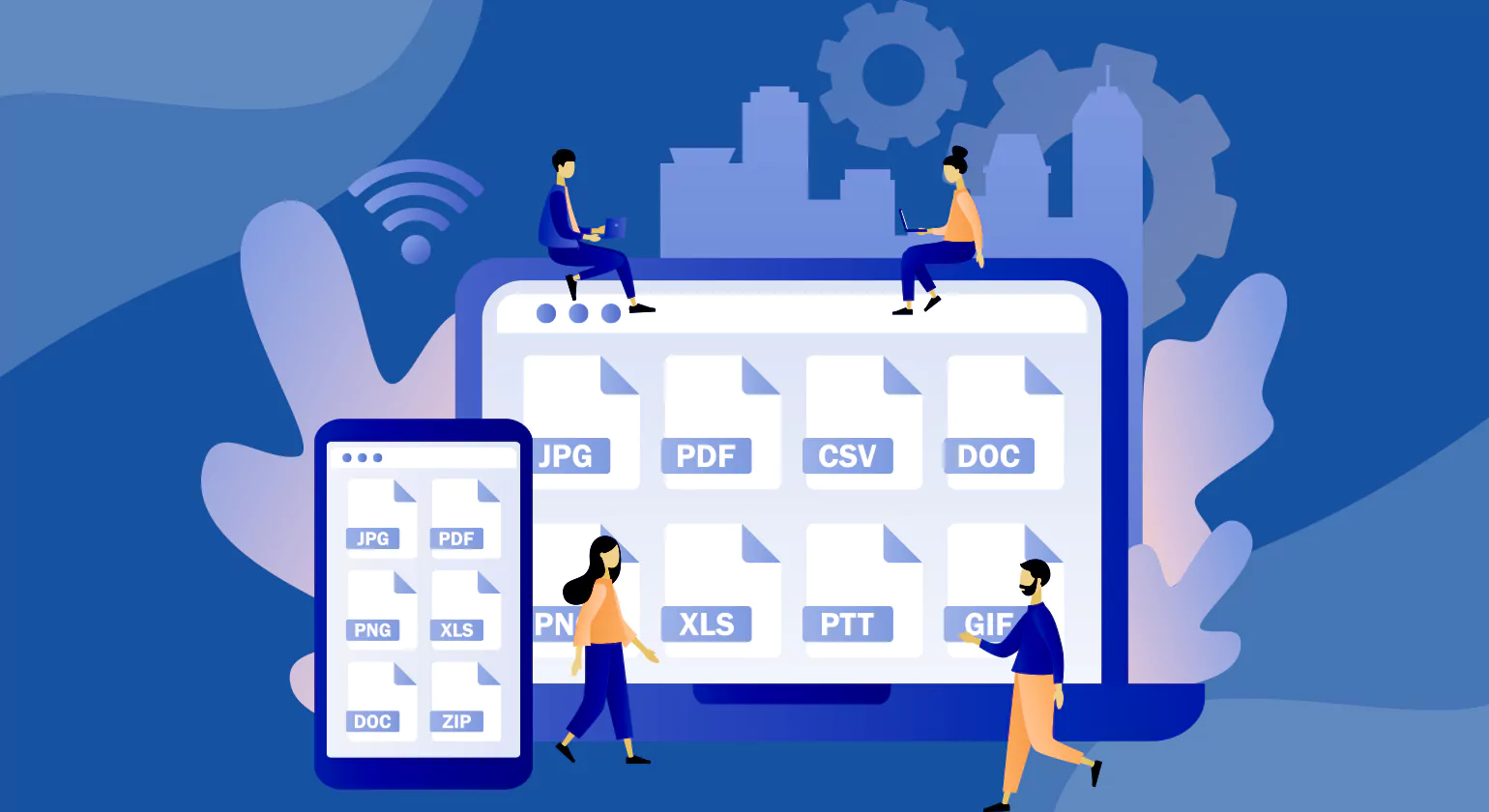
An Enterprise Document Management System (DMS) is a powerful tool designed to manage large volumes of documents, ensure regulatory compliance, streamline workflows, and improve organizational productivity. Unlike basic file storage systems, an enterprise DMS offers advanced features that address the complex needs of large businesses. Below are the key features that define an effective enterprise-grade DMS.
1. Centralized Document Repository
An enterprise DMS provides a secure, centralized location for storing all organizational documents. This ensures that all files—from contracts and invoices to employee records—are stored in a structured, searchable system. A centralized repository improves data accessibility and reduces redundancy.
2. Advanced Search and Retrieval
Fast and accurate document retrieval is essential for productivity. Enterprise DMS platforms offer powerful search features including keyword search, full-text search, metadata filtering, and tagging. These tools allow users to locate documents in seconds, even within large archives.
3. Access Control and Permissions
Security is critical in enterprise environments. A robust DMS enables role-based access controls, ensuring only authorized users can view, edit, or delete specific documents. Administrators can assign different permission levels to individuals or departments, reducing the risk of data breaches or unauthorized access.
4. Version Control and Audit Trails
Enterprise DMS systems track every version of a document, allowing users to view or revert to previous versions when needed. This feature is vital for maintaining accuracy and collaboration. Audit trails record all user actions—who accessed what, when, and what changes were made—ensuring transparency and compliance.
5. Workflow Automation
Workflow automation is a key component of an enterprise DMS. It allows for the automatic routing of documents through approval processes, alerts for pending tasks, and deadlines for reviews. Automation eliminates manual bottlenecks, speeds up business processes, and ensures accountability across teams.
6. Integration Capabilities
A high-quality enterprise DMS seamlessly integrates with other business tools such as CRMs, ERPs, email systems, and cloud storage platforms. This integration ensures that documents can flow easily between systems, improving operational efficiency and data consistency.
7. Compliance and Record Retention
Many industries have strict regulations regarding data storage and access. Enterprise DMS platforms support compliance with standards such as HIPAA, GDPR, and SOX by offering features like encryption, retention scheduling, digital signatures, and audit capabilities to maintain legal and regulatory requirements.
8. Scalability and Customization
Enterprise DMS systems are built to scale with your organization. Whether you’re managing thousands or millions of documents, these platforms can handle growing volumes without compromising performance. They are also highly customizable to meet industry-specific or organizational needs.
Common Challenges in Enterprise Document Management

Enterprise document management Solutions can help organizations overcome several challenges related to document handling, compliance, and operational efficiency. Here’s how EDM systems can address common challenges:
1. Reducing Paperwork and Streamlining Processes
One of the biggest challenges in many organizations is managing vast amounts of paperwork. EDM systems digitize documents, reducing reliance on physical paper and streamlining processes. This leads to more efficient workflows, as documents are easier to store, retrieve, and share digitally. It also reduces costs associated with printing and physical storage.
2. Ensuring Compliance and Security
Compliance with industry regulations, such as GDPR or HIPAA, can be challenging without a proper system in place. EDM systems offer robust security features, including encryption, access controls, and audit trails. These features help maintain compliance by protecting sensitive information and providing a clear record of document history. This reduces the risk of data breaches and ensures that compliance requirements are met.
3. Improving Collaboration and Communication
Organizations often face challenges in collaboration, especially with remote teams. enterprise document management system systems provide a centralized platform where employees can access, share, and work on documents simultaneously. This centralization improves communication across teams and reduces miscommunication. Features like version control ensure everyone works with the latest document version, preventing confusion and errors.
4. Enhancing Document Retrieval and Organization
Finding specific document managing software in a sea of paperwork can be time-consuming and frustrating. EDM systems use indexing and advanced search capabilities, allowing users to quickly locate documents based on keywords or other metadata. This efficient retrieval saves time and enhances productivity, enabling employees to focus on core tasks.
5. Supporting Scalability and Flexibility
As businesses grow, their Enterprise document management Solutions need to evolve. Enterprise document management systems are designed to scale, allowing organizations to add more users and document management software companies without significant disruption. This flexibility helps overcome challenges related to growth and ensures that the system can adapt to changing business requirements.
Conclusion
An enterprise document management system is crucial for organizations seeking to streamline operations, enhance collaboration, and ensure compliance. By digitizing documents and automating workflows, EDM systems reduce manual tasks and improve efficiency. They offer secure storage, advanced search capabilities, and robust security features, allowing for quick document retrieval and protection of sensitive information. EDM systems support teamwork through centralized platforms and version control, fostering better communication. Compliance with industry regulations is also facilitated through audit trails and access controls. Ultimately, implementing an EDM system helps businesses optimize their document-related processes, leading to improved productivity and operational success.
Related Blogs >>> Top 10 Types of Data Entry Services & Tools Used
How Document Processing Services Started and Grew
FAQs
1. What is EDMS?
EDMS (Enterprise Document Management System) is a platform for managing, storing, retrieving, and sharing documents efficiently. It uses integrated document management and document workflow software to automate processes, ensure compliance, enhance collaboration, and streamline document-centric operations across the enterprise.
2. What does an enterprise document management system comprise?
An enterprise document management system includes document capture, indexing, storage, retrieval, and workflow automation. Features like records management system, compliance document management system, and workflow documentation software ensure security, compliance, version control, collaboration, and easy integration across business operations.
3. What is an example of a document management system?
DocuWare is a leading document workflow management system offering automated approvals, secure storage, and workflow tracking. Using automated document solutions and integrated document management, it streamlines processes, improves compliance, and allows teams to retrieve and manage documents efficiently.
4. What is the difference between ECM and DMS?
ECM (Enterprise Content Management) manages all types of content, including multimedia and documents. A DMS (Document Management System) specifically focuses on document storage, retrieval, and version control. Combining ECM with a document workflow management system or workflow documentation software enhances automation and compliance.
5. What is document management in ERP?
Document management in ERP integrates with document workflow software and records management systems to organize, store, and secure documents. It improves collaboration, automates approval processes, ensures regulatory compliance, and enables centralized access for faster decision-making.
6. Why is an EDMS important for organizations?
An EDMS enhances efficiency by centralizing documents with integrated document management. Using automated document solutions and a document workflow management system it ensures compliance, boosts collaboration, reduces manual work, and enables secure, quick access to critical enterprise documents.
7. How does encryption work in an EDM system
Encryption in an EDMS secures documents by converting data into unreadable code. Integrated with a compliance document management system and document workflow software, it ensures that only authorized users can access content, safeguarding sensitive information from breaches, unauthorized access, or cyber threats.
8. How does an EDM system improve document security?
An EDMS uses a records management system, workflow documentation software, and automated document solutions to enforce access control, encryption, audit trails, and permissions. It prevents unauthorized access, ensures regulatory compliance, and provides a secure, traceable environment for managing sensitive enterprise documents.














