

Table of Contents
Introduction
Business process analysis tools are essential for organizations seeking to improve efficiency, streamline workflows, and enhance productivity. These tools help businesses assess their existing processes, identify bottlenecks, and implement strategies for optimization. By providing insights into how work is done, these tools empower teams to make data-driven decisions that can lead to cost savings and better outcomes.
In today’s fast-paced business environment, leveraging the right process analysis tools is critical for staying competitive. Whether you’re a small startup or a large enterprise, these tools help uncover areas for improvement by mapping out workflows, analyzing data, and simulating different process scenarios. They provide visibility into process performance, enabling informed decision-making and continuous improvement.
From process mapping to automation, business process analysis tools offer a wide range of functionalities to help organizations meet their goals. They support the identification of inefficiencies, ensure compliance, and align business operations with strategic objectives. As companies grow and evolve, these tools remain indispensable for maintaining agility and achieving sustainable success.
What is Business Process Analysis?

Business Process Analysis (BPA) is the systematic approach to evaluating and improving the workflows and processes within an organization. It involves mapping out existing processes to gain a clear understanding of how tasks are performed, identifying inefficiencies, redundancies, or gaps, and pinpointing areas for optimization. The goal is to enhance the overall efficiency and effectiveness of business operations, reduce costs, and improve quality. BPA helps organizations better align their processes with strategic goals and ensures that resources are being used effectively to drive desired outcomes.
Through BPA, businesses can streamline operations by adopting new methods or technologies, redesigning workflows, or automating manual tasks. The analysis often involves collecting data from various stakeholders, observing processes in action, and utilizing specialized tools to visualize and measure performance. By gaining insights into each step of a process, companies can make informed decisions that lead to continuous improvement, increased customer satisfaction, and a competitive edge in the marketplace.
To support the process of Business Process Analysis, organizations often rely on Business Process Analysis Software. These tools help to visualize workflows, track performance metrics, and model different process scenarios to identify potential improvements.
Key Benefits of Using Business Process Analysis Tools

Using Business Process Analysis tools offers a variety of key benefits that can greatly enhance an organization’s efficiency and effectiveness. Here are five key advantages:
1. Improved Efficiency
Business Process Analysis Software helps identify bottlenecks, redundant tasks, and inefficiencies within workflows. By visualizing and analyzing each step of a process, organizations can streamline operations, reduce unnecessary steps, and optimize resource allocation, leading to faster and more efficient workflows.
2. Better Decision Making
These tools provide data-driven insights into how processes are functioning. By gathering and analyzing relevant data, decision-makers can make informed choices about process improvements, technological investments, or workforce adjustments. This leads to smarter decisions that align with organizational goals.
3. Enhanced Collaboration
Business and Process Analysis Software often includes features for real-time collaboration, enabling teams to work together seamlessly across departments. By centralizing process documentation and feedback, these tools improve communication and ensure everyone is aligned on the objectives and changes being made.
4. Increased Compliance and Risk Management
With detailed process mapping and tracking capabilities, these tools help organizations stay compliant with industry regulations and internal policies. They also identify potential risks within business process and analysis, allowing companies to address issues proactively and minimize legal or operational risks.
5. Cost Savings
Business Process Analysis tools help organizations identify inefficiencies that lead to unnecessary costs. By optimizing workflows, reducing manual tasks, and improving resource allocation, companies can lower operational expenses. Additionally, these tools help prevent costly errors by providing better process visibility, ultimately contributing to long-term cost savings and improved financial performance.
6. Continuous Improvement
BPA tools are essential for monitoring processes over time, enabling businesses to identify areas that require ongoing improvement. By continuously collecting performance data and analyzing trends, these tools help organizations refine their processes, ensure sustainability, and adapt to changing market demands.
15 Most Popular Business Process Analysis Tools And Techniques in 2026
In 2025, businesses are increasingly turning to Business Process Analysis (BPA) tools to streamline operations, improve decision-making, and boost efficiency. There are many tools available on the market, each offering unique features tailored to different organizational needs. Here are 15 of the most popular Business process analysis tools that businesses rely on to stay competitive and optimize their processes:
1. Lucidchart
Overview
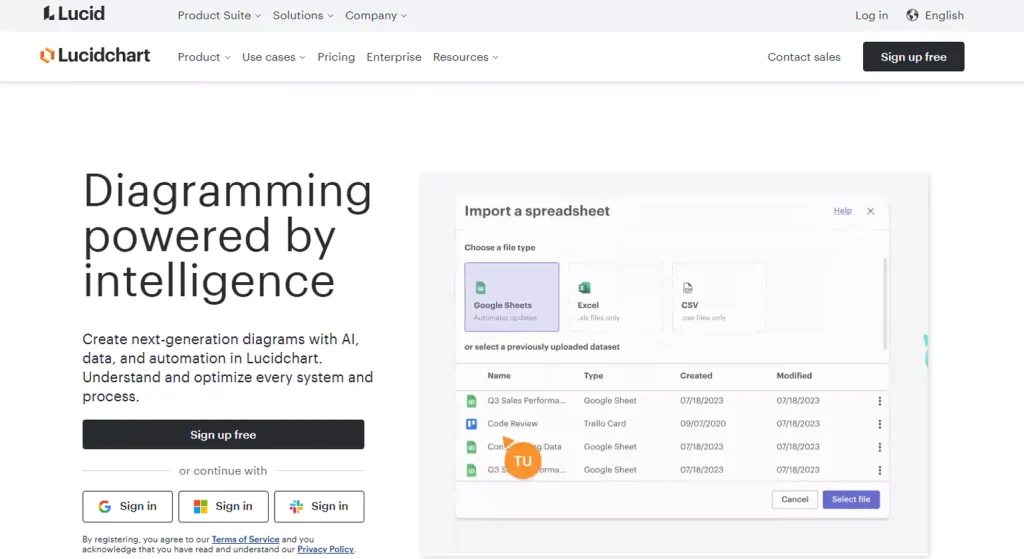
Lucidchart is an intuitive diagramming and process visualization tool that enables teams to create flowcharts, mind maps, and organizational diagrams collaboratively. It’s ideal for businesses looking to document, analyze, and optimize processes through a simple yet effective user interface. Lucidchart integrates with popular applications like Google Workspace, Microsoft Office, and Slack, making it easy to collaborate in real-time and manage complex workflows.
Key Features
- Cloud-based collaboration
- Extensive templates and shapes library
- Real-time collaboration with team members
- Integration with apps like Google Drive and Microsoft Office
- Automatic layout adjustments for clarity
2. Cflow
Overview
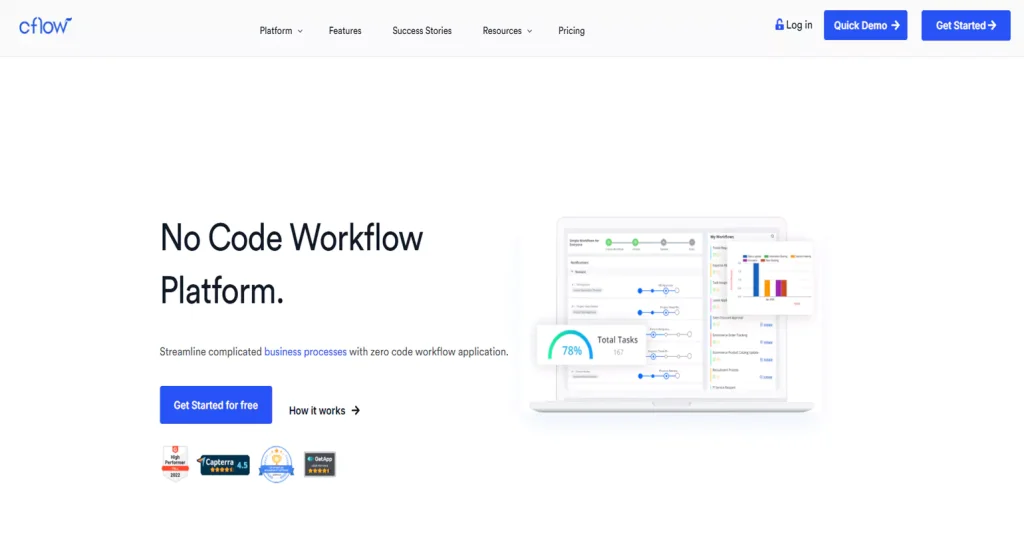
Cflow is a no-code workflow automation platform and one of the top Business process analysis tools designed to streamline business process analytics. It offers a simple drag-and-drop interface for creating workflows, automating repetitive tasks, and ensuring seamless communication across departments. With features like process templates and real-time tracking, Cflow helps teams improve efficiency without needing coding expertise. This tool is particularly beneficial for small to medium-sized businesses seeking to automate and optimize operations.
Key Features
- No-code workflow design
- Real-time progress tracking
- Automated task assignments
- Customizable process templates
- Easy integration with external tools
3. Microsoft Visio
Overview
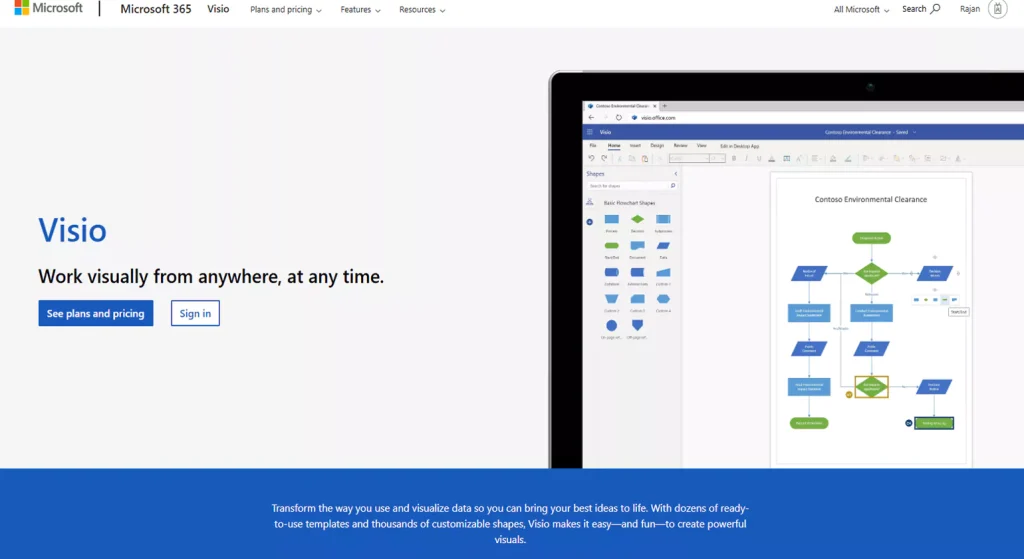
Microsoft Visio is a robust diagramming and vector graphics application that allows users to create detailed flowcharts, organizational charts, and network diagrams. A part of the Microsoft 365 suite, Visio offers powerful features for process mapping and analysis. It’s an ideal choice for businesses already embedded within the Microsoft ecosystem, offering seamless integration and support for collaborative work.
Key Features
- Wide range of diagram templates
- Integration with Microsoft 365 apps
- Collaboration and sharing features
- Real-time data integration
- Customizable stencils and shapes
4. IBM Blueworks Live
Overview
IBM Blueworks Live is a cloud-based business process management tool designed for process mapping, analysis, and optimization. It empowers teams to model, monitor, and improve business workflows collaboratively, leveraging IBM’s powerful analytics capabilities. With its intuitive interface and cloud accessibility, Blueworks Live helps companies uncover inefficiencies and accelerate process improvements.
Key Features
- Cloud-based, accessible from anywhere
- Collaborative process design and analysis
- Integration with IBM’s analytics tools
- Process modeling and simulation
- Real-time insights into process performance
5. Zoho Creator
Overview
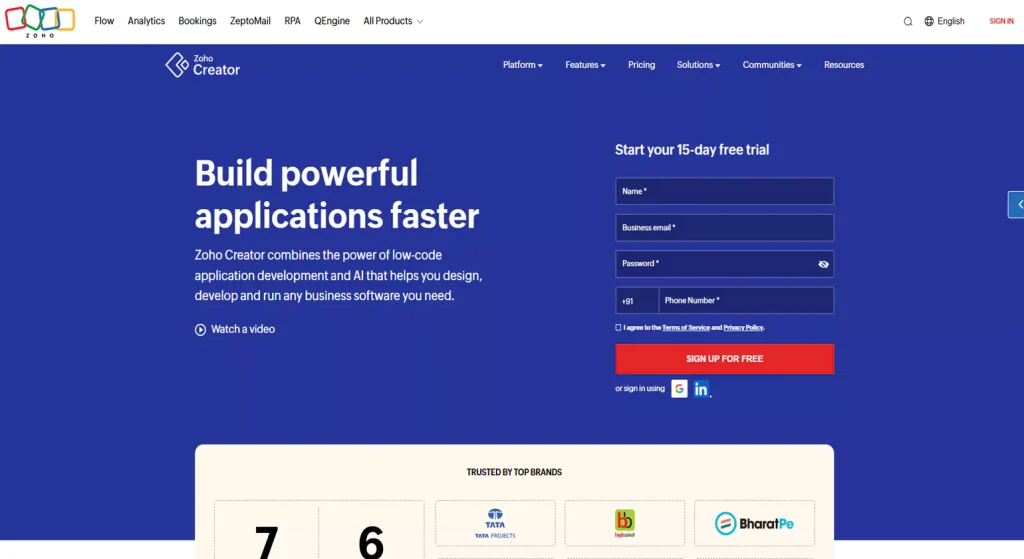
Zoho Creator is one of the best Business process analysis tools and a low-code platform for building custom business applications and automating workflows. It allows businesses to create tailored solutions without needing extensive coding knowledge. Zoho Creator enhances productivity by offering custom forms, dashboards, and process automation tools. It’s a highly flexible platform for businesses of all sizes looking to create bespoke solutions.
Key Features
- Low-code application building
- Customizable workflows and forms
- Integration with other Zoho products
- Mobile app creation support
- Real-time process tracking
6. Appian

Overview
Appian is a low-code business process management and automation platform that helps organizations design, deploy, and optimize workflows. It combines process modeling, data integration, and automation in a unified platform, enabling businesses to scale efficiently and adapt to changing needs. Appian’s drag-and-drop interface allows users to create complex workflows without coding expertise.
Key Features
- Low-code process design
- Data and system integration capabilities
- AI-powered automation features
- Real-time process monitoring
- Scalability for growing organizations
7. ProcessMaker
Overview
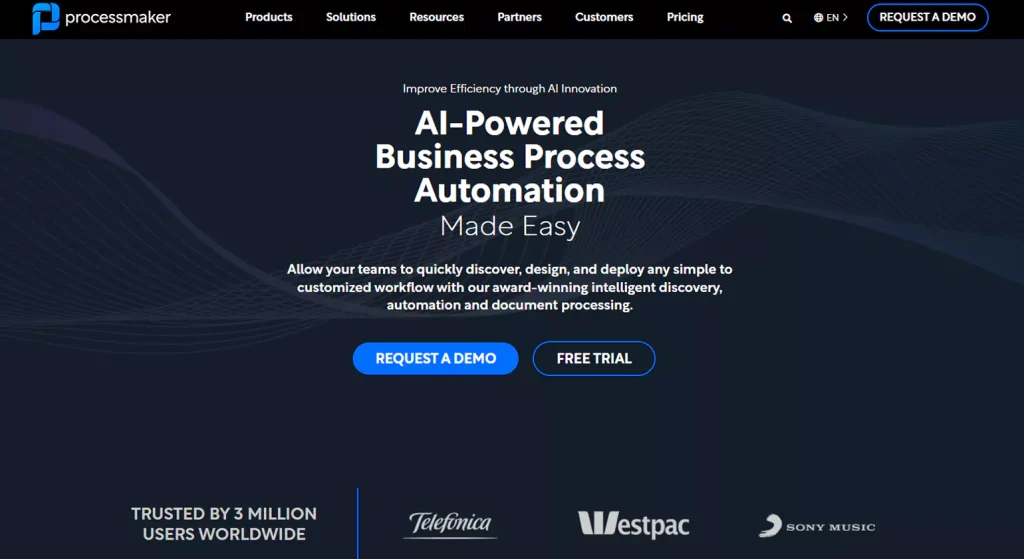
ProcessMaker is one of the top open-source Business process analysis tools that facilitates process design, automation, and monitoring. It offers users the ability to model workflows, automate routine tasks, and track performance. With its flexibility and robust integration options, ProcessMaker is ideal for businesses seeking to streamline operations and enhance compliance.
Key Features
- Open-source platform
- Workflow automation and task management
- Reporting and analytics tools
- Role-based access control
- Integration with third-party systems
8. Celonis
Overview
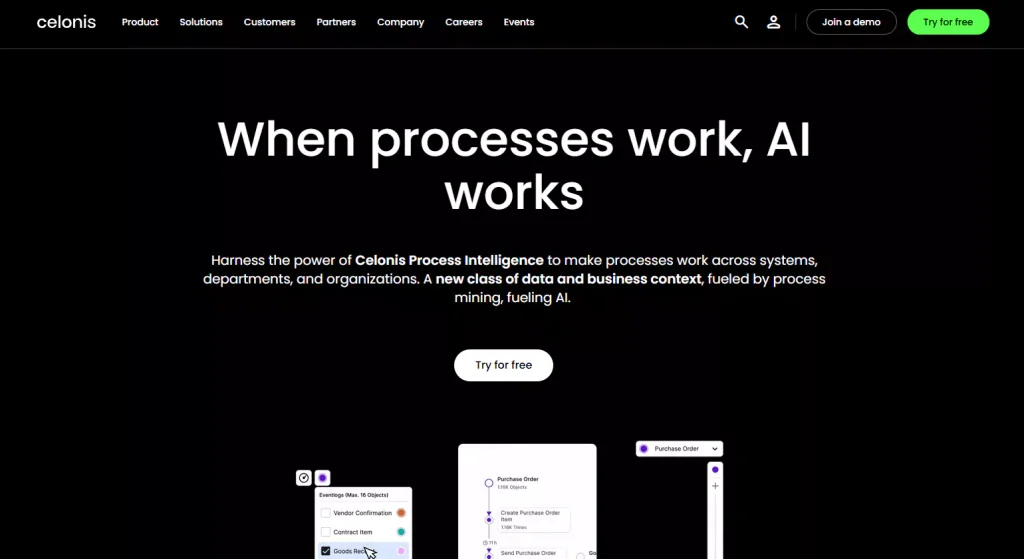
Celonis is a process mining platform that helps organizations visualize and optimize their business process and analysis through data-driven insights. By leveraging advanced analytics, Celonis identifies inefficiencies, bottlenecks, and areas for improvement. This tool provides organizations with actionable insights to drive process optimization and accelerate digital transformation.
Key Features
- Advanced process mining technology
- Real-time data analysis and insights
- Process visualization and mapping
- AI-driven recommendations for improvement
- Integration with ERP and CRM systems
9. ARIS Process Mining
Overview
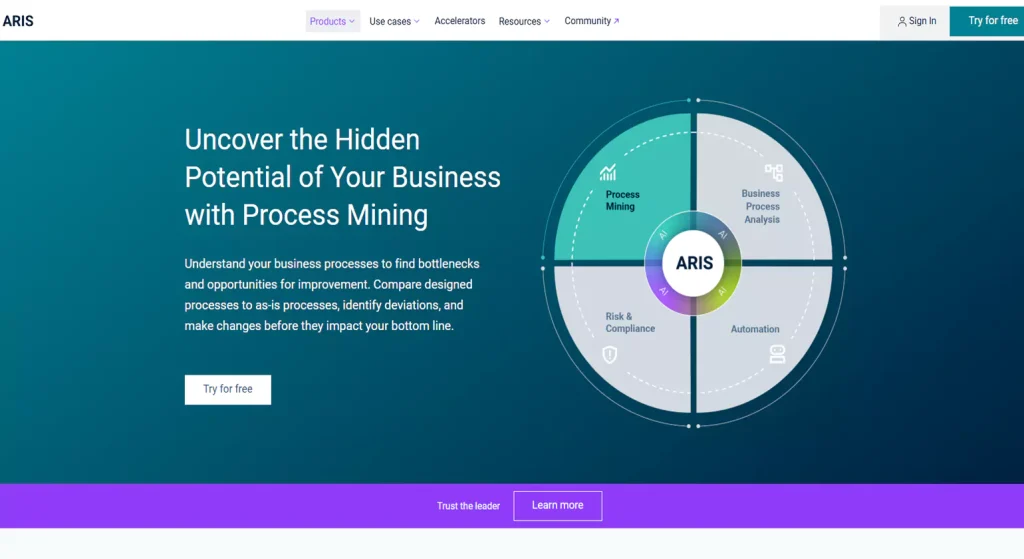
ARIS Process Mining is a tool designed to provide deep insights into business processes and analysis by leveraging data from various systems. It helps organizations visualize, analyze, and optimize workflows, enabling them to uncover inefficiencies and bottlenecks. With powerful analytics and visualizations, ARIS empowers businesses to make data-driven decisions that streamline operations and improve overall performance.
Key Features
- Process discovery through data analysis
- Real-time performance monitoring
- Actionable insights for optimization
- Integration with existing enterprise systems
- AI-driven recommendations for improvements
10. BPMN.io
Overview
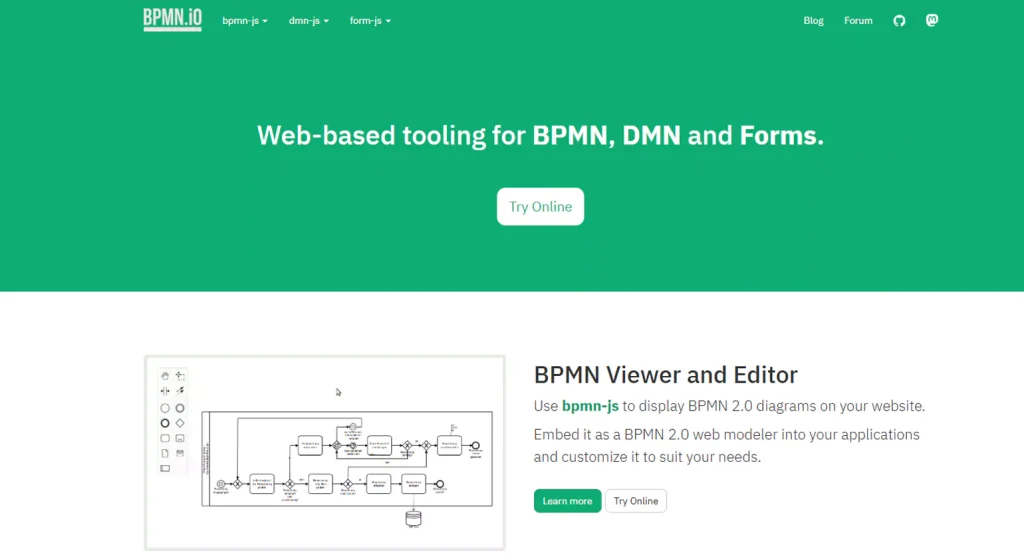
BPMN.io is an open-source tool designed to create Business Process Model and Notation (BPMN) diagrams for business process analytics mapping. It provides an easy-to-use platform to model processes and workflows using BPMN standards. Ideal for businesses seeking to standardize their process documentation, BPMN.io is lightweight, web-based, and integrates easily into business workflows.
Key Features
- Open-source and free to use
- BPMN standard support for modeling processes
- Web-based interface for easy access
- Customizable workflows and templates
- Seamless integration with other BPM tools
11. Monday.com

Overview
Monday.com is a work operating system (Work OS) that helps businesses manage workflows, tasks, and processes. It offers a highly customizable platform to automate repetitive tasks, track progress, and collaborate in real-time. With a simple, visual interface, Monday.com makes it easy to oversee projects and workflows, making it ideal for both small and large teams.
Key Features
- Visual project tracking and task management
- Customizable workflows and automations
- Real-time collaboration and communication
- Integration with various third-party apps
- Time tracking and reporting capabilities
12. Kissflow

Overview
Kissflow is one of the top Business process analysis tools and a cloud-based business process management (BPM) and workflow automation platform. It enables organizations to design, automate, and manage processes with an easy-to-use interface. Kissflow allows for both no-code and low-code automation, making it accessible for businesses of all sizes. It’s particularly effective for automating HR, finance, and customer support processes.
Key Features
- No-code and low-code process automation
- Drag-and-drop process design interface
- Multi-channel collaboration tools
- Extensive pre-built templates for various processes
- Real-time reporting and analytics
13. Pega
Overview
Pega is a process management and automation software platform known for its robust business process management (BPM) and customer relationship management (CRM) features. It allows businesses to design, automate, and optimize workflows, while also offering AI-powered decision-making capabilities. It’s highly scalable, making it suitable for large enterprises with complex workflows.
Key Features
- AI-driven decision automation
- End-to-end BPM and CRM capabilities
- Real-time process monitoring and analytics
- Low-code application development
- Scalable for complex enterprise needs
14. IGrafx

Overview
IGrafx is a business process management suite that helps organizations model, analyze, and optimize their business process analytics. It offers a comprehensive platform for visualizing workflows, improving process performance, and ensuring compliance. IGrafx’s process mapping and simulation tools allow businesses to streamline operations, manage risks, and drive continuous improvement.
Key Features
- Visual process mapping and documentation
- Simulation and process optimization tools
- Risk and compliance management features
- Integration with enterprise systems
- Data-driven process improvement insights
15. Progress Software

Overview
Progress Software offers a range of solutions for business process automation, application development, and data integration. Its tools enable businesses to streamline operations, improve customer experiences, and enhance overall efficiency. Progress Software provides flexible, scalable solutions that can integrate with existing IT infrastructures, making it suitable for businesses seeking to modernize their operations.
Key Features
- Scalable process automation tools
- Seamless data integration across systems
- Low-code application development platform
- Real-time analytics and reporting
- Cloud-native and on-premise deployment options
How to Choose the Right Business Process Analysis Tool for Your Company

Choosing the right Business process analysis tools for your company is crucial for ensuring that you can effectively streamline your operations and improve overall efficiency. The first step in the decision-making process is understanding the specific needs of your organization. Consider factors like the size of your company, the complexity of your processes, and the level of automation required. Smaller businesses might benefit from simple, user-friendly tools, while larger organizations may need more advanced solutions that offer scalability and integration with existing systems.
Another important consideration is the ease of use and customization options of the tool. Ideally, the BPA tool should have an intuitive interface that allows your team to quickly adapt to it without requiring extensive training. Look for tools that offer customizable features so you can tailor them to fit your company’s specific workflows and processes. Additionally, evaluate whether the tool supports collaboration across teams, especially if multiple departments are involved in process analysis and improvement.
Finally, cost-effectiveness and scalability should also be factored into your decision. While some Business process analysis tools may have a low initial cost, it’s important to consider long-term expenses such as licensing fees, upgrades, and potential customization costs. Choose a tool that aligns with your budget while also providing the flexibility to grow with your company as your needs evolve. Ensure the solution can scale as your processes become more complex or as your business expands, allowing you to continue improving processes without the need for frequent tool replacements.
Step-by-Step Guide to Implementing Business Process Analysis Tools

Implementing Business Process Analysis (BPA) tools is an important step toward improving efficiency, reducing costs, and optimizing workflows. Here’s a step-by-step guide to successfully implementing these tools within your organization:
1. Define Clear Objectives
Before selecting and implementing a Business Process Analysis Tools, it’s essential to define clear objectives. What specific problems or inefficiencies are you trying to address? Are you aiming to improve a particular process, reduce operational costs, or increase team collaboration? Setting clear goals helps ensure that the chosen tool aligns with your organization’s strategic needs and sets a foundation for success.
2. Select the Right BPA Tool
The next step is choosing the BPA tool that best fits your business needs. Consider factors such as ease of use, scalability, integration capabilities with your existing systems, and the level of customization required. For example, smaller businesses may prioritize user-friendly tools, while larger enterprises may need advanced tools with robust reporting, analytics, and integration capabilities.
3. Engage Key Stakeholders
Involving key stakeholders—such as team leaders, department heads, and IT professionals—is critical to ensure that the tool meets the needs of all departments involved in the process. Collect feedback from these stakeholders to understand their pain points, desired features, and expectations. This engagement helps create a collaborative environment and smoothens the adoption process.
4. Map Existing Processes
Before diving into tool implementation, it’s essential to map your existing processes. Use the BPA tool to create visual representations of workflows, tasks, and decision points. This will help you identify inefficiencies, bottlenecks, or areas for improvement. Process mapping also serves as a baseline for measuring improvements once the tool is fully integrated.
5. Train Employees
Proper training is vital for ensuring that your team can effectively use Business Process Analysis Software. Organize training sessions to help employees understand the tool’s features, how to navigate the interface, and how to utilize it for Business and process analysis and optimization. Ensure ongoing support is available to address any challenges faced by the team during the transition.
6. Integrate the BPA Tool with Existing Systems
To maximize the tool’s effectiveness, it should integrate seamlessly with your existing enterprise systems such as CRM, ERP, or other workflow management software. Integration allows for streamlined data flow, enhances accuracy, and ensures that all departments are on the same page. If necessary, work with your IT team to facilitate smooth integration.
7. Monitor and Analyze Results
Once the tool is implemented, continuously monitor its impact on your business processes. Use the tool’s reporting and analytics features to track performance, identify trends, and assess whether the initial objectives are being met. Regular reviews will help you fine-tune the processes and ensure that the tool is driving the desired improvements.
8. Iterate and Improve
Business Process Analysis Tools is not a one-time process; continuous improvement is key. As your business evolves, your processes will need to adapt. Regularly update your process maps, optimize workflows, and re-assess the performance of the BPA tool. Encourage feedback from employees to identify areas where the tool can be leveraged more effectively.
Challenges in Business Process Analysis and How to Overcome Them

Business Process Analysis (BPA) is a powerful tool for optimizing workflows and increasing efficiency, but organizations often face several challenges during its implementation and execution. Here are some of the common challenges and how to overcome them:
1. Resistance to Change
- One of the biggest challenges in Business Process Analysis is resistance to change from employees. People are often reluctant to adopt new tools, systems, or processes, especially if they’ve been accustomed to the existing way of working. This can hinder the adoption of BPA tools and delay process improvements.
- How to Overcome It: To combat resistance, involve employees early in the process. Provide clear communication about the benefits of Business and process analysis tools and how they will make their work easier and more efficient. Offer training and support to ease the transition, and involve key stakeholders from different departments to ensure that the new processes align with their needs.
2. Data Quality and Integration Issues
- Successful BPA relies heavily on data, and poor data quality can undermine the analysis process. Inaccurate, outdated, or incomplete data can lead to incorrect process maps and analysis results. Additionally, integrating BPA tools with existing software systems can sometimes be challenging, especially when those systems are outdated or incompatible.
- How to Overcome It: Ensure that your data is clean, accurate, and up-to-date before starting the process analysis. Regularly audit and validate data to maintain its quality. When it comes to integration, work closely with IT specialists to ensure that the BPA tool integrates smoothly with your current systems. Consider using tools with built-in integration capabilities or APIs that can streamline this process.
3. Lack of Clear Objectives
- Without clear objectives, it’s difficult to measure the success of BPA efforts or know where to focus improvement efforts. Organizations sometimes dive into process analysis without defining specific goals, leading to unclear priorities and scattered efforts that don’t align with overall business strategies.
- How to Overcome It: Before implementing BPA tools, set clear, measurable objectives. Define what success looks like—whether it’s reducing process cycle time, improving customer satisfaction, or cutting costs—and ensure that everyone involved understands these goals. This will help direct the focus of your efforts and allow you to measure the success of your process analysis more effectively.
4. Complexity of Processes
- Some business processes are inherently complex, involving multiple departments, systems, or stakeholders. Mapping and analyzing these processes can be overwhelming, especially if the processes are not well-documented or are constantly evolving.
- How to Overcome It: Break down complex processes into smaller, more manageable components. Use BPA tools that allow you to map processes in stages or phases, and start by analyzing the most critical or high-impact processes first. Over time, you can build out a comprehensive understanding of all processes. Collaborating with cross-functional teams can also help ensure that all aspects of the process are accurately captured.
Conclusion
In conclusion, Business Process Analysis tools are invaluable assets for organizations looking to enhance operational efficiency, streamline workflows, and make data-driven decisions. By offering deep insights into process performance, these tools help businesses identify inefficiencies, ensure compliance, and foster continuous improvement. Whether you are looking to reduce costs, improve collaboration, or mitigate risks, BPA tools provide the necessary framework to optimize processes and drive long-term business success. With the ability to adapt to evolving business needs, these tools empower companies to stay competitive and agile in a rapidly changing market.
Know More >>> Tips for Selecting a Business Process Consultant
Top Business Process Automation Services and Solutions for 2025
FAQs
1. What are Business Process Analysis tools?
Business Process Analysis (BPA) tools are software applications designed to help businesses analyze, model, and optimize their workflows. They assist in identifying inefficiencies, mapping processes, improving collaboration, and enabling data-driven decision-making to streamline operations and enhance overall performance.
2. Why should my business use BPA tools?
Business process analysis tools provide valuable insights into organizational processes, helping businesses eliminate bottlenecks, reduce redundancies, and improve efficiency. By automating workflows and supporting data-driven decision-making, BPA tools drive cost savings, improve compliance, and foster continuous process improvement.
3. What types of businesses benefit from BPA tools?
BPA tools are beneficial for organizations of all sizes across various industries, including manufacturing, healthcare, retail, finance, and logistics. They help businesses improve workflow efficiency, reduce operational costs, enhance compliance, and enable scalability, making them ideal for diverse sectors.
4. What makes analytics part of a business process?
Analytics becomes part of a business process when data is integrated into daily operations to guide decisions. By measuring performance, tracking trends, and identifying inefficiencies, analytics helps optimize outcomes and support informed, data-driven business strategies.
5. What is the first step in analyzing a business process?
The first step in analyzing a business process is identifying and documenting the existing workflow. This includes outlining key tasks, stakeholders, and systems involved to establish a clear understanding of the current process before making improvements.
6. How to analyze a business?
To analyze a business, start by assessing core operations, financial performance, customer data, and market position. Use tools like SWOT analysis and KPIs to identify strengths, weaknesses, and opportunities for improvement across departments and strategic goals.
7. What are the challenges of using BPA tools?
Common challenges when using Business Process Analysis Tools include resistance to change, data integration issues, the complexity of business processes, insufficient training, and difficulties in measuring results. Overcoming these challenges requires clear communication, adequate training, and alignment with business goals.
8. How do I choose the right BPA tool for my business?
When selecting a BPA tool, consider factors such as ease of use, scalability, integration capabilities, and specific features that meet your business needs. Assess the complexity of your processes, budget constraints, and the tool’s ability to support collaboration across teams.














