Table of Contents
Introduction
What defines “office”? These days it’s not a place but a concept. To be exact – a work device in a café in Paris, co-working space in Tokyo, or a home office in Ohio. While nowadays employees can work from anywhere which allows companies to hire talent without location limitations, it also gets rid of the traditional security perimeter.
When your team members are in different time zones, relying on one firewall to protect your sensitive data just doesn’t make sense anymore. Besides, the attack surface has been broadened. A hacker can use every home router, public Wi-Fi connection, and personal device as a point of entry.
Leaks of data are not only an IT headache but a disaster for the whole business. In fact, a remote team has a double problem: they have to find a balance between the convenience of shared files and systems for work, and at the same time, they have to put these files and systems under lock and key, to keep them away from the wrong hands. In other words, the biggest problem of today’s distributed workforce is to find the right security-accessibility balance.
The Hidden Dangers of Digital Nomadism
To solve a problem you first have to pinpoint the problem. Working from home (or anywhere) exposes you to risks that are rarely present if you work in the corporate office building.
The Public Wi-Fi Trap
Working from a coffee shop can be very tempting, but be aware that a public Wi-Fi network is usually unsecured. “Man-in-the-Middle” attacks are a common weapon in a hacker’s arsenal which are implemented on open networks. A hacker basically inserts himself between the employee who is making a connection and the legitimate access point thereby the hacker is able to intercept the data going to and fro. An employee signing in to a company account from a lobby without using a VPN could be unknowingly giving away login details to a hacker.
The Blurring of Personal and Professional
Working remotely lets the boundaries between personal and work devices get blurred. An employee may be checking work emails from a personal cell phone which has not been updated with the latest security patches, or a work laptop may be handed down to a kid for doing homework. “Shadow IT” refers to being in possession of unapproved work devices and software which blinds the IT department to locations where malware can infiltrate the corporate network without being noticed.
Targeted Phishing Attacks
Remote employees are excellent targets for social engineering. The attacker is aware that a remote worker is not a few steps away from a co-worker who he can just lean over and ask “Did you send me that weird invoice?” This plays a big part in the effectiveness of impersonation fraud (CEO fraud) and phishing emails.
Building a Digital Fortress

Protecting a dispersed team means moving away from relying on a perimeter defense strategy and adopting an identity-focused security strategy. No matter what network your employees are using, you can still manage which devices and identities are allowed to access your data.
Implement Zero Trust Architecture
Security measures in the past were based on the idea that everything within the corporate network is trusted. The Zero Trust concept goes in a totally different direction, it means that there is no trust at all, everyone must be verified.
Zero Trust means that each and every request to access resources has to be verified with proper authorisation and authentication even if the use of encryption is involved. Also, the system does not differentiate between devices i.e the CEO’s iPad or the intern’s laptop; these both had to be verified. This means that the “blast radius” of a breach incident will be limited which consequently can prevent hackers from moving laterally within your systems.
Enforce Multi-Factor Authentication (MFA)
A password that is being used without support is a weakness. People can cheat, take, or purchase them on the dark web. Multi-Factor Authentication (MFA) acts as another protective shield.
Generally, a password is compromised when a person knows the password only. But by enforcing multi-factor authentication, a password is compromised only in a case where the attacker has the password and he/she can also provide a second form of verification that only authorized users can provide e.g fingerprint scan, a code sent to a mobile device, or a hardware security key. Microsoft has revealed that 99.9% of automated account compromise attacks can be stopped by Single Sign-On (SSO).
Embrace Endpoint Management
Mobile Device Management (MDM) software is a tool IT teams use to enforce security policies on devices wherever they may be. Through MDM, one can implement encryption on disk and security updates can be made mandatory. Also, the ability to remotely wipe off data is very useful in case a laptop that requires this feature has been lost or stolen. Curing a physical theft with a suitable data breach is not automatic.
VPNs and Secure Connections
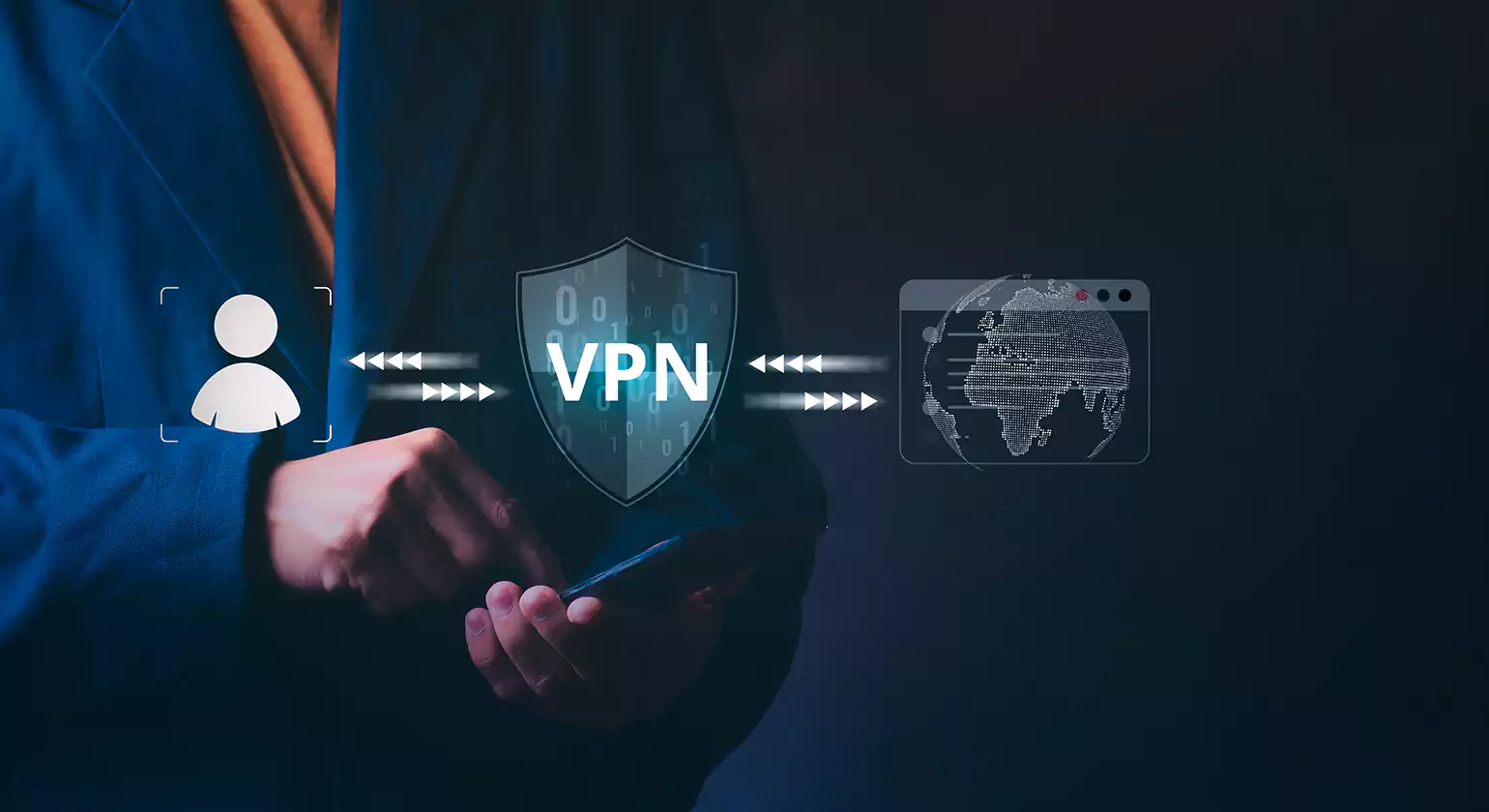
It is imperative that the data being transmitted is encrypted especially if the team members are in different countries. This is where Virtual Private Networks (VPNs) become a necessity. When an employee connects his/her device to the network through a VPN, immediately an encrypted tunnel is created between these 2 end points. Irrespective of the network the employee/device is using, a person who tries to intercept these transmitted data will get data that is incomprehensible. So, a VPN is the answer for anyone who needs to work on a public connection.
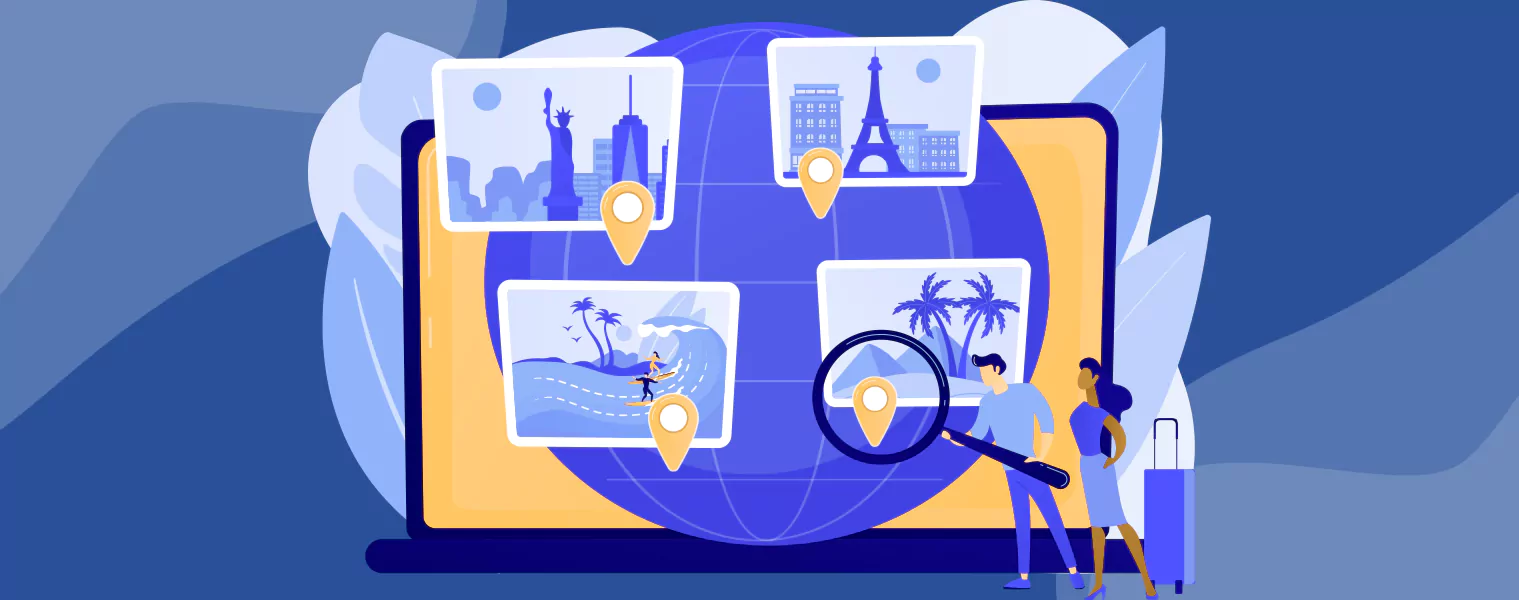
In addition, VPNs have other features than just securing the communication channel. Whether your company uses a conventional domain name or a more modern one like cybernews, your organization’s web footprint is of great importance. Security teams regularly have to verify whether their web properties are resolving correctly in different geographical locations to confirm adherence to the regulations and to prevent spoofing. An efficient enterprise tool enables its users to change location with VPN, thus hiding their actual IP address and thus providing anonymity. Security experts doing threat research or employees on business trips in high-risk areas who need to securely access company resources may find this feature invaluable.
The Human Firewall: Training and Culture

You may have the most sophisticated software but a single moment of carelessness of an employee in clicking a malicious link and your defense system might fall apart. It is human error that is still the biggest reason for data breaches.
Regular Security Training
There should NEVER be ONE-TIME Security training just for the sake of ticking a box. Make it a continuous discussion. In addition, conducting phishing simulations play a big role in teaching the staff how to deal with malicious emails. Hence, these activities help staff to identify, for instance, the typical language of scammers, the presence of URL discrepancies, or unexpected attachments.
Establish Clear Protocols
Employees working remotely should be crystal clear about what they should do if they possess a suspicion in regard to a security concern. Do first of all create an easy-to-follow and blame-free reporting system. If by a misstep an employee clicks a suspicious link, he/she has to be confident in the fact that the IT department will be the first party that is informed in a timely manner, rather than the case the concerned employee is afraid of the punishment that is why he/she hides the incident. The faster the response to the breach, the less the damage being done.
Password Hygiene
Advocate and probably force the use of password managers as well. Let’s be honest, users fail in concocting and remembering different and complex passwords for each website or app that they use. To install a password manager frees the user from this kind of mental labor, so they can set up astronomically high-strength passwords even though they do not know the passwords and do not have to repeatedly type them.
Security is a Journey, Not a Destination
Protecting the confidentiality of data in a remote global environment is not something you achieve right away and then forget about it. You have to keep up with the ever changing security threats and keep your defenses up. You need to combine strong technologies such as MDM and encryption with an alert and aware company culture.
By recognizing the special hazards of remote work and taking the above proactive steps, you can allow your team to have the liberty to work from any location without jeopardizing the integrity of your company data. The purpose is not to impose restrictions on your staff but to provide them with safe working solutions which they can use wherever they may be.
Read more >>> Key Fundamentals of a Growth Hacking Consultant
Top Business Support Services Every Company Needs