

Table of Contents
Quick Overview
- Website Tracking Tools function as digital platforms that observe visitor activities while they track user interactions and gather data which enables businesses to analyze their website user engagement.
- Businesses use tracking tools to enhance user experience while boosting conversion rates and developing better marketing approaches and executing decisions based on information.
- The system gathers data through tracking scripts and cookies and session information and event monitoring which it presents on dashboards for users to examine and generate reports.
- The system enables websites to deliver content that adapts in real time while presenting users with customized suggestions and directing their online experience according to their behavior patterns and individual preferences.
What are Website Tracking Tools?
Website tracking tools provide the raw data needed to understand user journeys. However, to truly leverage this intelligence, businesses should integrate these insights into a broader marketing information management system. This allows for the centralized storage and analysis of data from multiple sources, ensuring that tracking results lead to data-driven strategic decisions.
Businesses use these tools to analyze how users behave on their websites while they assess advertising effectiveness and enhance their website designs to create better overall user experiences. Google Analytics enables traffic and user activity monitoring while Hotjar displays user movement through a website using heatmaps and session recordings. The solutions provided by Adobe Analytics and Matomo include sophisticated reporting tools which allow users to control their data.
Why Do You Need Website Tracking Tools?

- Website tracking tools assist businesses in understanding user behavior while they use the site and monitor site traffic and evaluate performance through tracking essential performance indicators which include page views and bounce rates and session durations and conversion rates.
- Companies use data analysis to identify their digital strengths and weaknesses which allows them to make data-based improvements that enhance both user experience and customer engagement and customer retention.
- The tools measure marketing success through tracking both referral sources and advertising outcomes and customer navigation patterns throughout the website.
- The combination of heatmaps and session recordings and A/B testing enables identification of drop-off points and friction areas which designers utilize to create improved website navigation and functional systems that protect against unauthorized access through their ability to identify suspicious visitors.
Key Features of Website Tracking Tools

Website tracking tools are essential for monitoring user behavior, optimizing website performance, and improving marketing strategies. These tools provide valuable insights through data analysis, helping businesses enhance user experience and maximize conversions. Below are the key features that make website tracking tool indispensable for website owners and digital marketers.
1. Real-Time Analytics
Real-time analytics allow businesses to track website visitor tracking tools as they navigate through pages. This feature provides instant data on active users, traffic sources, and user interactions, helping businesses respond quickly to trends, optimize engagement strategies, and address technical issues immediately.
2. User Behavior Tracking
Understanding where users click is vital for optimizing website layout. While standard analytics show page views, specialized CTR software tools provide deeper insights into click-through rates for specific call-to-action buttons and banners. This allows webmasters to pinpoint exactly which creative elements are driving conversions and which are being ignored.
3. Traffic Source Analysis
Website tracking tools provide insights into how visitors arrive at a site—whether through organic search, paid ads, social media, referrals, or direct visits. By analyzing traffic sources, businesses can determine which channels are driving the most value and adjust marketing strategies accordingly.
4. Conversion Tracking
Once a tracking tool identifies a successful lead conversion, the next step is nurturing that contact. Utilizing professional email management tools ensures that the data gathered from website behavior—such as specific pages visited—can be used to send personalized, automated follow-ups that move the prospect further down the sales funnel.
5. Audience Demographics & Segmentation
Knowing the demographics of website visitor tracking tools—such as age, location, gender, and interests—helps businesses tailor content and marketing campaigns to specific audience segments. Advanced segmentation allows businesses to target users based on behavior, device type, or past interactions, leading to more personalized experiences.
6. SEO & Performance Metrics
Many website tracking tools provide SEO insights by tracking keyword rankings, bounce rates, page load times, and mobile usability. These metrics help businesses optimize their websites for search engines, ensuring better visibility and improved organic traffic.
7. Event & Goal Tracking
Setting up custom events and goals enables businesses to track specific user interactions, such as downloads, video plays, or button clicks. This feature helps businesses understand which elements drive engagement and take action to improve user interactions.
8. Automated Reports & Alerts
Automated reporting allows businesses to receive scheduled performance reports, while real-time alerts notify them of significant changes, such as traffic spikes, goal completions, or sudden drops in performance. These features help businesses stay informed and take immediate action when necessary.
How Website Tracking Tools Work
1. Tracking Scripts and Tags
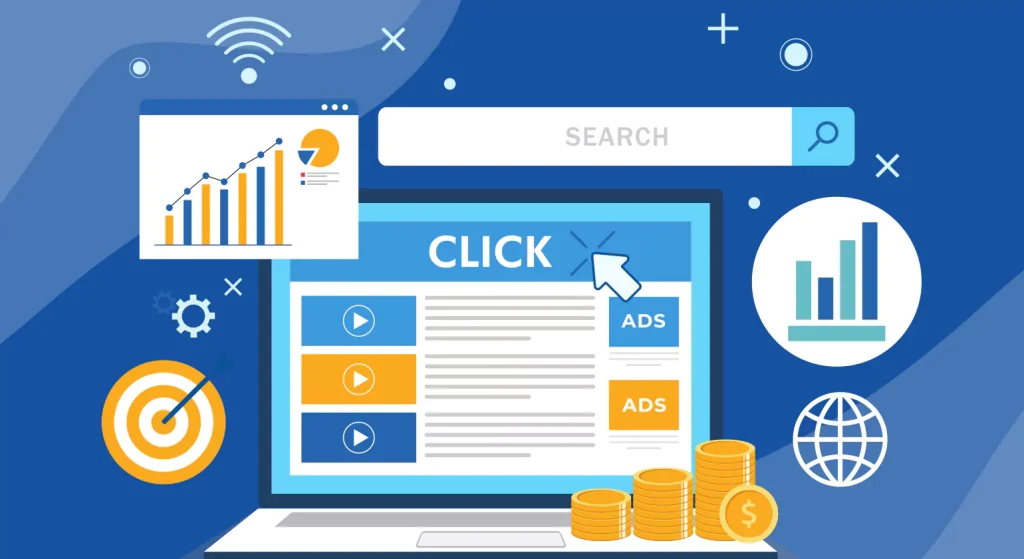
The majority of website tracking systems implement tracking scripts or tags which require installation of small code components on your website. The scripts track visitor activities by monitoring their page views and clicks and form submissions and scrolling actions.
2. Cookies and Session IDs
Cookies together with session identifiers enable tracking of specific visitors as they navigate through different web pages and multiple browsing sessions. Cookies maintain both temporary and permanent information while session IDs track individual visitor activities throughout their entire browsing session.
3. Event Tracking
Event tracking records specific user actions like button clicks video plays downloads or form submissions. This system enables businesses to track user interaction with essential website features while they work to enhance conversion rates.
4. Data Collection and Storage
The tracking tool sends all collected data to its servers which perform processing and storage functions. The modern tools use cloud storage systems to manage substantial traffic data because they provide effective data storage solutions.
5. Reporting and Dashboards
The tracking tools deliver dashboards which display visual reports together with charts and graphs. Businesses use metrics such as traffic origins and visitor exit rates and average session times and their conversion paths to generate insights that guide their decision making processes.
20 Website Tracking Tools for Visitor Behavior Tracking

Understanding visitor behavior is crucial for optimizing user experience, improving conversions, and making data-driven decisions. website tracking software tools help businesses analyze traffic, engagement, and user actions. Below is a detailed overview of 20 website tracking tools, including their key features and functionalities.
1. Google Analytics
Google Analytics is one of the most widely used website tracking tools that provide deep insights into user behavior, traffic sources, and conversion rates. Businesses rely on Google analytics consultant to track visitor interactions, analyze engagement patterns, and measure marketing campaign performance. The platform offers robust reporting features, real-time tracking, and data-driven insights that help improve website performance. With its seamless integration with Google Ads and other platforms, it allows businesses to make informed decisions and enhance their digital strategies.
Key Features
- Real-time visitor tracking
- Traffic source analysis
- Goal and conversion tracking
- Custom reports and dashboards
- Integration with Google Ads and Search Console
2. Google Search Console
Google Search Console is a free tool offered by Google to help website owners monitor and maintain their site’s presence in search results. It provides essential insights into how Google crawls and indexes a website, helping users identify and fix errors that may impact visibility. With Search Console, businesses can track search performance, optimize keyword rankings, and analyze backlink profiles. The platform also provides mobile usability reports, ensuring websites are fully optimized for mobile search users.
Key Features
- Search traffic analytics
- Keyword performance tracking
- Mobile usability reports
- Indexing and crawl error reports
- Backlink analysis
3. Plerdy
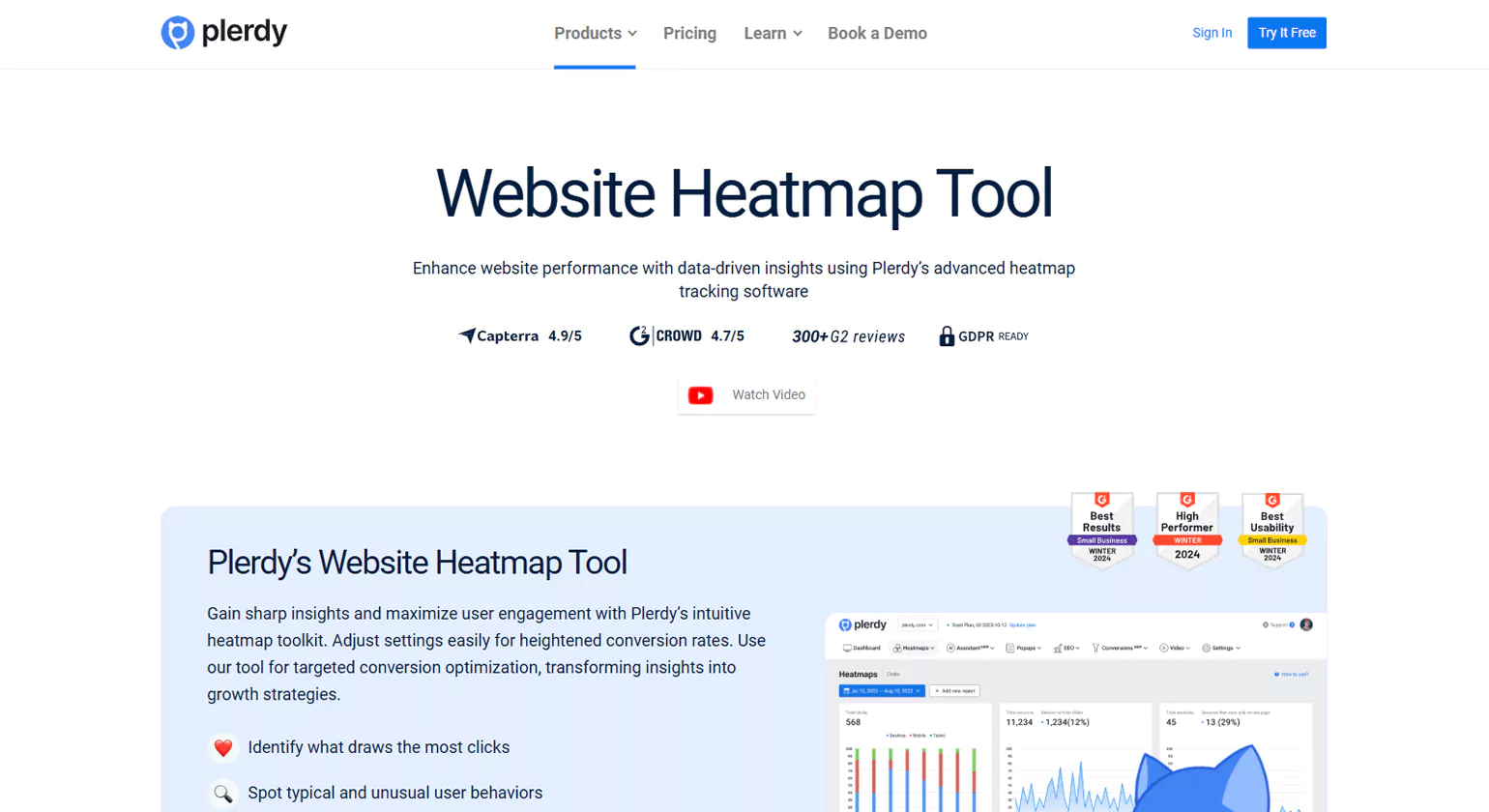
Plerdy is a comprehensive website tracking tools that focuses on heatmap analysis, SEO audit, and conversion rate optimization. Businesses use Plerdy to visualize user interactions, including clicks, scroll behavior, and session duration. This tool helps website owners pinpoint problem areas in navigation and content that may be affecting engagement and conversion rates. Additionally, Plerdy offers real-time tracking, detailed SEO audits, and form analytics, making it a valuable tool for improving website usability and performance.
Key Features
- Heatmap tracking
- Click and scroll analysis
- SEO audit and reporting
- Conversion funnel analysis
- User session recording
4. Adobe Analytics
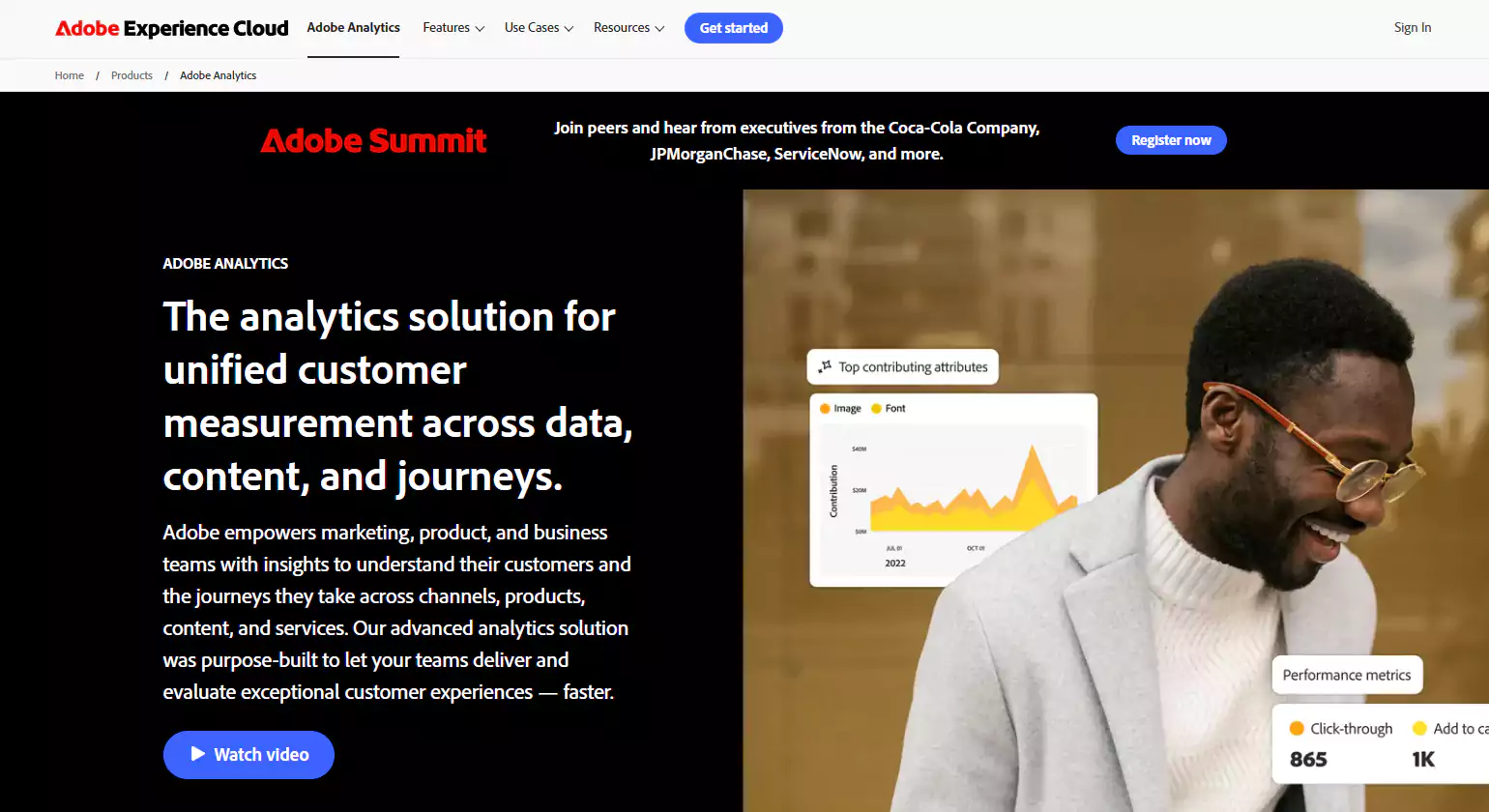
Plerdy is a comprehensive website tracking tools that focuses on heatmap analysis, SEO audit, and conversion rate optimization. Businesses use Plerdy to visualize user interactions, including clicks, scroll behavior, and session duration. This tool helps website owners pinpoint problem areas in navigation and content that may be affecting engagement and conversion rates. Additionally, Plerdy offers real-time tracking, detailed SEO audits, and form analytics, making it a valuable tool for improving website usability and performance.
Key Features
- Heatmap tracking
- Click and scroll analysis
- SEO audit and reporting
- Conversion funnel analysis
- User session recording
5. Ahrefs
Ahrefs is a comprehensive SEO and website tracking tool that provides deep insights into organic search traffic, backlink profiles, and keyword rankings. Businesses use Ahrefs to perform competitor analysis, track keyword performance, and conduct site audits to identify technical SEO issues. The tool also offers content gap analysis, helping marketers optimize their content strategy. With its extensive database and powerful crawling capabilities, Ahrefs is an essential tool for improving search engine rankings and increasing organic traffic.
Key Features
- Keyword and backlink analysis
- Website traffic tracking
- Rank tracking and competitor analysis
- Site audit for SEO improvements
- Content gap analysis
6. Mixpanel
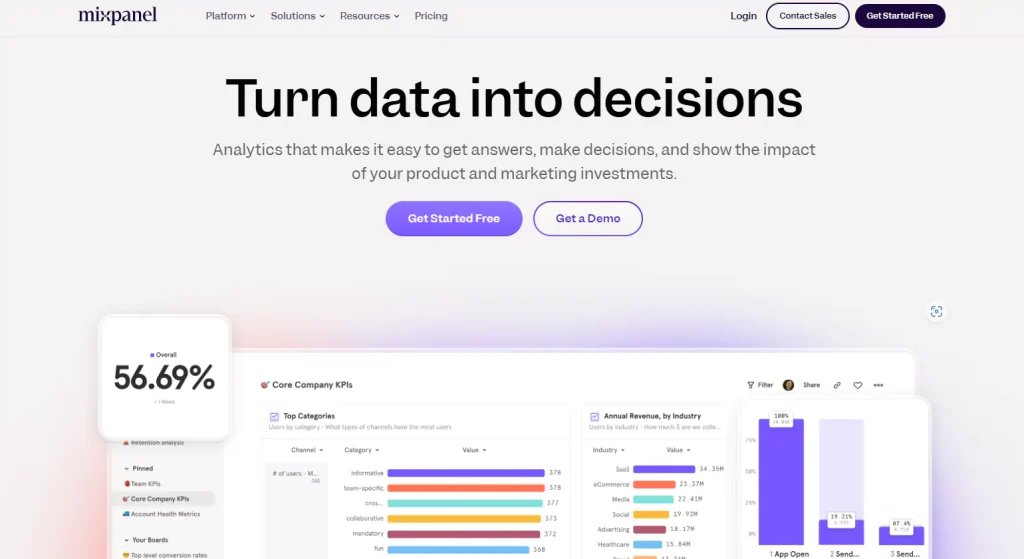
Mixpanel is an advanced product analytics tool designed to track user interactions within web and mobile applications. It enables businesses to analyze customer engagement, retention, and conversion rates. Mixpanel provides detailed event-based tracking and funnel analysis, helping businesses understand user behavior and optimize their digital products. The tool also offers powerful segmentation capabilities, enabling marketers and product managers to personalize experiences based on user preferences and activity trends.
Key Features
- Event-based tracking
- Funnel analysis and A/B testing
- Cohort analysis for retention tracking
- Custom dashboards and reports
- User segmentation for personalized marketing
7. Kissmetrics
Kissmetrics is a customer analytics and behavior tracking tool designed to help businesses understand how users interact with their Website Tracking Tools. It provides in-depth insights into visitor engagement, retention, and conversion tracking. Kissmetrics focuses on customer journey mapping, helping businesses make data-driven decisions to improve marketing and product strategies. The tool also enables automated email and engagement campaigns based on user behavior.
Key Features
- Customer journey analysis
- Retention and conversion tracking
- Behavioral cohort analysis
- Automated email and engagement campaigns
- Integration with marketing and CRM platforms
8. ChartMogul
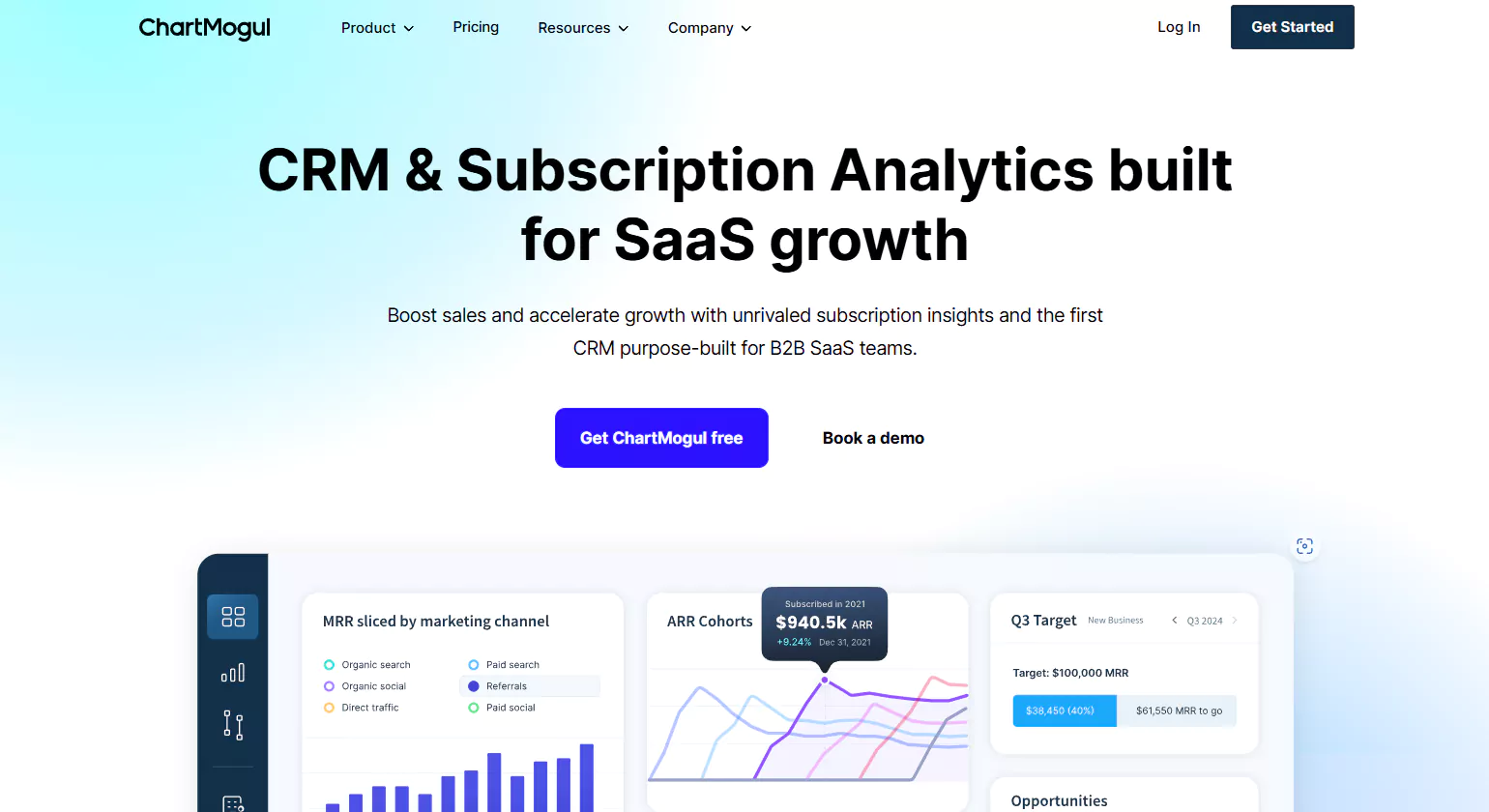
ChartMogul is an analytics and revenue Website Tracking Tool platform designed specifically for subscription-based businesses. It provides businesses with valuable insights into customer acquisition, retention, and churn rates. ChartMogul integrates with payment platforms like Stripe and PayPal to track subscription revenue and lifetime value. It enables businesses to segment customers based on engagement and payment activity, helping them optimize pricing strategies and reduce churn. With its user-friendly interface, ChartMogul is a powerful tool for SaaS companies looking to enhance financial performance.
Key Features
- Subscription analytics and revenue tracking
- Customer segmentation
- Churn rate analysis
- SaaS performance metrics
- Integration with Stripe, PayPal, and Braintree
9. Clicky
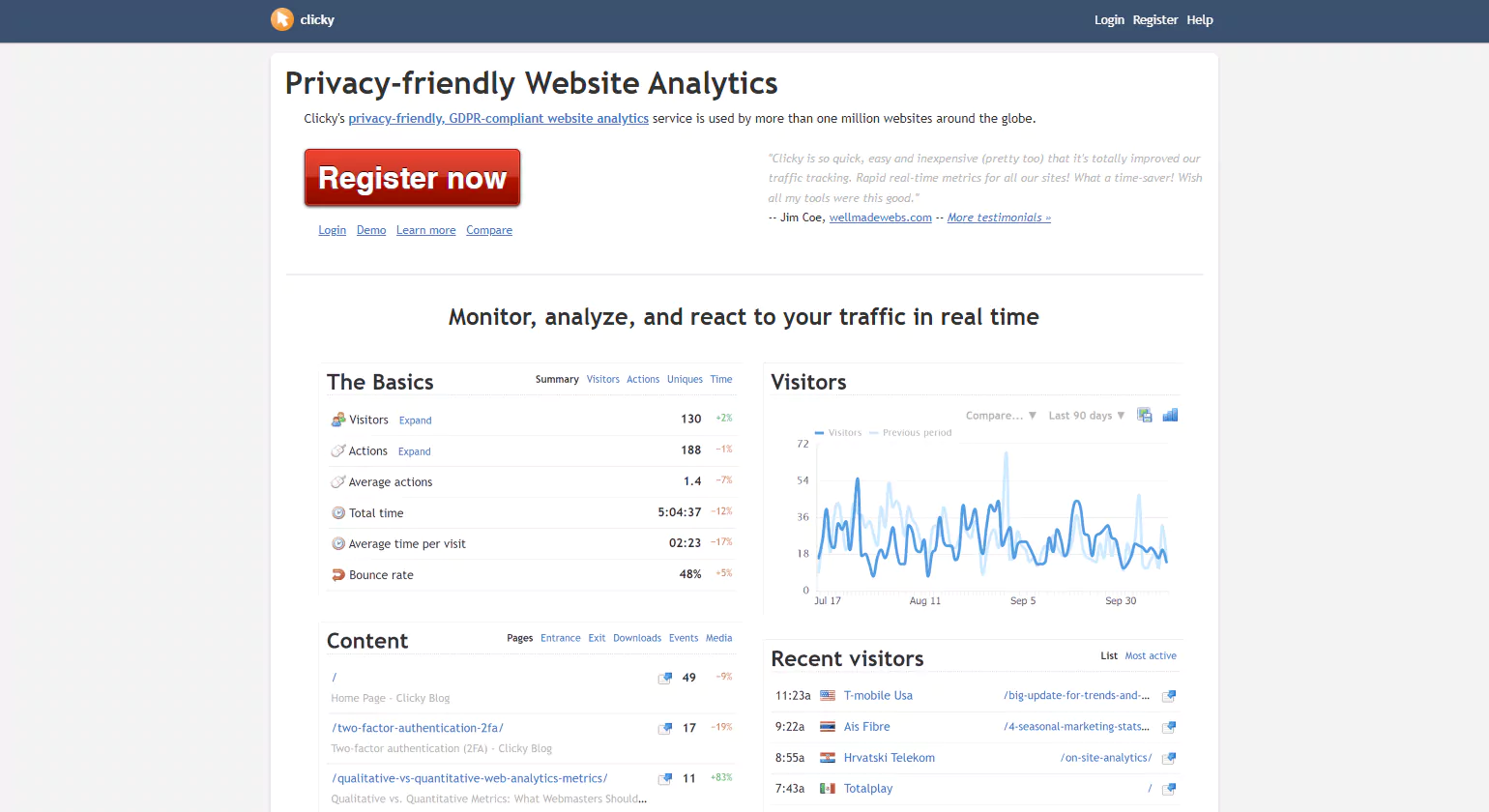
Clicky is a real-time web analytics tool designed for website owners who need in-depth visitor tracking and analytics. It provides powerful insights through heatmaps, goal tracking, and uptime monitoring. Unlike traditional analytics tools, Clicky focuses on real-time data, allowing businesses to react quickly to visitor behaviors and optimize their strategies effectively for better engagement and conversions.
Key Features:
- Real-time visitor tracking
- Heatmaps for analyzing user interactions
- Uptime monitoring
- Goal tracking and conversion analysis
- Bounce rate analysis
- GDPR-compliant with privacy controls
10. Matomo
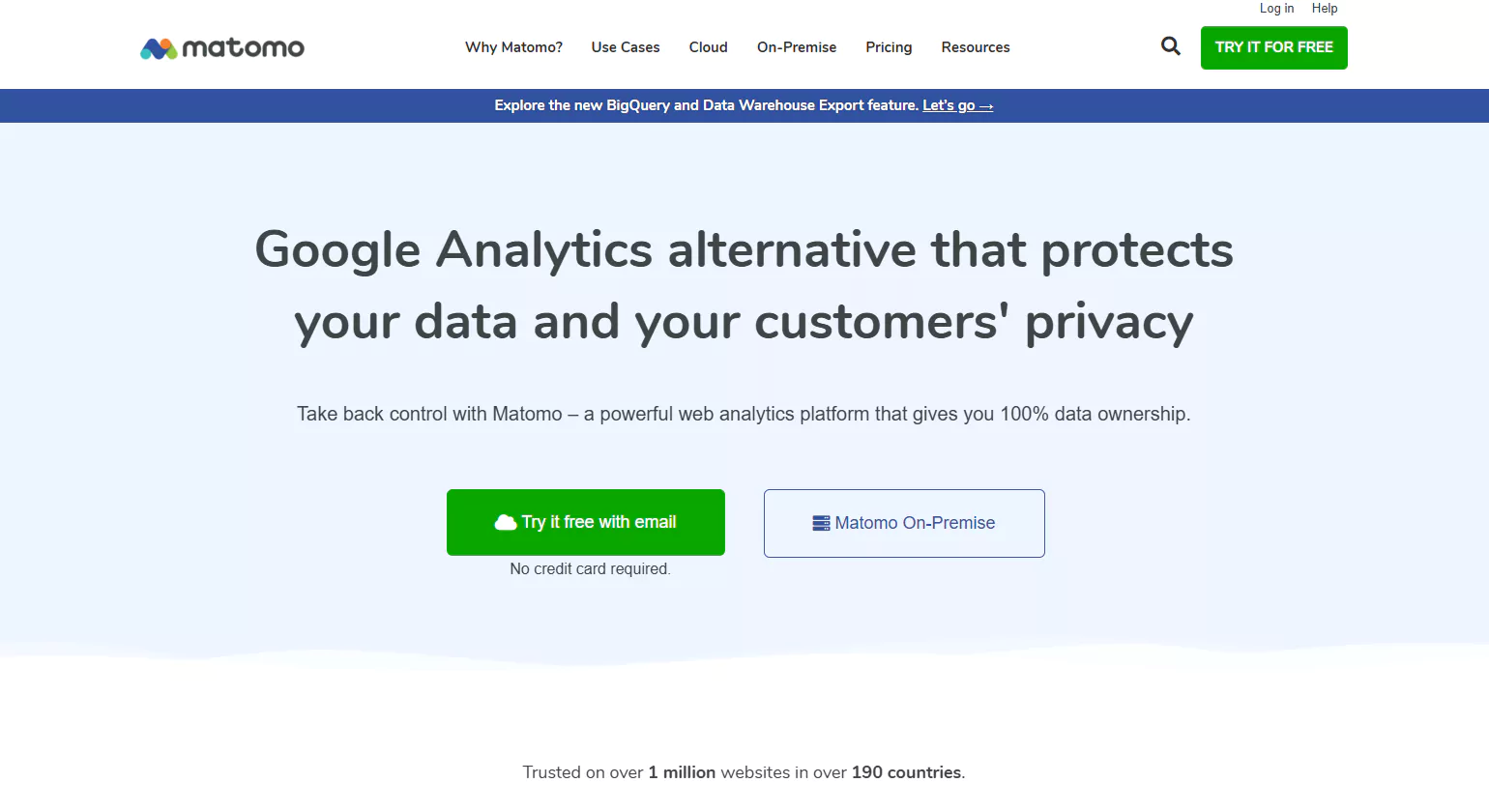
Matomo is a powerful open-source Website Tracking Tools platform that prioritizes user privacy and data ownership. Unlike Google Analytics, Matomo allows businesses to host their analytics data on their own servers, ensuring compliance with strict data protection regulations. The tool provides in-depth insights into visitor behavior, conversion rates, and traffic sources while offering advanced reporting and customization options. Matomo is ideal for organizations that prioritize data security and need full control over their analytics.
Key Features
- Self-hosted analytics for data privacy
- Real-time visitor tracking
- Conversion rate optimization
- Heatmap and session recordings
- GDPR and CCPA compliance
11. Fathom Analytics
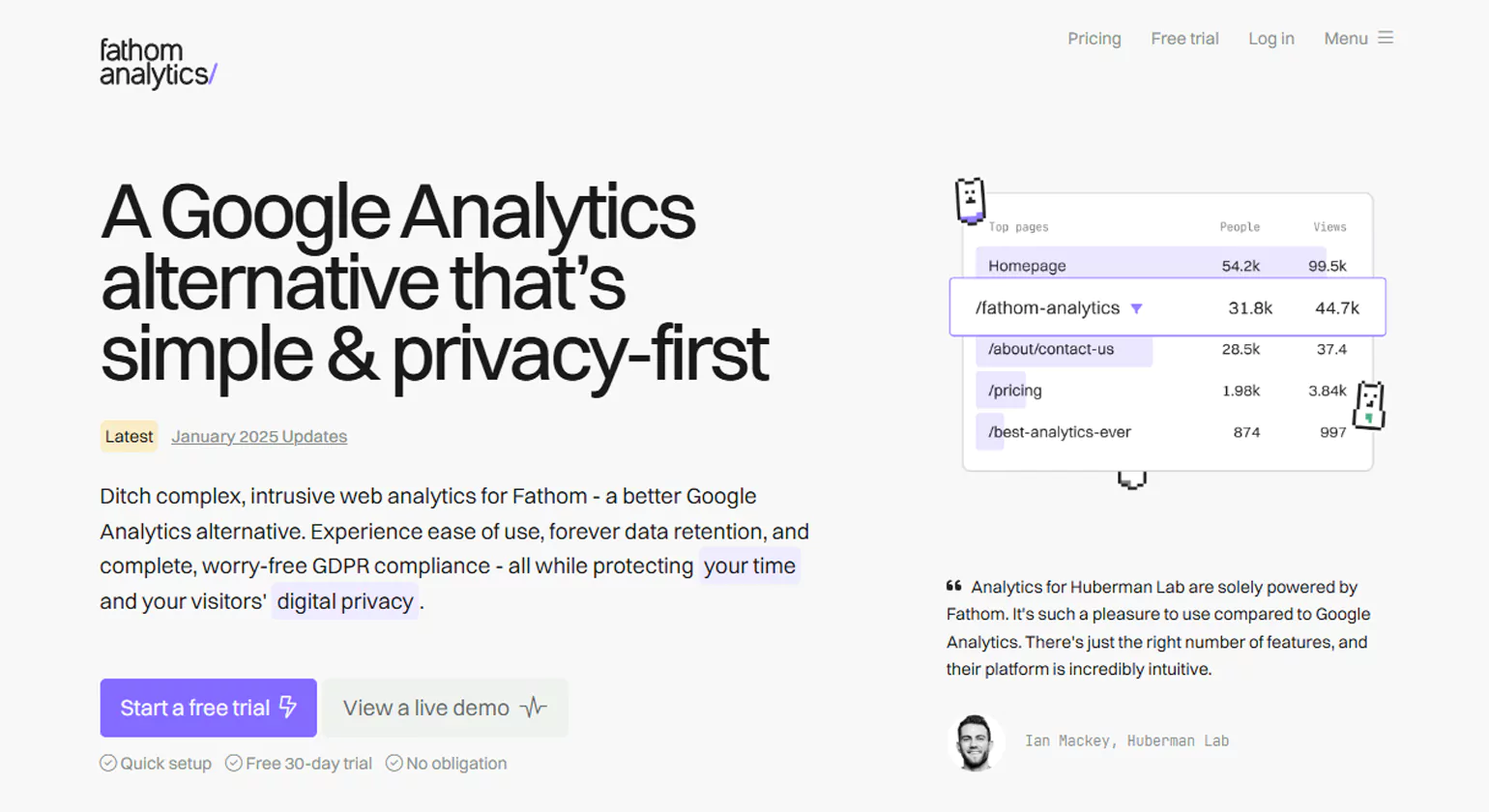
Fathom Analytics is a privacy-focused web analytics platform that offers businesses essential website insights while adhering to GDPR, CCPA, and other data privacy regulations. Unlike other tools, Fathom ensures no tracking cookies are used, making it a preferred choice for businesses prioritizing privacy and compliance. Its lightweight script also ensures faster website performance.
Key Features:
- Simple and intuitive dashboard
- Privacy-first approach with no tracking cookies
- Lightweight script for fast website performance
- Custom event tracking
- Unlimited data retention
- Real-time traffic insights
12. SimilarWeb
SimilarWeb is a powerful digital intelligence platform that provides businesses with detailed insights into Website Tracking Tools traffic, audience behavior, and competitive analysis. It helps companies benchmark their performance against competitors, identify growth opportunities, and refine marketing strategies. With robust keyword tracking and referral analysis, SimilarWeb is an essential tool for businesses looking to enhance digital presence.
Key Features:
- Competitive traffic analysis
- Audience demographics and behavior tracking
- Keyword and referral traffic analysis
- Industry benchmarking
- Mobile and app analytics
- Market intelligence reports
13. Woopra

Woopra is a customer journey analytics platform designed to help businesses track user interactions across multiple channels, including websites, mobile apps, and emails. With real-time behavioral analytics, automated workflows, and segmentation capabilities, Woopra enables businesses to gain deep insights into customer journeys, optimize engagement, and improve retention rates efficiently.
Key Features:
- Real-time customer journey tracking
- Advanced segmentation and behavioral analytics
- Custom event tracking
- Automated workflows and triggers
- Integration with CRM, email, and support tools
- Retention and churn analysis
14. UserTesting

UserTesting is a user experience research platform that provides businesses with real-time feedback through video and audio recordings of real user interactions. It enables brands to understand customer needs, validate design choices, and enhance digital experiences. With AI-driven insights, UserTesting helps companies optimize usability, identify pain points, and improve customer satisfaction.
Key Features:
- Video-based user feedback
- Targeted audience selection
- Usability testing for websites, apps, and prototypes
- AI-driven insights and sentiment analysis
- Real-time feedback on digital experiences
- Integration with design and analytics tools
15. Salesforce
Salesforce is a leading cloud-based CRM platform that offers advanced analytics and customer insights. With AI-powered intelligence and real-time data visualization, businesses can enhance sales forecasting, customer engagement, and marketing efforts. Its extensive integration capabilities make it a go-to solution for organizations looking for comprehensive b2b customer relationship management and Website Tracking Tools.
Key Features:
- AI-powered analytics with Einstein Analytics
- Customer data platform (CDP) for deep insights
- Real-time data visualization and reporting
- Integration with marketing, sales, and service tools
- Predictive analytics for sales forecasting
- Custom dashboards and reports
16. Smartlook
Smartlook is a qualitative analysis tool that provides businesses with deep insights into user behavior on websites and mobile apps. With session recordings, heatmaps, and event-based tracking, Smartlook helps businesses identify usability issues, track conversions, and improve user experience. Its automated tracking ensures that all user actions are captured without manual setup.
Key Features:
- Session recordings for real user interactions
- Click, movement, and scroll heatmaps
- Event-based analytics and funnels
- Crash reporting for mobile apps
- Automatic tracking of user actions
- GDPR and CCPA compliance
17. Hotjar
Hotjar is a behavior analytics and feedback tool that enables businesses to visualize user interactions through heatmaps, session recordings, and direct feedback. With conversion funnel tracking and real-time surveys, Hotjar helps organizations understand user behavior, identify barriers to conversion, and optimize websites for better engagement and sales.
Key Features:
- Heatmaps for click, move, and scroll behavior
- Session recordings for user experience analysis
- Conversion funnel analysis
- Surveys and feedback collection
- Incoming feedback widget for real-time insights
- Integration with CMS, CRM, and analytics tools
18. Mouseflow
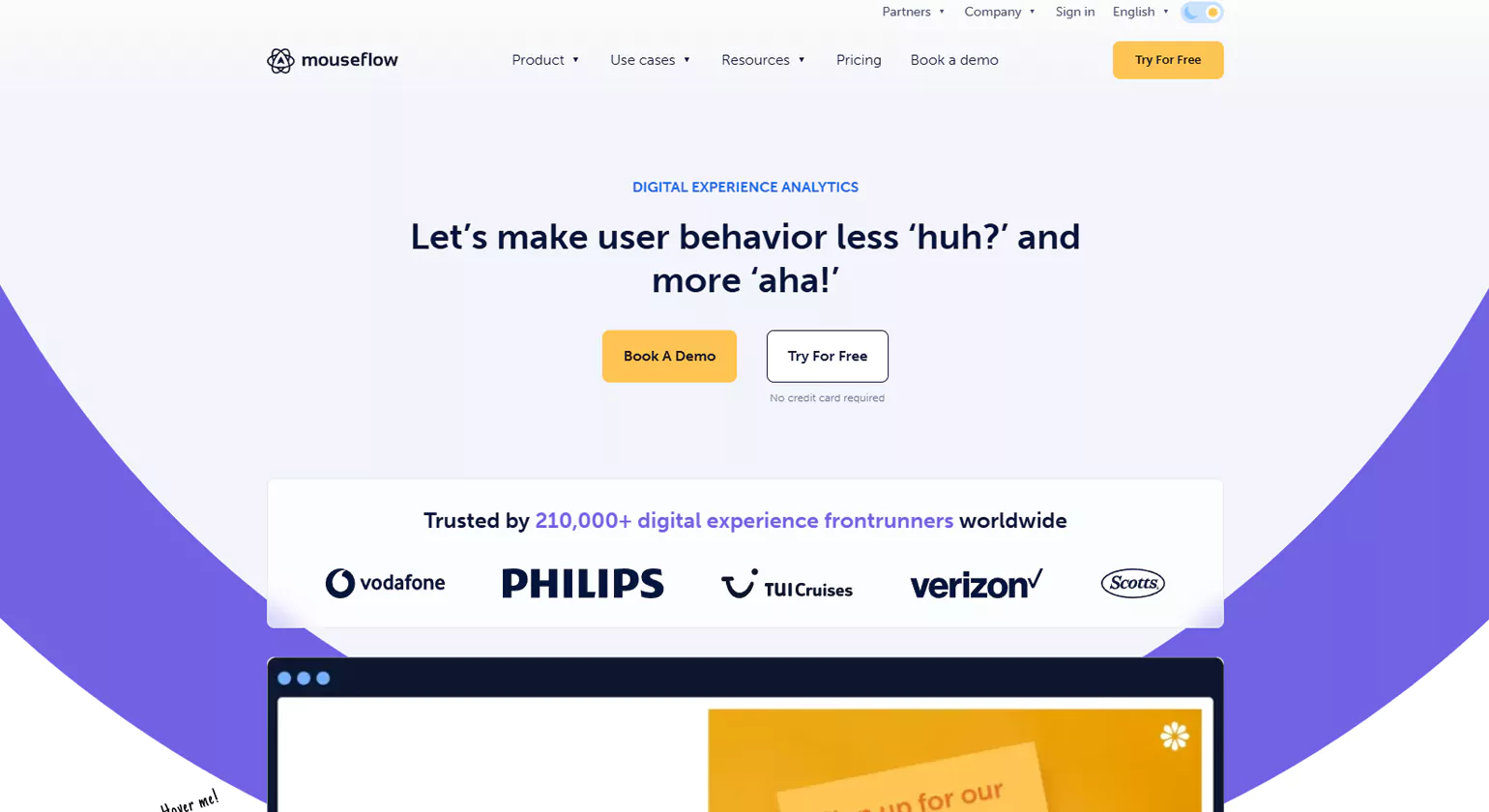
Mouseflow is a behavior Website Tracking Tools designed to help businesses understand how users interact with their websites through session recordings, heatmaps, and funnel analysis. It enables organizations to detect usability issues, optimize website performance, and enhance customer experience by analyzing real user behavior and friction points.
Key Features:
- Session replay to visualize user interactions
- Heatmaps for click, scroll, and attention analysis
- Funnel tracking and form analytics
- Custom tagging and segmentation
- Friction score analysis to detect usability issues
- Integration with marketing and analytics tools
19. Glassbox
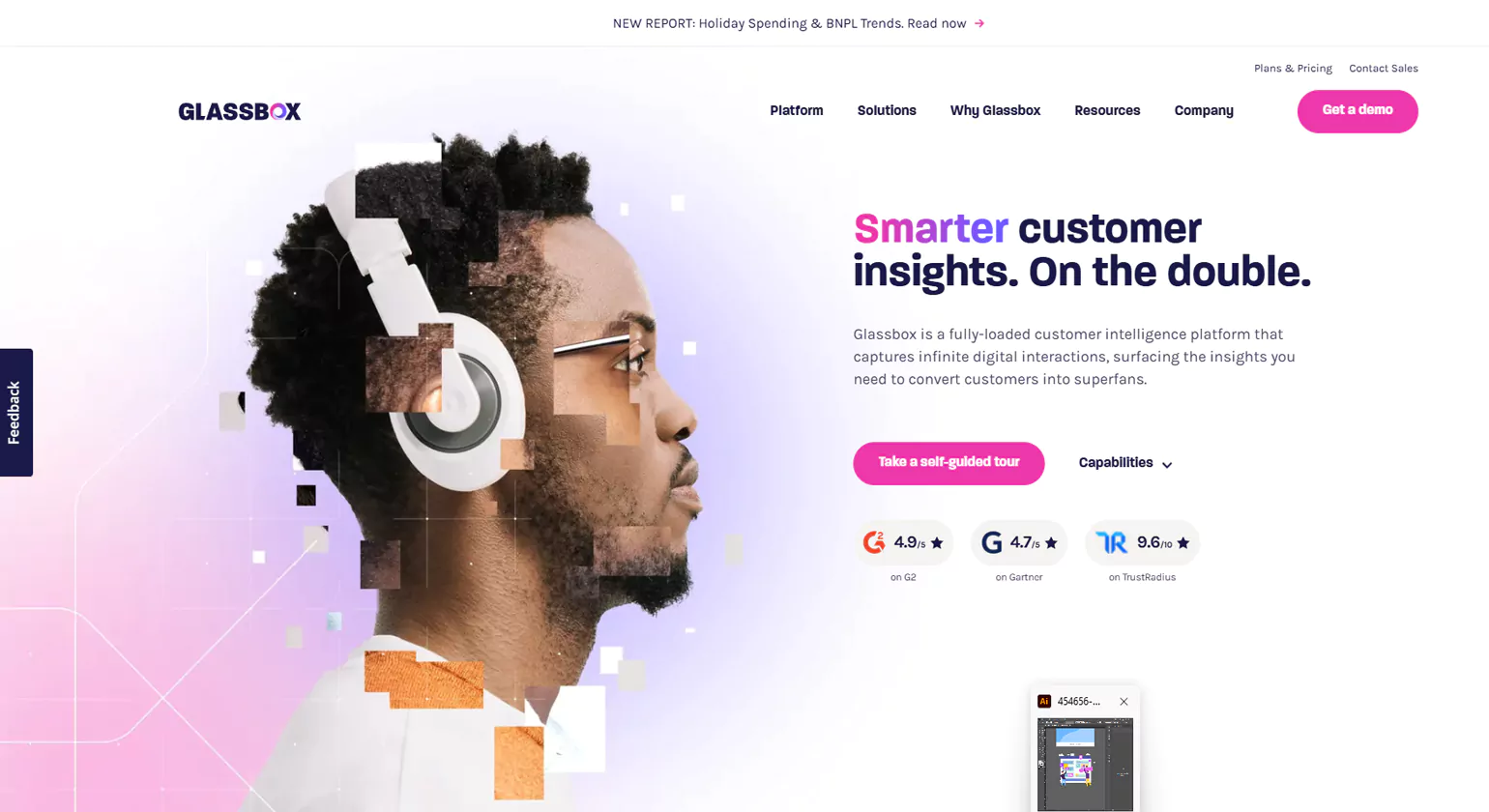
Glassbox is a digital experience analytics platform that captures and analyzes user sessions in real-time. Businesses use Glassbox to optimize user journeys, detect friction points, and improve website performance. With AI-powered insights, it helps organizations identify and resolve UX issues, ensuring seamless digital experiences for users.
Key Features:
- Session replay with detailed event tracking
- AI-powered insights for anomaly detection
- Customer journey analysis
- Root cause analysis for UX issues
- Data privacy and compliance tools
- Integration with digital experience platforms
20. Heap
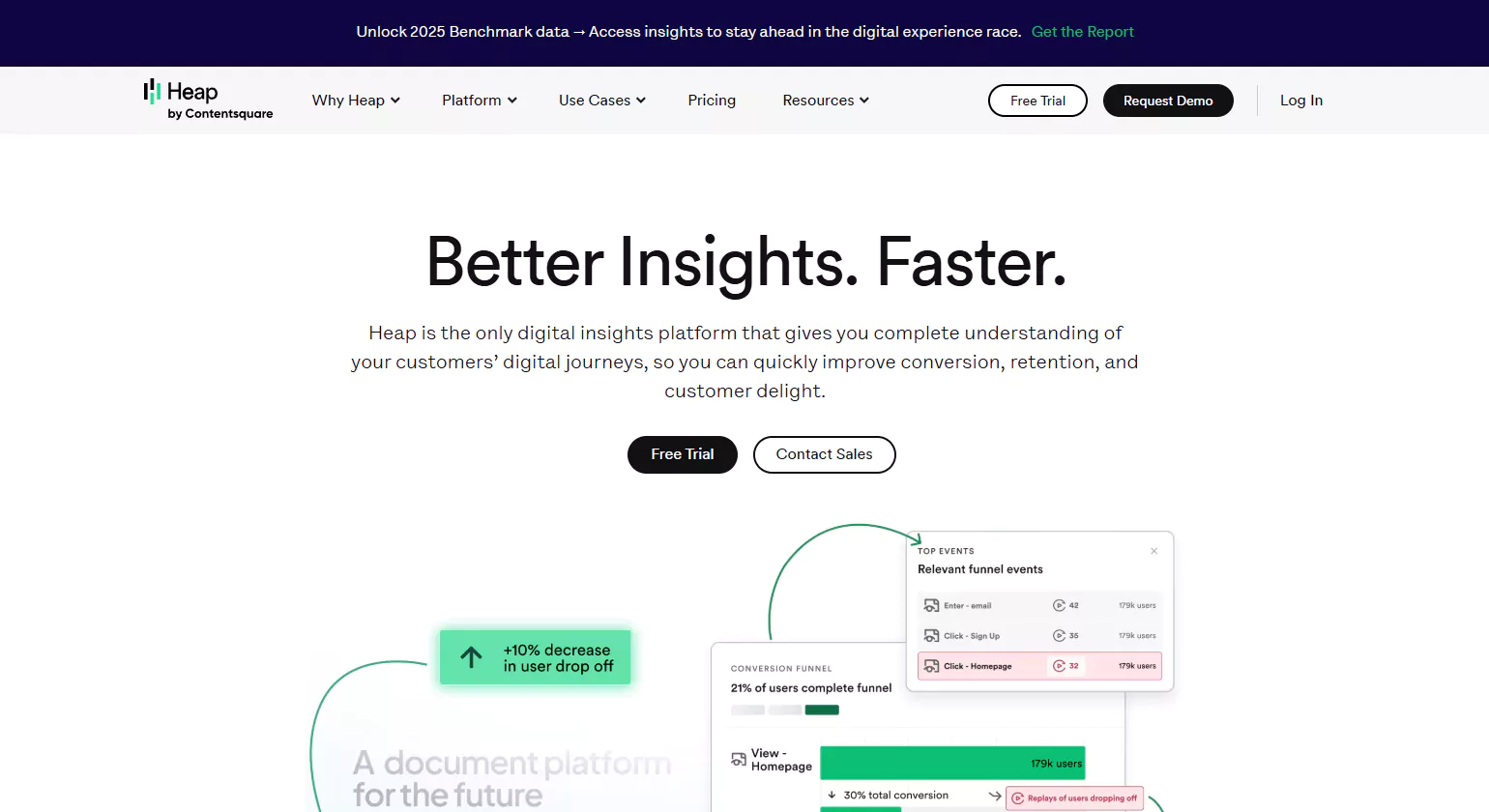
Heap is an advanced Website Tracking Tools that automates data collection for all user interactions across websites and apps. By eliminating the need for manual event tracking, Heap allows businesses to analyze user journeys, identify trends, and optimize digital experiences. Its AI-driven insights help companies make data-backed decisions for growth and engagement.
Key Features:
- Automatic data capture for all user interactions
- Funnel and retention analysis
- User segmentation and cohort analysis
- AI-driven insights for predictive analytics
- Integration with CRM, email, and analytics platforms
- Custom event tracking and reporting
AI-Powered Website Tracking Tools: The Future of Behavioral Intelligence
Smarter Data Analysis
Machine learning powers Google Analytics 4 platforms to forecast user behaviors which include estimating purchase probabilities and assessing churn risks. Adobe Analytics uses artificial intelligence to discover hidden user behavior patterns while generating automatic suggestions.
Predictive & Prescriptive Insights
AI tools can forecast future behavior based on past interactions. The system can identify which visitors will convert while it detects unexpected traffic surges and provides personalized content recommendations.
Real-Time Personalization
The system enables highly personalized experiences which result in better user engagement and higher conversion rates while providing improved customer service.
Automated Decision-Making
Modern AI tracking systems operate automatic action sequences which include sending targeted emails and changing advertising strategies and improving landing page performance without requiring any human input.
Enhanced Privacy & Data Compliance
Advanced AI systems assist businesses with responsible data management through their capability to identify regulatory risk and their support for privacy-first tracking methods which function in environments without cookies.
How Website Tracking Tools Help Personalize User Experiences
- Dynamic Content Customization: The tracking tools monitor which pages and products, and topics users visit most frequently. The data allows websites to display content and offers and recommendations that match visitor interests which boost engagement and conversion rates.
- Behavior-Based Recommendations: The tracking tools use clicks of paths and browsing patterns and user interaction data to recommend products and services and articles that suit individual users. This system creates personalized user experiences which match the expectations that users have for leading platforms such as Amazon and Netflix.
- Segmentation for Targeted Campaigns: Website tracking tools create visitor segments by analyzing users’ online activities and their demographic data and site interaction levels. Businesses use banner ads to create different advertisements for each customer segment, which results in better marketing campaign results.
Privacy-First Website Tracking Tools in a Cookie less World
1. First-Party Tracking
This method uses data collected directly from your own domain. The system uses login-based IDs and server-stored identifiers to create user profiles. The system enables users to track website visitor activities through CRM systems which own their audience data.
2. Server-Side Tracking
The system captures client-side events. The system sends user data to analytics platforms after processing it through your server. The system protects user identity by hiding their IP address. The system uses multiple methods to show user activity while ensuring privacy protection.
3. Consent-Based Tracking
The tools activate only after users give their consent through banner opt-in. The system uses zero-party data and anonymized metrics when users provide their consent. Solutions like Simplify Analytics and Plausible provide lightweight scripts which do not use default cookies to achieve GDPR compliance.
Choosing the Right Website Tracking Tool
Factors to Consider
When choosing a tracking tool, start by assessing your budget. Free tools like Google Analytics offer robust basic tracking, while paid platforms such as Mixpanel, Hotjar, or Adobe Analytics provide advanced features like heatmaps, event tracking, and detailed reporting. Consider the features you need: Do you want real-time analytics, event-based tracking, or session recordings? Additionally, check for integrations with other platforms like CRM systems, email marketing strategies, or e-commerce solutions. Seamless integration ensures that all your data is unified, enabling better insights and automation.
Free vs Paid Tools
Free tools are excellent for small businesses or beginners. They provide essential insights into traffic sources, user behavior, and conversion metrics without any investment. Paid tools, however, offer more advanced analytics, customization, and support. They are ideal for businesses that require detailed reporting, multi-channel tracking, or the ability to handle large volumes of data. Choosing between free and paid tools depends on your analytics needs, business size, and growth plans.
Scalability & Ease of Use
Scalability is a key consideration, especially for growing businesses. The tracking tool you choose should accommodate increased traffic, new campaigns, and additional features as your business expands. Equally important is ease of use. A tool with an intuitive interface, clear reporting dashboards, and accessible support helps teams quickly adopt it and make data-driven decisions without a steep learning curve.
Conclusion
In today’s digital landscape, website tracking tools are essential for businesses to monitor user behavior, optimize performance, and enhance marketing strategies. Choosing the right tracking tool depends on specific business goals, budget, and required features. Whether using Google Analytics, Hotjar, or other advanced solutions, implementing effective tracking ensures better insights and higher ROI. Staying updated with the latest tracking technologies will help businesses stay competitive and maximize online success.
FAQs
1. What are Website Tracking Tools?
Website tracking tools track visitor activities by measuring their page views, clicks and session time. The system tracks user activity patterns which businesses use to enhance their websites and create better user experiences and develop marketing strategies based on actual data.
2. How can I track my website?
You can track your website using analytics tools that collect visitor data through scripts or tags. The most common tracking methods involve Google Analytics installation along with heatmap tracking and session recording and event tracking for monitoring user interactions and website traffic patterns.
3. What is the best tool to track website traffic?
Your objectives determine which tool represents your best choice. Google Analytics provides complete traffic analysis capabilities while Hotjar and Mixpanel offer detailed information about user behaviors. A suitable tool for your business needs should include capabilities for tracking visitors and monitoring conversions and creating reports.
4. Which website tracking tool is best for small businesses?
Small businesses benefit from user-friendly, affordable tools like Google Analytics, Hotjar, or Matomo. These tools provide simple setup procedures which enable users to generate fundamental visitor reports and obtain insights into visitor behavior without needing specialized technical skills or spending significant amounts.
5. Can web tracking tools help improve website conversion rates?
Yes. Businesses use visitor behavior analysis to find drop-off points which they test through heatmap and funnel tracking tools to create better page designs with optimized content and user pathways that lead to higher conversion rates and return on investment.














