

Table of Contents
Top Website Management Tools to Boost Your Online Presence in 2025
In 2025, top website management tools empower businesses to build, manage, and optimize their websites efficiently. From content creation to SEO, analytics, and security, these tools offer comprehensive solutions for maintaining a strong digital presence. Platforms like WordPress, Webflow, and Sitecore support customization, scalability, and integrations with marketing and testing tools. Whether you’re a small business or a large enterprise, the right web management tools can elevate user experience and drive growth online.
Introduction to Website Management Tools
In today’s digital landscape, maintaining a website goes beyond just design and content creation. Businesses must ensure that their websites are fast, secure, and optimized for search engines to deliver the best user experience. This is where web management tools come into play. These tools help website owners, developers, and marketers monitor, analyze, and optimize their sites for better performance, speed, security, and SEO.
Whether you run a blog, an e-commerce store, or a corporate website, choosing the right website management tools can be the difference between stagnant traffic and exponential growth. Let’s explore the top Web Management tools of 2025 that are transforming how businesses create, manage, and scale their online presence.
Why Website Management Tools Are Essential for Modern Websites
Web Management tools help reduce manual effort, automate repetitive tasks, and enable seamless integration with third-party services like CRMs and analytics platforms. These tools offer everything from content creation to visitor tracking and SEO optimization. Without the support of efficient Web Management tools, businesses struggle with outdated content, broken links, poor user experience, and weak SEO rankings. As the digital landscape becomes more competitive, leveraging comprehensive website management tools is key to staying ahead.
Key Features to Look for in Website Management Platforms
When choosing website management tools, key features to consider include ease of use, customizable design options, SEO and analytics tools, mobile responsiveness, and integration capabilities. Strong security measures, content scheduling, and performance monitoring are also essential. These features ensure efficient management, improved visibility, and a seamless user experience across devices and platforms. When evaluating Web Management tools, keep an eye out for these core features:
- Content Management System (CMS): Easily add, edit, and organize website content.
- SEO Tools: Optimize metadata, track keywords, and integrate with Google Search Console.
- Analytics & Reporting: Gain insights into traffic sources and user behavior.
- Security Protocols: Protect your site against cyber threats with SSL and firewalls.
- Integration Capabilities: Seamlessly connect with CRMs, email marketing, and eCommerce platforms.
- Customization Options: Modify design and functionality to meet your unique needs.
WordPress: The Leading Content Management System
WordPress is the world’s most popular content management system, known for its flexibility, ease of use, and vast plugin ecosystem. It supports everything from blogs to enterprise websites, offering powerful tools for customization, SEO, and scalability.
Overview of WordPress
WordPress is the world’s most popular content management system (CMS), powering over 40% of all websites globally. Known for its flexibility, it supports everything from simple blogs to complex enterprise websites. WordPress is open-source, highly customizable, and offers thousands of themes and plugins to enhance functionality. Its user-friendly interface, robust community support, and seamless integration with SEO, marketing, and e-commerce tools make it an ideal choice for individuals, businesses, and developers seeking a scalable web solution.
Key Features and Benefits of Using WordPress
- Extensive plugin library to enhance site functionality.
- SEO-friendly architecture right out of the box.
- Flexible themes for design and branding control.
- Robust developer community offering support and innovation.
Best Use Cases and Integrations
Ideal for blogs, business websites, and e-commerce platforms.
Integrates smoothly with WooCommerce for online store functionality.
Connects easily with CRMs like HubSpot and Salesforce.
Perfect for membership, forum, and online course websites.
WordPress for SEO and Customization
Offers SEO plugins like Yoast for on-page optimization.
Fully customizable themes and templates for unique branding.
Clean code structure supports fast loading and better ranking.
Schema markup tools help enhance search engine visibility.
Wix: The Easy-to-Use Website Builder for Beginners
Managing a website efficiently is crucial for maintaining a strong online presence. Whether you are running an e-commerce store, a business site, or a blog, effective website management helps improve the user experience and ensures that your website is always up to date. Here’s how you can manage your website like a pro using website management tools:
Why Wix Is Perfect for Non-Technical Users
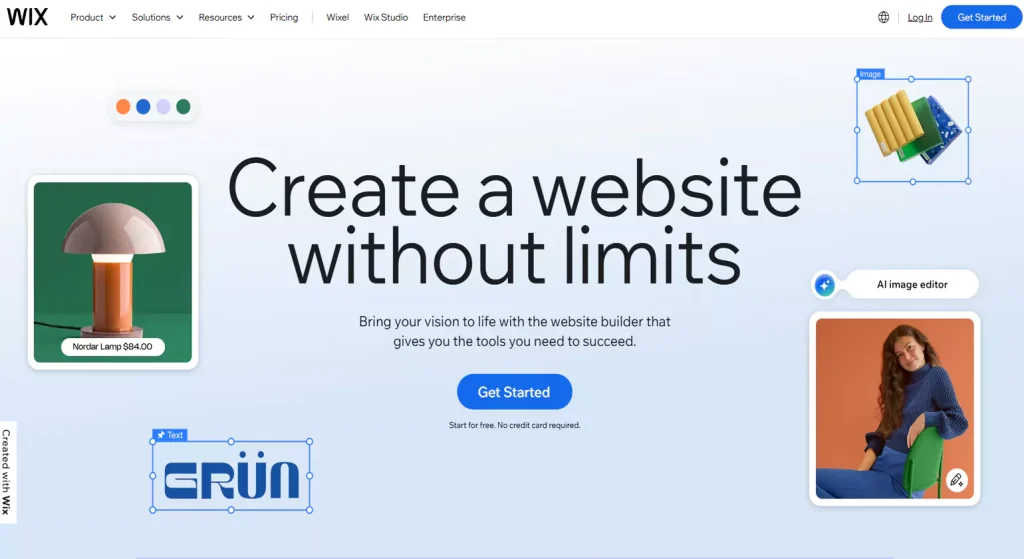
Wix is perfect for non-technical users because it offers an intuitive drag-and-drop interface, allowing anyone to build a professional-looking website without writing code. With hundreds of customizable templates, built-in SEO tools, and easy-to-use design elements, Wix simplifies website creation. Its user-friendly dashboard and guided setup make it ideal for small businesses, freelancers, and individuals looking to get online quickly with minimal technical know-how.
Features That Set Wix Apart from Competitors
- AI-driven site builder for instant design suggestions.
- App Market for adding functionalities like chatbots, calendars, and stores.
- Cloud hosting included, saving additional setup costs.
SEO and Marketing Capabilities of Wix
Built-in SEO tools help optimize pages for search engines.
Marketing integrations include email campaigns and social media tools.
Customizable meta tags and structured data enhance visibility.
Analytics dashboard tracks performance and improves marketing strategies.
Scalability with Wix: How It Grows with Your Business
Add more pages and features as your business expands.
Upgrade plans to access advanced marketing and sales tools.
Integrate apps to enhance functionality and customer experience.
Reliable hosting supports traffic spikes and performance needs.
Squarespace: Design-Forward Website Management

In today’s digital landscape, website management tools and speed are crucial factors that determine the success of any online business. A slow or poorly optimized website can drive potential customers away, increase bounce rates, and negatively impact search engine rankings. This is why businesses must focus on optimizing their website’s speed and overall performance using web management tools to enhance user experience, improve SEO, and maximize conversions.
The Power of Beautiful Templates with Squarespace
The Power of Beautiful Templates with Squarespace – Key Points:
Professionally Designed Layouts: Squarespace offers stunning, professionally designed templates for all industries.
Mobile-Optimized Designs: Every template is fully responsive and looks great on any device.
Customization Flexibility: Users can easily modify colors, fonts, and layouts without coding.
Visual-First Experience: Ideal for creatives, photographers, and designers wanting strong visual appeal.
Consistent Aesthetic: Templates ensure a polished, cohesive brand presence across all pages.
Built-in Tools for SEO and Analytics
Integrated SEO Settings: Customize meta titles, descriptions, and URLs for each page.
Automatic Sitemap Generation: Helps search engines easily index your site structure.
Google Search Console Integration: Monitor website performance and search presence.
Analytics Dashboard: Track visitor behavior, traffic sources, and top-performing content.
Mobile-Friendly Optimization: Ensures better rankings with responsive, mobile-first design support.
How Squarespace Supports Creative Businesses
Designer Templates: Stunning, customizable templates ideal for portfolios and branding.
Built-in E-commerce: Sell art, services, or digital products seamlessly.
Integrated Blogging Tools: Showcase projects and share creative insights easily.
Custom CSS and Code Injection: Allows advanced design freedom for creatives.
Marketing Integrations: Email campaigns and social media tools to grow audience.
Ease of Use vs. Customization: The Squarespace Balance
User-Friendly Interface: Intuitive drag-and-drop editor for quick site building.
Pre-Designed Templates: Ready-made designs simplify customization without coding.
Limited Advanced Customization: Less flexibility compared to open-source platforms like WordPress.
Built-in Features: Combines ease of use with essential customization options.
Ideal for Non-Developers: Perfect balance for users wanting style without complexity.
HubSpot CMS Hub: A Business-Focused CMS Solution

HubSpot CMS Hub is designed to empower marketing-centric businesses with a powerful, all-in-one content management system. It seamlessly integrates website management with built-in marketing, sales, and customer service tools, enabling personalized content delivery and lead generation. The platform offers easy-to-use editing, automation features, and advanced analytics to optimize performance. HubSpot CMS Hub is ideal for businesses aiming to align their website strategy with marketing goals, drive growth, and improve customer engagement efficiently.
Why HubSpot CMS is Ideal for Marketing-Centric Businesses
HubSpot CMS is ideal for marketing-centric businesses because it combines website management tools with powerful marketing automation tools. It enables personalized content delivery, seamless lead capture, and integrated CRM access, helping marketers target audiences effectively. Its user-friendly interface allows easy updates without technical skills, while built-in analytics track performance. This all-in-one approach streamlines marketing efforts, boosts engagement, and drives business growth efficiently.
Integrated Marketing Tools for Website Growth
Combines email marketing, social media, and CRM for seamless campaigns
Automates lead nurturing to convert visitors into customers efficiently
Enables personalized content delivery based on visitor behavior and data
Provides real-time analytics to optimize marketing strategies and website performance
Personalization and Automation Features in HubSpot
Delivers tailored website content based on user behavior and preferences
Automates workflows to streamline repetitive marketing and sales tasks
Uses smart CTAs and emails to increase engagement and conversions
Integrates with CRM for personalized communication and lead tracking
HubSpot for Analytics and Lead Generation
Provides detailed website traffic and visitor behavior analytics
Tracks lead sources and measures campaign effectiveness
Offers customizable dashboards for real-time performance insights
Automates lead capture through forms, chatbots, and landing pages
Scores leads based on engagement to prioritize sales follow-up
Joomla!: Flexible and Open-Source Website Management
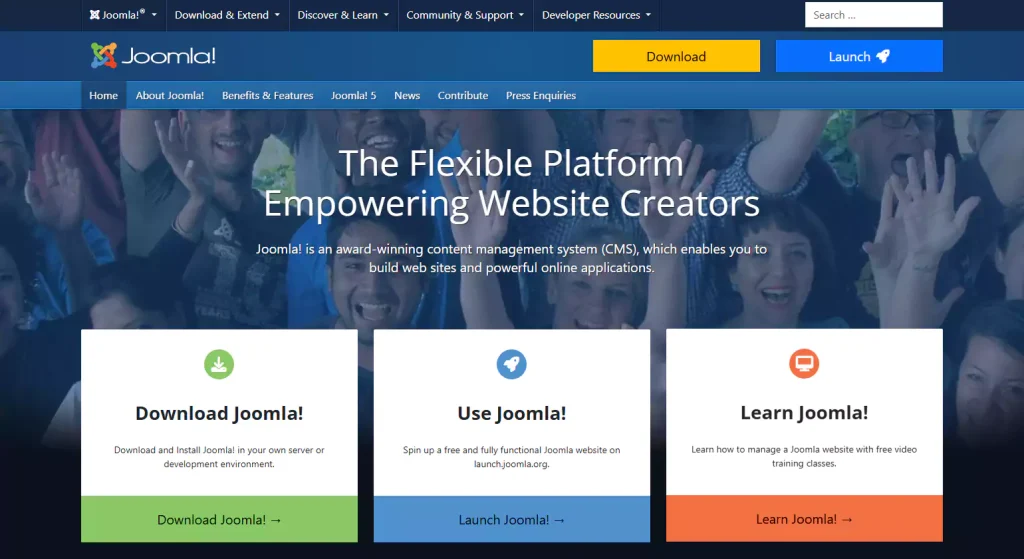
Joomla! is a flexible, open-source website management tools known for its robust customization options and strong community support. It offers extensive extensions and add-ons that allow users to tailor websites to specific needs. Ideal for both small businesses and large organizations, Joomla! balances ease of use with powerful features. Its open-source nature encourages continuous innovation, making it a reliable choice among web management tools for diverse website projects.
The Power of Customization with Joomla!
Joomla! offers powerful customization capabilities, allowing users to create highly tailored websites. Its vast library of extensions and templates lets businesses adapt their sites to unique requirements without heavy coding. With flexible content management and customizable user permissions, Joomla! supports diverse website needs, from simple blogs to complex portals. This adaptability makes Joomla! a standout among web management tools for those seeking personalized, scalable online solutions.
Joomla! Extensions and Add-Ons: Why They Matter
Joomla! extensions and add-ons significantly enhance website functionality, making it a versatile web management tool. These plugins allow users to easily add features like e-commerce, SEO optimization, social media integration, and security enhancements without extensive coding. They empower businesses to customize their sites to meet specific needs, improve user experience, and stay competitive. The extensive Joomla! marketplace ensures a wide variety of reliable options for every requirement.
Joomla! vs. WordPress: Which One Fits Your Needs?
Joomla! and WordPress are both powerful website management tools but serve different needs. Joomla! offers advanced customization and is ideal for complex sites requiring more control, while WordPress excels in ease of use and a vast plugin ecosystem, making it perfect for beginners and bloggers. Choosing between them depends on your technical skills, site complexity, and specific functionality requirements. Both support extensive customization and scalability.
Best Practices for Managing Large Websites with Joomla!
Organize content using clear categories for easy navigation and management.
Implement strict user access controls to ensure site security and role management.
Regularly update Joomla! and extensions, and maintain frequent site backups.
Optimize website speed with caching, CDN integration, and image compression.
The Role of Web Based Software Testing Tools
As websites become more complex, web based software testing tools play a crucial role in ensuring performance, security, and cross-platform functionality.
Top tools include:
- Selenium for browser automation
- Lighthouse for performance metrics
- BrowserStack for cross-browser testing
- Postman for API endpoint validation
Integrating these tools with your Web Management tools enhances your site’s reliability and user experience.
Drupal: Advanced Customization for Enterprise Websites
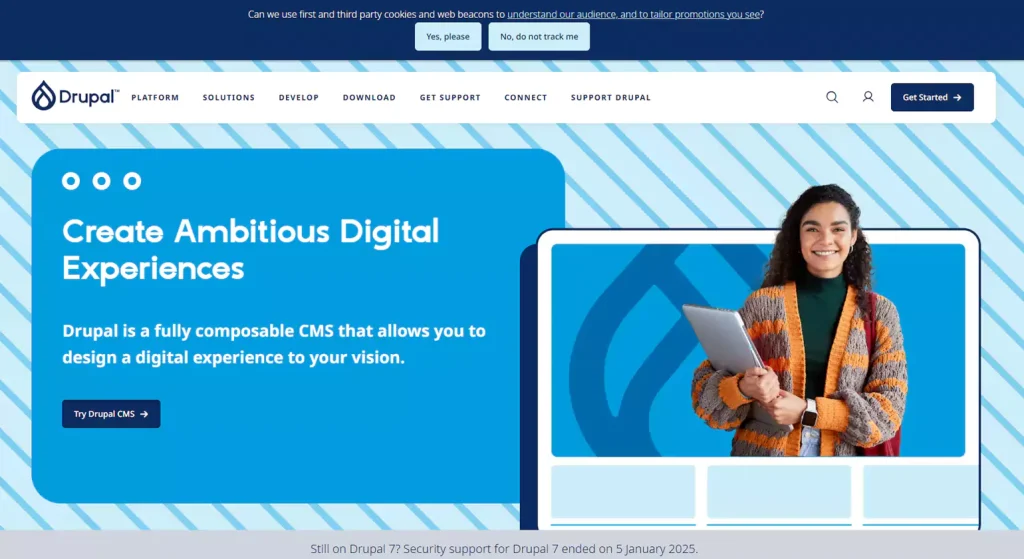
Drupal is a powerful, open-source content management system designed for complex, enterprise-level websites. It excels in advanced customization, allowing developers to build highly scalable and secure digital experiences tailored to specific business needs. Drupal’s flexible architecture supports extensive third-party integrations, making it ideal for organizations requiring robust functionality. Its strong focus on security and scalability ensures reliable performance even for large websites with heavy traffic and complex content structures.
Why Drupal is Best for Complex Websites
Drupal is best for complex websites due to its highly flexible and modular architecture, which allows extensive customization to meet unique business requirements. It supports large-scale content management, multi-user collaboration, and complex workflows. Drupal’s strong security features and scalability make it ideal for handling high traffic and sensitive data. Additionally, its active developer community continuously enhances the platform, ensuring it stays up-to-date with the latest web technologies and standards.
Security and Scalability with Drupal
Drupal offers robust security features, including regular updates, strong user access controls, and built-in protection against common vulnerabilities, making it trusted by government and enterprise websites. Its scalable architecture efficiently handles growing traffic and complex content structures without performance loss. Drupal’s ability to support multiple servers and databases ensures reliability for large-scale websites, making it an ideal choice for businesses that require secure, scalable, and high-performing web solutions.
Drupal’s Flexibility: How to Build Anything You Want
Drupal’s flexibility lies in its modular architecture, allowing users to build anything from simple blogs to complex enterprise websites. With thousands of modules and customizable themes, it adapts to various needs without heavy coding. Its content management system supports diverse content types and workflows, enabling tailored user experiences. This flexibility empowers developers and businesses to create highly personalized, scalable, and feature-rich websites that grow with their requirements.
Integration with Third-Party Tools for a Unified Web Presence
Drupal offers seamless integration with a wide range of third-party tools, enhancing website functionality and user experience. It supports APIs and plugins that connect with marketing platforms, CRM systems, analytics, and e-commerce solutions. This unified approach allows businesses to streamline workflows, improve data consistency, and create a cohesive web presence. Integrations also help automate tasks and provide better insights, making Drupal a powerful choice for complex digital ecosystems.
Webflow: A Design Tool with CMS Capabilities
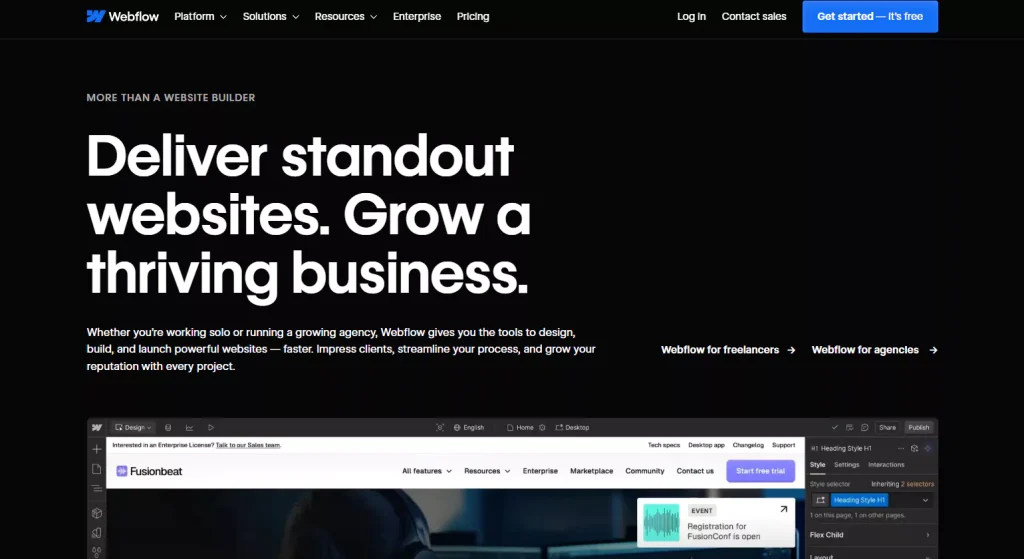
Webflow combines powerful design tools with robust CMS capabilities, allowing users to create visually stunning, dynamic websites without coding. It offers drag-and-drop functionality alongside custom code flexibility, making it ideal for designers and developers alike. Webflow’s CMS enables easy content management and seamless updates, while built-in SEO tools help optimize site visibility. This makes Webflow a versatile platform for creative professionals seeking both design freedom and content control.
Why Webflow is a Favorite Among Designers
Webflow is a favorite among designers because it offers unparalleled creative freedom with a visual, drag-and-drop interface that requires no coding. It allows designers to build fully custom, responsive websites with precision and flexibility. Additionally, Webflow integrates advanced animations and interactions, empowering designers to bring their visions to life. Its seamless combination of design and CMS features makes it a powerful tool for both creativity and functionality.
Drag-and-Drop Functionality with Custom Code Flexibility
Webflow’s drag-and-drop functionality allows users to design websites visually without needing to write code, making it accessible for both beginners and professionals. At the same time, it offers custom code flexibility, enabling developers to add advanced features and tailor designs precisely. This combination provides the best of both worlds: easy, intuitive site building with the power to customize deeply when needed, ensuring unique and high-performing websites.
Webflow for SEO: Optimizing Your Website for Search Engines
Webflow offers robust SEO tools that help optimize websites for better search engine rankings. It includes features like customizable meta tags, automatic XML sitemaps, clean semantic code, and fast loading times. Users can easily manage URLs, alt texts, and 301 redirects to improve site visibility. These built-in SEO capabilities make Webflow a powerful platform for ensuring your website attracts and retains organic traffic effectively.
E-commerce Features in Webflow for Online Stores
Webflow’s e-commerce features empower businesses to create fully customizable online stores with ease. It supports product management, inventory tracking, and secure payment gateways. Users can design unique shopping experiences with flexible layouts and personalized checkout processes. Additionally, Webflow offers built-in tools for order management, shipping options, and marketing integrations, making it an ideal solution for businesses looking to scale their online sales while maintaining full design control.
Duda: The Tool for Creating Personalized Websites
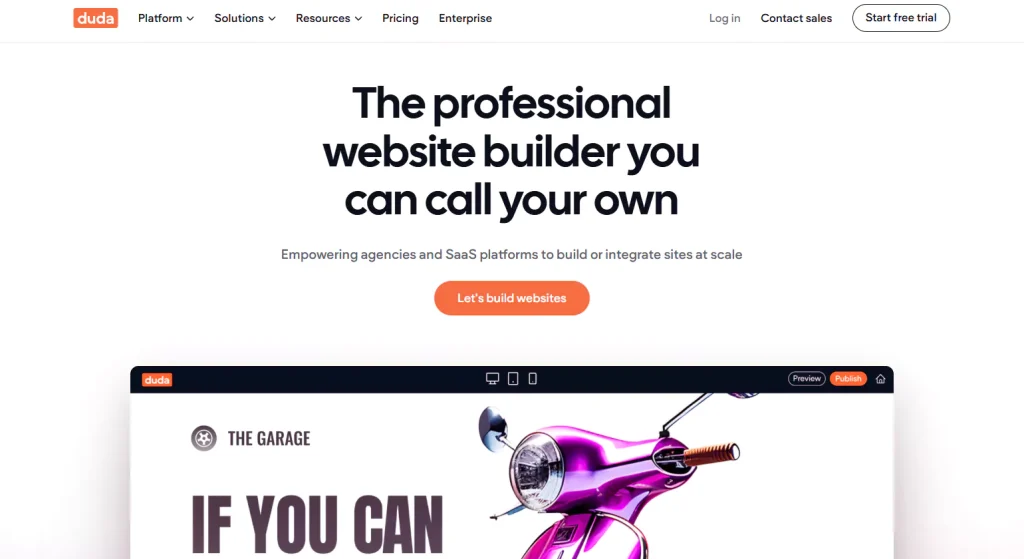
Duda is a powerful website builder designed for creating personalized, responsive websites quickly. It offers a user-friendly interface with drag-and-drop features, making customization simple for businesses of all sizes. Duda excels in client collaboration tools, allowing seamless teamwork on website projects. Its robust platform supports scalability, making it ideal for growing businesses that need flexible design options and efficient website management to deliver tailored user experiences.
Duda’s Template-Driven Web Design Process
Duda’s template-driven web design process simplifies website creation by providing a wide range of professionally designed, customizable templates. These templates are fully responsive, ensuring websites look great on all devices. Users can easily personalize layouts, colors, and content without coding knowledge. This approach speeds up development, maintains design consistency, and allows businesses to launch polished, visually appealing websites quickly while still tailoring them to their unique brand identity.
Personalization and Client Collaboration Features in Duda
Allows custom website personalization for unique visitor experiences easily.
Enables clients to review, comment, and suggest changes directly.
Supports collaborative workflows between designers and clients efficiently.
Offers real-time updates and feedback to streamline project approvals.
How Duda Supports Scalability for Growing Businesses
Easily manages multiple websites from a single, centralized dashboard.
Supports advanced integrations for expanding marketing and sales tools.
Provides flexible templates that adapt to growing business needs.
Scales hosting resources to handle increased traffic seamlessly.
Duda vs. Other Website Builders: What Sets It Apart?
Duda stands out from other website builders with its strong focus on personalization and client collaboration, making it ideal for agencies and businesses serving multiple clients. Its user-friendly drag-and-drop editor combines ease of use with powerful customization options. Additionally, Duda offers robust scalability and advanced integrations, supporting businesses as they grow. These unique features set Duda apart in a crowded market of website builders.
Ghost: A CMS for Publishers and Content Creators
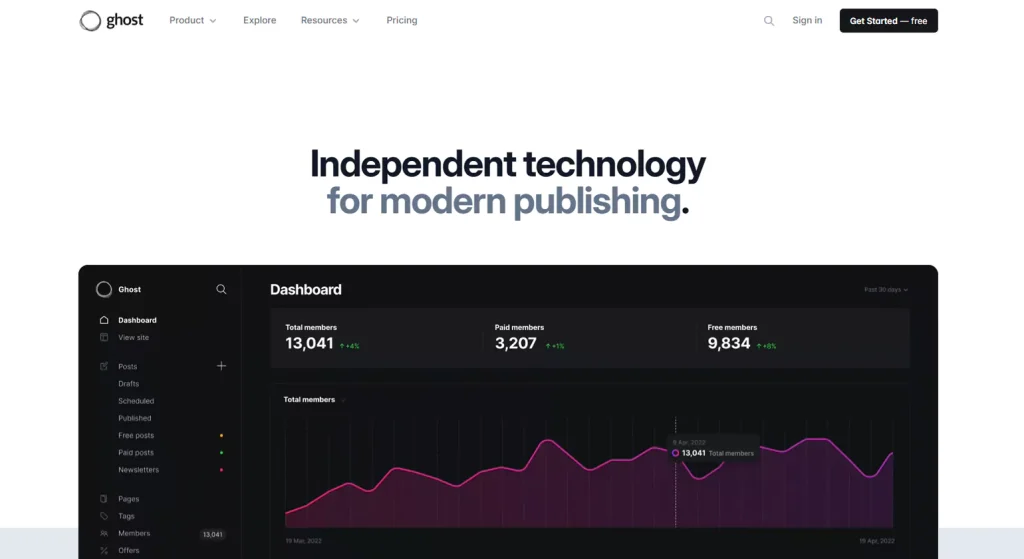
Ghost is a powerful CMS designed specifically for publishers and content creators who prioritize simplicity and speed. It offers a clean, distraction-free writing environment and focuses on delivering fast-loading, SEO-optimized websites. Ghost supports modern publishing needs with features like built-in SEO tools, membership management, and subscription options, making it ideal for bloggers, journalists, and digital publishers. Its open-source nature also allows customization and flexibility while maintaining a user-friendly interface for content-focused websites.
Why Ghost is Perfect for Blogging and Content-Centric Websites
Ghost is perfect for blogging and content-centric websites because it provides a streamlined, minimalist platform focused on content creation and publication. Its clean interface eliminates distractions, allowing writers to focus on producing high-quality posts. Built-in SEO tools and fast loading speeds help improve search rankings and user experience. Additionally, Ghost supports membership and subscription features, enabling content monetization. Its open-source framework allows customization while maintaining ease of use, making it ideal for bloggers, journalists, and digital publishers.
Focused Simplicity: The Ghost Platform Experience
The Ghost platform offers focused simplicity by providing a clean, intuitive interface designed specifically for content creators. It removes unnecessary clutter and complex features, allowing users to concentrate on writing and publishing. This streamlined experience ensures faster site performance and easier management. Ghost also integrates essential tools like SEO optimization and membership options without overwhelming users. Its simplicity combined with powerful functionality makes it an ideal choice for bloggers and publishers who want an efficient, user-friendly CMS focused on content delivery.
SEO and Performance Optimization with Ghost
Ghost excels in SEO and performance optimization by offering built-in features that help websites rank higher in search engines. It automatically generates clean, semantic HTML, supports customizable metadata, and provides fast loading times due to its lightweight design. Ghost also includes AMP (Accelerated Mobile Pages) support, improving mobile user experience. Additionally, it offers easy integration with analytics and SEO tools, enabling content creators to monitor performance and optimize content effectively for better visibility and user engagement.
Ghost for Membership and Subscription-Based Sites
Ghost is ideal for membership and subscription-based sites, offering built-in tools to easily manage paid memberships and recurring subscriptions. It allows content creators to restrict access to premium content, build loyal communities, and monetize their work seamlessly. With customizable pricing options, integrated payment gateways, and automated member management, Ghost simplifies the process of growing and sustaining subscription revenue while maintaining a smooth user experience for both creators and subscribers.
Sitecore: Enterprise-Grade Website Management
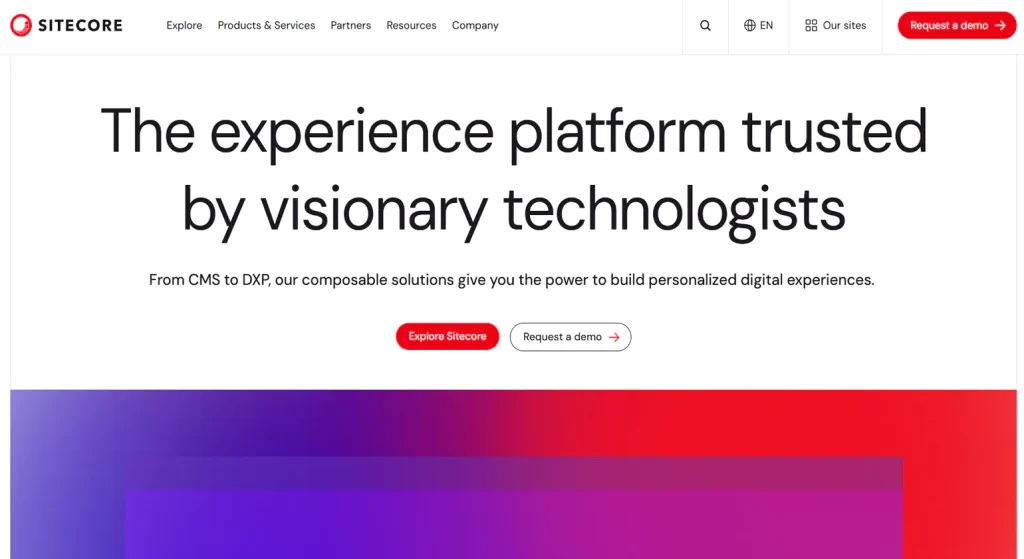
Sitecore is a powerful enterprise-grade website management tools platform designed for large organizations with complex digital needs. It offers robust content management, personalization, and marketing automation capabilities that help deliver tailored user experiences. Sitecore integrates seamlessly with other enterprise systems, supports multi-channel content delivery, and provides advanced analytics. Its scalability and flexibility make it ideal for managing extensive websites and digital applications across global enterprises.
Why Sitecore is the Enterprise Solution for Large-Scale Websites
Sitecore is ideal for large-scale websites due to its robust scalability and enterprise-grade security. It supports complex content management and personalization needs, enabling tailored user experiences at scale. With powerful marketing automation and seamless integration capabilities, Sitecore helps businesses unify their digital presence across multiple channels. Its flexible architecture and advanced analytics make it the preferred solution for enterprises managing extensive, dynamic websites worldwide.
Sitecore’s Personalization and Marketing Automation Capabilities
Sitecore offers advanced personalization features that deliver tailored content to users based on behavior, preferences, and demographics, enhancing engagement and conversions. Its marketing automation tools streamline campaign management by automating customer journeys, lead nurturing, and targeted communications. This combination helps businesses create highly relevant, timely interactions, driving better customer experiences and improved ROI through data-driven marketing strategies and real-time adjustments.
Integrating Sitecore with Other Enterprise Systems
Integrating Sitecore with other enterprise systems like CRM, ERP, and marketing platforms ensures seamless data flow and unified customer experiences across channels. This connectivity allows businesses to leverage comprehensive customer insights, automate workflows, and maintain consistent messaging. By bridging Sitecore with existing tools, organizations enhance operational efficiency, improve decision-making, and deliver personalized, data-driven interactions that boost engagement and drive business growth.
Sitecore’s Flexibility in Managing Complex Web Applications
Sitecore’s flexibility allows it to handle complex web applications with ease, supporting multi-site management, multilingual content, and varied user roles. Its modular architecture lets businesses customize and scale their websites to meet unique needs. With robust APIs and integration capabilities, Sitecore adapts to evolving requirements, enabling advanced content personalization and seamless digital experiences across devices, making it ideal for large enterprises managing intricate web ecosystems.
Conclusion
Choosing the right website management tools depends on your business size, goals, and technical expertise. Consider factors like ease of use, customization, scalability, and integration with other systems. Evaluate tools based on features such as SEO support, security, and analytics. Prioritize platforms that align with your industry needs and budget. A well-chosen web management tool ensures efficient site management, improved user experience, and supports your long-term online growth.
A well-managed website is not only about aesthetics but also about performance speed security and SEO optimization. Using website performance and speed optimization tools such as Google PageSpeed Insights GTmetrix and WebPageTest ensure that websites load quickly providing a seamless user experience. Regular SEO audits with tools like Ahrefs Google Search Console and Semrush help businesses improve search rankings and drive organic traffic.
FAQs
1. What are website management tools?
Website management tools help create, monitor, and maintain websites efficiently. They include content management systems (like WordPress), SEO tools, analytics platforms (like Google Analytics), and security solutions. These tools streamline content updates, optimize site performance, enhance user experience, ensure smooth operations, and improve visibility—making them essential for effective website administration and digital success.
2. How do website management tools work?
Website management tools work by providing intuitive interfaces and automation features to manage website content, monitor performance, and enhance security. They help users update pages, track visitor behavior and traffic data, optimize SEO strategies, integrate third-party services, and detect issues promptly. These tools simplify website maintenance, support scalability, and boost overall digital efficiency and performance.
3.Which website management tools are best?
Top website management tools include WordPress for content management, Google Analytics for tracking performance, SEMrush for SEO optimization, Cloudflare for security enhancement, and HubSpot for integrated marketing. These platforms offer robust features to manage, monitor, and optimize websites effectively. They streamline workflows, improve user experience, support digital growth, and ensure smooth, secure site operations.
4. Can website management tools improve SEO?
Yes, website management tools can significantly improve SEO by optimizing site structure, tracking keyword performance, analyzing traffic patterns, and identifying technical issues like broken links or slow load times. Tools such as SEMrush, Yoast SEO, and Google Search Console help enhance visibility, boost search rankings, and ensure ongoing compliance with search engine optimization best practices.
5. How to choose a website management tool?
To choose a website management tools, assess your website’s specific needs—such as content updates, SEO, analytics, or security features. Consider ease of use, integration capabilities with other tools, scalability for future growth, and quality of customer support. Compare features, pricing, reliability, and user reviews to select a platform that aligns with your business goals and workflow.
6. What features do website management tools offer?
Website management tools offer features like content editing, SEO optimization, performance monitoring, security management, user access control, and analytics reporting. These tools help streamline website updates, track visitor behavior, boost search rankings, manage backups, and ensure site security and reliability across devices. They also support integrations, automation, and responsive design for a seamless digital experience.














