

Table of Contents
Introduction to AWS Reporting Tools
Managing and analyzing AWS infrastructure data is important as more and more enterprises go to the cloud. Organizations can use AWS Reporting Tools to keep an eye on their costs, performance, security, compliance, and operational efficiency. These tools give businesses useful information that helps them make the most of their cloud use, cut costs, and improve security. To get a full picture, many companies also use AWS monitoring tools to collect real-time metrics and health signals that go into these bigger reports. These solutions work together to give you the information you need to keep your cloud environment running well and at a low cost.
AWS offers various reporting tools, each serving different use cases—from cost tracking with AWS Cost Explorer to performance monitoring with AWS CloudWatch. Additionally, Amazon QuickSight provides interactive business intelligence (BI) and data visualization features, making AWS reporting more accessible and data driven.
Key Features of AWS Reporting Tools

1. Cost & Billing Reports
AWS offers multiple tools to help businesses monitor and manage cloud spending. Reporting tools provide insights into how AWS resources are utilized and suggest ways to reduce unnecessary costs.
AWS Cost Explorer
- Helps businesses analyze AWS spending trends over time.
- Provides custom reports on AWS usage, service costs, and reserved instance recommendations.
- Users can set budget alerts to prevent overspending.
AWS Budgets
- Allows users to set spending limits and alerts for cost control.
- Provides detailed reports on forecast vs. actual spending.
- Helps businesses predict and manage future AWS costs.
AWS Trusted Advisor
- Provides cost-saving recommendations based on AWS best practices.
- Helps businesses identify underutilized resources and suggests optimizations.
2. Performance & Monitoring Reports
It provides tools that monitor real-time performance, system health, and infrastructure efficiency.
AWS CloudWatch
- Collects performance metrics and logs from AWS resources.
- Enables real-time monitoring and generates alerts when thresholds are exceeded.
- Provides an automated AWS dashboard Tool for tracking key performance indicators (KPIs).
AWS X-Ray
- Helps developers trace requests across AWS services.
- Provides deep insights into application performance and bottlenecks.
- Generates reports on latency issues and service dependencies.
3. Security & Compliance Reports
Ensuring security and compliance is crucial in cloud environments. AWS provides analytics and reporting tools to monitor security risks and compliance with industry regulations.
AWS Security Hub
- Centralized security management tool that provides compliance reports.
- Detects security threats across AWS accounts.
- Generates detailed insights using AWS best practices and third-party integrations.
AWS Config
- Tracks and records AWS resource configurations.
- Helps businesses audit and ensure compliance with internal policies.
- Sends alerts when security configurations deviate from defined rules.
4. Business Intelligence (BI) & Data Visualization
Data visualization is key to making AWS reports easier to understand and more actionable.
Amazon QuickSight
- Fully managed BI tool for data visualization.
- Uses machine learning-powered insights to detect anomalies and trends.
- Allows users to create an interactive AWS dashboard Tool and reports.
AWS Glue & Amazon Athena
- Helps process and analyze large-scale data sets.
- AWS Glue automates ETL (Extract, Transform, Load) workflows.
- Amazon Athena allows users to run SQL queries on AWS data without setting up a database.
5. Operational & Automation Reports
Automating AWS reporting ensures efficiency and reduces manual workload.
AWS Data Pipeline
- Automates the movement and transformation of data.
- Generates custom reports based on AWS logs and databases.
- Helps businesses schedule and automate complex workflows.
AWS Lambda for Event-Driven Reporting
- Enables event-driven reporting using AWS Lambda functions.
- Can trigger reports based on specific AWS activities or logs.
- Reduces the need for manual reporting by automating alerts and insights.
Best AWS Reporting Tools for Businesses

1. Amazon QuickSight
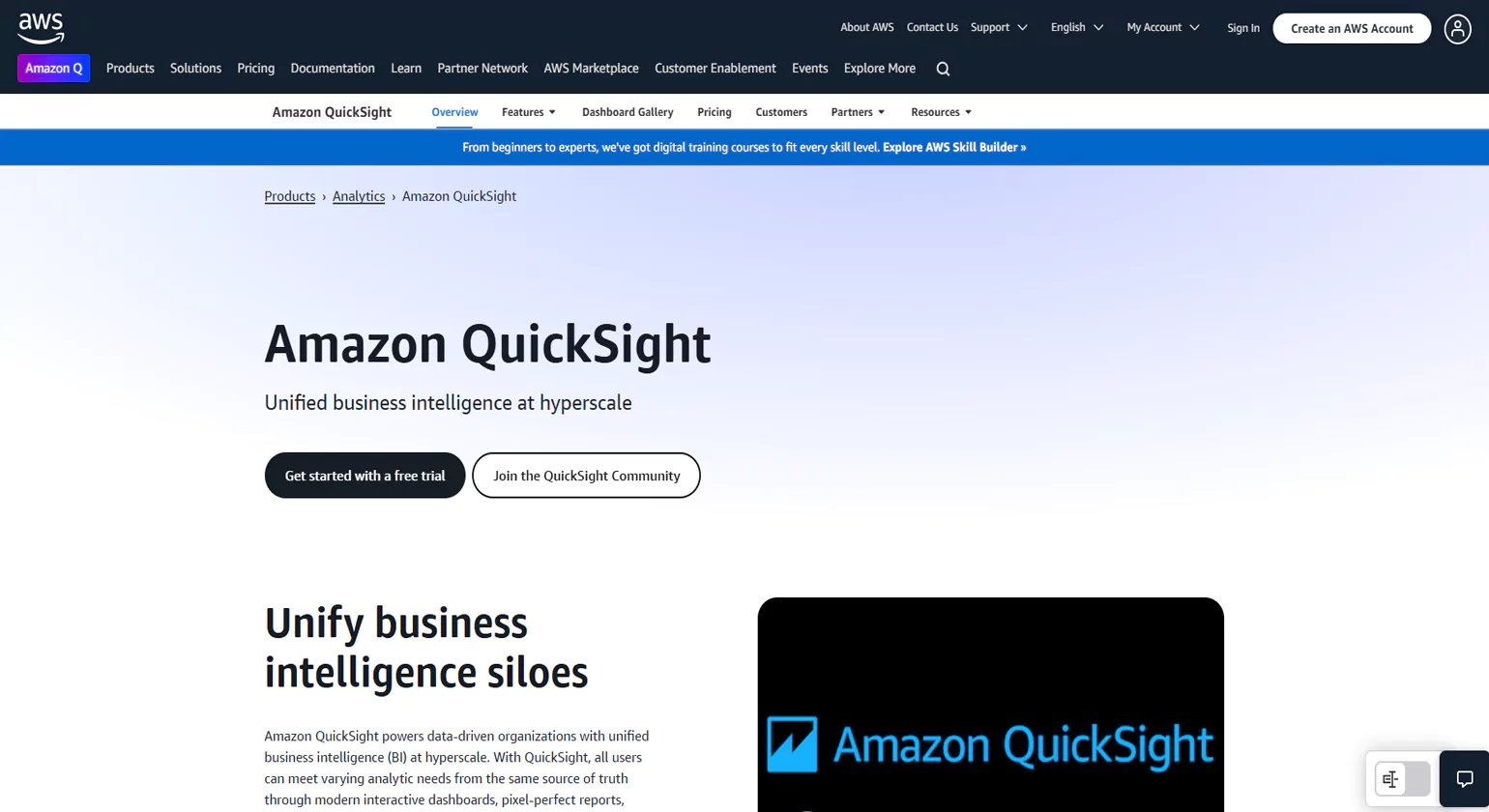
Amazon QuickSight is a cloud-based business intelligence (BI) tool that enables businesses to create interactive dashboards and reports. It helps organizations visualize AWS data, track key metrics, and make data-driven decisions.
Key Features
- AI-Powered Insights – Uses machine learning for anomaly detection and forecasting.
- Serverless Architecture – No infrastructure setup required, making it easy to scale.
- Integration with AWS Services – Works with AWS Athena, Redshift, and S3 for seamless data analysis.
- Custom Dashboards – Enables businesses to create real-time, interactive reports.
Best Use Cases
- Business intelligence and data visualization
- Real-time reporting on AWS resource usage
- AI-powered data analysis for business insights
2. AWS Cost Explorer
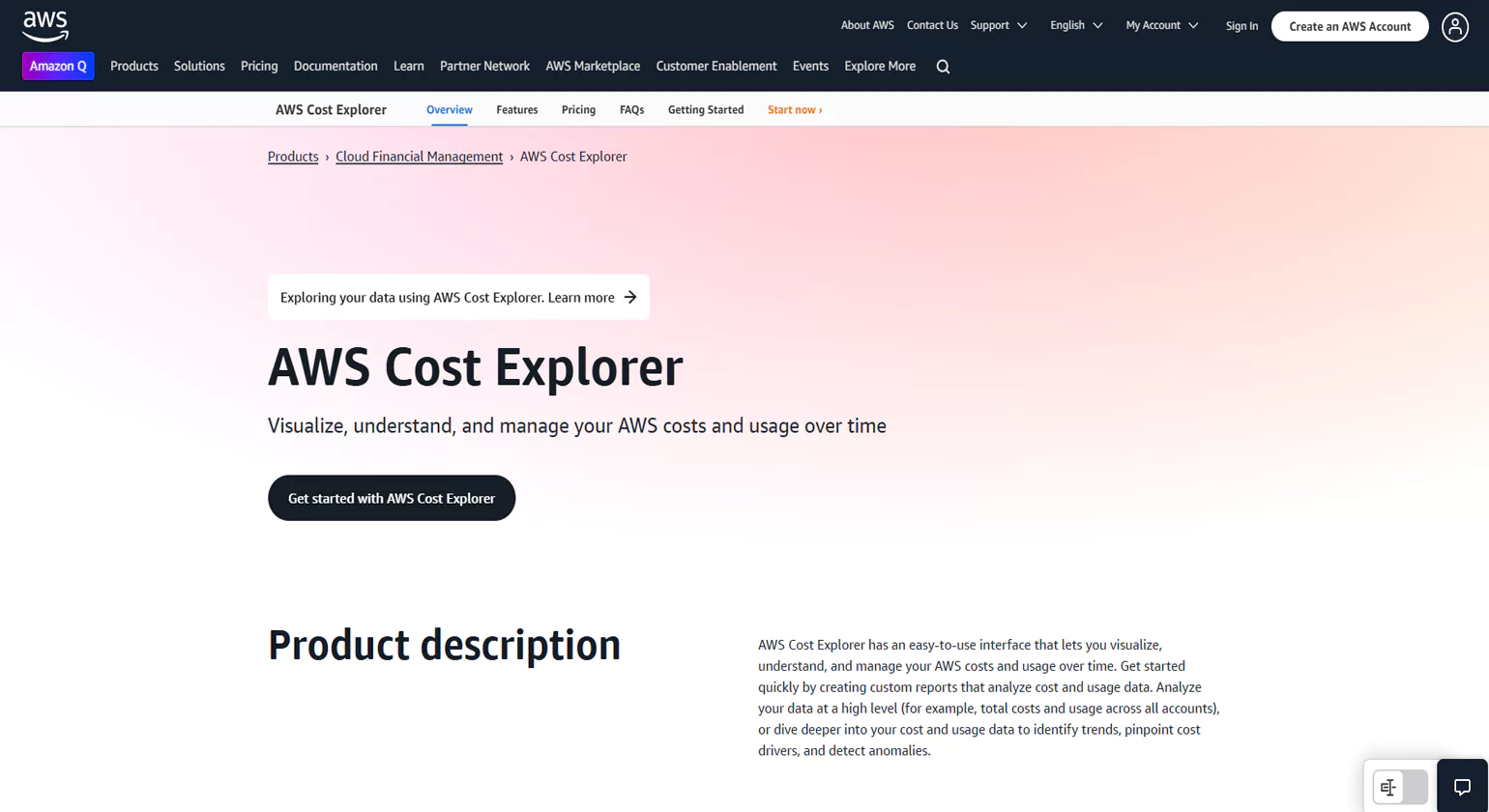
Cost Explorer helps businesses track AWS spending, analyze cost trends, and optimize budgets. It provides customized cost reports based on AWS usage patterns.
Key Features
- Detailed Cost Reports – Helps track AWS costs by service, region, and account.
- Forecasting & Trend Analysis – Predicts future AWS expenses based on usage history.
- Reserved Instance Recommendations – Suggests cost-saving options based on workload patterns.
Best Use Cases
- Cost monitoring and financial forecasting
- Identifying underutilized AWS resources to reduce expenses
- Optimizing AWS spending with predictive analytics
3. AWS CloudWatch
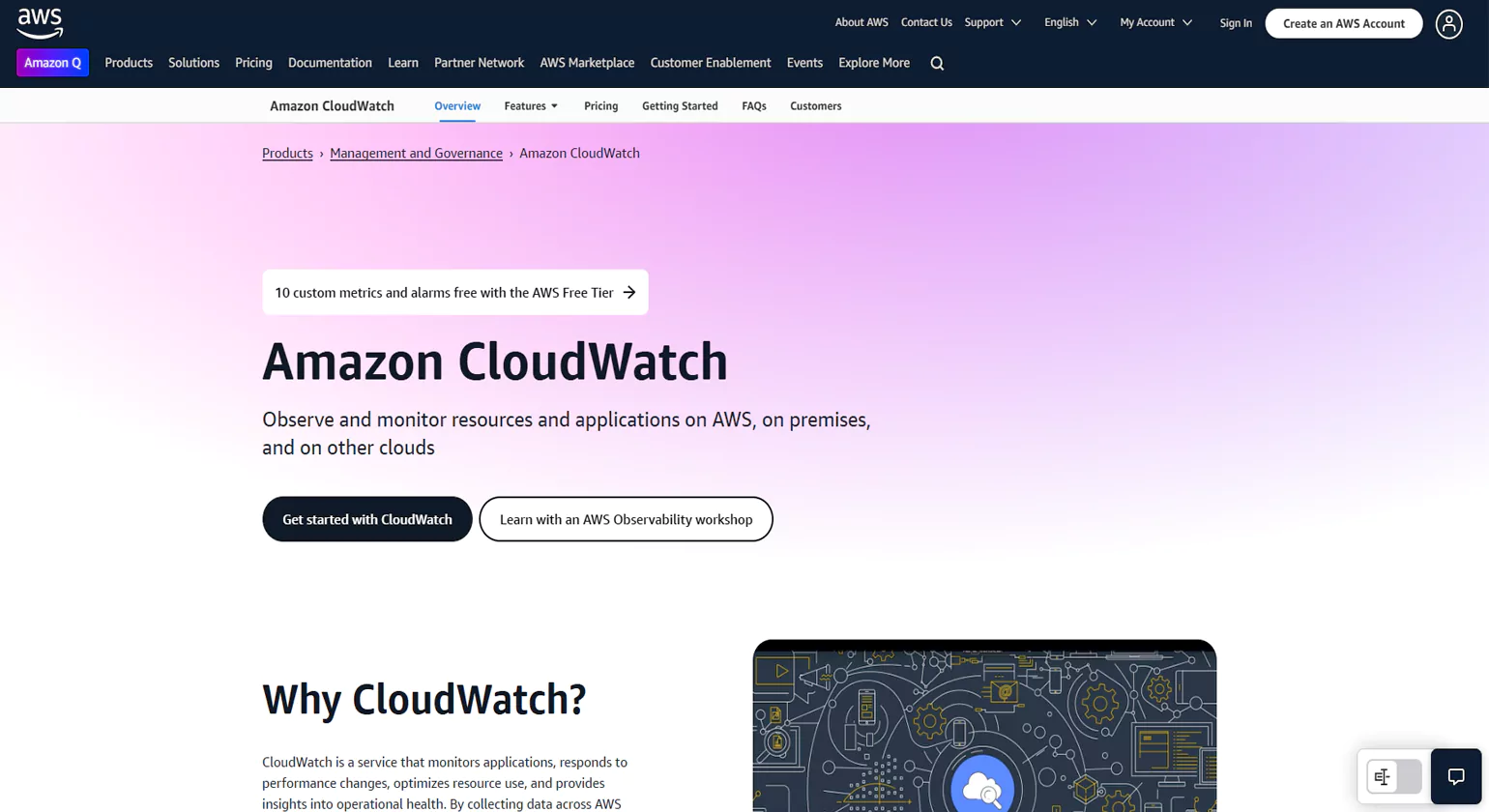
AWS CloudWatch is an advanced monitoring and reporting tool that collects metrics, logs, and events from AWS resources. It enables businesses to track performance, security, and operational health.
Key Features
- Real-Time Monitoring – Tracks AWS service performance and application logs.
- Automated Alerts – Sends notifications when performance metrics exceed thresholds.
- Log Analysis & Insights – Helps troubleshoot AWS application issues using CloudWatch Logs.
- Custom Dashboards – Provides visual reports on AWS performance and resource utilization.
Best Use Cases
- Monitoring AWS applications and infrastructure
- Detecting performance bottlenecks and security threats
- Automating alerts for AWS service anomalies
4. AWS Glue
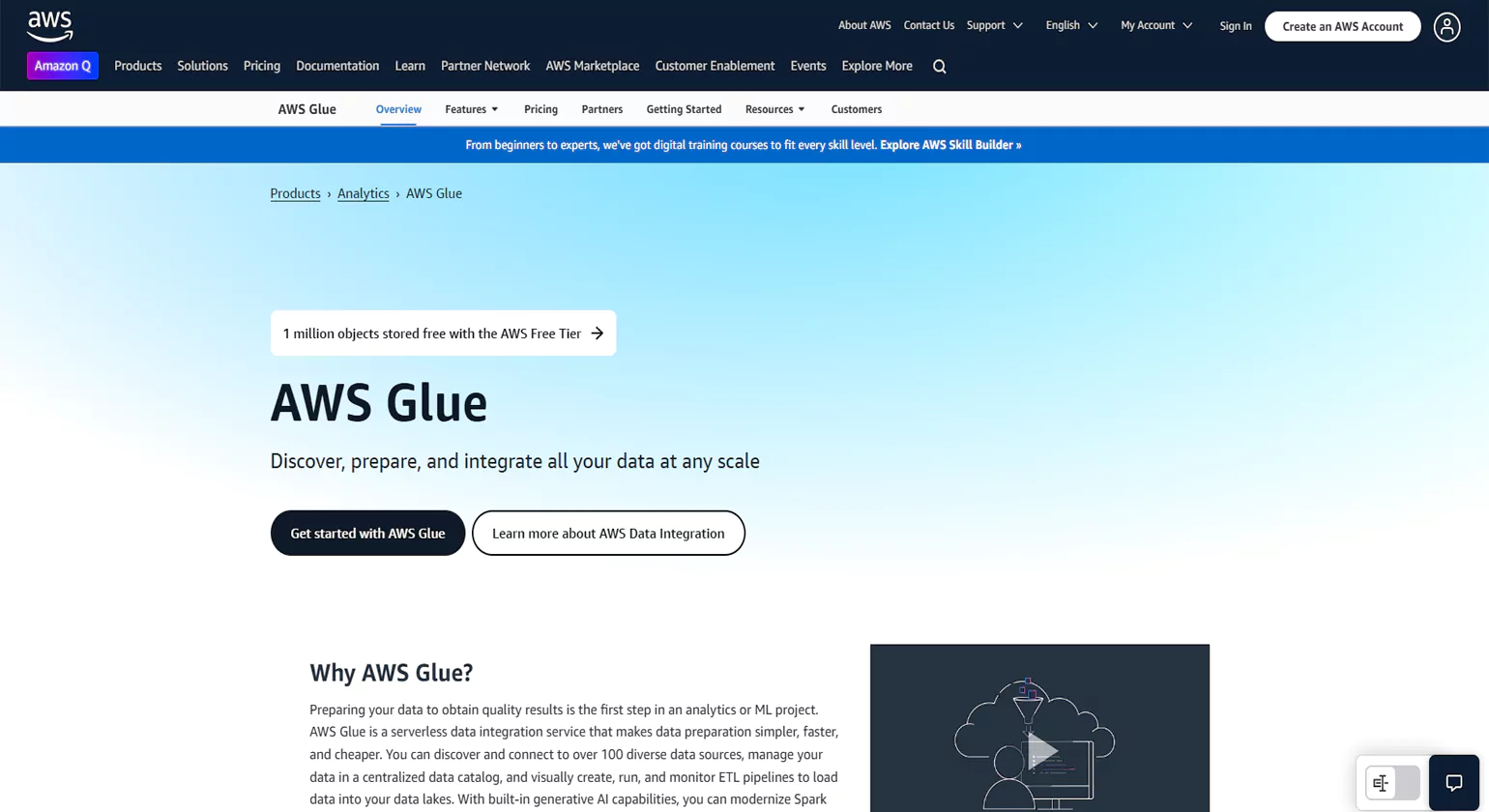
AWS Glue is a serverless data integration tool that helps businesses extract, transform, and load (ETL) data for reporting and analytics. It simplifies the process of preparing data for AWS reporting tools like Amazon QuickSight.
Key Features
- Serverless ETL – Automates data transformation without managing infrastructure.
- Built-In Machine Learning – Uses AI to clean and categorize raw data.
- Integration with AWS Data Services – Works with AWS S3, Redshift, and Athena for efficient data processing.
- Automated Schema Discovery – Identifies and organizes raw data automatically.
Best Use Cases
- Data preparation for business intelligence (BI) reporting
- Automating data workflows for AWS analytics Tools
- Cleaning and transforming large AWS datasets
5. AWS Security Hub
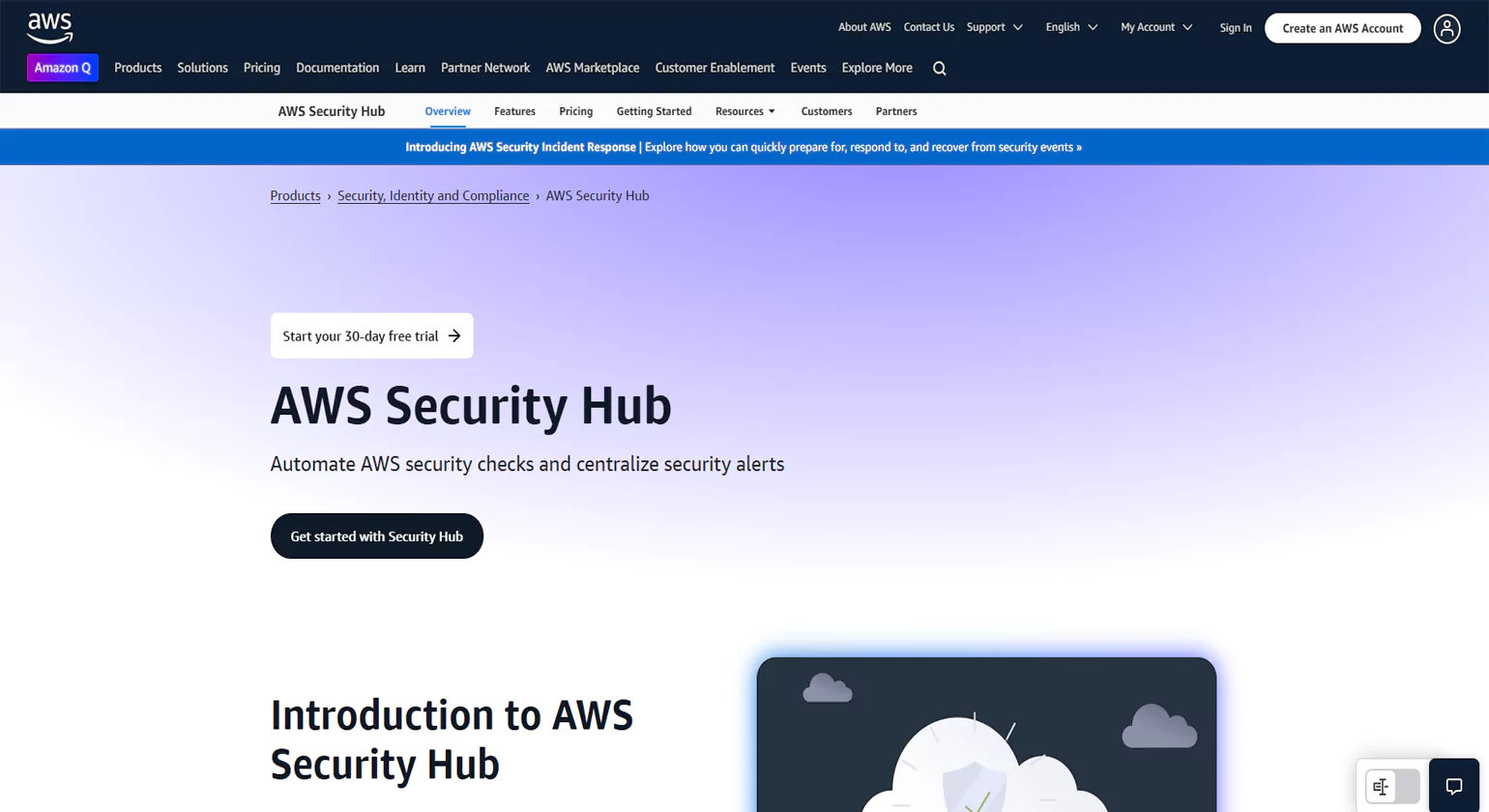
AWS Security Hub provides a centralized security and compliance AWS dashboard Tool for monitoring AWS environments. It integrates with AWS services to detect security risks and ensure compliance with industry standards.
Key Features
- Security Score Dashboard – Displays security status across all AWS accounts.
- Automated Threat Detection – Identifies security vulnerabilities and misconfigurations.
- Compliance Reporting – Ensures adherence to industry regulations (e.g., PCI DSS, CIS, ISO).
- Integration with AWS Services – Works with AWS GuardDuty, Inspector, and Config for enhanced security.
Best Use Cases
- Security monitoring and compliance tracking
- Identifying security threats in AWS environments
- Automating security best practices across AWS services
6. AWS Trusted Advisor
Key Features
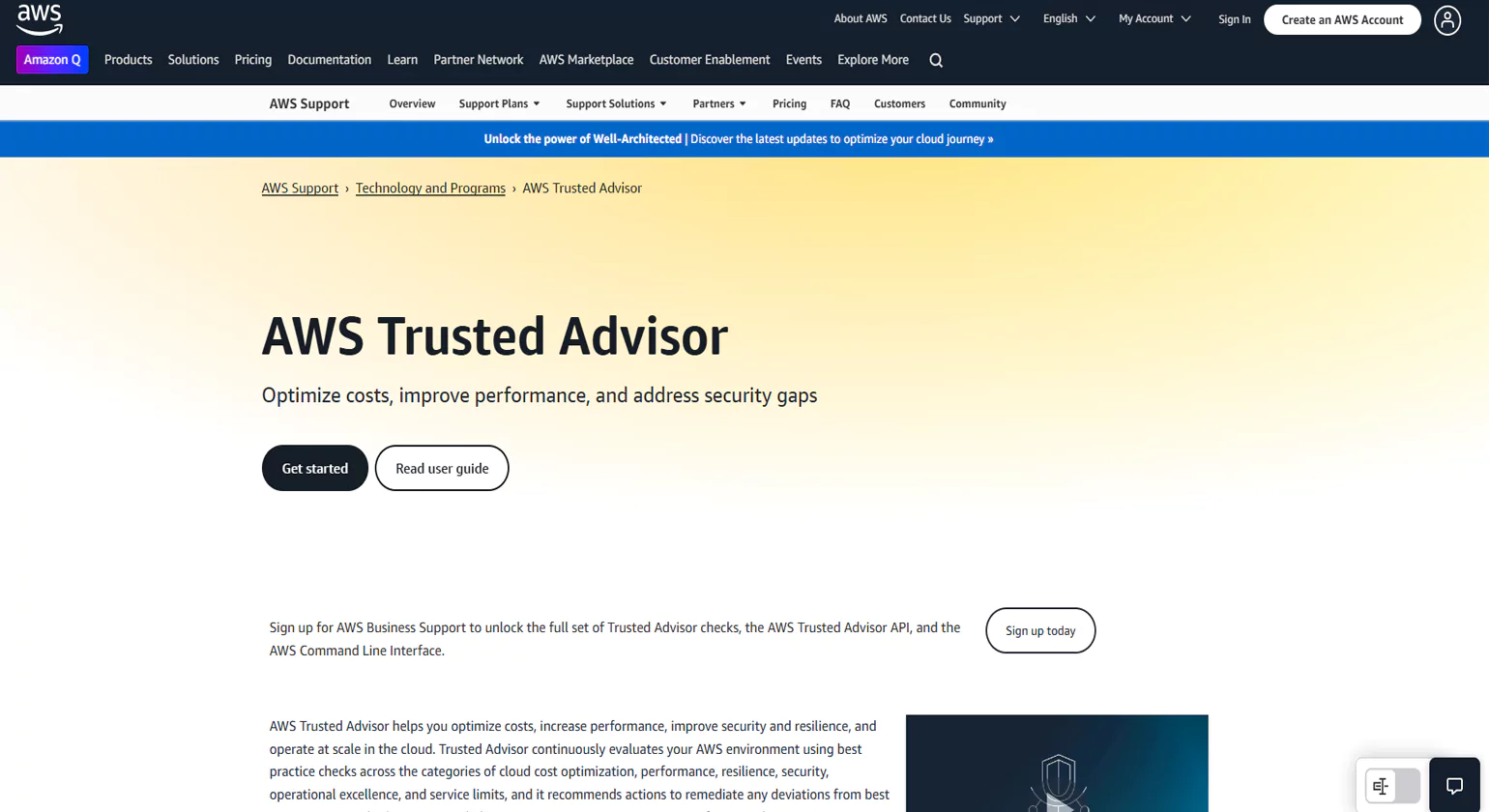
- Cost Optimization Reports – Identifies unused or underutilized AWS resources.
- Security Best Practices – Highlights security misconfigurations and potential risks.
- Performance Improvement Suggestions – Recommends ways to enhance AWS workload efficiency.
- Service Limits Monitoring – Alerts businesses when they’re nearing AWS service limits.
Best Use Cases
- Optimizing AWS infrastructure for cost and performance.
- Enhancing cloud security and compliance
- Monitoring AWS service usage to prevent disruptions
7. nOps
nOps is a cloud management platform built specifically for AWS environments. It focuses on automating cloud cost optimization, governance, and security compliance. Designed with DevOps in mind, nOps helps businesses achieve operational excellence while managing cloud expenses effectively.
Key Features
Auto-detection of idle and underutilized resources
Automated scheduling to shut down unused workloads
Real-time cost anomaly detection
Compliance with AWS Well-Architected Framework
Best Use Cases
Ideal for fast-growing companies or startups scaling rapidly on AWS
Perfect for engineering teams seeking to automate cost controls
Useful for maintaining AWS architecture compliance
8. Densify
Densify is an intelligent cloud optimization tool that uses machine learning to deliver resource recommendations across multiple cloud environments like AWS, Azure, and Google Cloud. It focuses on performance tuning and cost efficiency.
Key Features
AI-driven workload placement
Automated instance rightsizing
Policy-based cost governance
Deep integration with major cloud platforms
Best Use Cases
Optimizing large-scale, dynamic, multi-cloud environments
Automating rightsizing for cloud-native applications
Supporting infrastructure teams focused on cost efficiency
9. Apptio Cloudability
Apptio Cloudability helps enterprises manage, visualize, and optimize their cloud financials. It supports FinOps practices by connecting cloud usage with business value and accountability.
Key Features
Cost allocation across teams and projects
Real-time anomaly detection and forecasting
Support for AWS, Azure, and GCP
Budget tracking and policy enforcement
Best Use Cases
Organizations implementing or scaling FinOps frameworks
Enterprises needing detailed cross-departmental cloud reporting
Finance and operations teams aligning cloud costs with business goals
10. VMware Aria Cost (formerly CloudHealth)
VMware Aria Cost is a cloud cost management platform that delivers comprehensive visibility, governance, and automation. It supports multi-cloud environments with granular cost tracking and optimization.
Key Features
Unified view of multi-cloud spend
Policy-based automation
Resource usage and rightsizing analysis
Integration with VMware and public cloud platforms
Best Use Cases
Enterprises managing hybrid or multi-cloud deployments
Organizations needing deep visibility across cloud providers
Businesses focused on governance and cost optimization in cloud operations
What Are the Benefits of AWS Cost Reporting Tools?
Amazon Web Services (AWS) has a lot of cloud services that help businesses grow in a cost-effective and efficient way. But if you use AWS more, it gets harder to keep track of your charges. AWS cost reporting tools are useful here. These tools give you a clear, detailed view of how much you’re spending in the cloud, which helps you budget, plan, and make the most of your cloud resources. Integrating AWS monitoring tools is necessary to connect financial data and technical performance since they give you real-time resource utilization measurements that help you justify expenditure and find waste. Here are the main advantages of using AWS expense reporting tools:
1. Improved Cost Visibility
One of the most significant advantages of AWS analytics and reporting tools is the transparency they provide. These tools break down cloud expenses by service, account, project, region, or user. This granular visibility helps identify which departments or workloads are driving costs. By knowing exactly where your money is going, you can make more informed business decisions.
2. Accurate Budgeting and Forecasting
With the detailed insights provided by AWS Cost Explorer and third-party cost reporting tools, businesses can forecast their future spending more accurately. These tools offer historical usage data, trend analysis, and predictive modeling. As a result, financial teams can set realistic budgets and avoid surprises in their monthly AWS bills.
3. Cost Optimization Opportunities
AWS cost reporting tools highlight areas where costs can be reduced. This could involve identifying unused or underutilized resources, right-sizing instances, or shifting to Reserved Instances or Savings Plans. Many tools even provide actionable recommendations to help organizations maximize cost efficiency without sacrificing performance.
4. Support for Multi-Account Environments
Enterprises often use multiple AWS accounts for different business units, teams, or projects. AWS cost reporting tools consolidate these accounts to provide a centralized view of overall cloud expenses. This is particularly helpful for large organizations seeking to allocate costs to specific departments or clients accurately.
5. Real-Time Monitoring and Alerts
Many AWS analytics and reporting tools offer real-time monitoring features that alert you to spending anomalies. If usage suddenly spikes or a new service drives up costs unexpectedly, you can act quickly to mitigate the issue. This proactive monitoring prevents budget overruns and enhances financial control.
6. Enhanced Governance and Accountability
By generating detailed reports, AWS cost tools help enforce cost governance policies within an organization. Managers and teams are held accountable for their cloud usage, fostering a culture of responsible consumption. This accountability is crucial for maintaining long-term budget discipline in cloud environments.
7. Customizable Reporting and Dashboards
AWS cost reporting tools allow you to create customized dashboards and reports tailored to different stakeholders—from finance to DevOps. These personalized views ensure that each department receives relevant, actionable insights to support their specific goals.
How to Choose the Right AWS Reporting Tool for Your Needs
Choosing the right AWS reporting tool depends on your business objectives. Below is a comparison of the top AWS tools:
1. Cost Tracking & Optimization
- AWS Cost Explorer – Helps analyze past AWS spending and forecast future costs.
- AWS Budgets – Allows setting budget limits with automated alerts.
- AWS Trusted Advisor – Provides cost-saving recommendations.
Best for: Businesses looking to optimize AWS expenses and avoid unexpected billing surprises.
2. Performance Monitoring & Application Insights
- AWS CloudWatch – Provides real-time logs, metrics, and alarms for AWS services.
- AWS Glue – Assists in ETL (Extract, Transform, Load) operations for large-scale data processing.
Best for: Businesses managing cloud applications that require uptime monitoring and analytics.
3. Security & Compliance Reporting
- AWS Security Hub – Centralizes security findings from AWS services.
- AWS Trusted Advisor – Checks security best practices and configurations.
Best for: Businesses that require compliance auditing and security monitoring.
4. Business Intelligence & Data Visualization
- Amazon QuickSight – Enables interactive data visualization and AI-powered insights.
Best for: Companies that need real-time dashboards and analytics.
Step-by-Step Guide to Setting Up AWS Reporting Tools
1. Setting Up AWS Cost Explorer
- Open the AWS Cost Management Console.
- Enable AWS Cost Explorer.
- Customize reports by selecting time frames, services, and regions.
- Analyze past spending trends and set budget thresholds.
- Utilize Savings Plans and Reserved Instances for cost reduction.
Pro Tip: Use the Forecasting feature to predict future cloud expenses and optimize spending.
2. Configuring AWS CloudWatch
- Open the AWS Console and navigate to AWS CloudWatch.
- Select “Log Groups” and configure log sources (EC2, Lambda, RDS, etc.).
- Create custom dashboards for real-time performance tracking.
- Set up alerts and notifications for anomalies.
- Use CloudWatch Logs Insights to analyze logs and troubleshoot errors.
Pro Tip: Enable Amazon CloudWatch Agent on EC2 instances for advanced log monitoring.
3. Setting Up Amazon QuickSight
- Sign in to AWS and go to Amazon QuickSight.
- Choose a plan (Standard or Enterprise).
- Connect to AWS data sources such as S3, RDS, or Redshift.
- Build interactive dashboards with drag-and-drop widgets.
- Use ML Insights for AI-powered forecasting and anomaly detection.
Pro Tip: Use the SPICE (Super-fast Parallel In-memory Calculation Engine) feature for faster data processing
Common Challenges & Solutions in AWS Reporting

1. Managing High AWS Costs
AWS billing can be complex, and businesses often face unexpected charges.
Solution:
- Use AWS Budgets to set spending alerts.
- Optimize Reserved Instances and Spot Instances.
- Analyze detailed billing reports with AWS Cost Explorer.
2. Monitoring Multiple AWS Accounts
Organizations managing multiple AWS accounts struggle with centralized reporting.
Solution:
- Use AWS Organizations to consolidate billing and cost reports.
- Leverage AWS Cost and Usage Reports (CUR) for cross-account tracking.
3. Security Compliance & Threat Detection
With multiple AWS reporting tools services running, security monitoring can be challenging.
Solution:
- Enable AWS Security Hub for centralized security visibility.
- Use AWS GuardDuty to detect security threats automatically.
- Regularly review AWS Trusted Advisor security checks.
4. Performance Bottlenecks in Cloud Applications
Applications hosted on AWS may experience slow response times.
Solution:
- Set up AWS CloudWatch Alarms to detect performance anomalies.
- Use AWS X-Ray to trace API requests and identify latency issues.
- Optimize EC2 instance types based on usage patterns.
AWS Reporting Best Practices for Businesses

1. Automate Cost and Performance Reports
- Use AWS Cost Explorer to schedule weekly or monthly reports.
- Enable CloudWatch Alerts for real-time monitoring.
2. Optimize Data Storage for Cost Efficiency
- Use Amazon S3 Intelligent-Tiering to move infrequently accessed data to lower-cost storage.
- Enable AWS Glacier for long-term data archiving.
3. Implement AI-Powered Insights
- Leverage Amazon QuickSight ML Insights for trend analysis and forecasting.
- Integrate AWS Glue with BI tools like Tableau or Power BI.
4. Establish Cross-Account Reporting
- Use AWS Organizations for consolidated billing.
- Share dashboards across teams for better collaboration.
5. Regularly Audit AWS Usage & Optimize Resources
- Conduct quarterly AWS Trusted Advisor reviews.
- Use AWS Compute Optimizer to identify over-provisioned instances.
Advanced AWS Reporting & Analytics Techniques

Organizations can only get the most out of AWS reporting capabilities when they go beyond basic spreadsheets and use a more comprehensive, integrated method. To really improve your cloud analytics, you need to connect your financial data with your operational health. Here are some important ways to improve AWS’s analytics and reporting tools: You may go beyond just keeping track of costs to a “unit economics” approach by adding AWS monitoring tools like Amazon CloudWatch to your reporting workflows. This lets you figure out the actual cost per transaction or active user. This synergy lets you not only see how much you’re spending, but also whether that money is making your system work better.
1. Leveraging AWS Cost and Usage Reports
AWS Cost and Usage Reports (CUR) offer the most granular breakdown of AWS costs and usage patterns.
Advanced Techniques:
- Export CUR data to Amazon S3 and analyze it using Amazon Athena
- Integrate CUR with AWS Glue to process large-scale billing data
- Use Amazon QuickSight to build interactive dashboards from CUR reports
Use Case: Enterprises managing multiple AWS accounts can consolidate CUR reports for cross-account analysis and cost forecasting.
2. Building Custom Dashboards with Amazon QuickSight
While AWS provides built-in cost and performance tracking tools, Amazon QuickSight offers AI-driven business intelligence with powerful visualization capabilities.
Advanced Techniques:
- Integrate QuickSight with AWS Redshift, RDS, or S3 for real-time analytics
- Use SPICE (Super-fast Parallel In-memory Calculation Engine) for high-speed data processing
- Leverage Machine Learning (ML) Insights to detect spending anomalies and predict trends
Use Case: An eCommerce business can track website traffic spikes, identify peak usage hours, and optimize cloud resources accordingly.
3. Automating AWS Reports
Manually generating reports is inefficient. AWS Lambda allows automation by triggering reports based on specific events.
Advanced Techniques:
- Set up an AWS Lambda function to send AWS Cost Explorer reports to email daily
- Use Amazon SNS (Simple Notification Service) for real-time alerts on cost anomalies
- Automate performance reports using CloudWatch Logs Insights + AWS Lambda
Use Case: A DevOps team can receive automated EC2 instance performance reports every morning, reducing manual monitoring efforts.
4. Real-Time Data Streaming & Analytics with Amazon Kinesis
For businesses that require real-time monitoring, Amazon Kinesis enables streaming analytics with minimal latency.
Advanced Techniques:
- Use Amazon Kinesis Data Streams to collect real-time data from AWS logs
- Process data with AWS Lambda and store it in Amazon Redshift
- Build interactive Amazon QuickSight dashboards for live analytics
Use Case: A financial services company can monitor fraud detection in transactions with real-time data streaming from AWS logs.
5. Enhancing Security & Compliance Reporting
For organizations handling sensitive data, AWS offers robust security reporting tools.
Advanced Techniques:
- Use AWS Security Hub to collect and analyze security findings from multiple AWS accounts
- Enable AWS GuardDuty for real-time threat detection
- Automate security compliance reports using AWS Config + CloudWatch Events
Use Case: A healthcare company can generate monthly HIPAA compliance reports using AWS Security Hub.
Why Real-Time Reporting is Important
Cloud environments are always changing, therefore organizations need to be able to see their AWS reporting tools infrastructure right away. Real-time reporting helps with this by keeping an eye on important indicators all the time and sending out notifications right away. Companies may fill the gap between historical reporting and actual system health by using strong AWS monitoring tools. This makes sure that any performance or security issues are fixed before they affect the end user.
1. Reduces Downtime
Performance issues can cause slowdowns, affecting user experience and business operations. Real-time reporting helps detect:
- Unexpected spikes in server load
- Slow response times in applications
- Inefficient resource allocation
By identifying bottlenecks early, businesses can take corrective action before end-user’s experience problems.
2. Prevents Cost Overruns
Unmonitored AWS usage can lead to unexpected billing increases. Real-time reporting enables:
- Immediate tracking of resource consumption
- Early alerts on cost anomalies
- Proactive scaling of resources based on usage trends
This ensures businesses stay within budget while optimizing AWS reporting resource allocation.
3. Enhances Security
Security threats in cloud environments require instant detection and response. Real-time reporting helps by:
- Monitoring unusual login attempts and access patterns
- Detecting unauthorized API requests
- Identifying vulnerabilities and misconfigurations
Continuous tracking of security events enables businesses to act swiftly, reducing the risk of data breaches.
Best Practices for AWS Real-Time Reporting & Analytics
To maximize efficiency, follow these best practices for AWS reporting tools:
1. Optimize Cost by Using AWS Free Tier Where Possible
- Use AWS Free Tier for CloudWatch, QuickSight, and Lambda
- Analyze AWS Cost & Usage Reports (CUR) monthly
2. Implement Role-Based Access Control (RBAC) for Security
- Restrict reporting access to key personnel only
- Use AWS Identity and Access Management (IAM) for security policies
3. Automate Reports to Save Time
- Schedule automated alerts via AWS Lambda
- Use SNS notifications for critical issues
4. Leverage AI for Smarter Insights
- Use Amazon QuickSight ML Insights for predictive analytics
- Enable AWS Compute Optimizer to get recommendations for EC2 instances
5. Continuously Optimize Reporting Workflows
- Regularly review AWS Trusted Advisor recommendations
- Test new AWS features like CloudWatch Anomaly Detection
Conclusion
With real-time AWS reporting capabilities, businesses can see their cloud environment right away, which lets them make decisions before problems arise. Organizations may avoid downtime, improve infrastructure, and increase operational efficiency by constantly monitoring performance metrics, cost changes, and security concerns. Businesses can find problems, lower risks, and deal with them before they get worse thanks to this real-time access to important data.
A well-planned AWS reporting tool approach not only makes the cloud work better, but it also helps you keep better track of your money and follow security rules. Businesses may save time and money and get ahead of the competition in today’s fast-changing digital world by using the correct reporting methods.
Know more >>> Best Amazon Account Management Services for 2026
15 Best B2C E-Commerce Platforms to Build and Grow Your Online Store in 2026
FAQ’s
1. What is AWS Cost and Usage Report (CUR)?
The AWS Cost and Usage Report (CUR) provides access to the most detailed information available about your AWS costs and usage4. You can use it to export your cost and usage data to an Amazon S3 bucket that you own. AWS delivers the export to your bucket at least once a day as either a CSV or Parquet file.
2. What should I use the AWS Cost and Usage Reports for?
You can use Cost and Usage Reports to perform the most detailed cost optimization, reporting, and allocation activities
3. How can I get started using the AWS Cost & Usage Report?
You can enable the AWS Cost & Usage Report from the Cost & Usage Reports page in the Billing Console5. To receive the AWS Cost & Usage Report, you will need to create and configure an Amazon S3 bucket.
4. What are the benefits of using AWS Cost Explorer?
AWS Cost Explorer lets you explore your AWS costs and usage at both a high level and at a detailed level of analysis, empowering you to dive deeper using a number of filtering dimensions (e.g., AWS Service, Region, Member Account, etc.)
5. Does AWS Cost Explorer support AWS cost and usage forecasts?
Yes, Cost Explorer forecasts your AWS cost and usage by analyzing your historical pattern. Cost Explorer estimates your cost and usage for the next 12 months at monthly granularity and for the next 3 months at daily granularity.














