

Table of Contents
Introduction to API Integration Platforms
In today’s interconnected digital landscape, businesses rely on multiple software applications for various functions like CRM, ERP, ecommerce, and analytics. However, managing data across these platforms can be complex without seamless connectivity. API integration platforms serve as a bridge, enabling smooth data exchange and automation between applications, eliminating manual processes, and enhancing efficiency. By leveraging APIs, businesses can synchronize data in real time, streamline workflows, and improve overall productivity. Whether for cloud-based SaaS tools or on-premises enterprise systems, API integration play a crucial role in digital transformation, making them essential for businesses aiming to scale and optimize operations.
5 Types of API Integration Platforms
API integration platforms come in different types based on deployment models, integration methods, and business requirements. Understanding these types helps businesses select the right solution that aligns with their needs.
1.Cloud-Based API Integration Platforms
Cloud-based API integration platform, also known as Integration Platform as a Service (iPaaS), allows businesses to connect applications hosted in the cloud or on-premises. These platforms offer pre-built connectors and drag-and-drop interfaces, making them user-friendly.
Best for: Businesses that use SaaS (Software-as-a-Service) applications like Shopify, Salesforce, or HubSpot.
Examples:
- DCKAP Integrator – Best for ecommerce and distributor businesses.
- Boomi – Popular for cloud-native integrations.
- Zapier – Ideal for automating workflows with no coding.
2. On-Premises API Integration Platforms
On-premises API integration solutions are hosted within a company’s IT infrastructure, offering greater control, security, and compliance. They are suitable for enterprises dealing with sensitive data, such as banking, healthcare, and government institutions.
Best for: Large enterprises and organizations with strict data privacy regulations.
Examples:
- IBM App Connect – Offers both cloud and on-premises deployment.
- MuleSoft – Used for complex enterprise-level integrations.
3. Hybrid API Integration Platforms
Hybrid API integration platforms combine cloud and on-premises capabilities, allowing businesses to integrate legacy systems with modern cloud applications.
Best for: Businesses that operate in both cloud and on-premises environments and need flexibility.
Examples:
- Jitterbit – Enables hybrid integration for SaaS and legacy systems.
- Cleo Integration Cloud – Supports API, EDI, and B2B integrations.
4. No-Code/Low-Code API Integration Platforms
These platforms allow users with little to no coding experience to integrate applications using visual workflow builders and pre-built connectors.
Best for: Small businesses and teams without dedicated IT professionals.
Examples:
- Zapier – Offers an easy drag-and-drop interface.
- SnapLogic – AI-powered integration assistant for fast deployment.
5. API Management Platforms
API management platforms focus on creating, securing, and monitoring APIs, ensuring that businesses can expose their APIs securely for third-party developers and partners.
Best for: Businesses that develop and expose APIs for public or internal use.
Examples:
- MuleSoft Anypoint Platform – A comprehensive API management solution.
- IBM API Connect – Provides full API lifecycle management.
Choosing the right API integration platform depends on business size, industry, security needs, and IT expertise.
8 Key Features of API Integration Platforms
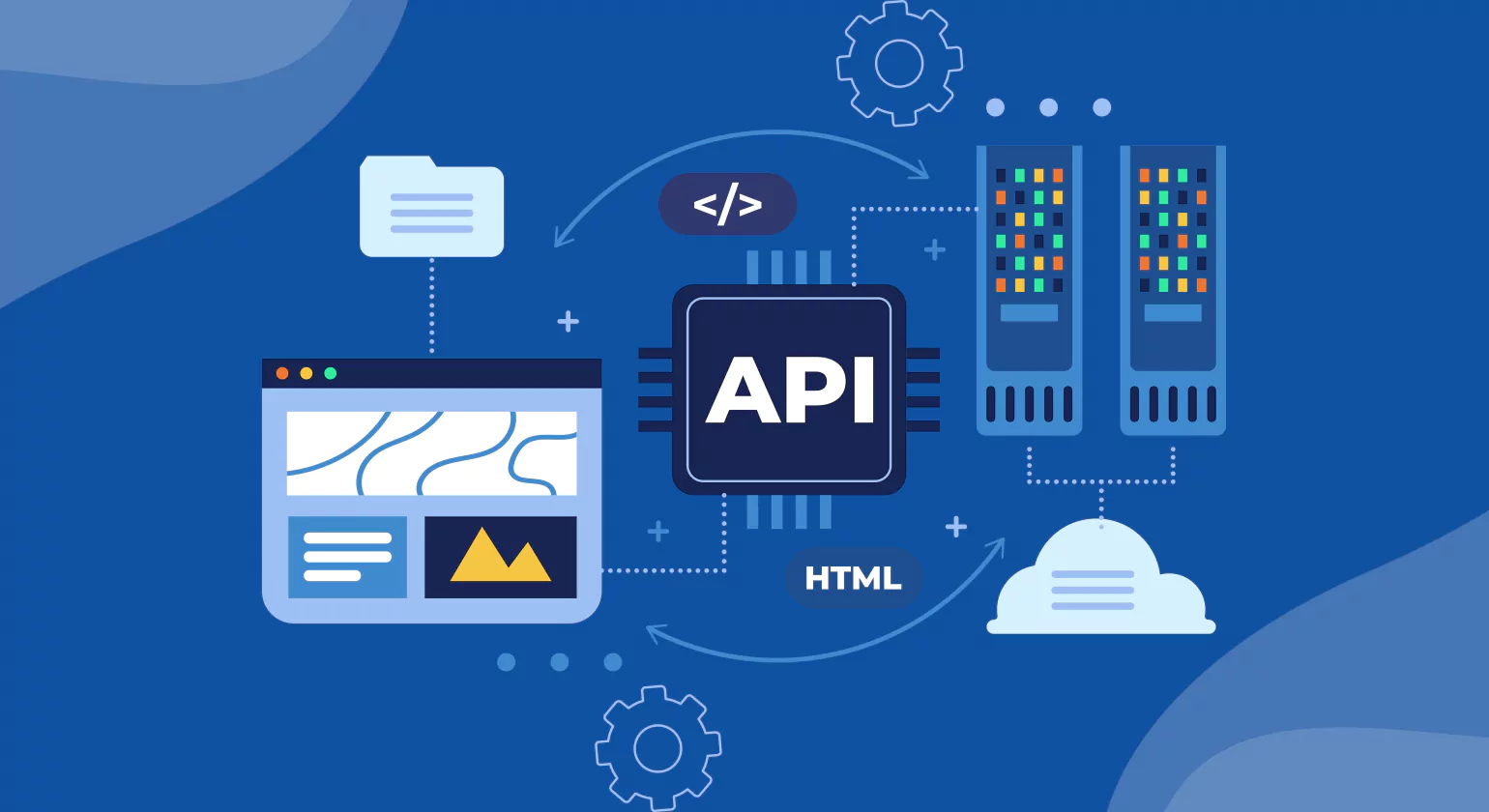
When looking for API integration tools or platforms, businesses should look for key features that ensure seamless connectivity, automation, and security.
1. Pre-Built Connectors and API Library
Modern API integration platforms offer pre-built connectors for popular applications like Salesforce, Shopify, QuickBooks, and NetSuite. These ready-to-use integrations save time and reduce development efforts. Additionally, they provide seamless data synchronization, enhance workflow automation, and improve overall system reliability. This allows businesses to quickly connect multiple tools without extensive coding or custom development.
Why It Matters?
Faster time-to-market with minimal configuration. It streamlines deployment, allowing teams to focus on core business activities rather than infrastructure setup. Eliminates the need for custom API development, reducing complexity and maintenance overhead. This leads to cost savings and quicker adaptation to changing market demands, boosting overall efficiency and innovation.
2. Drag-and-Drop Interface (Low-Code/No-Code)
An API integration software with a visual interface with drag-and-drop tools enables non-technical users to set up integrations without coding knowledge. This user-friendly approach simplifies complex workflows, allowing users to easily connect different systems, automate processes, and customize data flows. It empowers business teams to independently manage integrations, reducing reliance on IT departments and speeding up deployment times.
Why It Matters?
Makes API integration accessible to all teams—not just developers—empowering marketing, sales, and operations to connect systems seamlessly. Reduces the complexity of manual API configurations by providing intuitive tools and user-friendly interfaces, enabling faster setup and fewer errors. This streamlines workflows, improves collaboration, and accelerates project delivery across the organization.
3. Real-Time Data Synchronization & Automation
Top API integration software support real-time data sync, ensuring that all connected applications receive updates instantly. This capability helps maintain data consistency across systems, reduces latency, and improves decision-making. By enabling seamless and continuous data flow, businesses can react faster to changes, streamline operations, and enhance overall productivity.
Why It Matters?
Prevents data inconsistencies across platforms by ensuring seamless synchronization and real-time updates. Reduces manual intervention and improves efficiency through automation, minimizing human errors. This leads to more reliable data, faster decision-making, and smoother workflows across departments, ultimately enhancing overall business productivity and accuracy.
4. API Management & Custom API Creation
For businesses that need to build, secure, and manage their own APIs, API integration platforms offer comprehensive API management tools. These tools simplify the process of designing, testing, and deploying APIs while ensuring robust security through authentication, rate limiting, and threat detection. They also provide monitoring and analytics to optimize API performance and reliability.
Why It Matters?
Enables businesses to monetize APIs and create secure API ecosystems by providing robust tools for traffic management, analytics, and access control. Ensures compliance with API security standards like OAuth, JWT, and API gateways, while supporting threat detection, rate limiting, and encryption to safeguard data and maintain seamless integration across platforms.
5. Scalability & Cloud Compatibility
Businesses need API integration tools that scale as they grow. Cloud-based solutions offer auto-scaling capabilities to handle increased API traffic efficiently, ensuring seamless performance during peak usage. These platforms also provide flexibility, allowing businesses to easily add new connections and services without disruption, supporting continuous growth and evolving integration needs.
Why It Matters?
Supports high-volume transactions without performance issues, making it ideal for growing businesses. Ensures future-proof integration strategies that align with evolving technologies. Offers scalability, robust data management, and seamless connectivity with existing systems. Enables faster decision-making through real-time analytics while maintaining consistent performance across workloads and ensuring long-term operational efficiency.
6. Security & Compliance
Data security is non-negotiable, especially for businesses handling financial, healthcare, or customer-sensitive data. API integration tools should offer encryption, authentication, and compliance with GDPR, HIPAA, and SOC2. They must also ensure secure data transmission, regular audits, role-based access controls, and real-time threat monitoring to maintain trust and protect sensitive information.
Why It Matters?
Protects sensitive data from cyber threats and breaches by implementing advanced encryption, secure access controls, and real-time threat detection. Ensures regulatory compliance in various industries, such as healthcare, finance, and retail, by adhering to standards like HIPAA, GDPR, and PCI-DSS, helping organizations avoid penalties and build customer trust.
7. Monitoring, Logging & Error Handling
A robust error monitoring system of an API integration software ensures that API failures are quickly identified and resolved. It provides real-time alerts, detailed logs, and analytics to help developers diagnose issues efficiently. By enabling proactive issue tracking, it minimizes downtime, improves application stability, and enhances the overall user experience through faster recovery from unexpected errors.
Why It Matters?
Minimizes downtime by automatically detecting issues and initiating prompt alerts or automated recovery actions. Provides detailed logs for troubleshooting integration errors, helping teams quickly identify root causes. Supports proactive monitoring, real-time diagnostics, and system health checks to ensure continuous operations and reduce manual intervention in resolving unexpected failures or disruptions.
8. Cost-Effectiveness & Flexible Pricing
Businesses should evaluate pricing plans based on usage limits, number of API calls, and enterprise needs. They should also consider factors such as data storage capacity, scalability, support options, integration capabilities, and any hidden costs. Understanding these elements helps ensure the selected plan aligns with both current operations and future growth requirements.
Why It Matters?
Helps reduce unnecessary API costs by optimizing usage and eliminating redundant requests. Ensures businesses only pay for what they actually consume, aligning costs with actual demand. This efficient approach supports budget control, promotes scalability, and allows companies to allocate resources more strategically, maximizing ROI and operational performance across API-driven services.
Top API Integration Platforms in 2026
API integration plays a crucial role in connecting disparate systems, enabling seamless data exchange and automation. These platforms help organizations integrate applications such as ERP, CRM, ecommerce, and marketing tools without complex coding. As technology advances, API integration has become essential for businesses looking to streamline processes and improve data accuracy. Here are the top API integration platforms in 2026 that offer robust solutions for enterprises of all sizes.
1. DCKAP Integrator
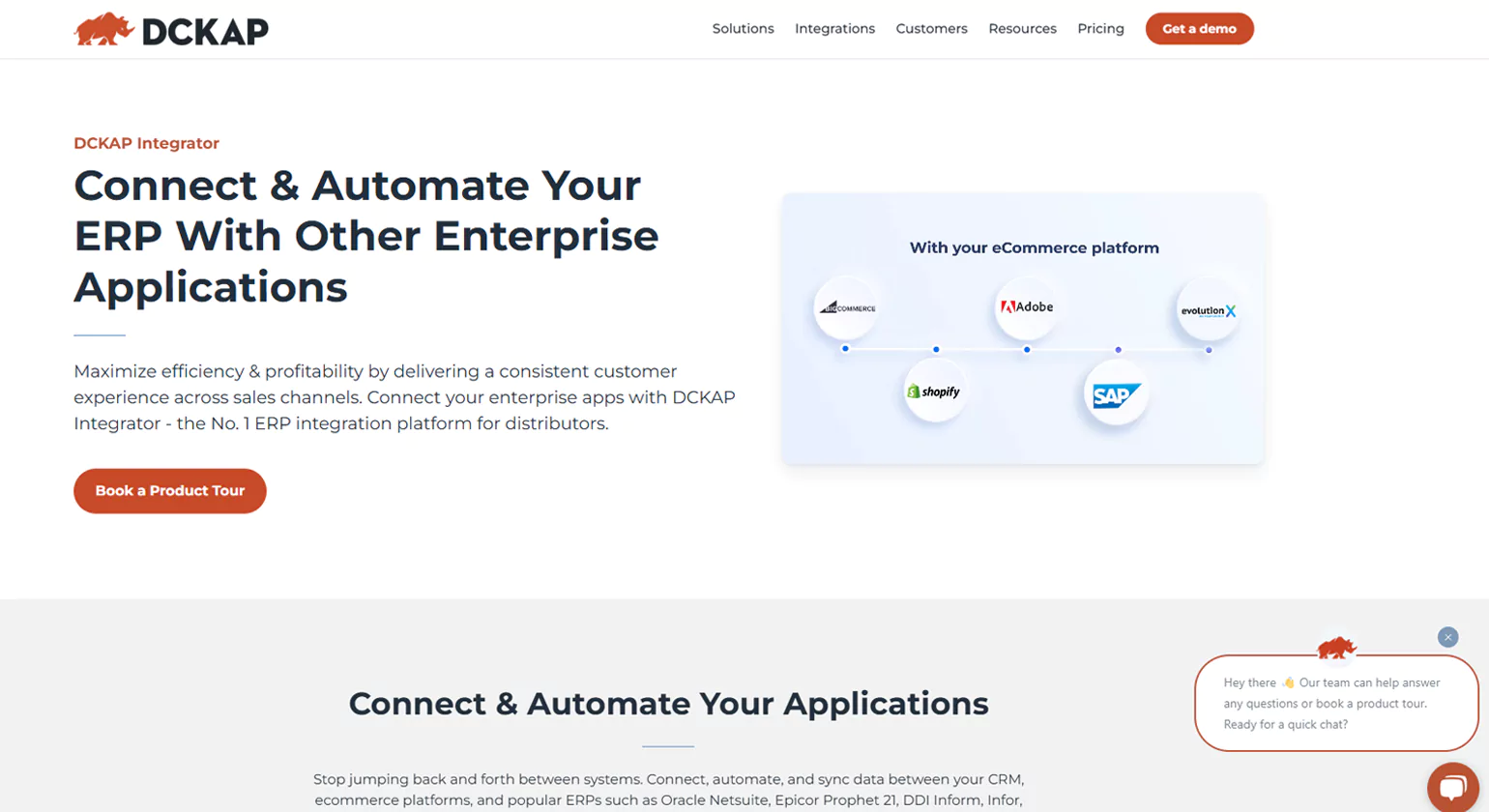
DCKAP Integrator is a powerful cloud-based integration platform designed specifically for distributors and manufacturers. It enables seamless data synchronization across ERP, ecommerce, CRM, and marketing tools. With a user-friendly interface and pre-built connectors, businesses can automate workflows efficiently.
Key Features
- Hybrid integration capabilities
- Real-time data synchronization
- Secure cloud storage on AWS
- Pre-built connectors for ERP and ecommerce platforms
- Transaction logging and visibility
Why Choose DCKAP Integrator?
DCKAP Integrator is ideal for distributors seeking cost-effective and easy-to-implement integration solutions. Its intuitive interface and dedicated customer support make it a reliable choice for businesses looking to enhance operational efficiency.
2. MuleSoft
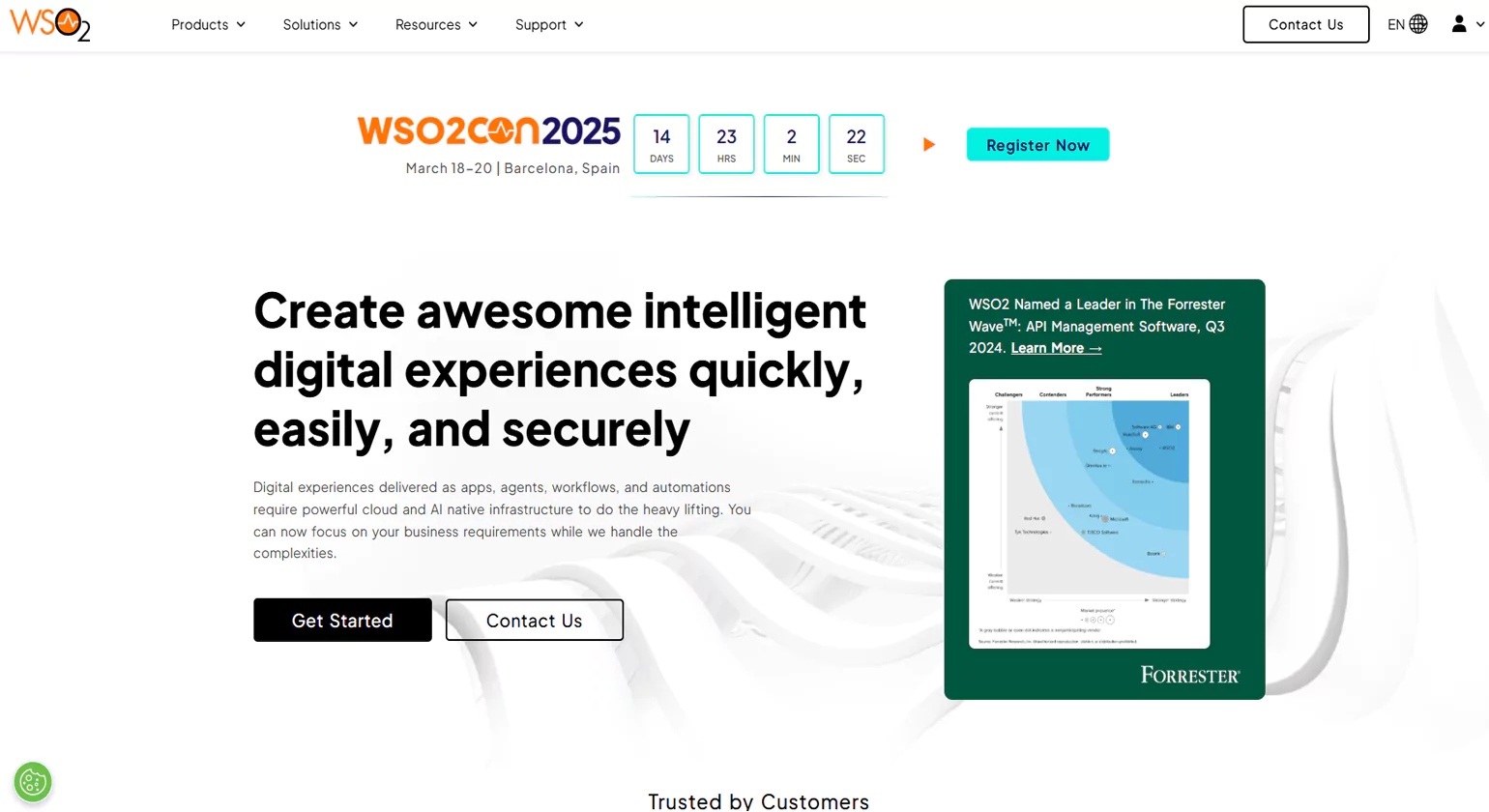
MuleSoft’s Anypoint Platform is an enterprise-grade integration solution that facilitates seamless connectivity between applications, data, and devices. Acquired by Salesforce, MuleSoft provides a unified platform for API management, automation, and workflow orchestration.
Key Features
- API-led connectivity approach
- Pre-built connectors for various applications
- AI-driven integration insights
- Secure API management
- Scalable cloud and on-premises deployment
Why Choose MuleSoft?
MuleSoft is a great choice for enterprises looking for a comprehensive integration platform with strong API management capabilities. Its advanced security and scalability make it ideal for large organizations.
3. Boomi

Boomi’s AtomSphere platform is a widely used iPaaS (Integration Platform as a Service) that simplifies complex integrations. It enables businesses to automate workflows, manage APIs, and integrate data from various sources with minimal effort.
Key Features
- Low-code development for faster integrations
- Pre-built connectors for popular applications
- Master Data Management (MDM)
- Real-time data processing and transformation
- Security and compliance tools
Why Choose Boomi?
Boomi is ideal for organizations looking for a user-friendly, low-code integration platform. Its flexible pricing and scalability make it suitable for small businesses as well as large enterprises.
4. IBM App Connect
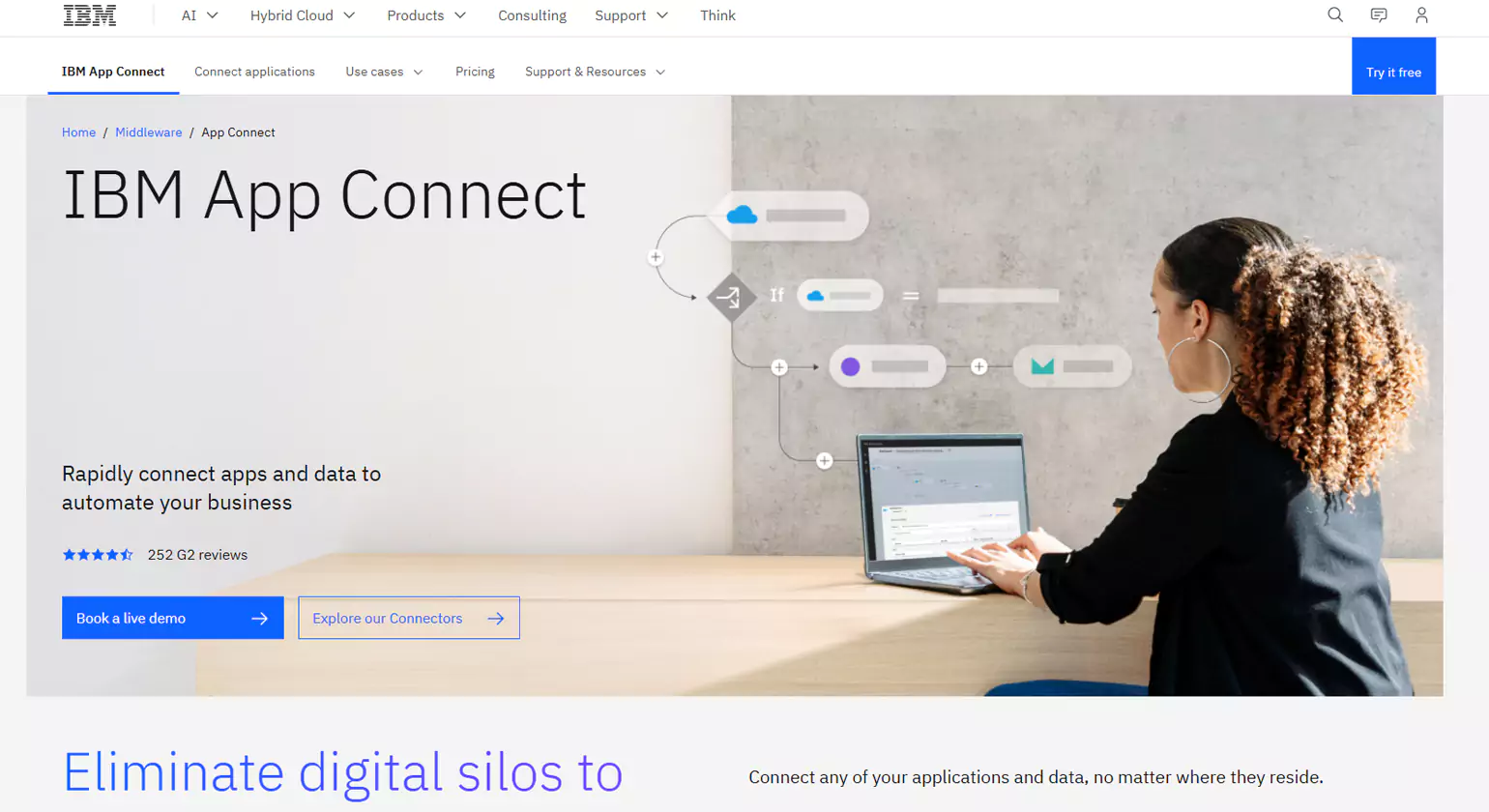
IBM App Connect is a cloud-based API integration platform that allows businesses to automate workflows and connect applications effortlessly. It provides AI-driven mapping and a robust API development environment.
Key Features
- No-code drag-and-drop workflow builder
- Pre-built connectors for multiple applications
- AI-based data transformation
- Automated CI/CD pipelines
- Enterprise-grade security
Why Choose IBM App Connect?
IBM App Connect is an excellent choice for enterprises looking for an AI-powered integration platform with strong security features. Its no-code approach makes it accessible to both technical and non-technical users.
5. Zapier
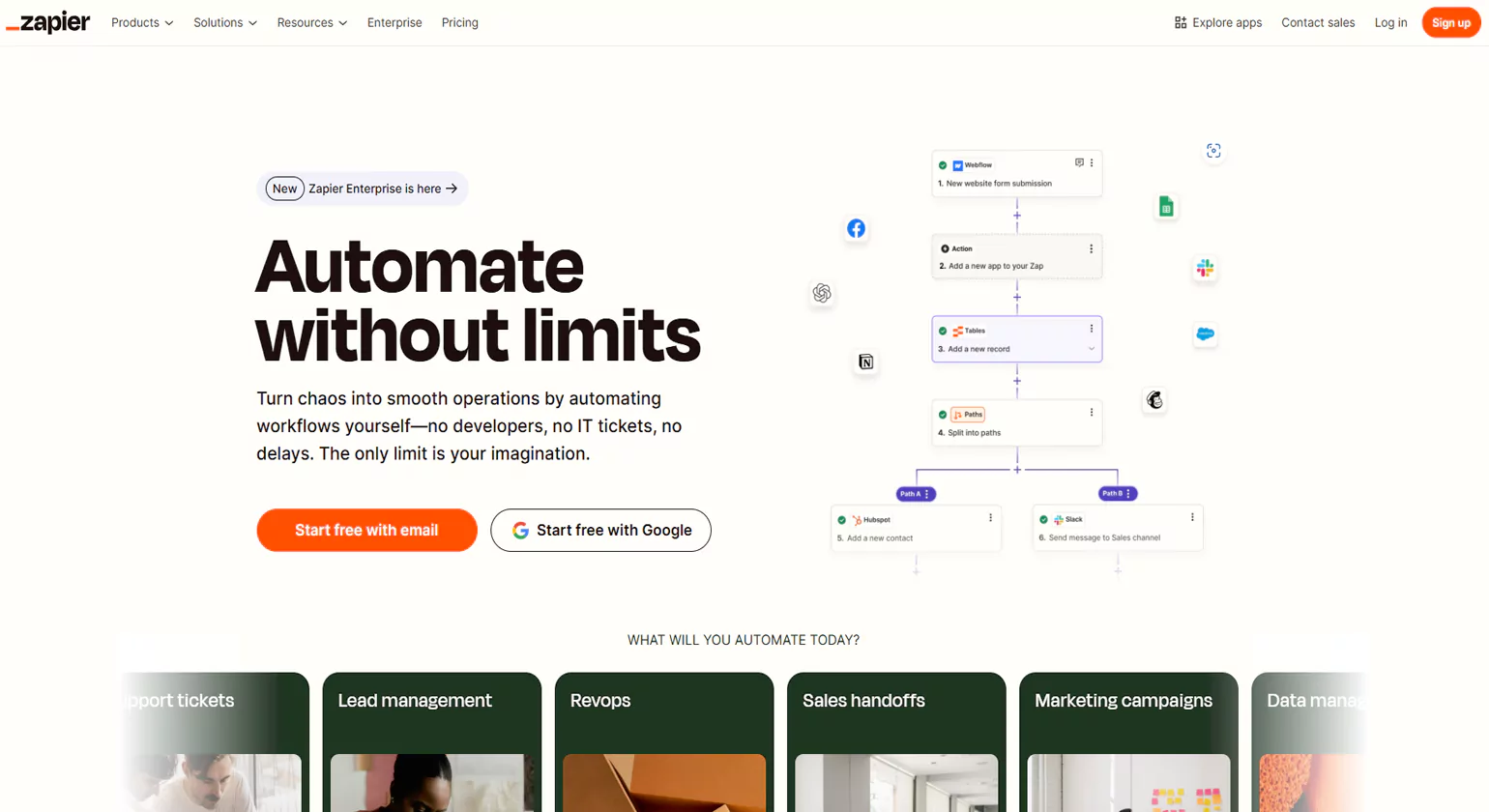
Zapier is a popular API integration platform designed for automating workflows without the need for coding. It connects thousands of applications, making it easy for businesses to create automated processes.
Key Features
- Intuitive drag-and-drop automation
- Pre-built integrations for over 5,000 apps
- Custom workflows with conditional logic
- Multi-step automation
- Real-time data syncing
Why Choose Zapier?
Zapier is the perfect choice for small and medium-sized businesses looking for an easy-to-use automation tool. It enables non-technical users to create integrations quickly without any programming knowledge.
6. Talend (Qlik)
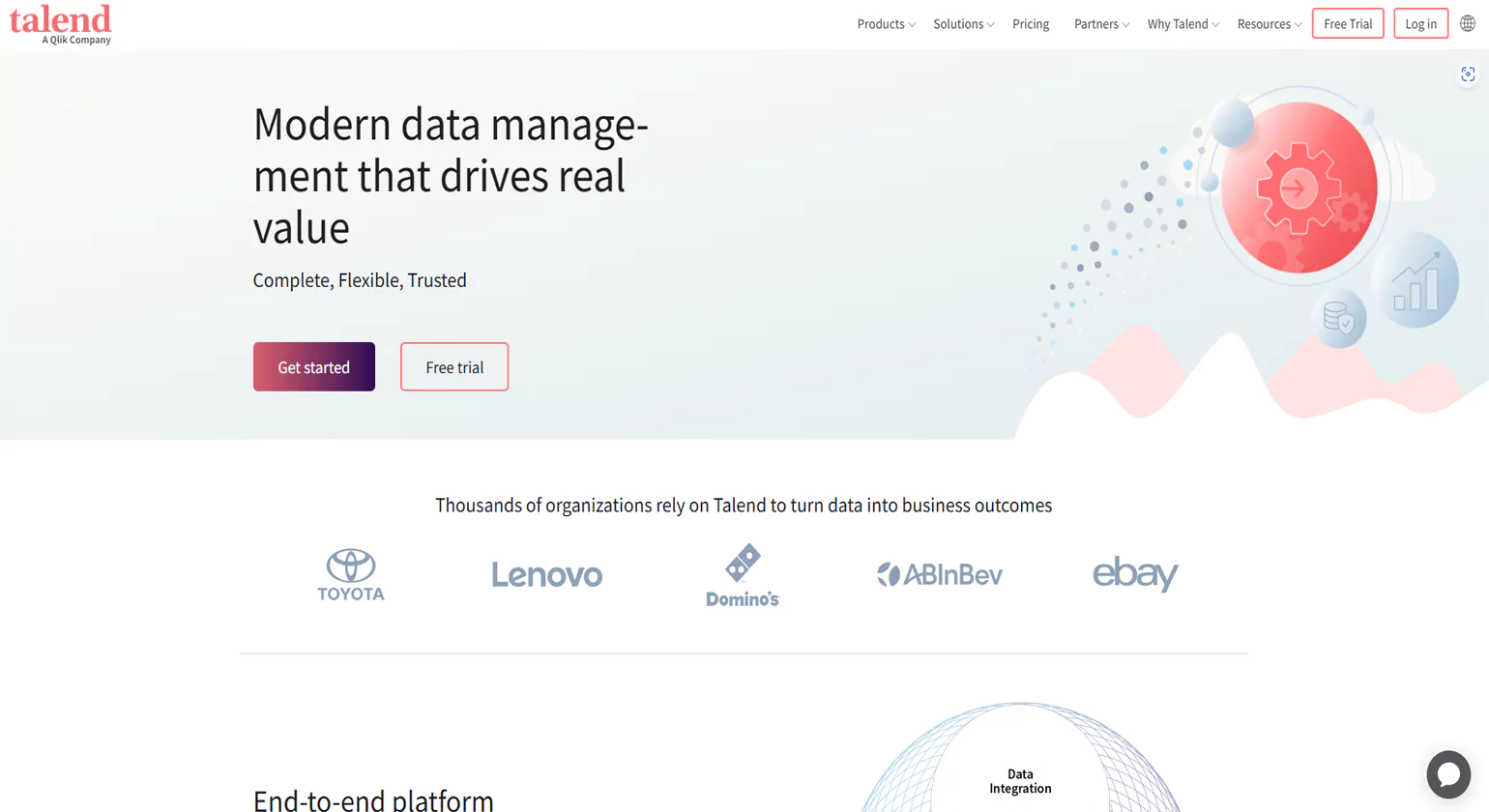
Talend, now part of Qlik, offers a data integration platform that combines API and data management capabilities. It helps businesses ensure data quality and streamline application connectivity.
Key Features
- Low-code ETL and ELT tools
- API lifecycle management
- Change Data Capture (CDC)
- Secure data governance
- Pre-built templates for quick integration
Why Choose Talend?
Talend is a great option for businesses focused on data-driven integration. Its advanced data governance features ensure high-quality data management and compliance.
7. Jitterbit
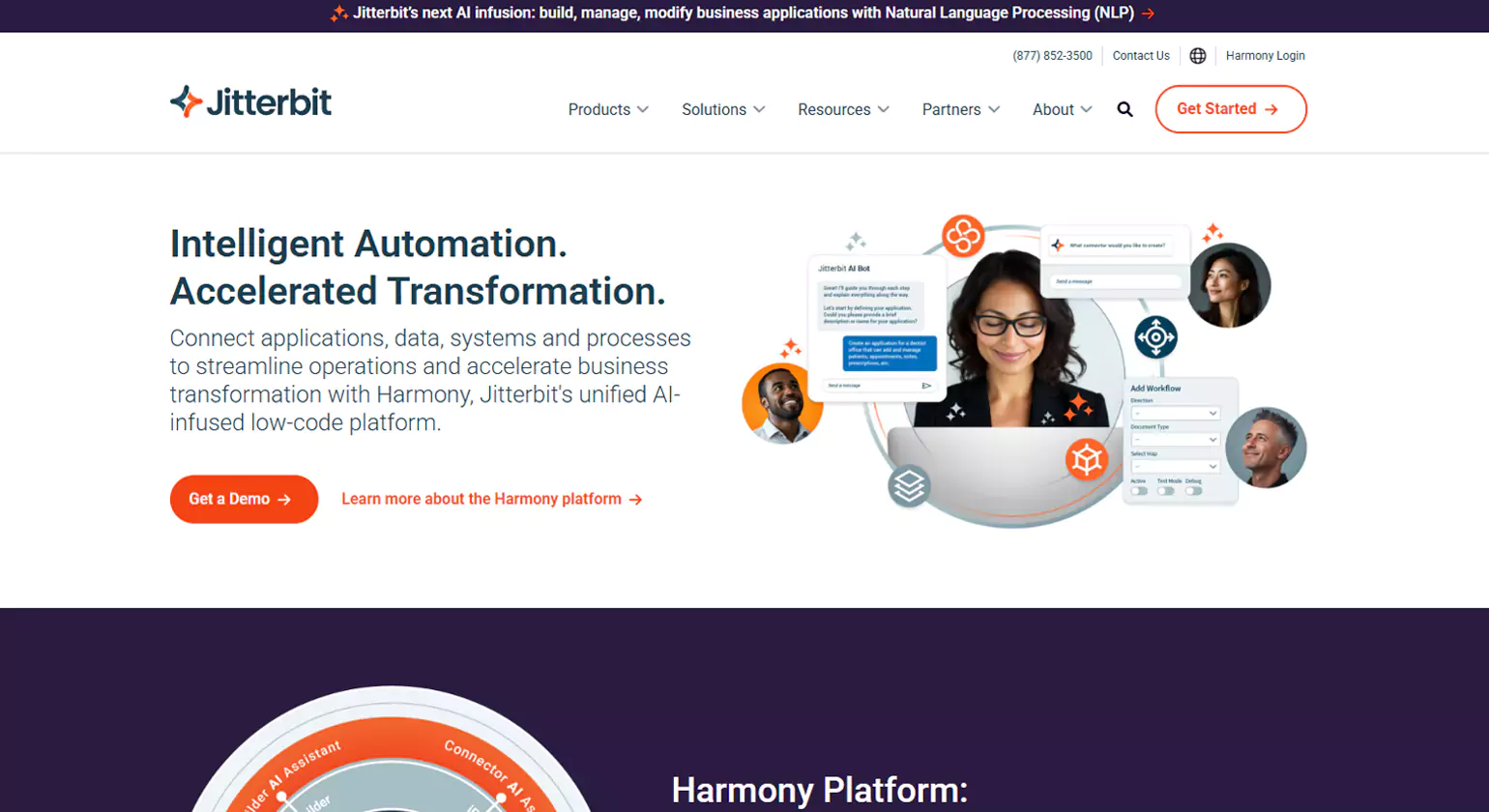
Jitterbit’s Harmony platform provides a low-code integration environment that supports both cloud and on-premises applications. It is known for its API creation and management capabilities.
Key Features
- AI-driven integration insights
- Pre-built templates and connectors
- Real-time data synchronization
- API lifecycle management
- Scalable hybrid integration
Why Choose Jitterbit?
Jitterbit is ideal for enterprises needing a flexible, scalable integration solution with API management and AI-powered automation.
8. Integrate.io

Integrate.io is a data-focused API integration platform that enables businesses to connect applications and automate data workflows efficiently.
Key Features
- ETL and Reverse ETL capabilities
- API automation and integration
- Drag-and-drop workflow builder
- Advanced data transformation tools
- Security and compliance features
Why Choose Integrate.io?
Integrate.io is best suited for businesses looking for a data-centric integration platform with powerful transformation tools.
9. Cleo Integration Cloud
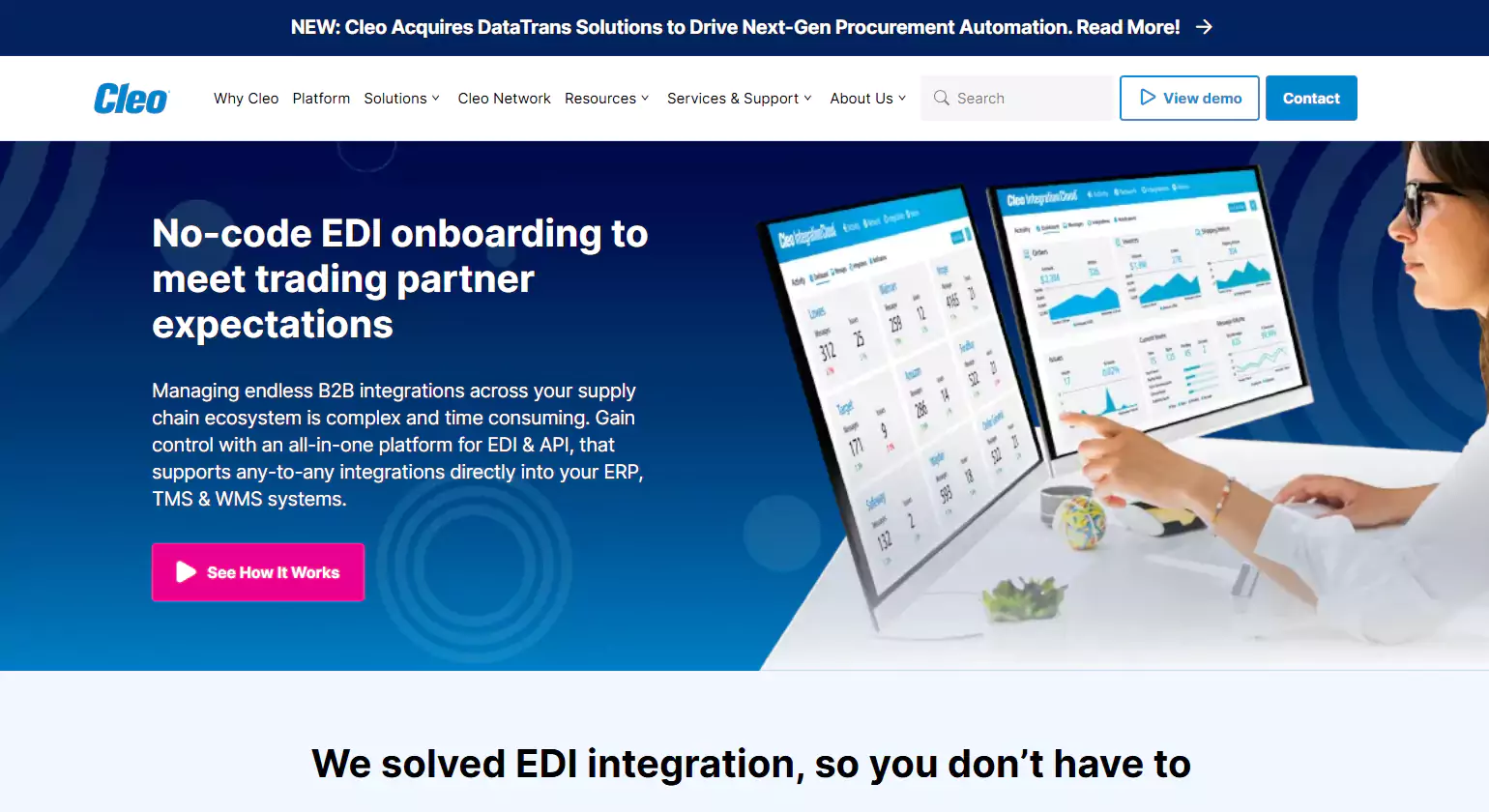
Cleo Integration Cloud (CIC) is a robust B2B integration platform that specializes in EDI, API, and hybrid integration solutions. It enables businesses to automate data exchange across partners and applications.
Key Features
- End-to-end API and EDI integration
- Pre-built connectors for ERP, CRM, and ecommerce
- AI-driven data mapping
- Secure file transfers
- Comprehensive reporting and analytics
Why Choose Cleo Integration Cloud?
Cleo is ideal for enterprises that need seamless B2B and EDI integration solutions with advanced data security and analytics.
10. SnapLogic
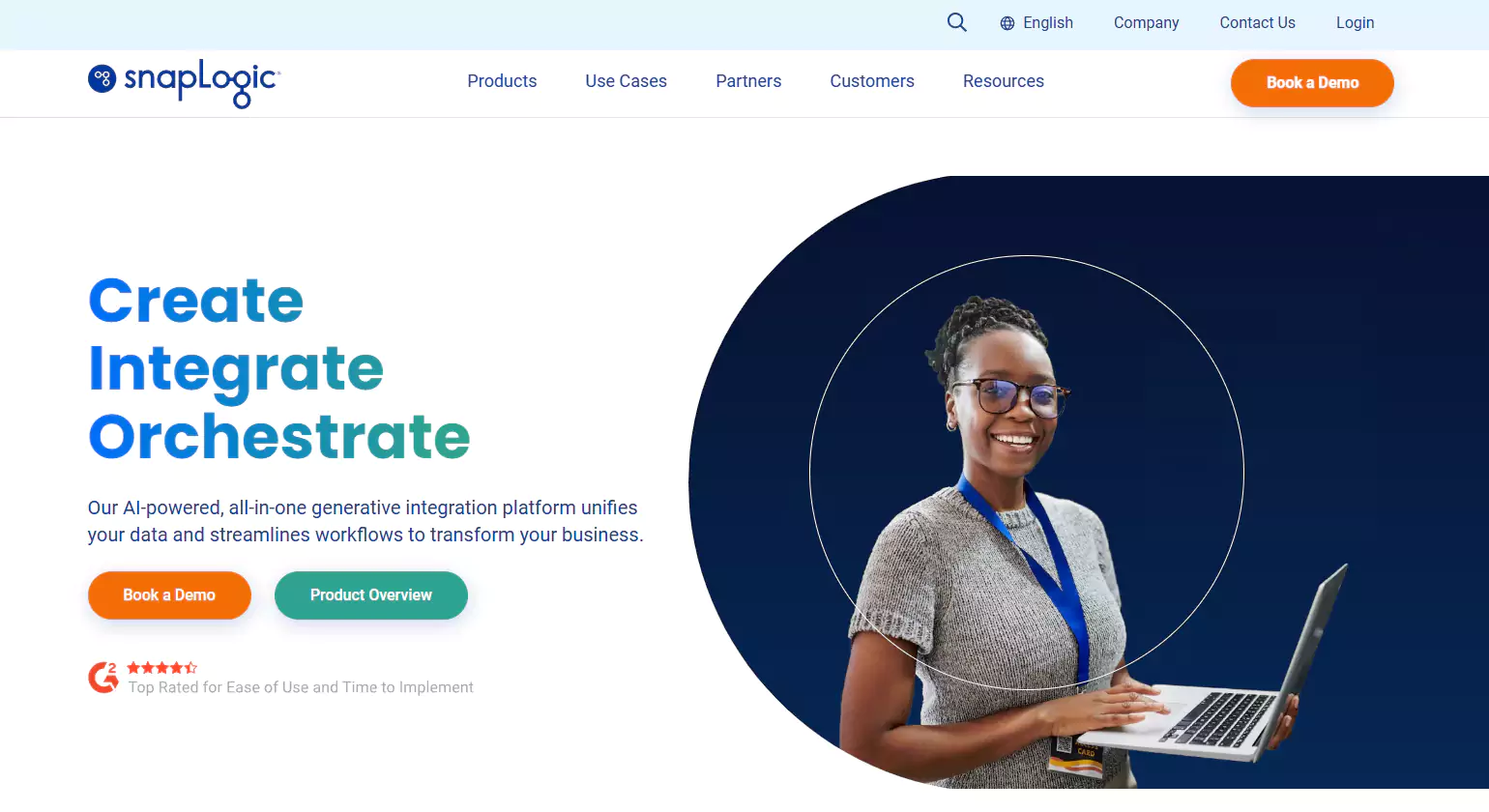
SnapLogic is a powerful low-code integration platform that enables businesses to connect applications, data, and APIs effortlessly using its AI-driven interface.
Key Features
- AI-powered integration assistant
- Pre-built connectors for multiple applications
- Real-time data streaming
- Secure API lifecycle management
- Scalable cloud and hybrid deployment
Why Choose SnapLogic?
SnapLogic is a great option for enterprises looking for an AI-driven integration platform with real-time data processing capabilities.
8 Benefits of Using API Integration Platforms

API integration platforms provide businesses with seamless connectivity between different applications, improving efficiency and ensuring smooth data flow. Below are some of the key benefits of using API integration platform:
1. Automation and Efficiency
API integration platforms eliminate the need for manual data entry by automating business processes. Organizations can synchronize data between systems like ERP, CRM, ecommerce platforms, and databases, reducing errors and increasing productivity. This seamless data flow enhances real-time decision-making and improves overall operational efficiency.
2. Improved Data Accuracy
Data consistency is crucial for businesses, and API integration tools ensure that information remains accurate across all platforms. This prevents data duplication, minimizes discrepancies, and allows teams to rely on real-time information. Additionally, APIs streamline workflows by enabling seamless data synchronization and improve decision-making through unified data access.
3. Scalability and Flexibility
As businesses grow, they require integration that can scale with their needs. API integration tools provide flexible solutions that can accommodate increased data loads, new applications, and evolving business requirements. These platforms also offer real-time data syncing, improved connectivity, and enhanced automation to support seamless operations and agility.
4. Cost Savings
By automating processes and reducing reliance on manual workflows, businesses can cut operational costs significantly. API integrations help streamline resource allocation, ensuring efficient system utilization without the need for excessive manpower. This also minimizes human error, speeds up task completion, and enhances overall productivity.
5. Better Decision-Making
By automating processes and reducing reliance on manual workflows, businesses can cut operational costs significantly. API integrations help streamline resource allocation, ensuring efficient system utilization without the need for excessive manpower. This also minimizes human errors, accelerates task completion, and improves overall productivity and scalability
6. Enhanced Customer Experience
Using API integration tools empowers businesses to seamlessly connect multiple platforms, ensuring smooth data flow across departments. This connectivity enhances operational efficiency, supports proactive issue resolution, and enables dynamic marketing strategies, ultimately delivering a highly tailored and consistent experience that meets evolving customer expectations.
7. Faster Time-to-Market
For companies looking to launch new products or services, API integration platforms accelerate the process. Developers can quickly connect different applications, reducing the time required to set up infrastructure and workflows. This seamless connectivity enables faster innovation, improves collaboration, and ensures smoother data flow across systems.
8. Security and Compliance
API integration platform come with robust security measures, including encryption, authentication, and access control features. These ensure that sensitive business and customer data remain protected, helping companies comply with industry regulations.
How to Choose the Right API Integration Platform

Selecting the best API integration platforms requires careful evaluation of business needs, technical capabilities, and future growth prospects. Here are the key factors to consider:
1. Integration Requirements
Before selecting a platform, identify the specific systems and applications that need to be integrated. Consider whether you need support for cloud-based, on-premises, or hybrid integrations. Also, evaluate the compatibility of the platform with your existing infrastructure and future scalability requirements to ensure seamless data flow and operational efficiency.
2. Ease of Use
A user-friendly platform is essential, especially for businesses with limited technical expertise. Look for low-code or no-code API integration tools that offer drag-and-drop functionality, pre-built connectors, and intuitive dashboards. These features simplify complex processes, reduce onboarding time, and empower users to manage data workflows independently without relying heavily on IT support.
3. Scalability and Performance
Choose a scalable platform capable of efficiently handling increased data volumes while supporting seamless business expansion. Ensure it offers robust infrastructure to accommodate high-performance integrations, minimizing latency issues and maintaining optimal speed and reliability even as data demands grow and complexity increases.
4. Security and Compliance
Data protection should be a top priority. Look for platforms that offer robust encryption both at rest and in transit, multi-factor authentication, regular security audits, and strict access controls. Ensure they comply with industry standards such as GDPR, HIPAA, SOC 2, and other relevant regulations to safeguard sensitive data effectively.
5. Customization and Flexibility
Your business needs may evolve over time, so it’s important to choose a platform that offers customization options. Look for solutions that allow you to create custom APIs, modify workflows, and support different integration patterns.
6. Pre-built Connectors
Many API integration tools offer pre-built connectors for popular applications like Salesforce, NetSuite, Shopify, and QuickBooks. Ensure that the one you choose has connectors for the applications you use to streamline data flow, reduce manual work, and simplify complex workflows across your business systems.
7. Cost and Pricing Structure
Compare pricing plans based on features, scalability, and support levels. Some platforms charge based on API calls, while others offer tiered pricing models. Choose a solution that fits within your budget without compromising essential functionalities.
8. Support and Documentation
Reliable customer support and comprehensive documentation can make a significant difference in the integration process. Opt for platforms that provide 24/7 support, training materials, and an active user community.
Step-by-Step Guide to API Integration
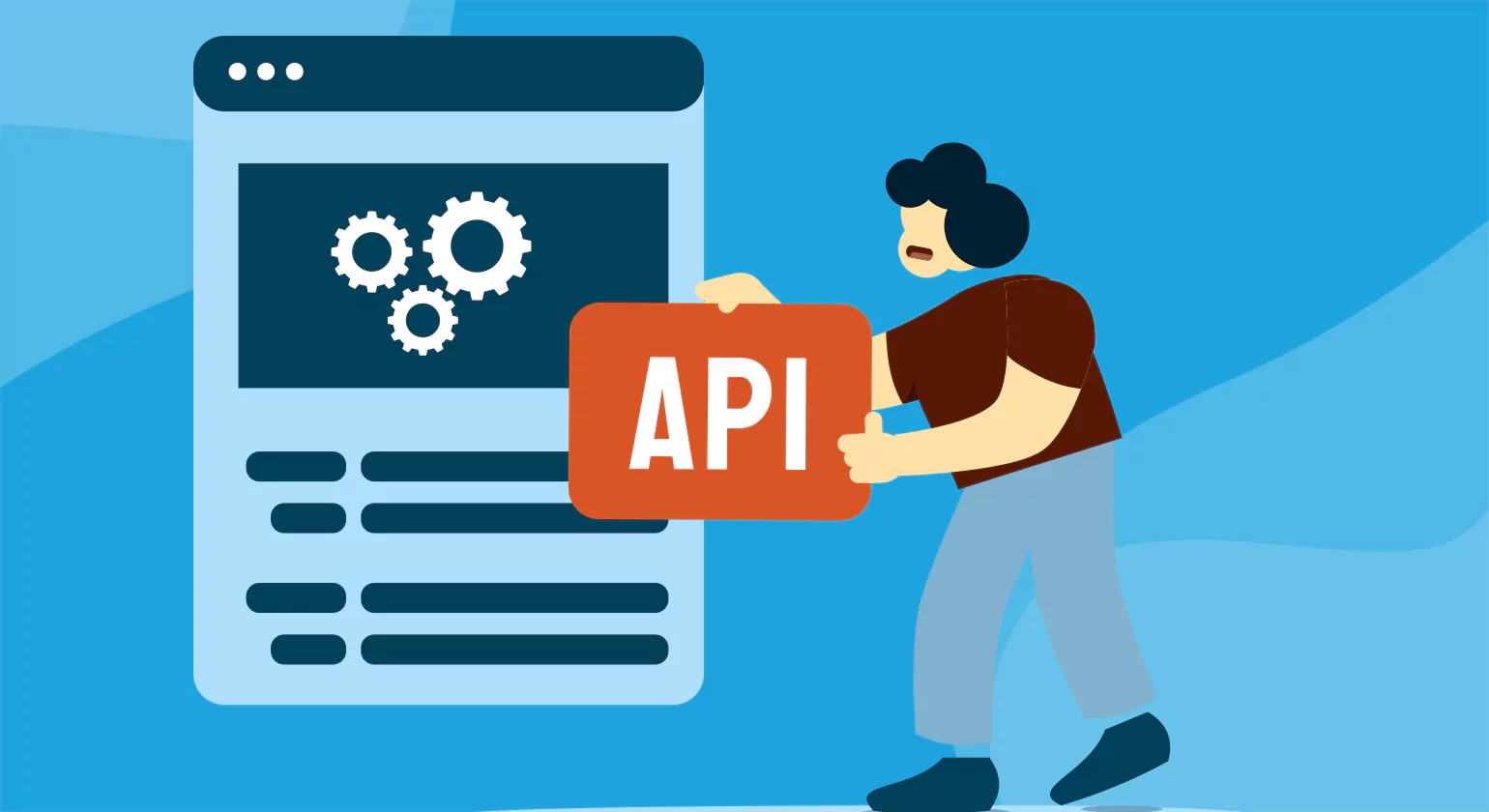
Implementing API integrations platforms requires a structured approach to ensure seamless data flow and system connectivity. Below is a step-by-step guide to integrating APIs effectively:
Step 1: Define Business Goals and Requirements
Before starting the integration process, clearly outline the objectives you aim to achieve. Identify the systems that need to be connected, the specific data formats involved, and the type of data that will be exchanged. Also, consider the frequency of data transfer and any security requirements to ensure smooth communication. Establishing these details upfront helps prevent complications and aligns the integration with your overall business goals.
Step 2: Choose the Right API Integration Platform
Based on the factors discussed earlier, carefully select an API integration platform that aligns perfectly with your specific business needs. Evaluate key features such as scalability to support growth, robust security protocols to protect data, user-friendly ease of use, and availability of diverse pre-built connectors for faster implementation and seamless integration.
Step 3: Authenticate and Secure API Access
Ensure that your API connections are secure by implementing robust authentication mechanisms such as OAuth, API keys, or token-based authentication. Additionally, use HTTPS to encrypt data in transit, regularly rotate keys or tokens, and enforce strict access controls to prevent unauthorized access and protect sensitive data effectively.
Step 4: Configure API Endpoints and Data Mapping
Set up API endpoints to enable seamless communication between different applications. Use advanced data mapping tools to precisely define how data should be transformed and formatted, ensuring data integrity and consistency across all integrated systems. This approach streamlines workflows and reduces errors.
Step 5: Test API Integration
Before deploying the live project in API integration tools, run extensive tests to validate the connection thoroughly. Check for data accuracy, latency, error handling, and performance issues to ensure seamless functionality. Additionally, verify data synchronization consistency, monitor system resource usage, and simulate peak loads to identify potential bottlenecks or failures early.
Step 6: Monitor and Optimize Performance
Once the integration is live, continuously monitor its performance using advanced analytics and comprehensive logging tools. Regularly track API call volumes, detect and analyze errors promptly, and optimize response times to ensure seamless operation, improved efficiency, and enhanced user experience over time.
Step 7: Maintain and Update APIs
Regular maintenance is essential to keep API integrations running smoothly. Regularly monitor performance, troubleshoot issues promptly, and optimize API calls to improve efficiency. Update APIs as needed, ensure compatibility with software updates, and implement security patches to safeguard data from vulnerabilities. Additionally, it is crucial to monitor the updates of the API integration software you use to prevent any mishaps.
10 Best Practices for Secure API Integration
Ensuring secure API integration platforms is crucial to protecting sensitive data, maintaining compliance, and preventing unauthorized access. Here are the best practices businesses should follow to enhance API security:
1. Use Strong Authentication and Authorization
Implement secure authentication mechanisms such as OAuth, API keys, JWT (JSON Web Tokens), or SAML (Security Assertion Markup Language) to protect data and services. Combine these with multi-factor authentication (MFA) for added security. Use role-based access control (RBAC) to ensure users and applications only access necessary data, functions, and resources.
2. Encrypt Data in Transit and at Rest
Encryption is essential to safeguarding data during transmission and storage. Use SSL/TLS encryption for data in transit and apply AES encryption for data at rest to prevent unauthorized access. Additionally, ensure strong key management practices, regular security audits, and compliance with industry standards to enhance overall data protection and reduce potential risks.
3. Limit API Access with Rate Limiting
Implement rate limiting to prevent abuse and protect against denial-of-service (DoS) attacks. This ensures that APIs are not overwhelmed by excessive requests, preserving system performance and security. By setting thresholds on request rates, organizations can maintain availability, reduce infrastructure strain, and enforce fair usage among clients accessing the system’s resources.
4. Validate and Sanitize Input Data
Input validation is a crucial security measure that helps maintain the integrity and safety of applications. By verifying that incoming data strictly follows predefined formats, it effectively blocks malicious inputs designed to exploit vulnerabilities like SQL injection, cross-site scripting (XSS), and command injection. This process includes sanitizing inputs, enforcing type checks, and rejecting any suspicious or malformed requests before they reach backend systems, thereby reducing the attack surface and protecting sensitive data from unauthorized access or manipulation. Robust input validation is a fundamental layer in a multi-tiered defense strategy against cyber threats.
5. Implement API Gateway for Centralized Security
An API gateway acts as a centralized control point for managing security, authentication, rate limiting, and monitoring. It provides an added layer of protection and simplifies API management. Additionally, it enables protocol translation, request routing, and load balancing, ensuring efficient traffic handling while improving overall API performance and reliability across distributed systems.
6. Monitor and Log API Activity
Use API logging and monitoring tools to comprehensively track API requests, response times, and usage patterns. This helps identify anomalies, detect potential security threats, and ensure compliance with security policies. Implement real-time alerts for unusual behavior or suspicious activity to quickly respond and prevent unauthorized access, data breaches, and service disruptions. Regularly review logs to improve security posture and optimize API performance.
7. Use Secure API Design Principles
Follow RESTful API best practices such as using HTTPS for secure communication, implementing token-based authentication, and avoiding exposure of sensitive information in URL parameters. Additionally, ensure proper use of HTTP methods (GET, POST, PUT, DELETE) according to their intended actions, implement rate limiting to prevent abuse, and provide clear, consistent error responses for better client handling.
8. Regularly Update and Patch APIs
Keep APIs updated with security patches and bug fixes. Regular maintenance ensures that vulnerabilities are addressed, reducing the risk of cyberattacks. Additionally, staying current with updates improves overall API performance and compatibility with other systems. It also helps maintain compliance with industry standards and protects sensitive data from emerging threats.
9. Implement API Versioning
Versioning also enables clear tracking of changes over time, making it easier for developers and users to manage different iterations of a product or service. It supports rollback to previous versions if issues arise and facilitates smoother collaboration among teams by maintaining consistent reference points throughout the development lifecycle.
10. Ensure Compliance with Industry Standards
Depending on your industry, ensure that API integrations comply with regulations such as GDPR, HIPAA, PCI-DSS, and SOC 2. Adhering to these compliance standards not only protects sensitive data but also builds trust with customers and partners. Regular audits and monitoring should be implemented to maintain ongoing compliance and promptly address any vulnerabilities or breaches. Proper documentation and employee training are also essential to ensure that all stakeholders understand and follow the required protocols.
APIs vs. Middleware: What’s the Difference?
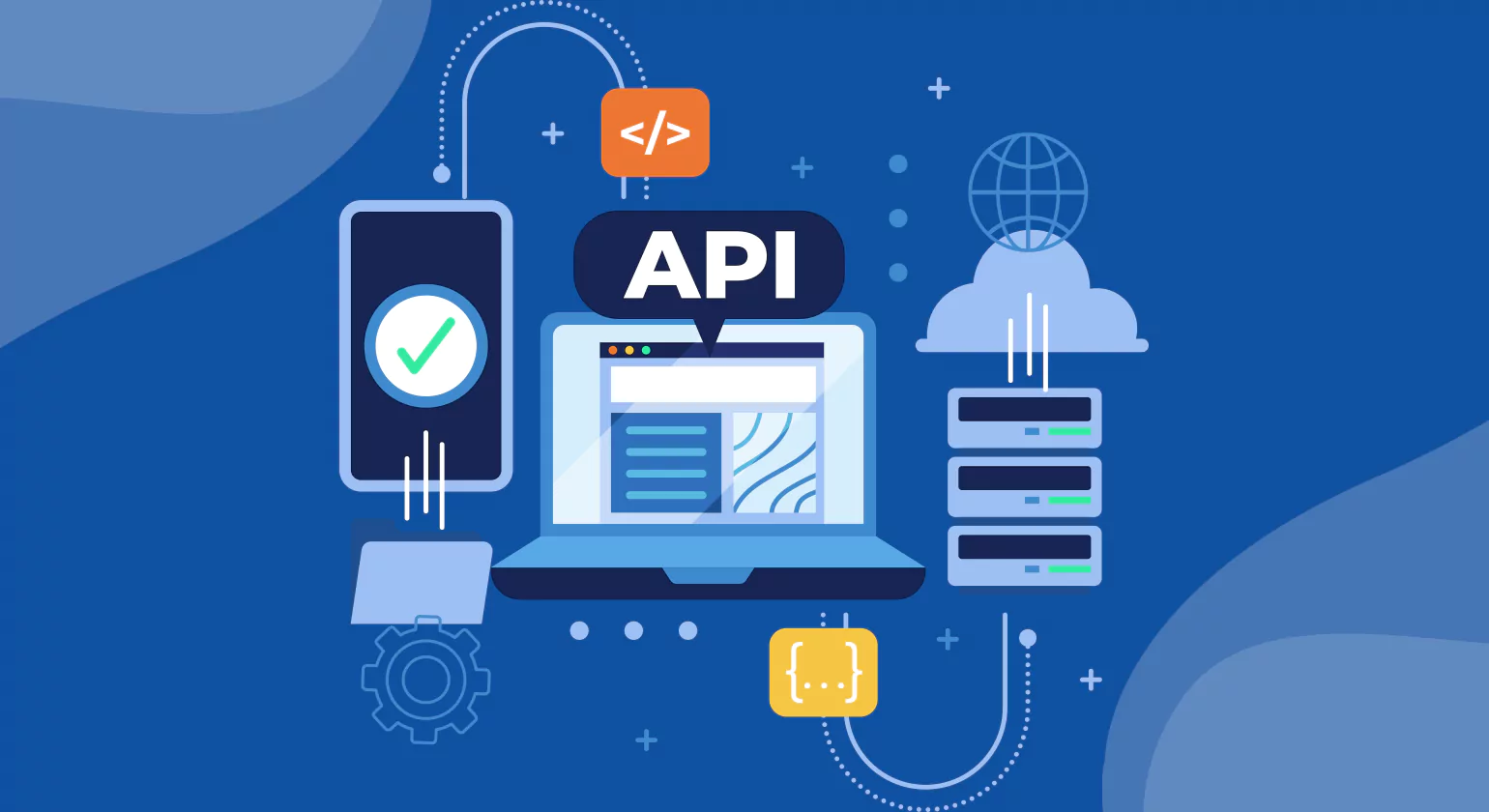
APIs and middleware are both essential for connecting applications and enabling seamless data exchange. However, they serve different roles in system integration. Understanding their differences helps businesses determine the best approach for their integration needs.
What is an API?
An API (Application Programming Interface) is a set of rules and protocols that allow applications to communicate with each other. It defines how requests should be sent, how data should be formatted, and how responses should be received. APIs enable different software systems to interact and share data in a structured manner.
Key features of APIs include their ability to facilitate communication between applications and services, support real-time data exchange, and offer various architectural styles such as REST, SOAP, and GraphQL. APIs are widely used to automate processes and integrate third-party applications seamlessly.
What is Middleware?
Middleware is a type of software that acts as a bridge between different applications, databases, and systems. It facilitates communication by translating data formats, managing authentication, and ensuring seamless integration between systems that may not be directly compatible. Middleware provides an additional layer of functionality beyond simple API interactions.
Key features of middleware include data transformation and message brokering, authentication and authorization management, caching and load balancing for optimized performance, and the ability to connect legacy systems with modern applications. Middleware solutions are commonly used in enterprise environments where complex integrations are required.
Key Differences Between APIs and Middleware
APIs enable direct communication between applications, allowing them to exchange data efficiently. They follow standard formats such as REST, SOAP, and GraphQL, making it easier for developers to integrate different systems. APIs are designed to handle structured data exchange, making them ideal for real-time application integration and automation.
While APIs provide a direct approach to application integration, middleware offers a more comprehensive solution for enterprises dealing with multiple systems that require additional processing, security, and compatibility measures.
When to Use APIs vs. Middleware
APIs are the preferred choice when integrating cloud-based applications, automating workflows, or building microservices architectures. They allow for direct, efficient communication between applications, making them ideal for businesses that require seamless real-time data exchange.
Middleware is more suitable for enterprises dealing with legacy systems, handling complex data transformations, or integrating multiple platforms that do not natively support direct API communication. Middleware solutions help businesses ensure interoperability, security, and scalability in large-scale integration projects.
Although APIs and middleware serve different purposes, they often complement each other. Many API integration platforms incorporate middleware capabilities to enhance functionality and streamline enterprise-level integrations. Businesses should carefully assess their integration needs and choose the right solution to ensure seamless connectivity and efficiency.
Conclusion
API integration platforms have become essential for modern businesses, enabling seamless data flow, automation, and system connectivity. Whether integrating ecommerce platforms, CRM systems, or ERP solutions, API integrations help organizations improve efficiency, enhance customer experiences, and scale operations.
Security remains a top priority in API integrations, and businesses must follow best practices such as strong authentication, encryption, monitoring, and compliance with industry standards to safeguard sensitive data. Understanding the differences between APIs and middleware is crucial for choosing the right integration approach. APIs facilitate direct application communication, while middleware provides an additional layer of functionality for complex integrations.
By leveraging the right API integration tools and implementing security measures, businesses can streamline processes, optimize performance, and stay ahead in an increasingly digital landscape.
Know more>>> 10 Key Features of Effective Accounting Performance Indicators
Top 15 IT Automation Tools in 2026 to Enhance Workflow
FAQ'S
1. What is an API integration platform?
An API integration platform is a tool that helps connect different software applications by enabling seamless data exchange and communication through APIs. It allows businesses to automate workflows, streamline operations, and enhance system interoperability.
2. What are the different types of API integration platforms?
API integration platforms can be categorized into cloud-based, on-premises, and hybrid solutions. Some platforms focus on enterprise-grade integrations, while others specialize in low-code or no-code automation for smaller businesses.
3. What are the key features to look for in an API integration platform?
Essential features include pre-built connectors, data transformation capabilities, security compliance, scalability, real-time data syncing, monitoring, and support for different API protocols like REST, SOAP, and GraphQL.
4. How does API integration benefit businesses?
API integration enhances efficiency, reduces manual workload, improves data accuracy, enables automation, enhances customer experience, and allows seamless connection between different business applications.
5. How do I choose the right API integration platform?
Consider factors like ease of use, scalability, pricing, security, compatibility with existing systems, support for different APIs, and the level of customization available. Businesses should also assess their specific integration needs before selecting a platform.
6. Are there free API integration platforms available?
Some platforms, like Zapier and Integrate.io, offer free tiers with limited functionality. However, for enterprise-grade integrations, businesses usually require paid plans with advanced features and support.














