Table of Contents
Key Takeaways
- Email filtering services protect your inbox by blocking spam, phishing, and harmful emails before they reach you.
- They use advanced filters, AI, and rules to scan incoming and outgoing emails in real time.
- The process includes scanning → analyzing → filtering → delivering or blocking emails.
- These services help improve security, reduce clutter, and save time for individuals and businesses.
- Many tools support multiple email platforms like Gmail, Outlook, and custom domains.and malware protection.
Introduction to Email Filtering Services
Every day, your email inbox is flooded with spam messages, phishing attacks, and embedded malware. All these pose a threat to your data. Email filtering services act as a strong barrier that filters all these attacks and prevents them from reaching your inbox. This allows you to have a safe and clean email service for your business and personal needs.
What Are Email Filtering Services?
Email filtering services filter emails when they are being sent out or when they are being received. These services filter out spams, phishing emails, and harmful emails. Out of every 100 emails sent globally, over 45% of them are spams. This is according to a market research company known as Statista. These services include detecting suspicious senders and filtering out emails that may carry a virus. Email Filtering Services – These are tools used to scan emails sent and received in order to filter out spam, phishing, and other harmful content in emails within fundamentals of marketing.
How Email Filtering Works (Step-by-Step)
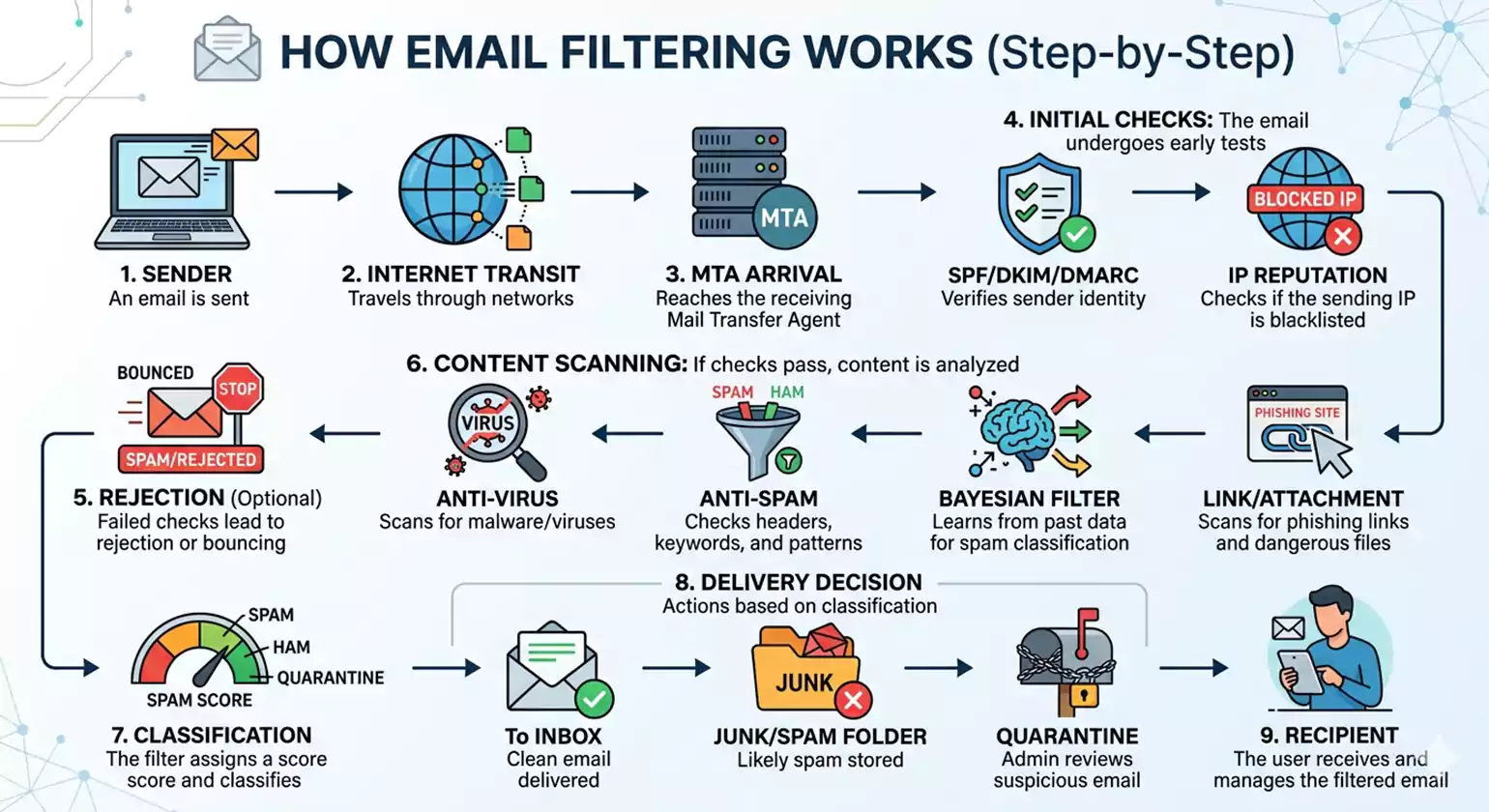
An email filtering service filters all the emails that are sent to a person or a business. It filters the emails into safe emails, spam emails, and dangerous emails. Below are the steps that the email filtering service uses in filtering emails in 10 steps:
1. Email reaches the filtering gateway.
When a person wants to send an email to a domain, the email does not go directly to the domain’s mailbox. Instead, it goes to the Email Filtering Services gateway first. This gateway could be a cloud-based gateway or a gateway hosted on the company’s server. This gateway acts as a security checkpoint for the emails. All the emails are intercepted and kept in a queue before they are allowed to go to the domain’s mailbox.
2. Connection-level checks and reputation analysis
The filter checks the sender’s IP address. It also checks how the sender’s server connects. It then matches this data against global records. These records show if the sender has sent spam before. They also show any history of harmful activity.
3. Authentication and header validation
The service checks if the message is coming from a legitimate sender. This is done using three standard security protocols. These are:
- SPF – This checks if the sender’s server is authorized to send emails on that domain.
- DKIM – This checks if the content of the message has been altered.
- DMARC – This is a combination of SPF and DKIM.
If a message fails any of these checks or shows suspicious results, it is marked as suspicious.
4. Metadata and header pattern analysis
The filter scans the email’s metadata. It checks a few key things.
- Sender Addresses – It reads the “From,” “Reply-to,” and “Return-Path” fields.
- Routing – It looks for odd hops or shady domains in the path.
- Subject Line – It flags strange structure or weird encoding.
It looks for signs of phishing and spoofing. It also checks for business email compromise (BEC). One warning sign is a “Reply-to” address. It does not match the sender’s name.
5. Content-based spam and phishing detection
The filter scans the subject line, message body, and any links. It looks for:
- Spammy words – Phrases often used in scams
- Risky links – URLs that point to bad domains or use link shorteners
- Fake formatting – Urgent language, phony invoices, or copied brand logos
This step catches spam that made it past earlier checks.
6. Malware, attachment, and sandbox analysis
The filter scans every attachment. It uses two tools.
- Signature Scanning – It looks for known viruses and threats.
- Sandboxing – It opens suspect files in a safe space. It watches what they do.
This catches ransomware and data theft. It also finds hidden scripts. Emails with harmful files are blocked. Others are set aside for review.
7. Risk scoring and classification
The filter gives each email a score based on all the checks. Then it places the email into a category. Common categories are:
- Safe
- Low risk
- Suspicious
- Spam
- High-risk phishing
Threat intelligence and machine learning help make the scoring smarter over time.
8. Policy and Business-Rule Enforcement
The service follows your rules. You set the rules for your organization. Some examples are listed below.
- Country and Domain Blocking – Block emails from certain countries or domains.
- File Controls – Flag or stop large files. Block files that run programs too.
- Trusted Senders – Always allow trusted partners. Key services get through as well.
These rules can apply to your whole company. They can also apply to just one team. You can even set them for one person.
9. Delivery or Quarantine
The filter makes a final call. It decides what to do with each email.
- Safe Email – It goes straight to the inbox.
- Suspicious or Spam – It moves to the spam folder. It may go to quarantine too.
- Malicious Email – It gets blocked. It does not go through at all.
Users can check their quarantine folder. They can find Email Filtering Services caught by mistake. They can release those emails with ease.
10. Feedback Loop and Continuous Tuning
The filter learns over time. It gets better with use. It uses two types of input.
- User Feedback – Users report spam that got through. They also flag good emails that got blocked.
- Admin Updates – Admins check quarantined emails. They adjust sensitivity settings. They update trusted and blocked lists too.
This input helps the filter improve. It makes fewer mistakes over time. Less spam reaches the inbox. Fewer good emails get blocked.
10 Best Email Spam Filtering Services to Stop Spam Instantly (2026)
1. Proofpoint
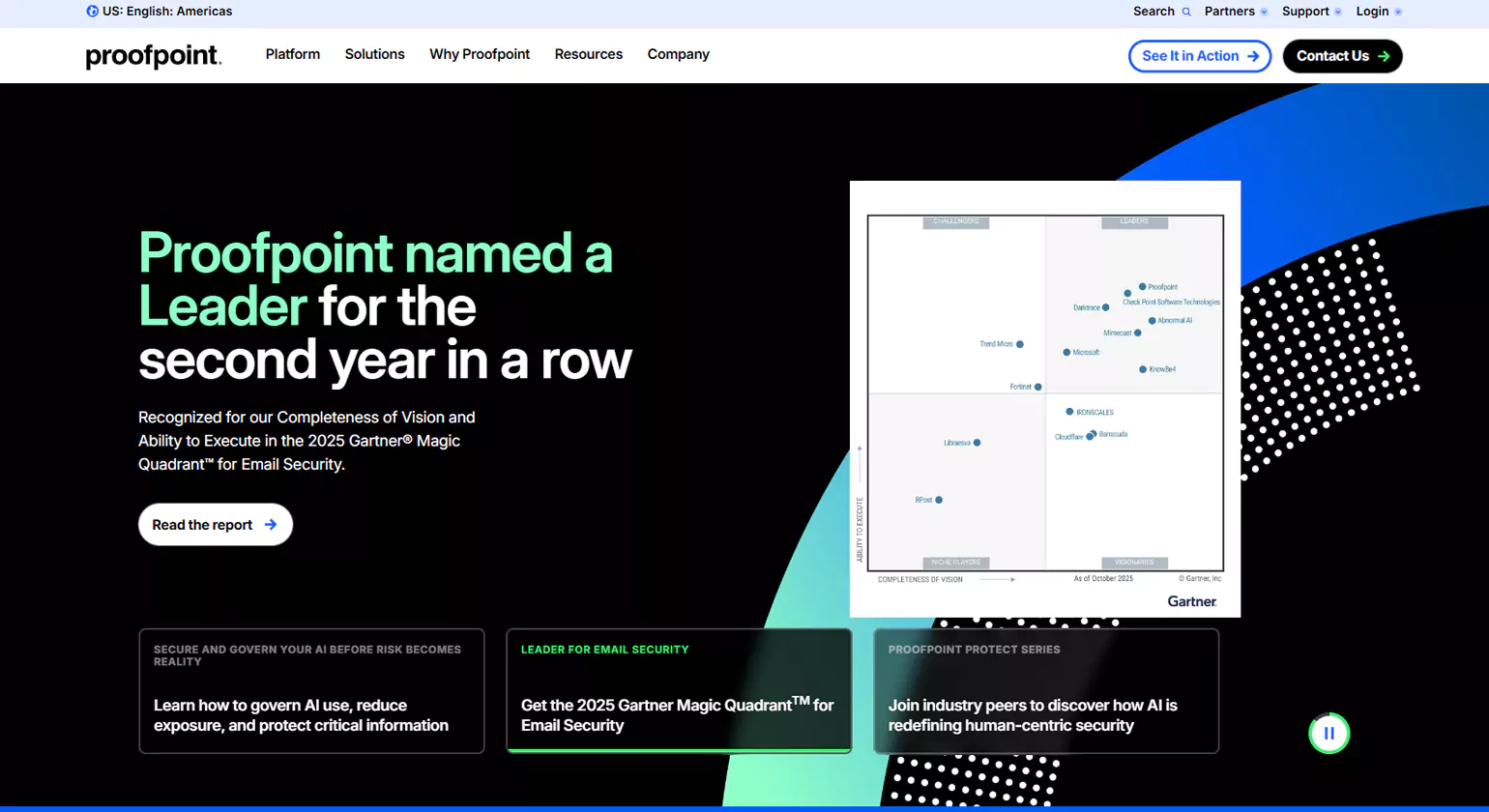
Proofpoint is a security platform. Proofpoint is a platform that helps businesses stop bad emails, block viruses, and protect information. It is a platform that helps people, information, and company brands stay safe. Proofpoint is a platform that uses smart technology to find new threats.
Key Features
- Filters emails – Helps stop bad emails before they get to the mailbox
- Blocks phishing – Helps stop bad emails that pretend to be good emails
- Stops malware – Helps stop viruses and ransomware from hurting people and information
- Protects data – Helps stop information leaks
- Tracks threats – Helps people know about new threats in real-time
- Encrypts emails – Helps people send emails that only the right people can read
When To Use It
Proofpoint is good for employee mailboxes. It is good for stopping cyberattacks and keeping information private. It is good for banks, hospitals, and tech companies.
2. Barracuda
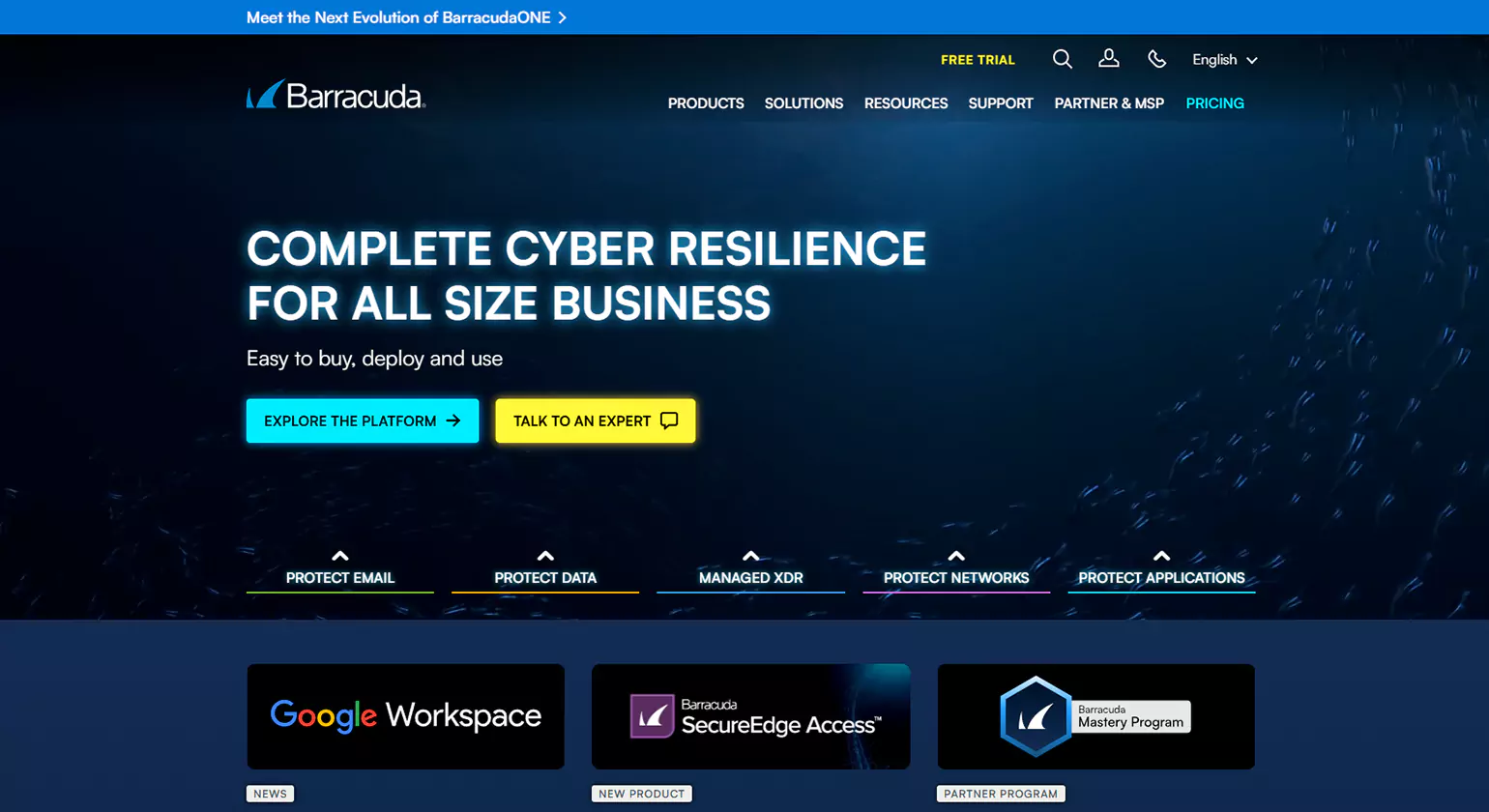
Barracuda keeps businesses safe online. It guards Email Filtering Services, data, and networks. It stops spam, phishing, and other attacks.
Key Features
- Stops junk mail – AI catches spam before it hits your inbox
- Blocks fake messages – Phishing emails get filtered out
- Tests suspicious files – Opens them in a safe place to check for harm
- Saves your emails – Backs everything up so nothing gets lost
- Protects private data – Keeps sensitive info from leaking out
- Stays on during outages – Email keeps working even when servers go down
When to Use It
Barracuda is great for small and medium businesses. It offers strong email security at a fair price. It blocks attacks and keeps communication safe.
3. Mimecast
Mimecast works Email Filtering Services in the cloud. It keeps organizations safe. It helps them stay up and running. It stops cyberattacks and protects data.
Key Features:
- Stops fake emails – Blocks phishing and impersonation attempts
- Always works – Email keeps running even during outages
- Catches threats – Uses smart email tools to find harmful messages
- Saves emails safely – Stores them for compliance and legal needs
- Trains your team – Helps employees spot and avoid risks
When to Use It
Mimecast is great for strong email security. It prevents downtime. It helps meet compliance rules. It is a smart choice for fighting phishing and keeping email flowing..
4. SpamTitan
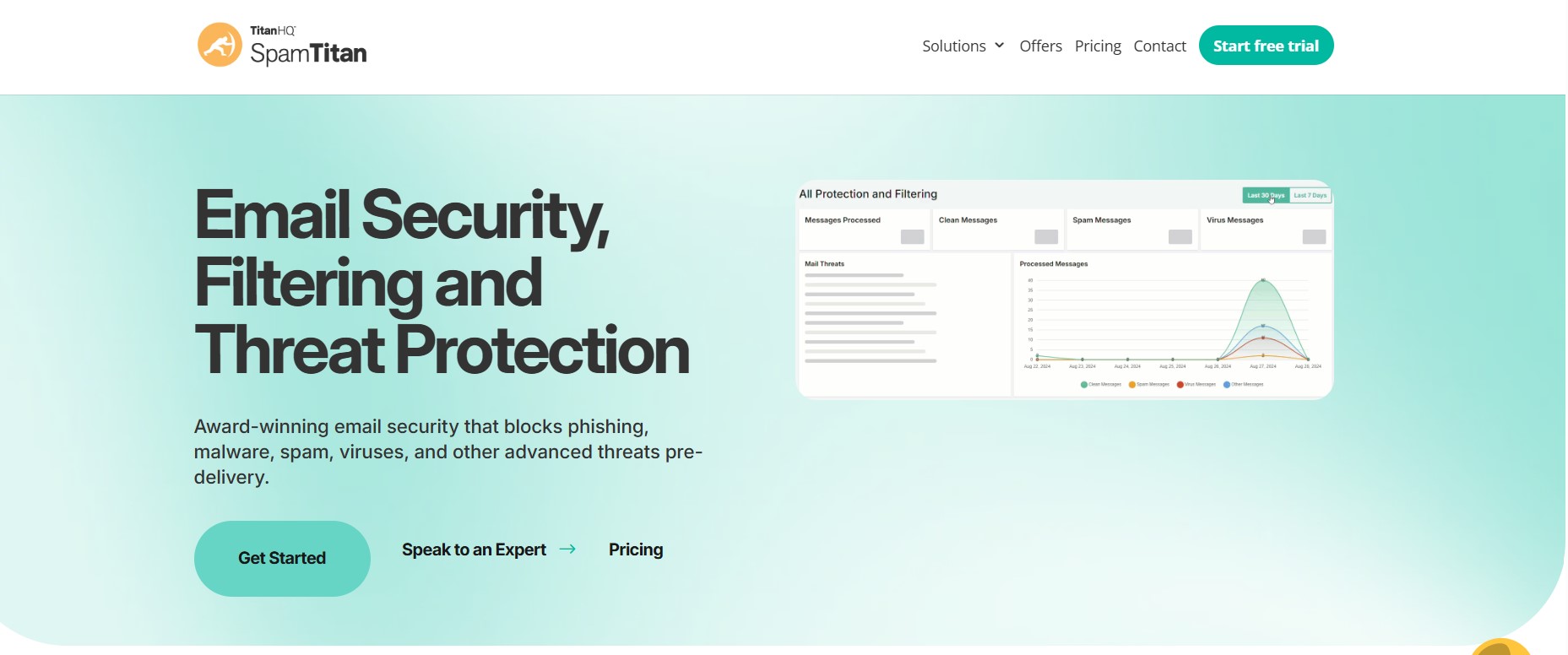
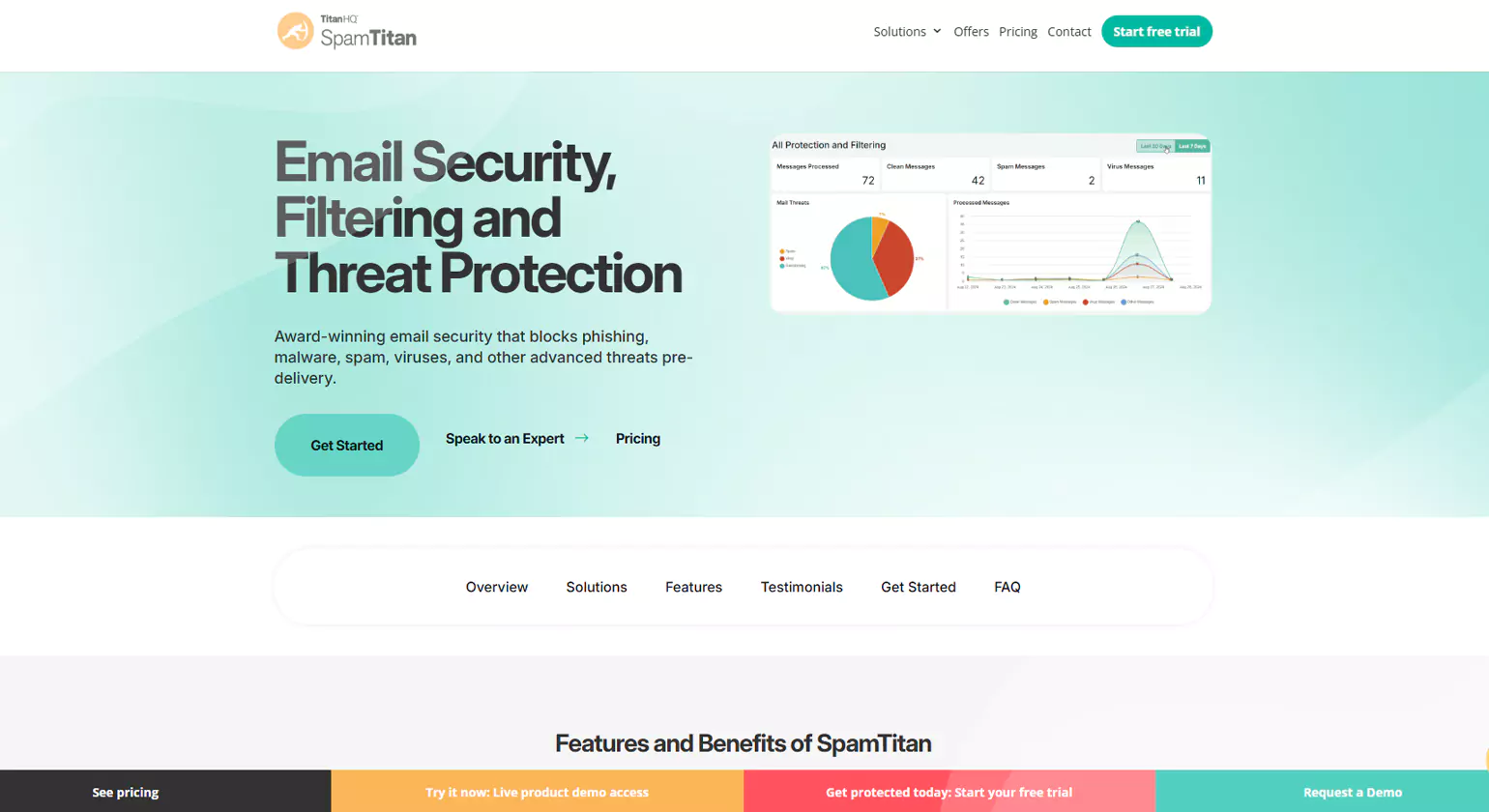
SpamTitan is an email security solution that is used to secure businesses against various cyber threats such as spam, phishing, malware, and ransomware. This solution is flexible because it can be deployed either in the cloud or at the gateway.
Key Features
- Advanced spam filtering with high accuracy
- Real-time anti-phishing and malware protection
- Dual antivirus engines for enhanced security
- Data loss prevention (DLP) support
- Easy deployment and management dashboard
When to Use It
Small and mid-sized businesses can also benefit from using SpamTitan. This solution is used to secure email communication for such businesses.
5. Altospam
Altospam is a cloud-based email security solution that aims to protect organizations against spam, phishing, and malware attacks while at the same time ensuring compliance with data protection regulations.
Key Features:
- Multi-layer spam and virus filtering
- Real-time threat detection and blocking
- Email encryption and archiving
- GDPR-compliant data protection
- Detailed reporting and analytics
When to Use It
Organizations, especially in Europe, are utilizing Altospam email security services to protect email systems, ensure compliance, and safeguard business information against cyber attacks.
6. DuoCircle
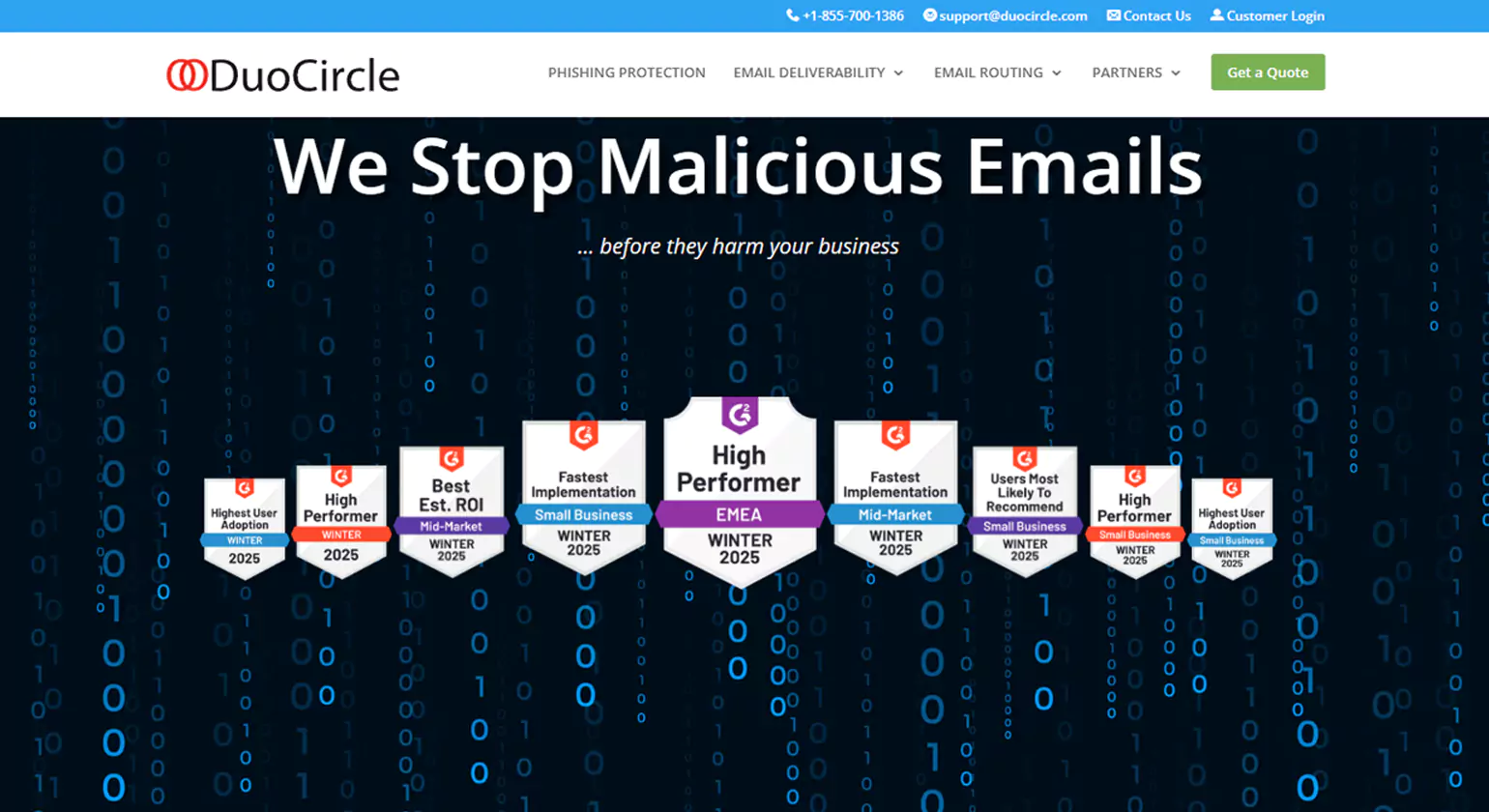
DuoCircle is an email security solution that is cloud-based. It ensures that organizations are protected against any kind of attack via emails. It blocks spam, phishing, and spoofing. It also ensures that emails are secure and protected.Key FeaturesAI-Based Spam and Phishing Protection – This feature ensures that spam and phishing Email Filtering Services are blocked. This feature blocks any kind of threat that might come via emails.
Key Features:
- Email Authentication – This feature ensures that emails are sent using DMARC, DKIM, and SPF. This ensures that no fake emails are sent.
- Outbound Filter for Data Leak Protection – This feature ensures that emails sent out do not have any kind of private information.
- Email Encryption and Archive – This feature ensures that emails are encrypted so that they are secure.
- Real-Time Threat Intelligence – This feature ensures that any kind of threat is tracked in real-time.
When to Use It
DuoCircle is used by organizations to keep their emails secure. It also ensures that no kind of domain spoofing is done.
7. MailWasher Pro
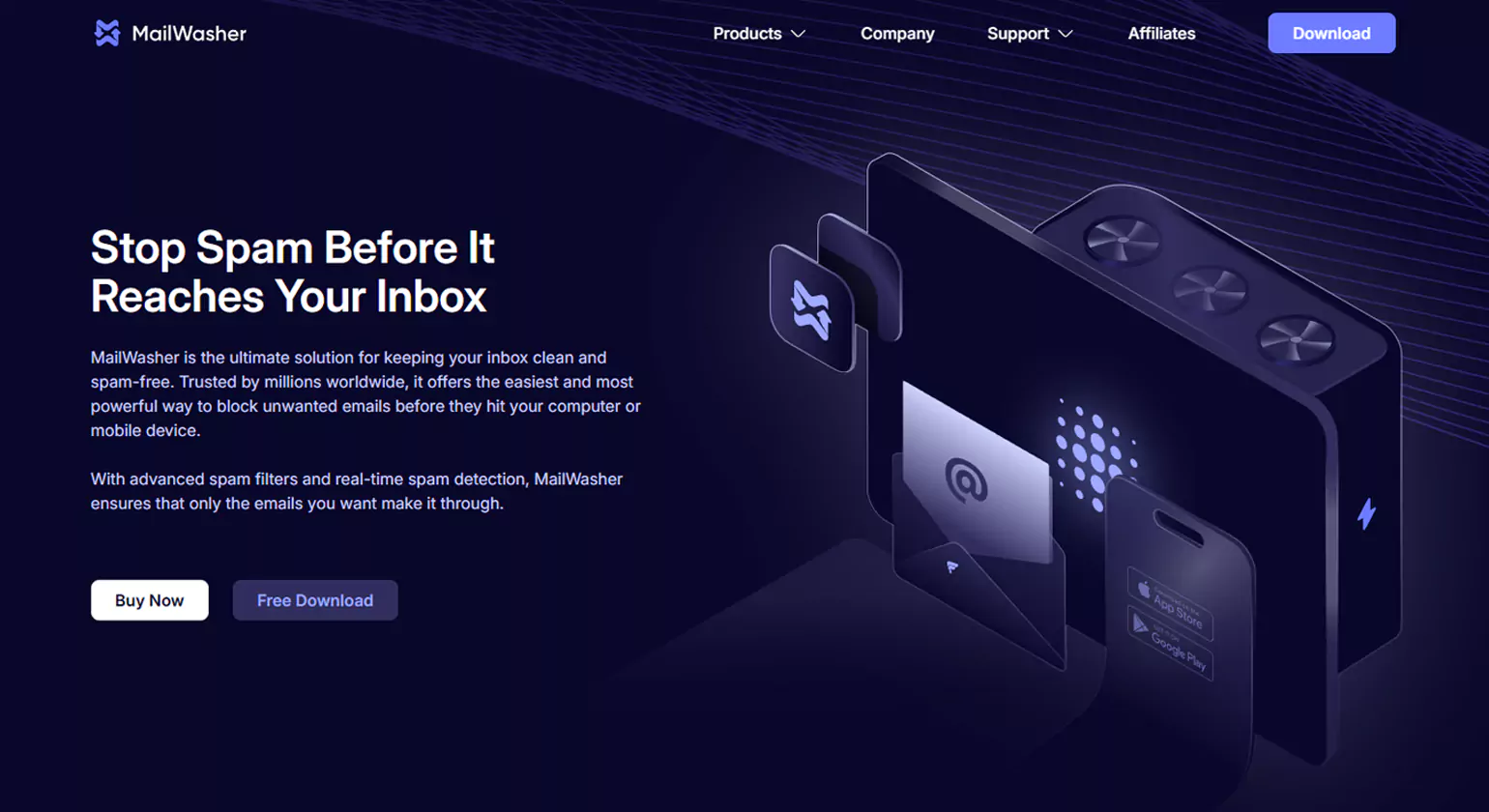
MailWasher Pro filters your email. It lets you see emails before they arrive. You can block spam and harmful emails. They never reach your inbox.
Key Features
- Pre-Inbox Previewing and Filtering – See your emails before they arrive. Block the ones you do not want.
- Powerful Spam Detection – It finds and filters out spam fast. It keeps your inbox clean.
- Supports Multiple Email Clients – It works with POP3 and IMAP accounts
- Easy Interface with Real-Time Control – It is simple to use. It updates right away.
When to Use It
People and small businesses use MailWasher Pro. It filters out spam and junk email. It stops harmful emails from reaching the inbox.
8 Forward Email
It is an open-source service for providing email forwarding services to users. It gives users a platform to develop their own domain for securely forwarding Email Filtering Services without storing them on servers.
Key Features:
- It is a free and open-source service for email forwarding.
- It offers users a platform to route emails based on custom domains.
- It does not store emails on servers.
- It offers users a platform to filter out spam emails.
- It offers users a platform to verify emails using DNS.
- It is easy to set up and offers various tools for developers.
When to Use It
Developers and users can use this service for routing emails based on their custom domains.
9. Warmforge
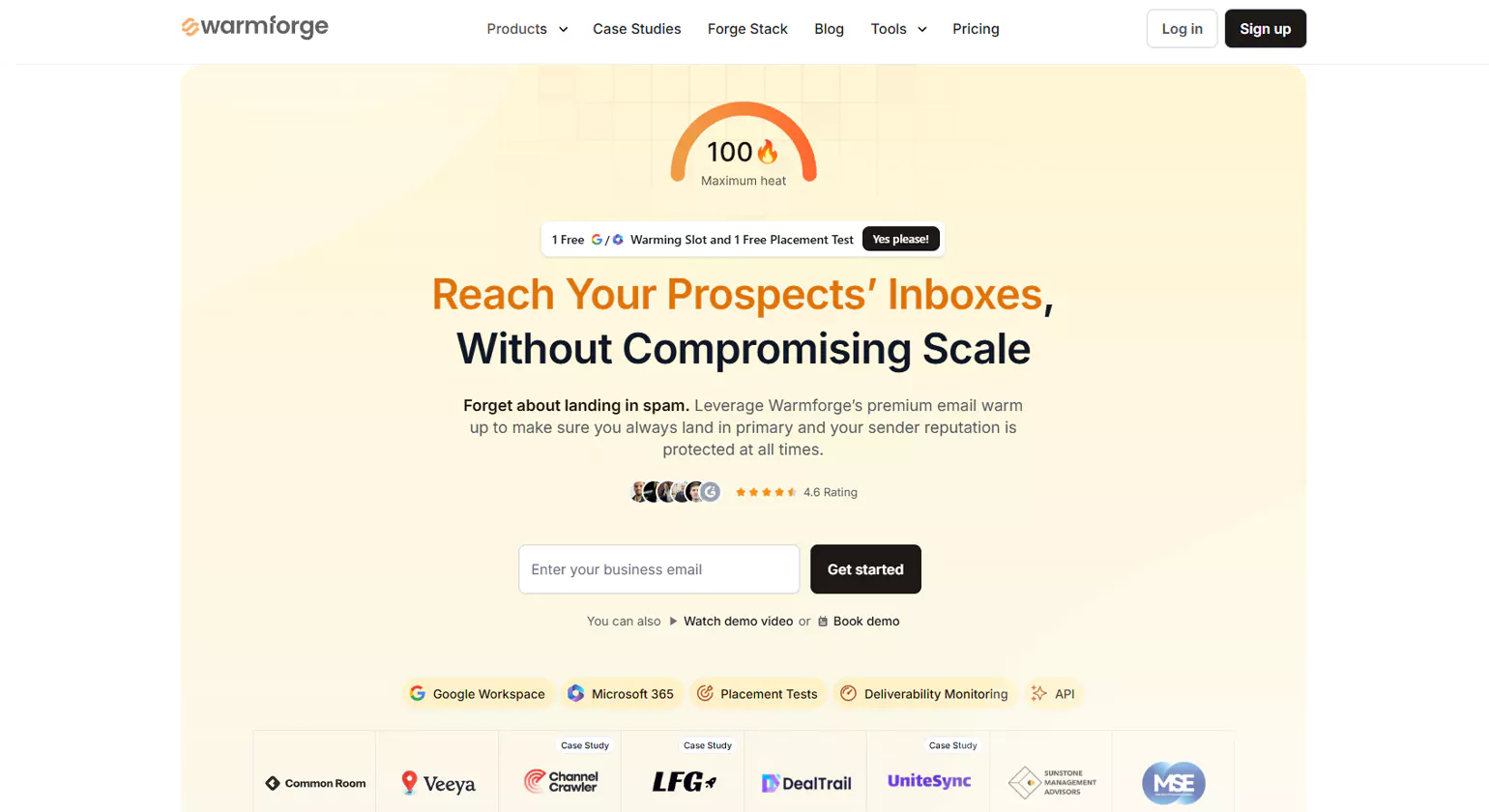
Warmforge warms up your Email Filtering Services. It builds your sender score. Your emails go to the inbox. They do not go to spam.
Key Features
- Automated Email Warm-up Campaigns – It warms up your email for you.
- Inbox Placement Optimization – Your emails land in the inbox.
- Spam Trigger Detection and Monitoring – It finds words that set off spam filters.
- Sender Reputation Management – It builds and keeps your sender score.
- Deliverability Analytics – It tracks how your emails are doing.
When to Use It
Marketers and sales teams use Warmforge. It helps cold emails land in the inbox. It grows a strong sender score. Email campaigns do better too.
10. Sophos
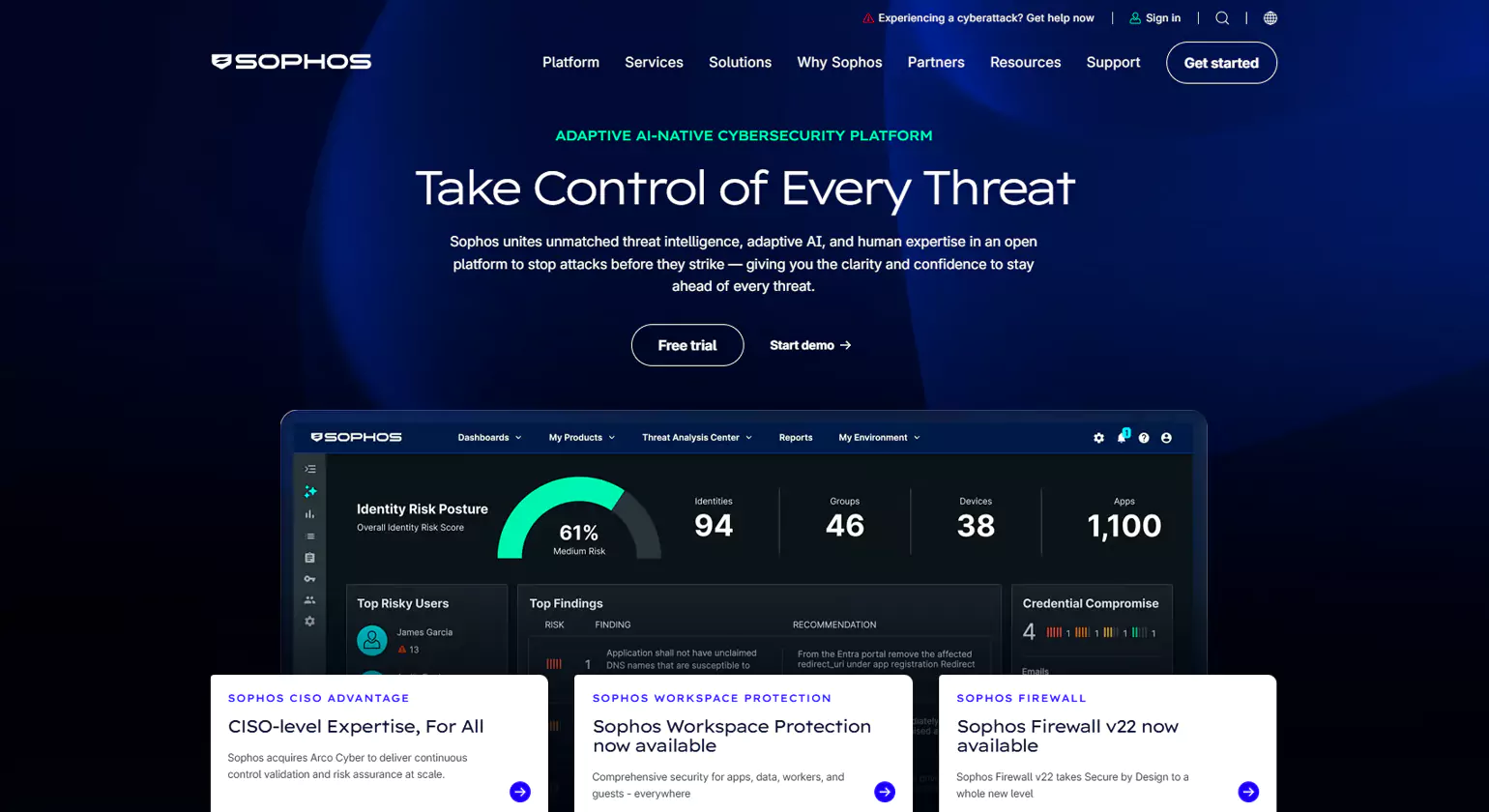
Sophos is an email security tool. It keeps your email safe. It blocks phishing, malware, and data breaches. It uses AI to find and stop threats.
Key Features
- Advanced Email Threat Protection and Sandboxing – It finds and blocks harmful emails. It tests them in a safe space first.
- Antiphishing and Impersonation Protection – It spots fake emails. It stops people from posing as someone you trust.
- Data Loss Prevention – It stops private data from being sent out by mistake. Email Encryption and Compliance – It locks your emails. It keeps them safe and within the rules.
Part of the Cybersecurity Ecosystem – It works with other Sophos tools to keep you fully protected.
When to Use It
Large and mid-sized companies use Sophos. It keeps their email safe. It blocks threats before they cause harm.
Conclusion
Email Filtering Services is a vital tool that helps a business protect itself against spam, phishing, and malware attacks. It is a powerful email filtering service that can help a business stay productive and secure. Are you ready to protect your email inbox? Get a reliable email filtering service for your business today.
FAQs
1. What is the purpose of spam filters in email services?
Spam filters stop junk emails and emails with viruses or scams from getting into your inbox. They check your emails as they arrive. This helps keep your inbox tidy and your personal info safe.
2. What is the best email filtering service in 2026?
Some top email filtering services in 2026 are:
- * Proofpoint
- * Mimecast
- * Barracuda
- * Sophos
These services are good at filtering out spam and protecting your inbox from emails, with viruses or scams. Spam filters and email filtering services help keep your emails safe.
3. How can I check my email account for signs of hacking?
One can check for signs such as mail log activity, password reset signs, and suspicious sent mail. One can use various tools such as breach checking websites and two-factor authentication.
4. Is Email Filtering Necessary for Small Businesses?
Yes, it is. Small businesses need email filtering. It helps protect them from attacks. It also keeps communication running smoothly. It helps avoid costly data breaches too.
5. How Much Do Email Filtering Services Cost in 2026?
Email filtering services in 2026 cost between $2 and $10 per user/month for basic plans and between $10 and $25+ per user/month for more feature-rich enterprise plans.