

Table of Contents
Introduction
In today’s fast-moving business environment, organizations depend heavily on accurate data, structured workflows, and effective collaboration. Business analytics software has become indispensable in meeting these demands, as it simplifies complex tasks and provides clarity for decision-making.
The Growing Importance of Business Analysis
Business analysis has evolved from simply gathering requirements into a discipline that drives strategic decisions. Analysts today must bridge the gap between business needs and technical solutions, ensuring projects deliver measurable value. As companies scale, tools become critical for managing the volume and complexity of information.
With the right approach, analysis enables organizations to adapt quickly to market changes. This agility depends on clear insights and structured documentation, both of which are easier to achieve with the right technology supporting the process.
Why the Right Tools Make a Difference
The effectiveness of a business analyst often comes down to the quality of the tools they use. Without centralized platforms, teams can face miscommunication, duplicated efforts, and delayed projects. Reliable solutions reduce errors and ensure all stakeholders remain aligned throughout the project lifecycle.
Beyond efficiency, these platforms improve collaboration. Features like real-time editing, data sharing, and visual dashboards help analysts deliver insights that stakeholders can act on immediately, leading to more informed and timely decisions.
What is Business Analysis?

business analysis tools is the process of identifying business needs, evaluating solutions, and ensuring continuous improvement in an organization. It involves assessing processes, identifying problems, and recommending changes that enhance efficiency and drive business growth. Business Analyst Tools act as a bridge between stakeholders, ensuring that business objectives align with technological advancements and market demands.
The key aspects of business analysis include requirement gathering, process modeling, data analysis, and risk assessment. Analysts use various techniques, such as SWOT analysis, gap analysis, and stakeholder interviews, to understand challenges and propose data-driven solutions. The right business analysis software can significantly enhance these processes, providing the tools needed to streamline analysis and support better decision-making.
Tools such as Microsoft Excel, Power BI, Tableau, and JIRA help in data visualization, reporting, and project management. Additionally, methodologies like Agile, Scrum, and Waterfall guide structured project execution.
Business Analysis is crucial for decision-making, improving operational efficiency, and ensuring organizations stay competitive. It is widely applied across industries like finance, healthcare, IT, and manufacturing. A skilled Business Analyst plays a pivotal role in driving innovation, reducing costs, and optimizing business strategies.
Benefits of Using Business Analyst Tools
Business analyst tools and business analytics software help organizations bridge the gap between data, people, and processes. They streamline workflows, improve collaboration, and empower professionals to make decisions based on facts rather than assumptions. Below are some of the most impactful benefits these tools bring to modern businesses.
Improved Efficiency and Productivity
The primary advantage of using dedicated tools is the ability to eliminate repetitive, manual tasks that slow down projects. Whether it’s data entry, generating reports, or tracking requirements, automation frees up time for analysts to focus on strategic analysis and value-adding work. This leads to faster project cycles, fewer delays, and a more efficient use of resources across the team.
Beyond speed, these tools also reduce human error. For example, automated dashboards ensure that stakeholders always have access to real-time information rather than outdated spreadsheets. By standardizing processes, organizations can maintain consistency while scaling projects with ease.
Better Collaboration and Communication
Business analysis often involves working with multiple departments, each with different priorities. Having a centralized platform ensures everyone has visibility into project requirements, timelines, and responsibilities. Instead of juggling endless email threads, teams can collaborate in real-time, share feedback instantly, and avoid miscommunication.
Collaboration features like document sharing, live editing, and workflow notifications further improve accountability. Stakeholders know who is responsible for what, and business analysts can track progress more effectively. The result is a smoother workflow and stronger alignment between technical and non-technical teams.
Data-Driven Decision Making
In today’s competitive environment, organizations cannot rely on guesswork. Visualization tools transform raw data into interactive dashboards and reports, helping leaders see patterns and trends they might otherwise miss. This makes it easier to align business strategies with market demands and customer needs.
By leveraging analytics platforms, business analysts can provide evidence-based recommendations instead of assumptions. This not only builds trust with decision-makers but also ensures strategies are backed by measurable results. Over time, a culture of data-driven decision making improves agility and gives businesses a sustainable competitive edge.
Top 15 Business Analyst Tools And Techniques to Improve Efficiency

1. SAS Business Analytics
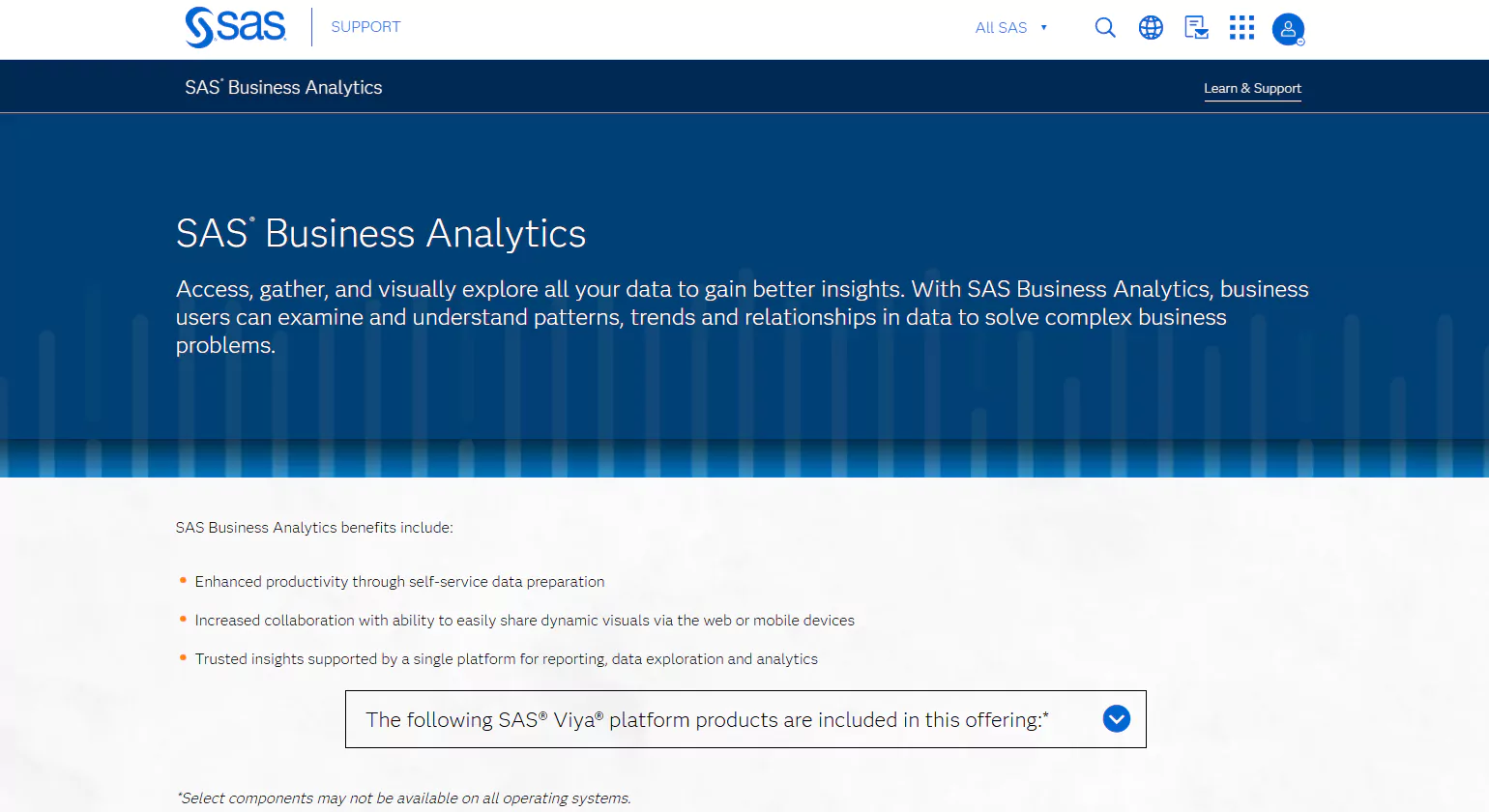
SAS Business Analytics (BA) is a powerful platform designed to transform unstructured data into actionable insights, making it an indispensable tool for business analysts. With its advanced text analytics capabilities, SAS BA can efficiently process and analyze vast amounts of unorganized text data, converting it into structured information that can be explored for valuable trends and patterns.
The platform is equipped with an extensive suite of statistical tools, enabling users to seamlessly analyze large datasets in real-time. This allows organizations to gain a deeper understanding of their data, uncover hidden insights, and make informed decisions quickly and accurately. The advanced capabilities of SAS BA not only simplify the data analysis process but also enhance predictive analytics, allowing users to forecast future trends based on historical data.
SAS BA is ideal for businesses looking to stay ahead of the curve by making data-driven decisions. Its real-time analytics, combined with its ability to handle big data, make it the go-to choice for organizations seeking to leverage their data for strategic advantage. Whether you are analyzing market trends, customer behavior, or operational performance, SAS Business Analytics provides the tools and insights needed to drive success.
2. Qlik
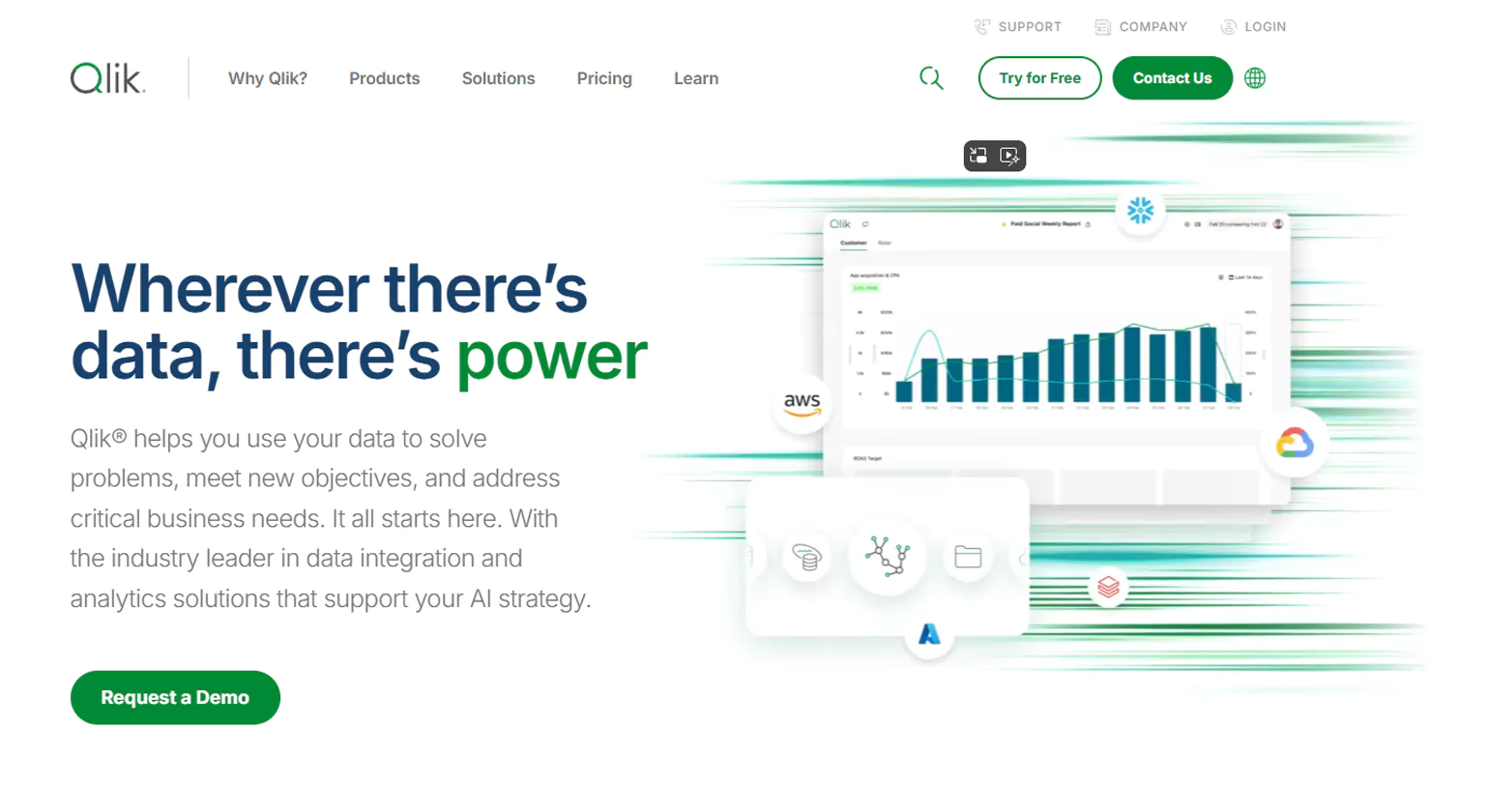
Qlik is a leading business intelligence (BI) and business analytics platform, making it one of the top Business Analyst Tools that empower organizations to transform raw data into actionable insights. Known for its intuitive interface and powerful data visualization capabilities, Qlik makes it easy for users to explore, analyze, and share data across various departments. The platform’s unique associative model allows users to uncover hidden relationships within data, providing a deeper understanding of business trends and performance.
With Qlik’s self-service analytics, users of all technical backgrounds can seamlessly create visual reports, dashboards, and analytics applications, enabling faster decision-making and real-time insights. Its robust data integration capabilities allow businesses to connect to a variety of data sources, whether on-premises or in the cloud, making it a versatile choice for companies of all sizes.
Qlik’s advanced analytics features go beyond traditional BI tools by integrating machine learning and artificial intelligence to predict future trends and optimize business outcomes. This makes it an ideal platform for businesses looking to not only understand historical data but also anticipate market changes and drive innovation.
3. Microsoft Excel
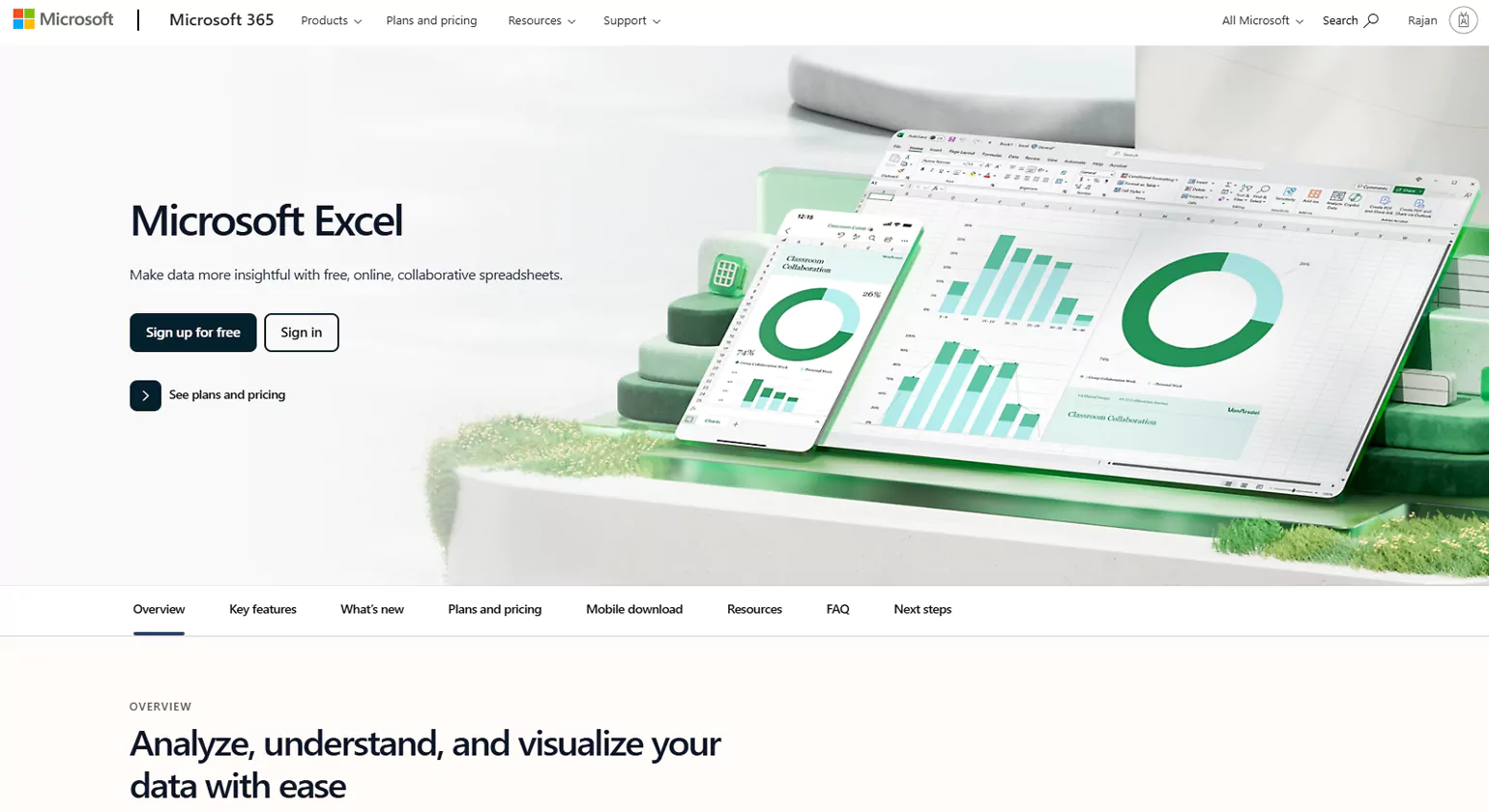
Microsoft Excel is one of the most powerful tools for data analysis, reporting, and creating dynamic dashboards. With its wide range of built-in mathematical and financial functions, Excel makes it easy to perform complex calculations, track financial data, and visualize results. It is widely used across various industries, from finance and accounting to marketing and project management.
One of the standout features of Excel is its ability to create detailed reports. Whether it’s for tracking sales figures, analyzing budget performance, or monitoring KPIs, Excel allows users to organize data efficiently. The tool also offers pivot tables, enabling users to summarize large datasets and uncover patterns.
Excel’s dashboard capabilities are another key strength. It allows users to combine charts, tables, and graphs in one interactive interface, providing a comprehensive overview of business performance. This is perfect for decision-makers who need to monitor multiple metrics in real-time.
Additionally, creating tables and organizing data is simple with Excel’s intuitive grid structure. You can sort, filter, and manipulate data with ease, making it an indispensable tool for data management and analysis. Whether you’re creating financial models, generating reports, or designing interactive dashboards, Microsoft Excel has the functions to streamline your workflow.
4.Tableau
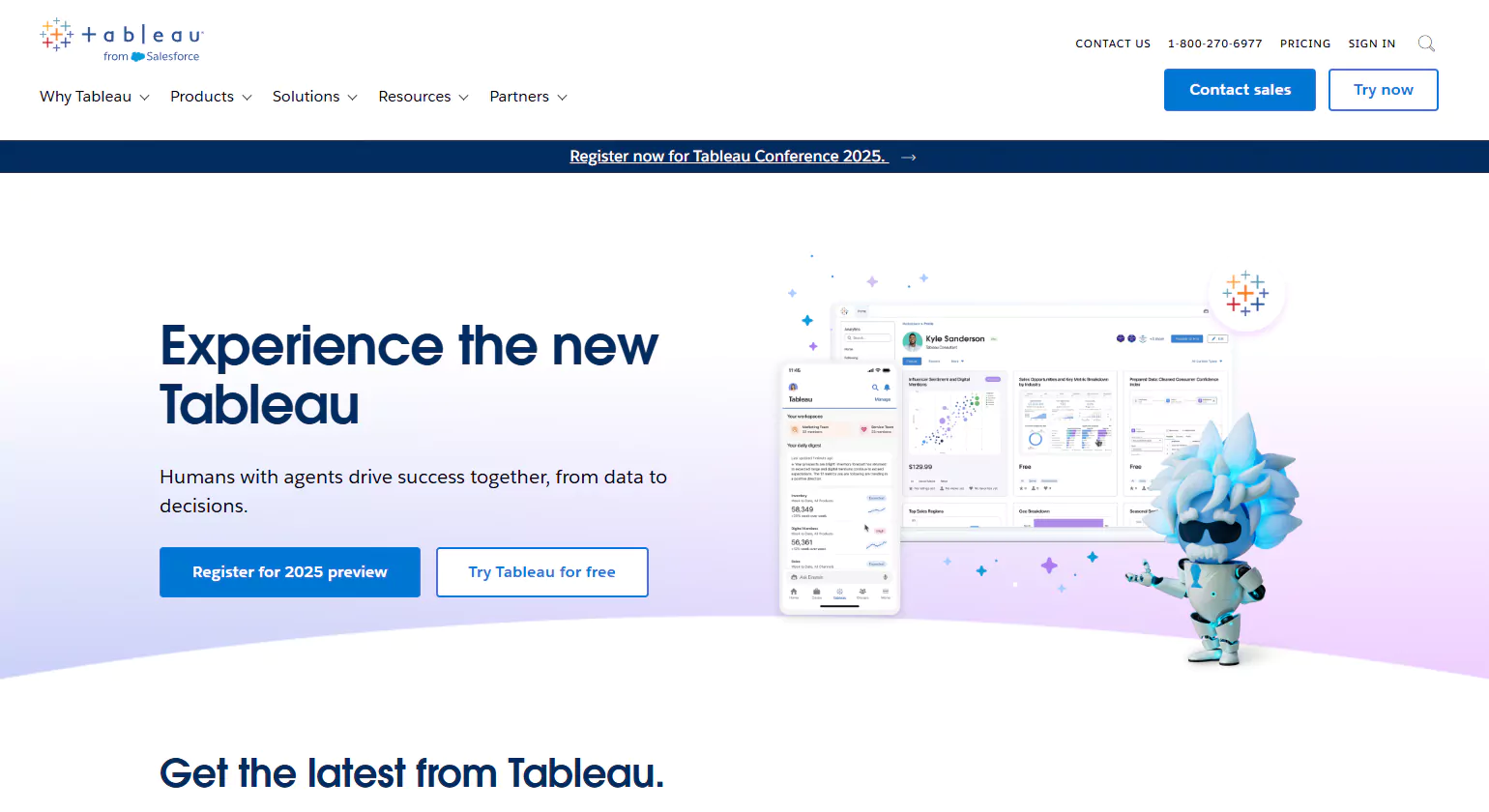
Tableau is widely regarded as one of the best business analytics software, thanks to its advanced and dynamic capabilities. Renowned for its ability to handle unstructured text data, Tableau allows users to seamlessly integrate and analyze large datasets from multiple sources. Whether you’re analyzing raw data or uncovering insights from social media networks, Tableau offers reliable, cutting-edge statistical tools that make data exploration effortless.
The business analysis software strength lies in its ability to transform complex datasets into intuitive, interactive visualizations. Users can create powerful dashboards that provide clear insights into business performance, trends, and patterns. Tableau’s predictive analytics features allow businesses to make data-driven decisions by forecasting trends based on both current and historical data.
Additionally, Tableau’s ease of use and scalability make it suitable for a wide range of users, from small businesses to large enterprises. The platform’s versatility also extends to social media analysis, where it can help identify sentiments and behavior patterns across various networks. This comprehensive suite of tools enables businesses to stay ahead of the curve and make smarter, faster decisions.
Overall, Tableau’s combination of powerful analytics, visual storytelling, and user-friendly interface places it at the forefront of business intelligence software.
5. Blueprint
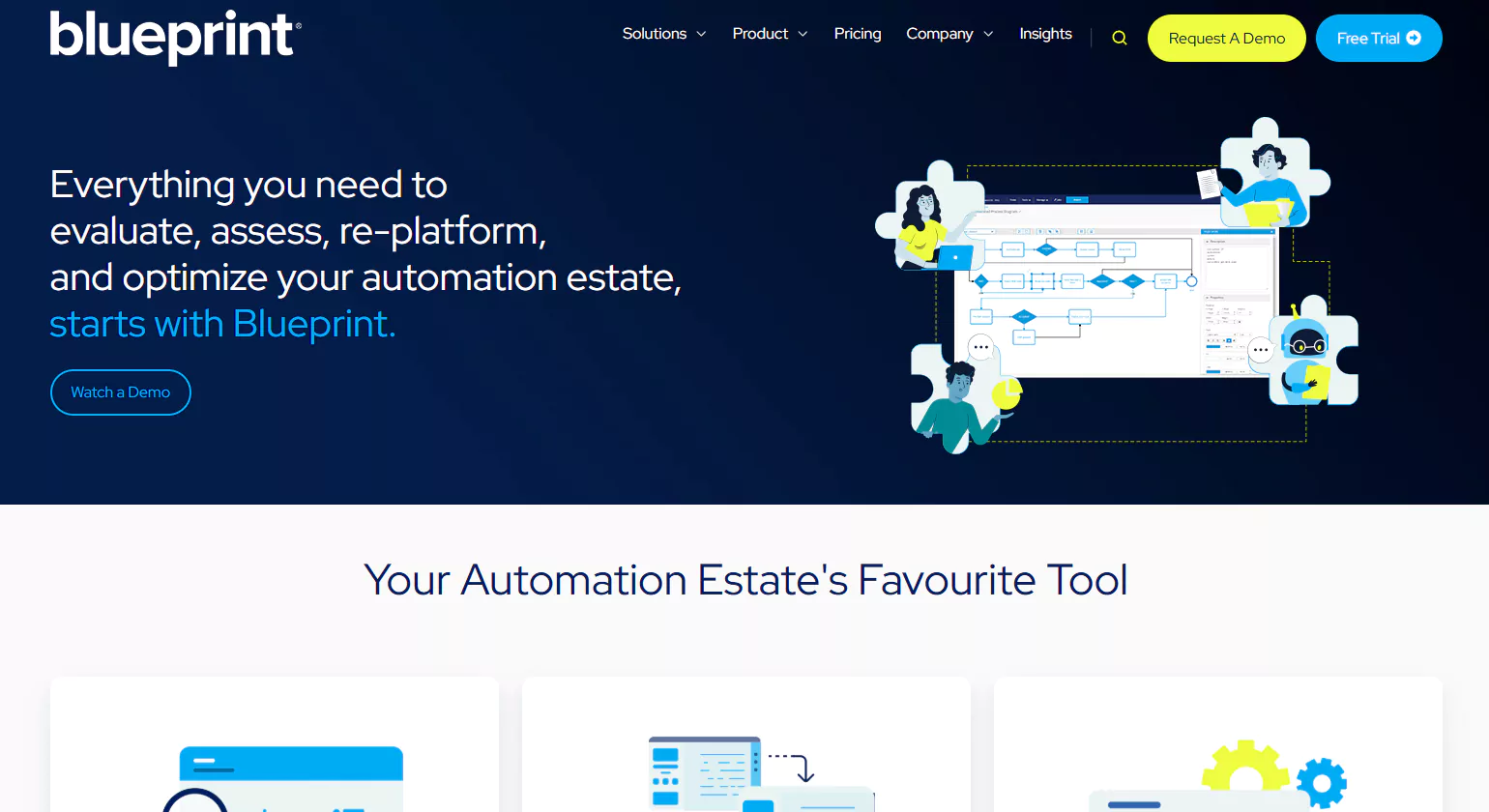
Blueprint is a powerful business analysis tool designed to streamline and digitalize enterprise business processes. By aligning business strategy with the technical execution of tasks, Blueprint enables organizations to optimize operations through customized applications. It stands out for its ability to standardize compliance use, ensuring businesses reduce IT compliance risks and meet regulatory requirements with ease.
One of Blueprint’s key features is its reporting and dashboard tools, which provide detailed insights into business performance. These tools empower decision-makers with data-driven analytics that support effective strategy execution and transformation within the company. Whether tracking project progress or evaluating the overall health of Business Analyst tools, Blueprint’s reporting features help organizations stay on top of their goals.
Additionally, Blueprint offers comprehensive project analysis and documentation, making it easier to track and manage all aspects of business initiatives. From planning and execution to final assessment, Blueprint ensures that every project is thoroughly analyzed, and results are documented for future reference.
Overall, Blueprint is an invaluable tool for any business looking to enhance efficiency, drive transformation, and stay compliant in an ever-evolving regulatory environment. With its robust features, Blueprint helps enterprises turn complex business processes into well-executed, strategically aligned outcomes.
6. Balsamiq

Balsamiq is a powerful, cloud-based wireframing tool that streamlines the design process for Business Analyst Tools. With its intuitive interface and interactive features, it makes it easy to create wireframes that accurately reflect user interactions and content needs. Whether you’re brainstorming, mapping out ideas, or designing a new product, Balsamiq enables real-time feedback from stakeholders, making collaboration seamless and efficient.
Here are some key features of Balsamiq that help analysts work smarter and faster:
Online Project Hosting: Host your wireframe projects online, allowing easy access for all team members and stakeholders, no matter their location.
User-Friendly Interface: Balsamiq’s easy-to-use interface ensures a smooth experience, even for those with minimal technical skills, so analysts can focus on creating rather than learning complex tools.
Wireframe Building: Quickly construct wireframes with drag-and-drop functionality, ensuring rapid iteration and refinement.
Pre-installed Libraries: Access a rich collection of pre-built UI elements and icons, saving time and effort in the design process.
UI Controls and Icons: A vast selection of controls and icons enhances design accuracy and ensures your wireframes meet user experience standards.
Balsamiq offers a robust solution for business analysts looking to enhance product design and improve communication with stakeholders.
7. Wrike
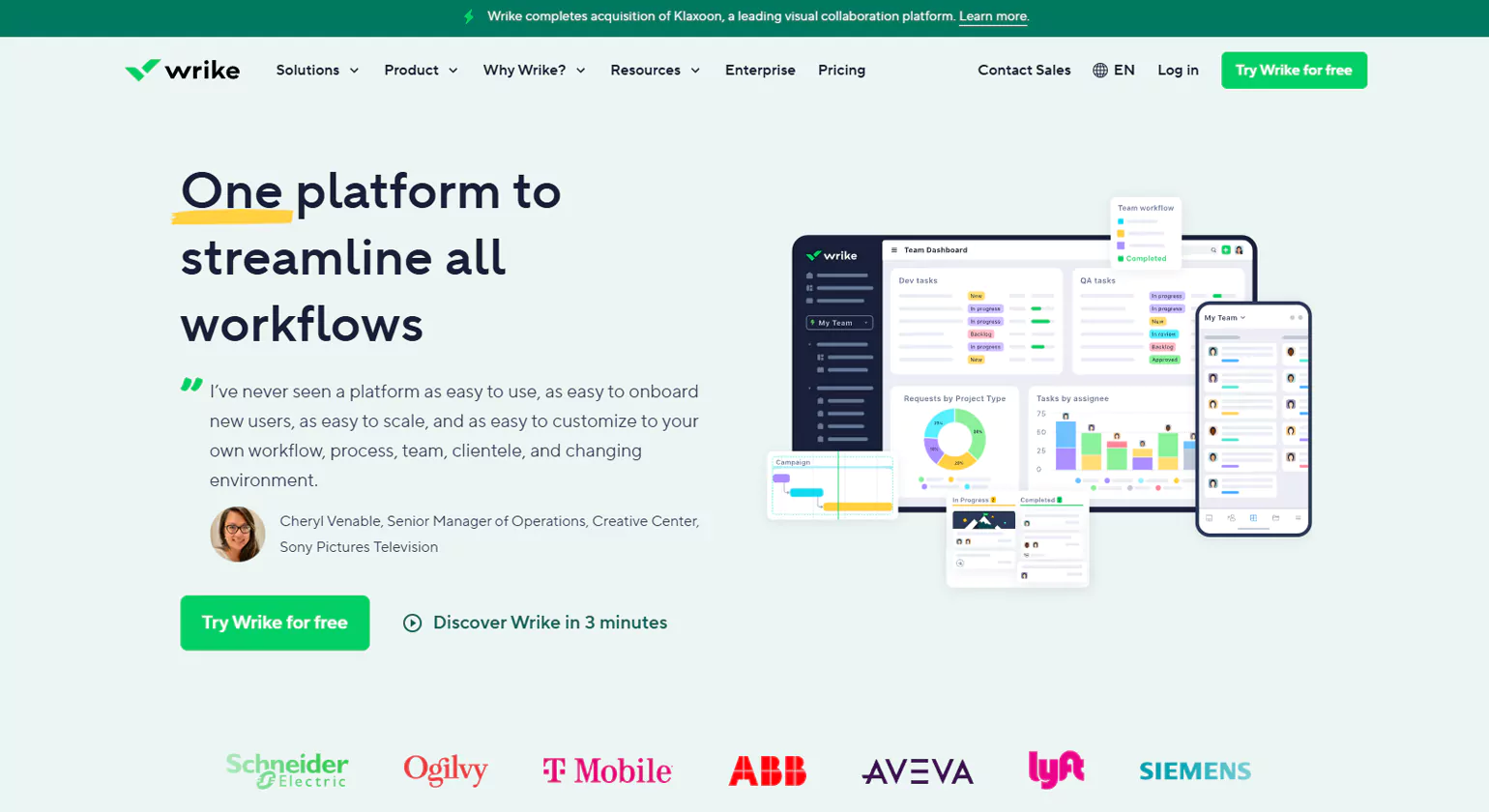
Wrike is a Software-as-a-Service (SaaS) platform designed for efficient project management, making it an ideal choice for Business Analyst Tools (BAs). By offering a centralized space for project-related data, Wrike simplifies the tracking and management of deadlines and workflows. Here are some standout features:
Core Building Blocks
Wrike provides essential tools for creating, organizing, and managing projects with ease. Its core building blocks offer flexibility to tailor workflows, ensuring that teams can collaborate effectively on any scale
Visual Timeline
With Wrike’s visual timeline, teams can effortlessly view project schedules, deadlines, and progress. This feature offers a clear, graphical representation of tasks and milestones, enhancing visibility and project tracking.
Automation Support
Wrike simplifies repetitive tasks by supporting automation features. This helps reduce manual effort, boost productivity, and ensure smoother project execution.
Live Editing & File Management
Wrike allows real-time collaboration with live editing and efficient file management, making it easier for teams to work together on documents and keep everything organized.
Project Reporting
Wrike offers intuitive reporting tools, enabling teams to generate detailed reports on project progress, resources, and performance. This feature aids in quick decision-making and ensures projects stay on track.
8. Trello
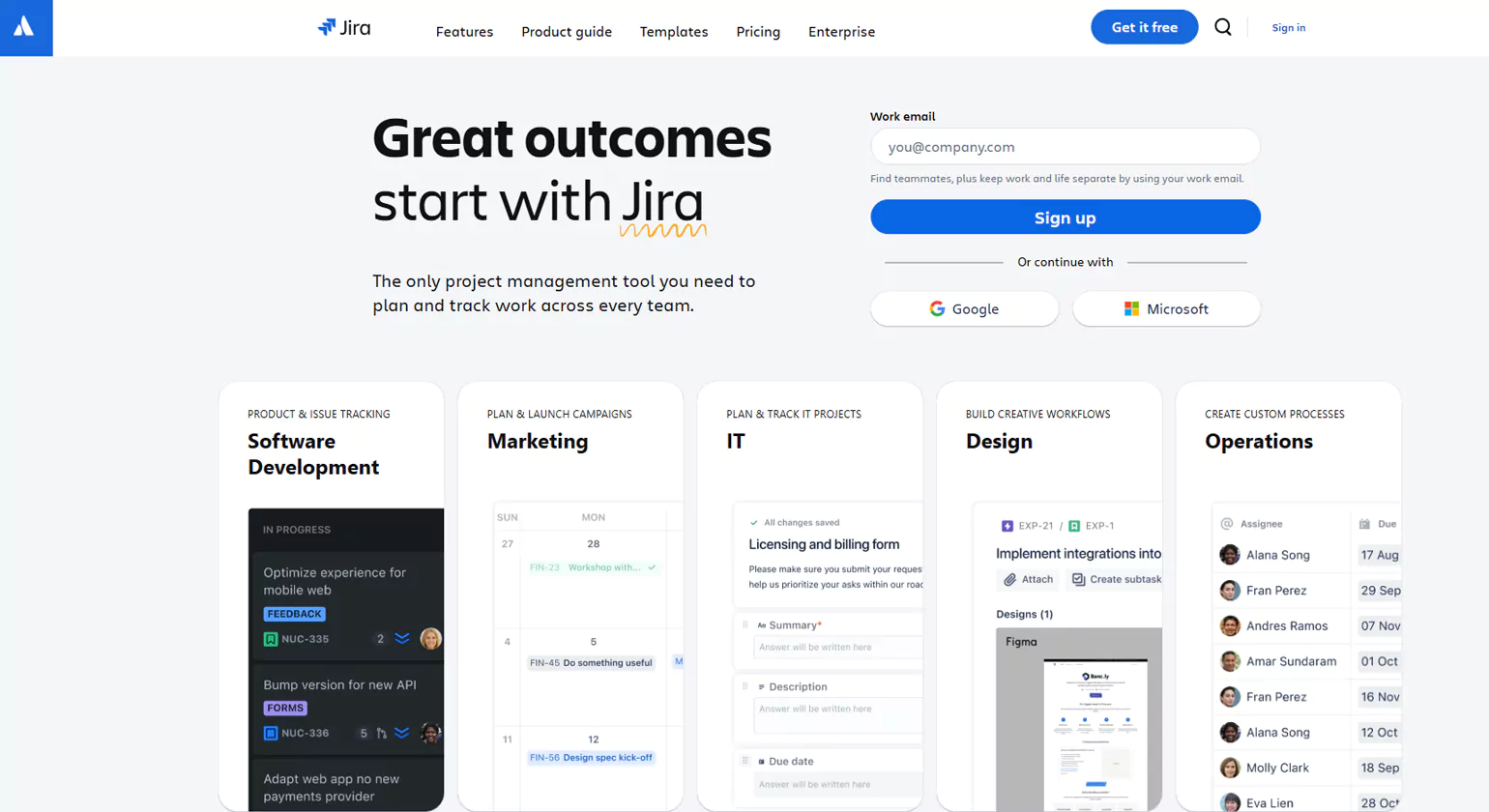
Trello is an incredibly useful project collaboration tool that utilizes a Kanban-style approach to help teams manage and prioritize tasks efficiently. This tool is particularly beneficial for business analysts, enabling them to track tasks, project timelines, and the progress of key activities. In addition to task management, Trello also assists with data analysis, offering valuable insights into business performance.
Here are some cool features that make Trello stand out:
Ability to View Team Activity: Stay on top of everything with a detailed overview of team activity, helping you monitor progress and identify bottlenecks.
Easy Data Export: Exporting data from Trello is quick and hassle-free, making it easier to share information and reports with stakeholders.
Work History Tracking: You can easily check work history, allowing you to keep track of past tasks, milestones, and decisions.
Organizing Boards with Collections: Group related boards together with collections to streamline your workflow and ensure everything is organized.
Assigning Admins for Privacy Settings: Admins can be assigned specific roles to manage privacy settings, ensuring your project boards remain secure.
Smooth Team Collaboration: Trello fosters seamless communication and collaboration between teams, making it easier to share ideas, updates, and feedback in real-time.
9. Modern Requirements
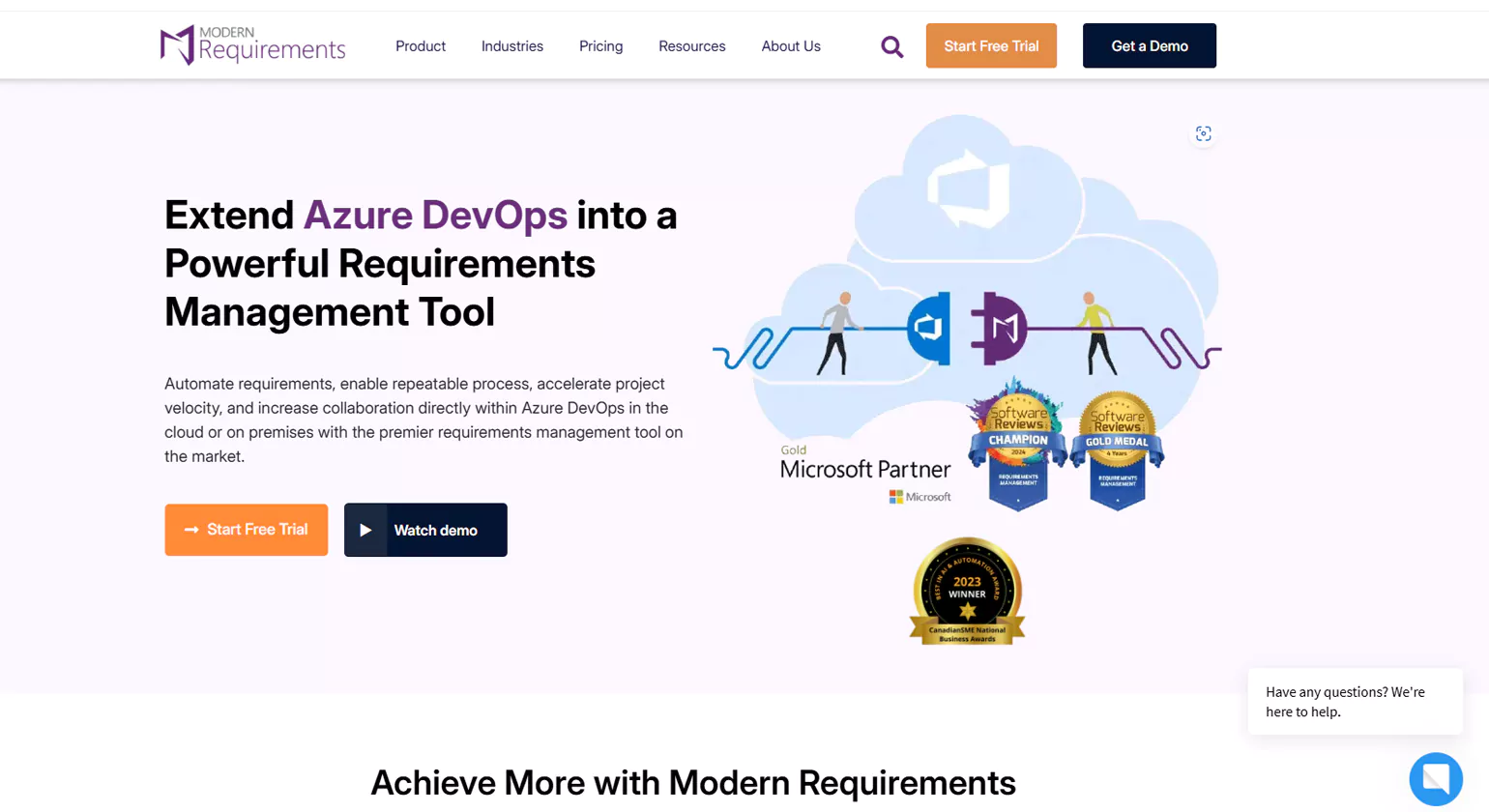
Modern Requirements stands at the forefront of revolutionizing requirements management, offering cutting-edge solutions built directly into Azure DevOps. Their mission is to empower organizations by uniting teams under a single source of truth, enabling seamless collaboration and streamlined project execution. With a keen focus on simplifying complexity, Modern Requirements ensures that every team member, from developers to project managers, is aligned and equipped to deliver exceptional results.
What sets Modern Requirements apart is their commitment to driving efficiency and clarity. By leveraging transformative technology, they not only improve the requirements gathering process but also automate and optimize workflows to enhance productivity. Teams can now easily track, manage, and report on requirements throughout the project lifecycle.
With a deep understanding of the evolving needs of modern organizations, Modern Requirements helps businesses stay ahead of the curve, ensuring their project delivery remains at the highest level of quality. Their solutions are designed to foster collaboration, boost efficiency, and provide comprehensive insights, making them the go-to partner for organizations looking to master the intricacies of requirements management. Whether simplifying complex workflows or accelerating time-to-market, Modern Requirements is dedicated to reshaping how teams’ approach and succeed in their development efforts.
10. ClickUp
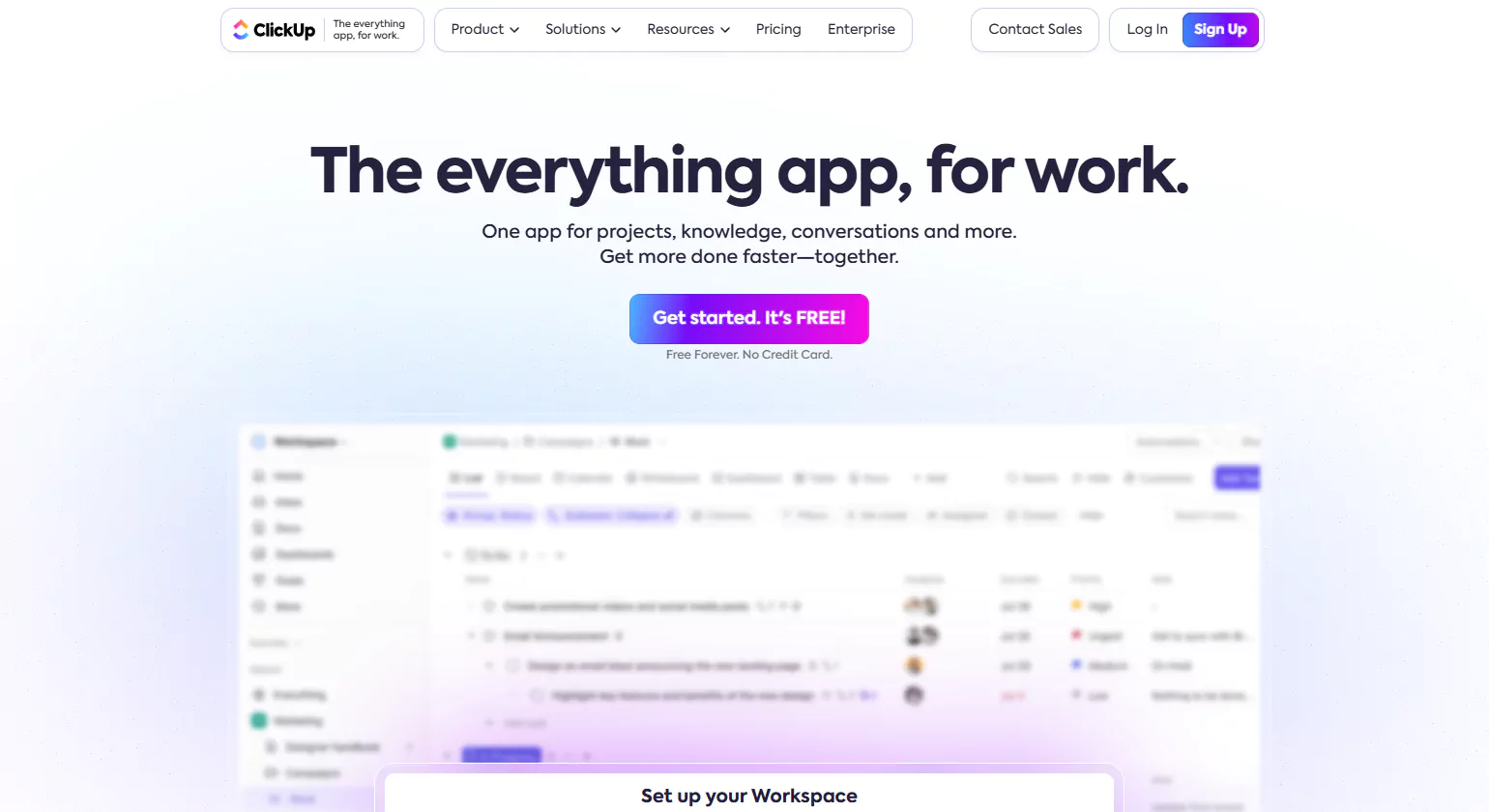
ClickUp is an all-in-one project management tool designed to help professionals manage various Business Analyst tasks, communication, and documentation. With ClickUp, teams can prioritize work, assign tasks, and collaborate efficiently, making it ideal for businesses of all sizes.
Key Features:
Task Filtering: Easily filter and prioritize important tasks to focus on what matters most.
Efficient Task Assignment: Team managers can assign multiple tasks to various team members with just a single click, saving time and effort.
Google Calendar Integration: Sync tasks and deadlines seamlessly with Google Calendar for better scheduling.
Collaboration Made Easy: ClickUp fosters teamwork by enabling team members to work together in real-time, sharing comments, files, and updates on tasks.
11. Nifty
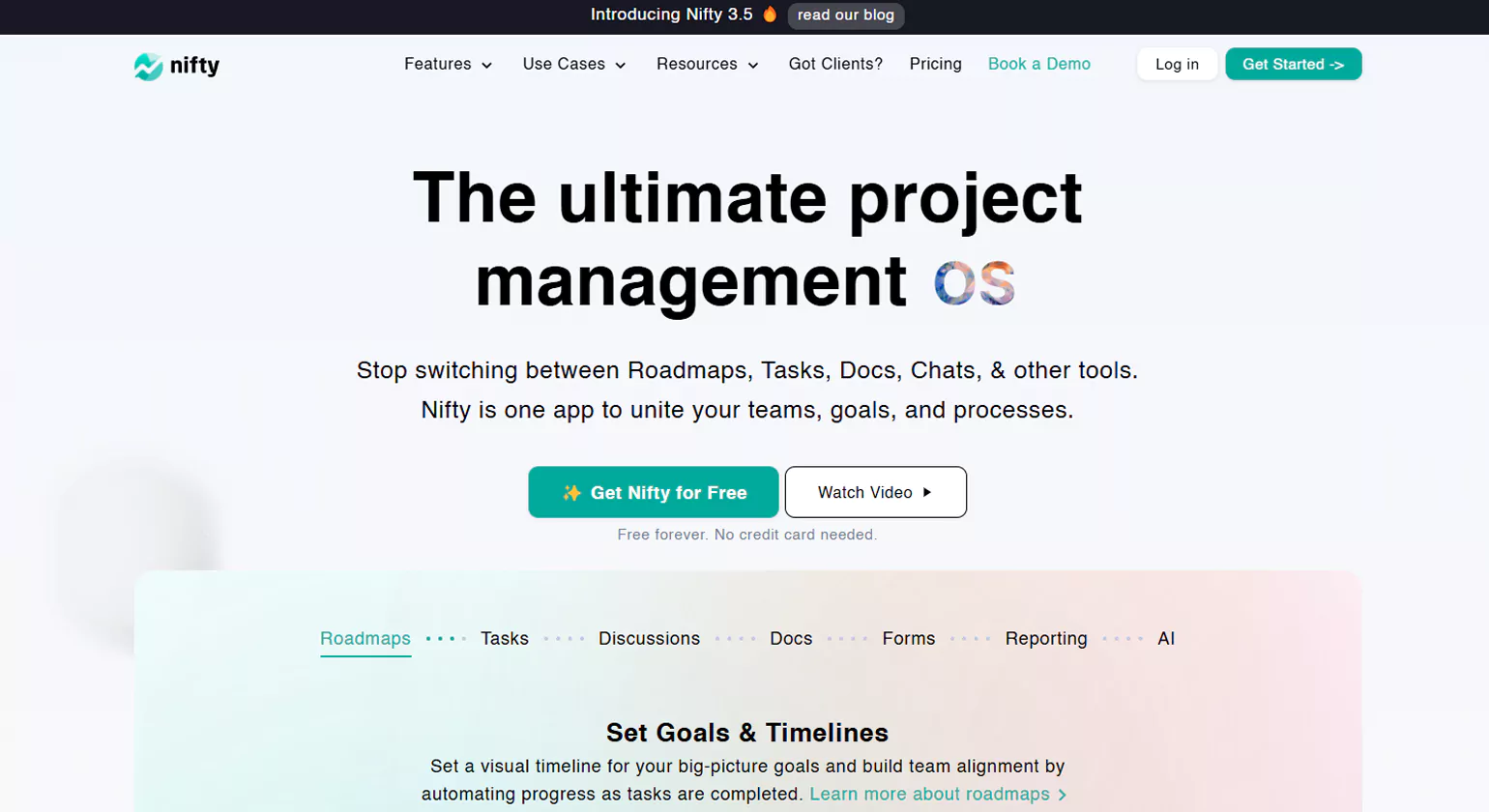
Nifty is an all-in-one business analysis tool designed to manage workflow solutions and projects from start to finish. It offers various pricing plans, including Starter, Pro, Business Analyst Tools, and Enterprise editions, with flexibility for both monthly and annual payment options.
Key Features:
Project Dashboard Overview: Nifty’s dashboard allows users to easily view all their projects in one place. This feature provides a quick snapshot of all ongoing tasks and their statuses.
Comprehensive Project Tracking: Professionals can effortlessly monitor the progress of each project, ensuring they have a clear understanding of timelines and milestones.
Task Transparency: Managers and team members alike benefit from the platform’s transparency features. It allows tracking of individual tasks assigned to team members, ensuring accountability and collaboration throughout the organization.
Time Tracking: Nifty also includes a time-tracking feature, enabling managers to measure the time taken for each task, enhancing productivity and workflow efficiency
By offering seamless integration of project management, task tracking, and time monitoring, Nifty ensures that tools for business analysts can manage workflows with ease and precision, making it a valuable asset for any organization aiming to streamline its operations.
12. Axure

Axure is a robust user-interface software that empowers professionals to design intricate documents, prototypes, and wireframes effortlessly. Renowned for its ‘What You See Is What You Get’ (WYSIWYG) interface, Axure simplifies the creation and visualization of interactive models. This tool allows users to quickly translate concepts into functional prototypes, making it an indispensable resource for UI/UX designers, developers, and cross-functional teams.
What sets Axure apart is its versatility in handling complex interactions and dynamic content. It features a drag-and-drop interface, making it easy for users to add elements and design user interfaces without the need for coding. Furthermore, Axure supports advanced features like conditional logic, variables, and adaptive views, enabling users to create highly interactive and responsive prototypes. It also facilitates real-time collaboration, allowing teams to work together seamlessly, regardless of location.
Axure’s ability to produce both high-fidelity prototypes and low-fidelity wireframes makes it an ideal choice for a wide range of projects, from simple website layouts to comprehensive web applications. It streamlines the design process, enhances communication among team members, and ensures that the final product aligns with user expectations. With Axure, professionals can efficiently create and present user interfaces with precision and clarity.
13. Monday

Monday is the perfect solution for creating dream workflows, offering the flexibility to assemble your team in one central place. With its versatile building blocks, you can tailor workflows to suit your organization’s specific needs. Whether you are managing a small team or a large enterprise, Monday’s intuitive platform helps to track the performance of your team, ensuring maximum productivity and efficiency. As one of the top business analytics tools, Monday provides valuable insights that drive better decision-making and outcomes.
Key Features:
Collaborate Seamlessly: Engage with team members and professionals effortlessly, streamlining communication and collaboration in one space.
Automate Your Workflow: Automate routine tasks and processes, saving time and minimizing human error. Let Monday handle the repetitive work while you focus on creativity.
Powerful Integrations: Monday integrates with popular apps like Google Calendar, Mailchimp, Gmail, and many others, bringing everything you need into one platform.
Track Progress Easily: Monitor your team’s progress and performance at a glance, ensuring you stay on top of deadlines and project milestones.
14. Power BI
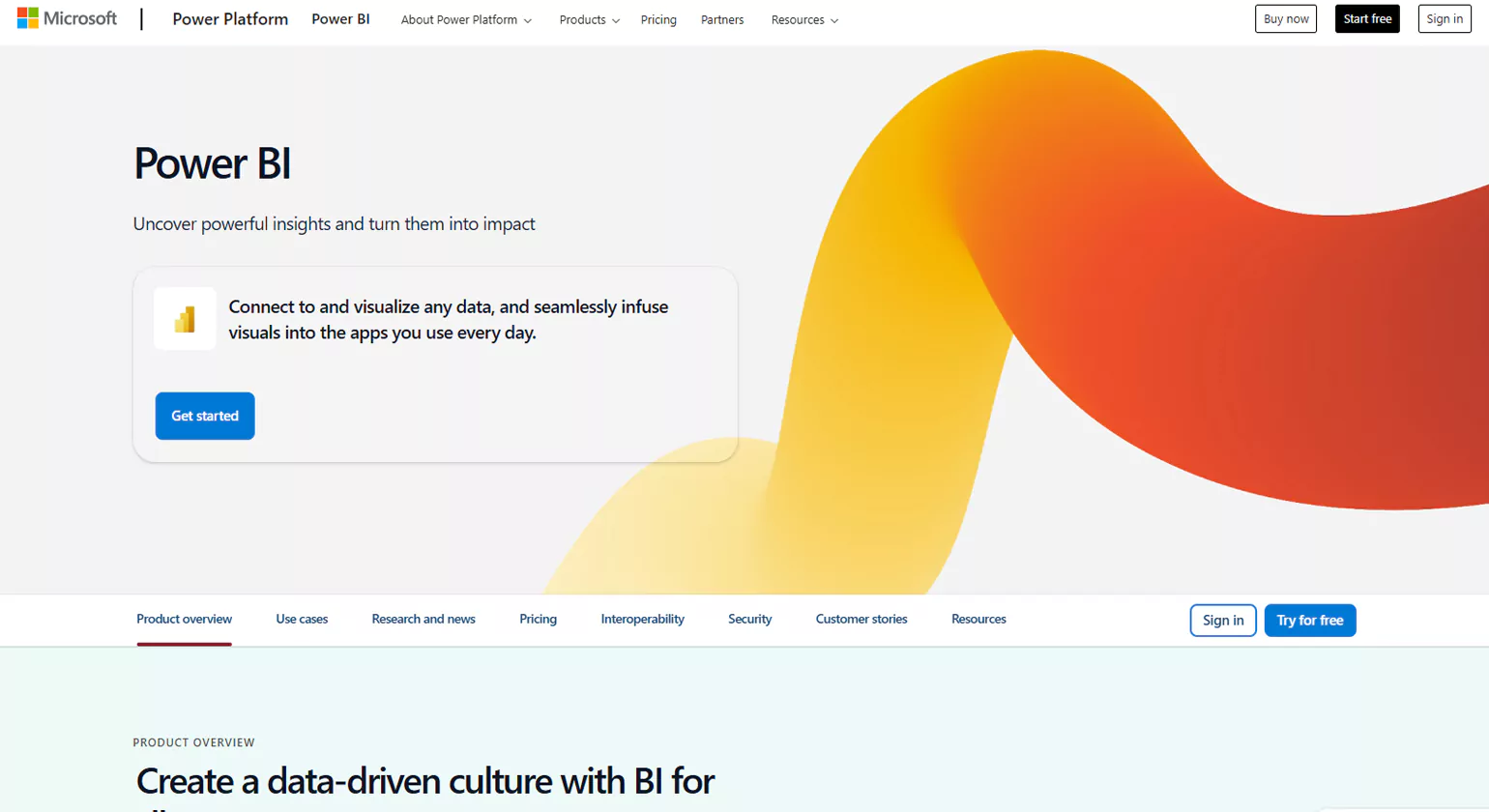
Power BI is an advanced business intelligence tool that empowers organizations to turn complex data into actionable insights. It offers features such as real-time visualization, AI-driven analysis, and seamless integration with Microsoft apps like Excel and Teams. These capabilities make it easier for businesses to collaborate, share insights, and make informed decisions. Power BI supports both small and large organizations by providing scalable solutions, ensuring secure data governance, and offering powerful compliance features. It is designed to help teams access, analyze, and visualize data, improving overall efficiency in business analysis. As one of the top business analytics tools, Power BI enables businesses to make data-driven decisions that drive growth and success.
Data Visualization: Power BI turns complex data into interactive and easy-to-understand visual reports.
Integration: Seamlessly integrates with Microsoft apps, enhancing productivity.
Real-time Analytics: Provides real-time data analysis, keeping businesses ahead of trends.
AI Insights: Leverages AI to generate actionable insights.
Scalable Solutions: Perfect for businesses of all sizes, from startups to enterprises.
15. Dataddo
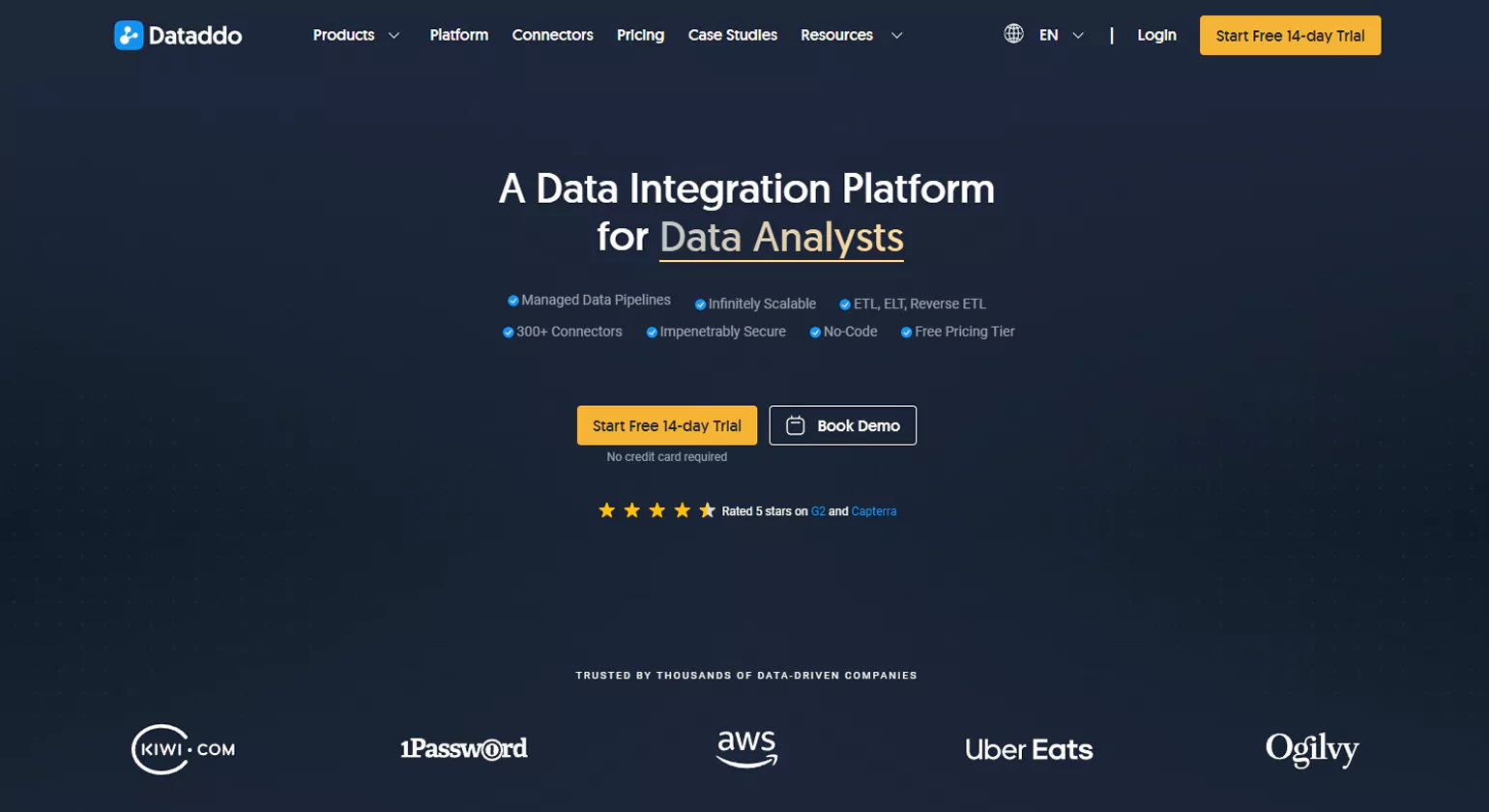
Founded in 2018 by Petr Nemeth, Dataddo emerged from a need for a more accessible and flexible data integration solution. Petr, with a background in development, analysis, and system architecture, recognized a significant challenge: data was often locked away in siloed tools, inaccessible to non-technical users in marketing, sales, and other departments. Frustrated with the lack of intuitive solutions on the market, Petr teamed up with co-founders Joel Thom and Zdenek Pecha to create Dataddo—a powerful yet user-friendly platform for data integration, automation, and transformation. Today, Dataddo stands out among business systems analyst tools for its ability to simplify complex data workflows and empower cross-functional teams with easy access to the data they need.
Today, Dataddo serves over 4,000 organizations in more than 100 countries, including top brands like Uber Eats, the French Football Federation, and Epic Games. With its no-code approach, Dataddo is transforming how companies access and leverage their data, making it easier for everyone to make smarter, data-driven decisions.
Why Do Business Analysts Need the Best Tools?

Improved Efficiency and Productivity
The right tools enable business analysts to automate repetitive tasks, streamline data analysis, and quickly gather insights. This allows them to focus on higher-value activities, such as strategic planning and decision-making, ultimately boosting productivity.
Better Data Analysis and Decision-Making
Advanced tools, such as data visualization business analysis software (e.g., Tableau, Power BI) and analytical tools (e.g., Python, R), allow Business Analysts to transform complex data into clear, actionable insights. This enhances decision-making by providing accurate, real-time data.
Enhanced Collaboration and Communication
Tools like JIRA, Confluence, and Microsoft Teams facilitate seamless communication and collaboration between stakeholders, team members, and other departments. They help in tracking progress, sharing documents, and ensuring everyone is on the same page throughout the project lifecycle.
Accurate Requirement Gathering and Documentation
tools for business analyst like Lucidchart, Visio, and Bizagi help in visually documenting business processes and requirements. This ensures that all stakeholders understand the scope and expectations, minimizing miscommunication and aligning efforts toward common goals.
Better Risk Management
Business Analyst Tools can be leveraged to assess risks more effectively by conducting scenario modeling, performing sensitivity analysis, and tracking potential issues before they escalate. Proactive risk management leads to more successful project outcomes.
Adaptability to Business Needs
With the right set of tools, Business Analysts can quickly adjust to new business needs or technological shifts. Agile tools, for example, support iterative development and quick adaptation to changing market conditions.
10 Business Analysis Methods

Requirement Management Tools
These Business Analyst Tools help business analysts collect, organize, and prioritize requirements. They streamline the documentation process and ensure that all requirements are clear, traceable, and aligned with business objectives. Popular tools include JIRA, Confluence, and IBM Engineering Requirements Management.
Data Analysis Tools
Data analysis tools allow Business Analysts to interpret large datasets and extract meaningful insights. These tools enable trend analysis, forecasting, and reporting, which are essential for informed decision-making. Common examples are Microsoft Excel, Power BI, Tableau, and Google Analytics.
Business Process Modeling Tools
Business Analysts use these tools for business analyst to visualize, document, and analyze business processes. These tools help in identifying inefficiencies and areas for improvement. Popular options include Visio, Lucidchart, Bizagi, and ARIS.
Collaboration and Project Management Tools
These Business Analyst Tools improve team collaboration, task tracking, and overall project management. They help Business Analysts stay organized and ensure smooth communication among stakeholders. Examples include Trello, Asana, JIRA, and Microsoft Teams.
Customer Relationship Management (CRM) Tools
CRM tools help Business Analysts gather and analyze customer data to improve sales, marketing, and customer service strategies. Salesforce, HubSpot, and Zoho CRM are widely used for customer data management and analytics.
Testing and Quality Assurance Tools
These tools help ensure the quality of the solutions being implemented. They support the testing of systems and processes to meet business requirements. Tools like Selenium, TestRail, and LoadRunner are commonly used in this category.
Agile and Workflow Tools
Tools like Jira Agile, Monday.com, and VersionOne assist Business Analysts working in agile environments to manage sprints, user stories, and backlogs efficiently. These tools facilitate the rapid adaptation of business requirements.
Wireframing and Prototyping Tools
These tools allow business analysts to create visual mockups, wireframes, and prototypes of potential solutions. This helps stakeholders visualize the end product and make informed decisions before development. Popular tools include Balsamiq, Axure RP, and Sketch.
Risk Management Tools
Risk management tools help identify, assess, and mitigate potential risks during the project lifecycle. Business Analysts use these tools for business analyst to ensure projects stay on track and are completed successfully. Examples include Risk Register, RiskWatch, and Monte Carlo Simulation tools.
Communication and Documentation Tools
Effective communication and documentation are crucial for Business Analysts to ensure alignment among stakeholders. These Business Analyst Tools support the creation, sharing, and updating of project documentation and reports. Popular tools include Google Docs, Microsoft Word, Dropbox, and Slack.
Business Analyst Tools Comparison Table
Choosing the right tool often depends on your team’s needs, budget, and technical expertise. The table below compares some of the most widely used business analyst tools across key features, making it easier to evaluate which one fits your requirements.
Tool | Description | Best For | Key Features |
Power BI | A Microsoft analytics platform designed to turn raw data into interactive dashboards and visual reports. | Data visualization & reporting | Strong Microsoft integration, real-time dashboards, custom visuals |
Tableau | A powerful visualization tool with drag-and-drop functionality for exploring complex datasets. | Advanced data analytics | AI-driven insights, interactive visualizations, multiple data source connectivity |
JIRA | A project management platform widely adopted in agile environments for tracking work and sprints. | Agile project management | Issue tracking, sprint planning, backlog management |
Confluence | A collaboration hub that helps teams create, share, and manage project documentation. | Documentation & collaboration | Centralized wiki, version control, seamless integrations |
Excel | A flexible spreadsheet tool that remains a staple for modeling, reporting, and quick data analysis. | General analysis & modeling | Pivot tables, formulas, macros, charts |
How to Choose the Right Business Analyst Tool

Choosing the right Business Analyst Tools and business analytics software is critical to enhancing efficiency, ensuring data-driven decisions, and improving business processes. With so many options available, making an informed decision requires evaluating various factors based on your specific needs. To streamline this process, it’s important to consider tools for company analysis that best align with your goals and objectives.
Ease of Use
One of the first things to consider is the tool’s user interface and ease of use. A tool that is complex or difficult to navigate can hinder adoption among your team. Look for solutions that offer an intuitive interface, simple navigation, and clear visualizations. The goal is to minimize training time and get users up to speed quickly.
Collaboration and Communication Features
Business analysts often work with cross-functional teams and stakeholders. Therefore, it is essential to have a tool that fosters collaboration. Look for features such as real-time collaboration, shared dashboards, version control, and the ability to leave comments or annotations. These features streamline communication and ensure everyone stays on the same page.
Customization and Flexibility
No two businesses are the same, so it’s important to find a tool that can be tailored to fit your organization’s unique requirements. The right tool should allow for custom reports, tailored workflows, and the flexibility to adapt as your business needs evolve over time. This also includes the ability to configure the tool to accommodate specific industry standards.
Data Integration Capabilities
For Business Analyst Tools, data is at the core of decision-making. Therefore, having a tool that integrates seamlessly with other business tools and databases is essential. Look for solutions that can connect to various data sources, such as CRM systems, ERP platforms, databases, and cloud services. Integration should be simple and should allow for data imports or exports without friction.
Advanced Analytics and Reporting
Choose a tool that offers robust analytical features, such as predictive modeling, trend analysis, and data visualizations. The tool should provide easy-to-understand reports and actionable insights that help you identify key business trends and opportunities. Automation in report generation is a bonus, as it saves time and ensures timely access to critical data.
Security and Compliance
Data security should be a top priority. Look for a tool that ensures compliance with industry regulations such as GDPR, HIPAA, or others relevant to your business. The tool should offer data encryption, secure user access, and audit trails to protect sensitive information.
Scalability and Support
As your business grows, your tool should be able to scale accordingly. Ensure the tool can handle an increase in data volume and more users. Additionally, check the level of customer support and resources available, including training, documentation, and troubleshooting options. Ongoing updates and improvements from the vendor are also important for maintaining the tool’s relevance.
Conclusion
In conclusion, selecting the right business analyst tool is a vital step toward improving efficiency, fostering collaboration, and driving data-driven decisions within your organization. The ideal tool should be intuitive, customizable, and capable of integrating seamlessly with your existing systems to streamline processes. It should also provide advanced analytical capabilities, ensuring you can derive actionable insights from your data. Security, scalability, and cost-effectiveness are equally important factors to consider, as they determine the long-term viability and effectiveness of the tool. By evaluating these critical aspects, you can choose a tool that not only meets your immediate needs but also grows alongside your business, empowering your team to make smarter, more informed decisions. Investing in the right business analyst tools will ultimately help you unlock the full potential of your data and contribute to your organization’s overall success.
Know more about >>>
Why Every Business Needs a Marketing Data Analyst
How Business Process Management Consulting Drives Efficiency
FAQs
Which tool is used by business analysts?
Business analysts often use tools like Microsoft Excel, Tableau, Power BI, SQL, and Jira for data analysis, reporting, and project management. These tools help in data visualization, tracking project progress, and managing requirements, enabling business analysts to make informed, data-driven decisions across teams and departments.
What are the best AI tools for business analysts?
The best AI tools for business analysts include Tableau, Power BI, Qlik Sense, Alteryx, IBM Watson Analytics, and ThoughtSpot. These tools help automate data analysis, visualize insights, detect patterns, generate predictive models, and support data-driven decision-making, enabling analysts to work faster and more accurately.
Which software is best for business analysts?
The best software for Business Analyst Tools includes Microsoft Excel, Tableau, Power BI, SQL, and Jira. These tools are widely used for data business analysis tools , reporting, data visualization, and project management, with each offering unique strengths in data manipulation, visual storytelling, and collaboration to enhance decision-making and workflow efficiency.
What are the four types of business analysts?
The four types of business analysts are: Strategic Analysts (focus on long-term business goals), Tactical Analysts (optimize processes and operations), Technical Analysts (bridge IT and business systems), and Functional Analysts (specialize in specific departments). Each type contributes differently to improving efficiency and achieving organizational objectives.
What are the top 3 skills for a business analyst?
Proficiency in data analysis enables interpreting and manipulating information for actionable insights. Combined with problem-solving to identify and resolve issues, and strong communication skills to clearly convey complex ideas, these abilities drive effective decision-making and stakeholder collaboration.












